
How to label an isotope (deuterium, carbon-13)
Type D, T or 13C on an atom the way you type any label, or select the atom and enter the mass number in Properties › Isotope. The atom shows ¹³C or D, and the formula, both masses, SMILES and MOL files carry the isotope.
Steps
Select the atom with Select (V), or move to it with Alt+. and press Enter. Properties shows that atom.
In Isotope, type the mass number, such as
13, and press Enter. The 13C and 14C buttons beside it set the common carbon isotopes in one press.The atom's label shows the isotope, here H₃¹³C, and the structure's formula and mass in Layers change with it.
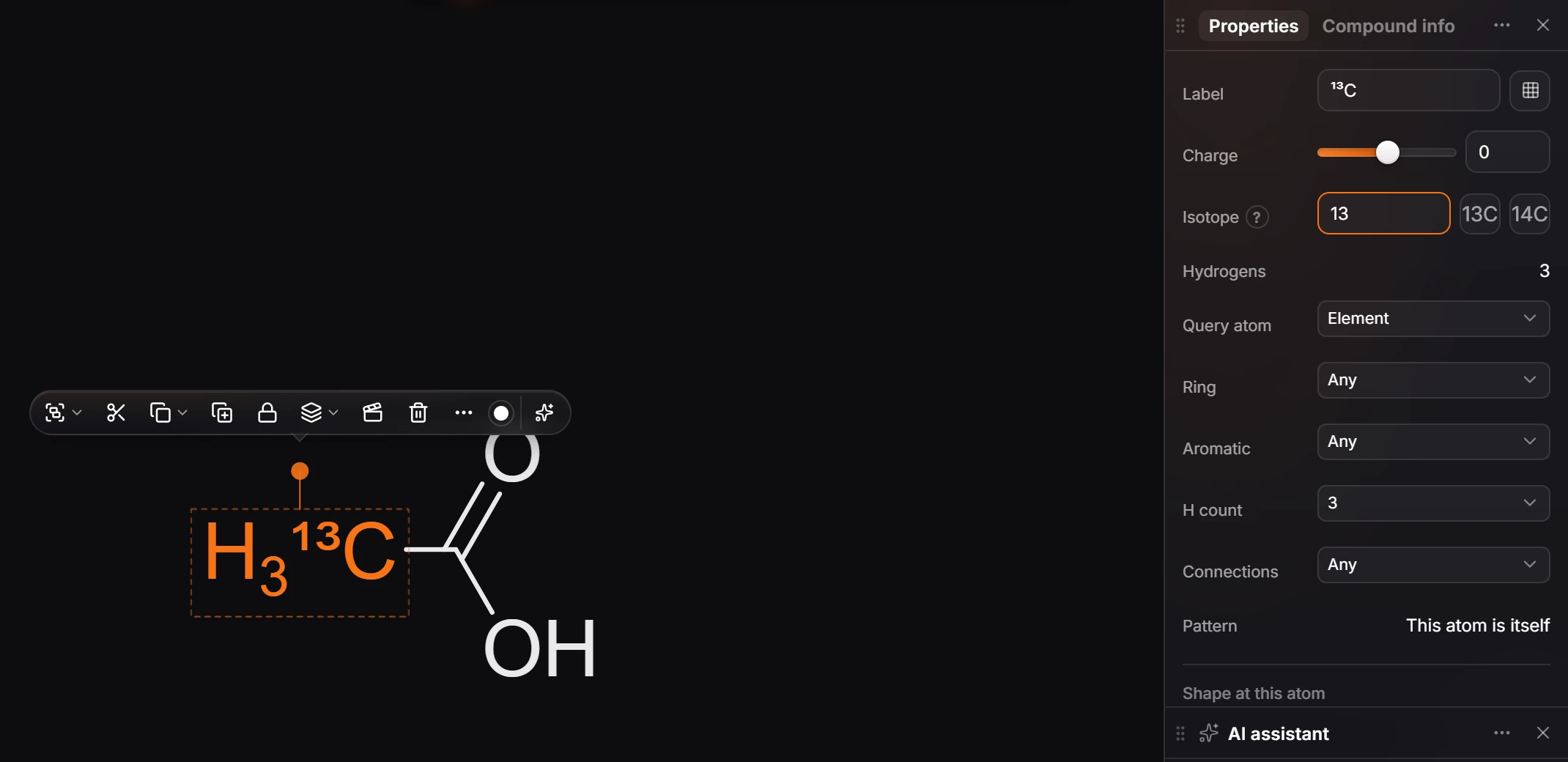
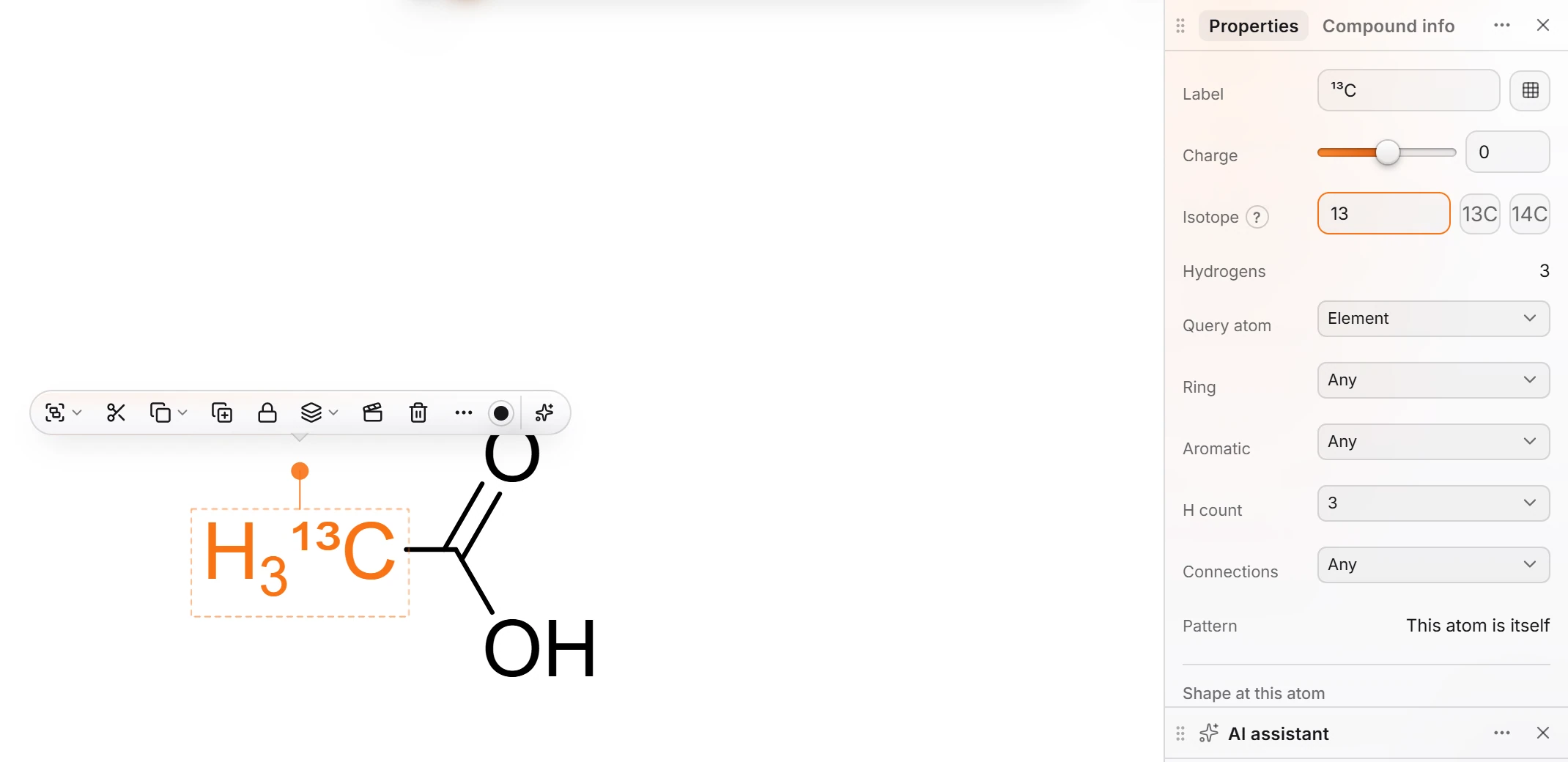
To go back to the natural element, clear the Isotope box. Blank means natural.
Type it on the atom
Typing the label does the same thing. Point at an atom and press Enter, or click it with the Text tool (T), then type:
| Type | You get |
|---|---|
D |
Deuterium (hydrogen-2) |
T |
Tritium (hydrogen-3) |
13C, 15N, 18O |
That element with that mass number |
See atom labels for how typing a label works.
What carries the isotope
- The formula and masses. The molecular formula, the exact mass and the molecular weight all use the isotope's mass.
- SMILES and MOL files. Copy or export and the isotope goes with it (
[13CH3]C(=O)Oin SMILES, the mass field in a MOL file), so other programs read it too.
Note
A mass number that no isotope of that element has is refused, with "That mass number is not possible for" the element.
Is this helpful?
Last updated Nov 12, 2026
- Still stuck? Read the FAQ or contact support.
- Something wrong on this page? Tell us.
- For AI tools: llms.txt