
How to show terminal carbons and atom numbers
Choose View › Show terminal carbons and View › Show atom numbers. For one structure, select it and switch Terminal C and Atom numbers on under Display in Properties.
For the whole page
Choose Main menu › View › Show terminal carbons. Chain ends are written as H₃C.
Choose Main menu › View › Show atom numbers. Every atom gets its number.
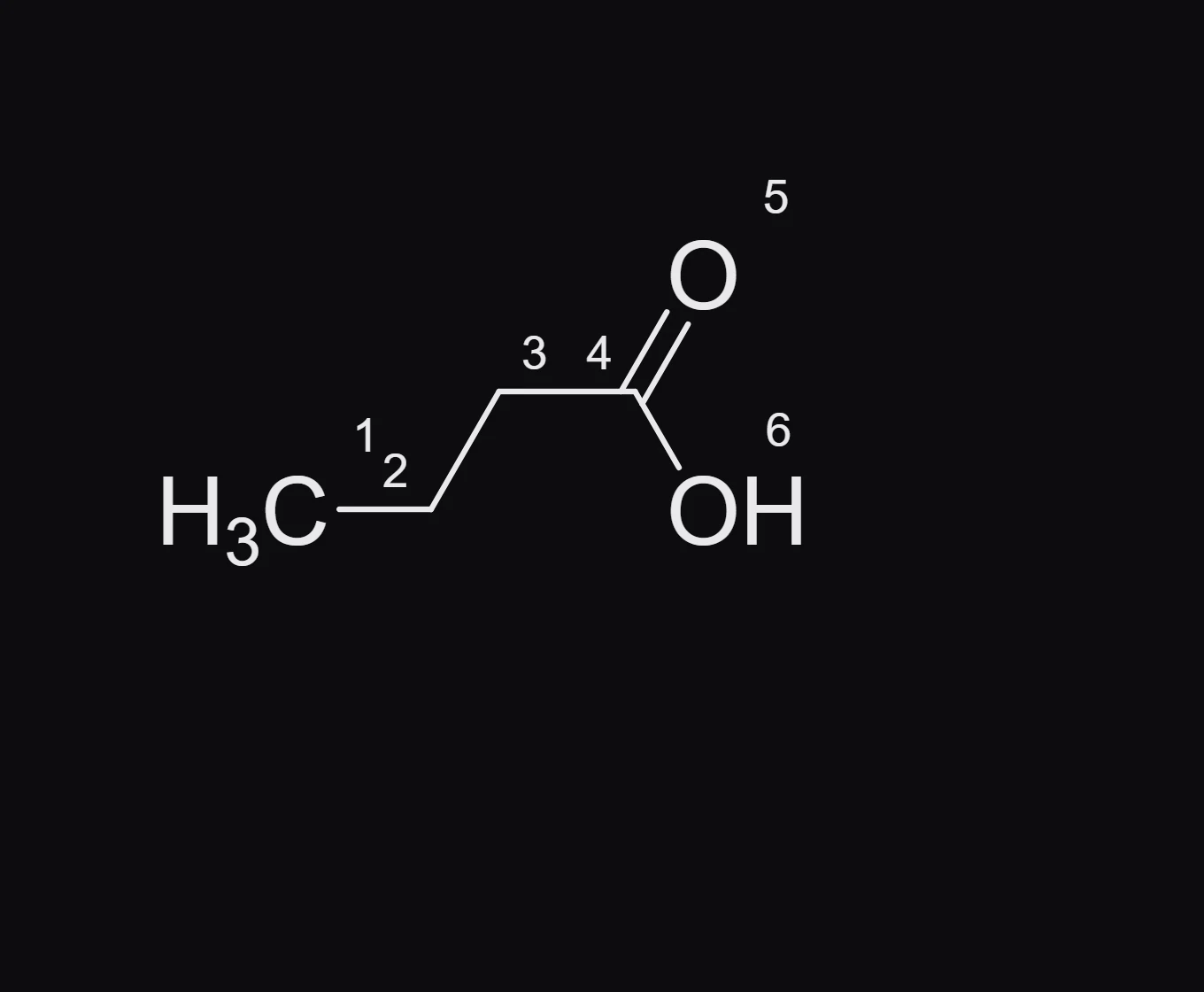
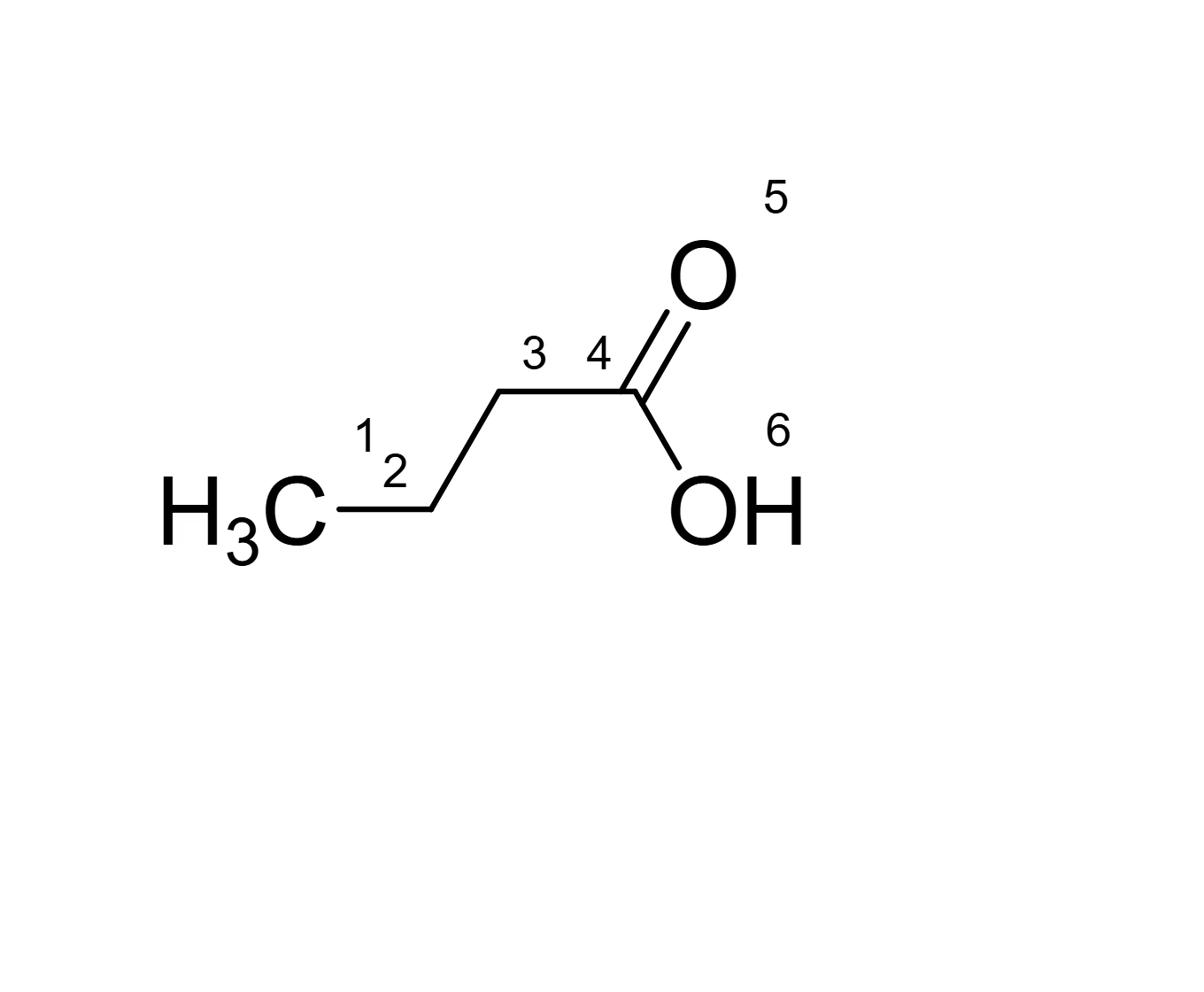
For one structure
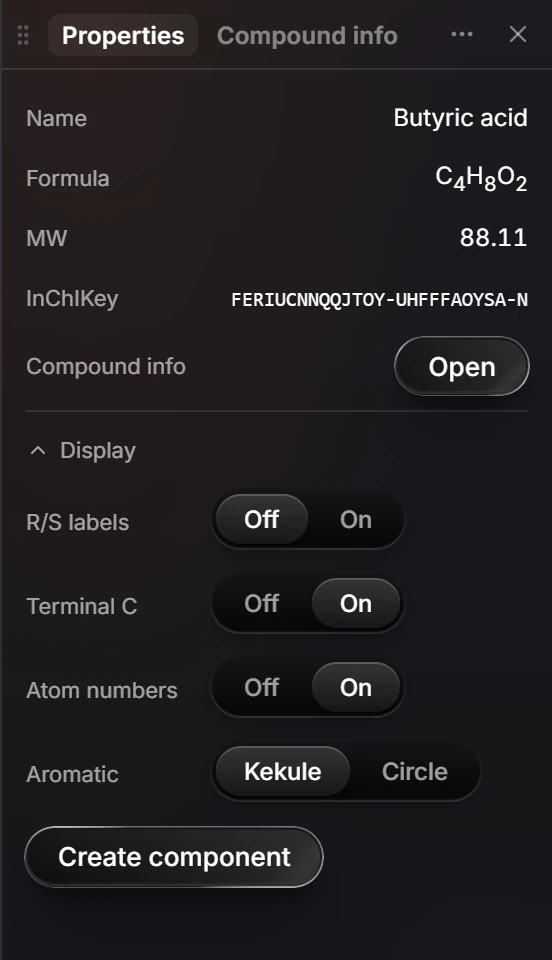
Select the structure and open Display in Properties. Each switch applies to that structure only:
| Switch | Shows |
|---|---|
| R/S labels | The CIP label on each stereocenter. See stereochemistry labels |
| Terminal C | CH₃ at chain ends |
| Atom numbers | A number on every atom |
| Aromatic | Kekule or Circle |
Is this helpful?
Last updated Nov 12, 2026
- Still stuck? Read the FAQ or contact support.
- Something wrong on this page? Tell us.
- For AI tools: llms.txt