
Switching from ChemDraw
Open your CDX and CDXML files, find ChemDraw's commands under their Athanor names, keep your journal style sheets and paste into Office.
Start here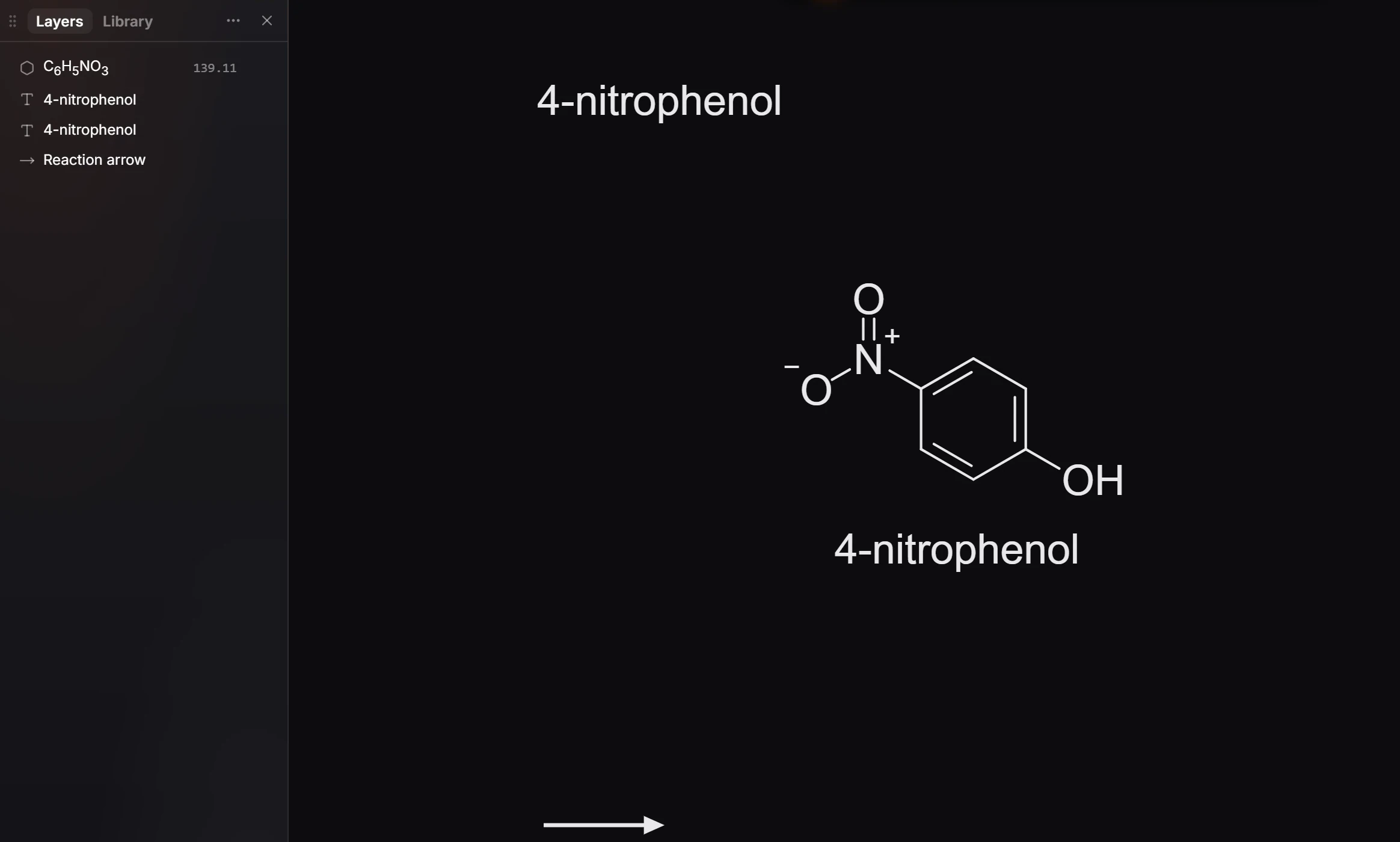
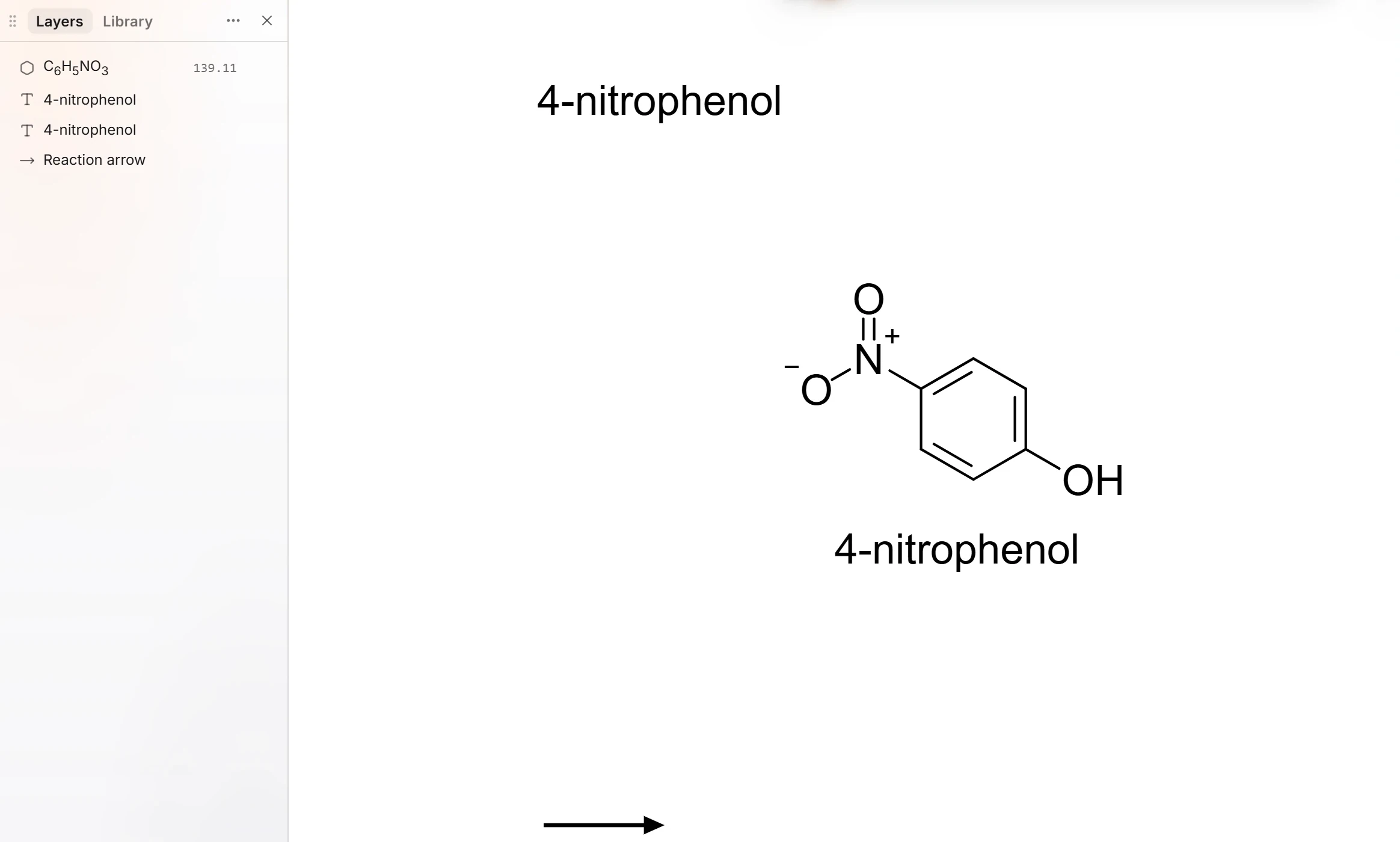 1 · TutorialSwitching from ChemDraw to AthanorOpen your CDX or CDXML files with Open a file (Ctrl+O), draw with the same kinds of tools, pick your journal style in Document type, and type ChemDraw's command names into Search everything (Ctrl+K) to find the Athanor command.
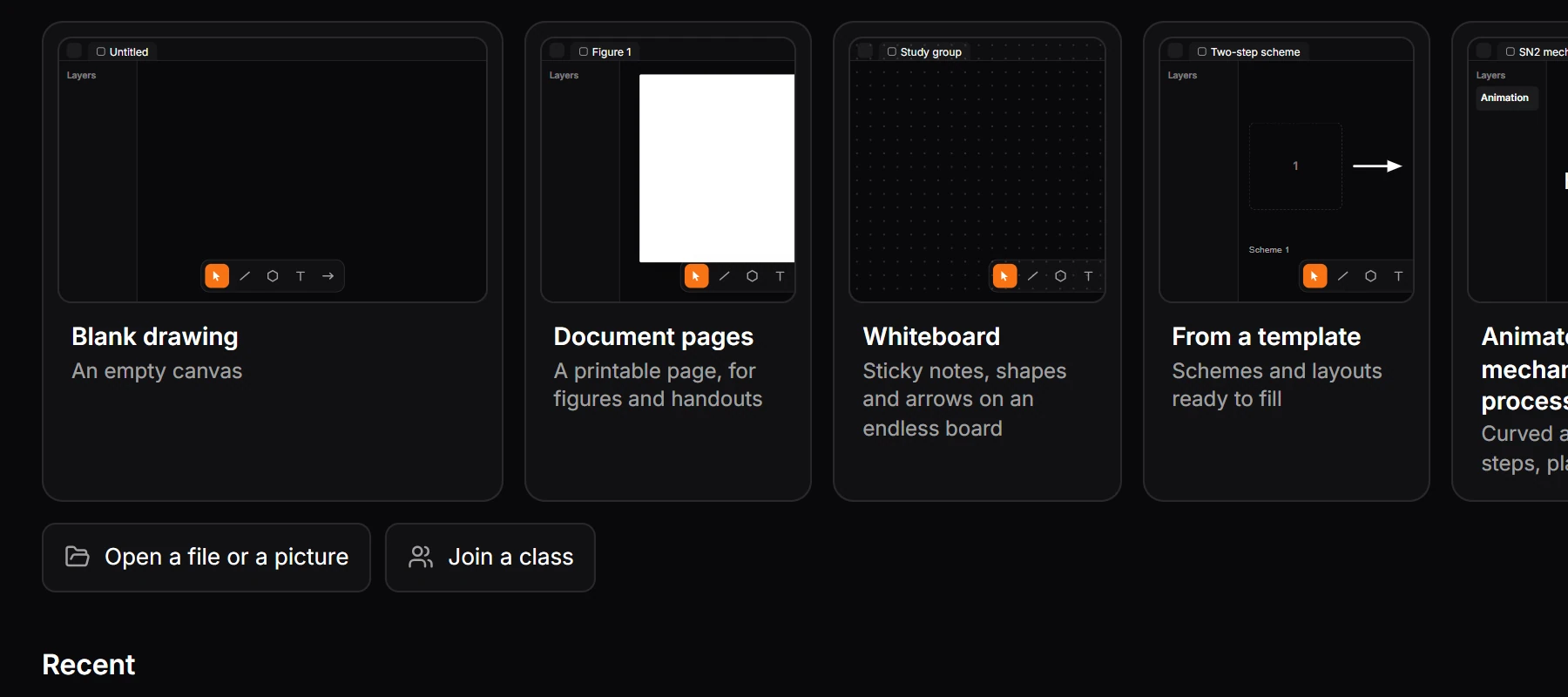
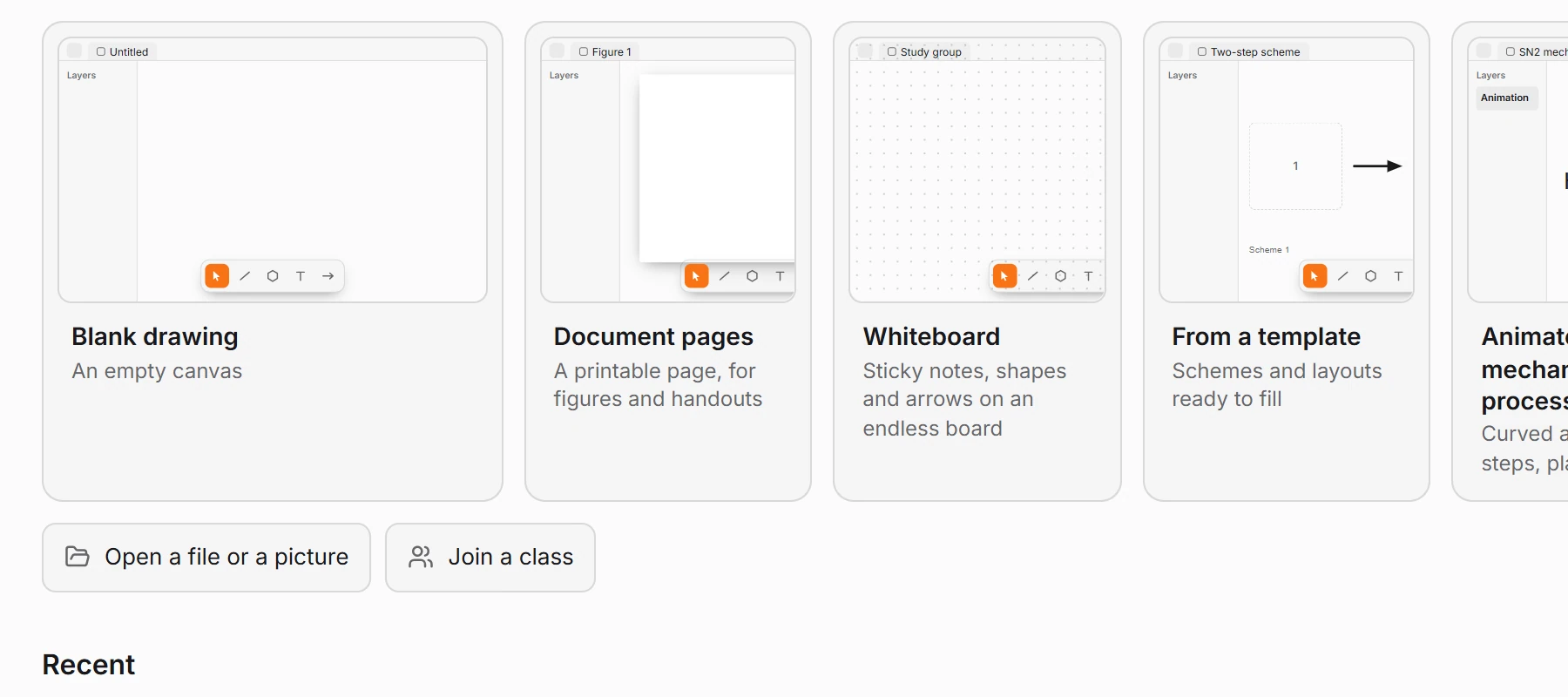 2 · How-toHow to open CDX and CDXML filesPress Ctrl+O (Open a file) and choose the .cdx or .cdxml file, or drag it onto the Athanor window. Structures stay structures, so you can keep editing them.
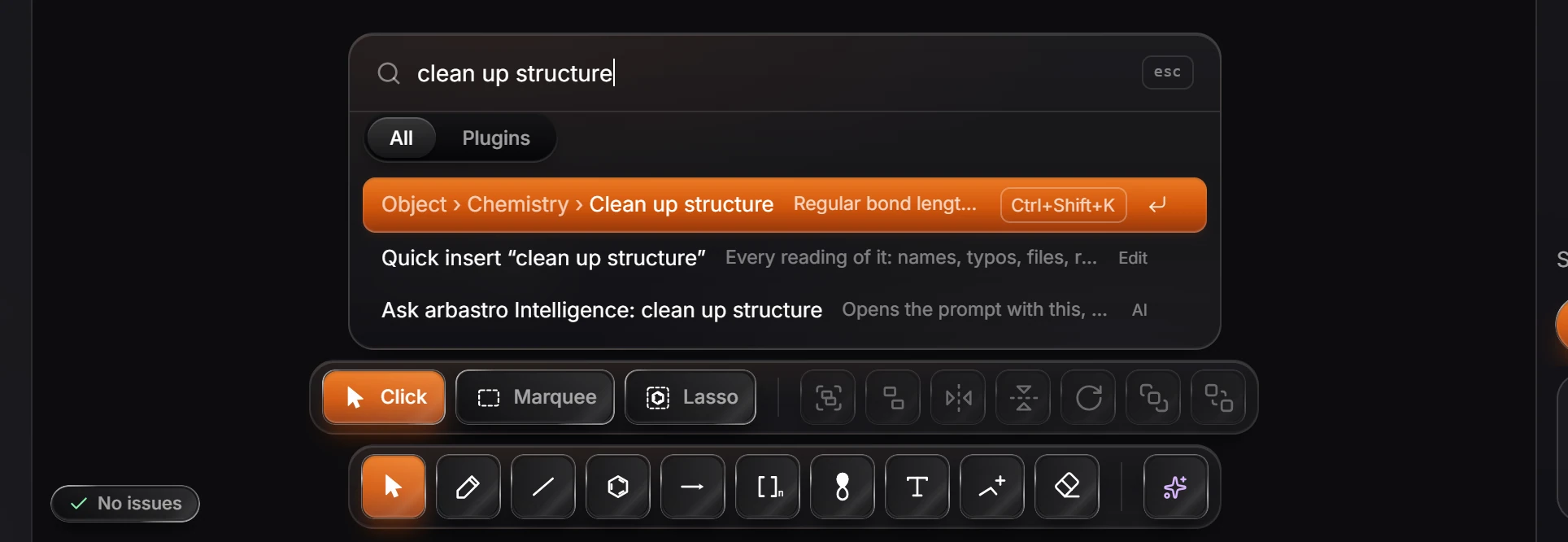
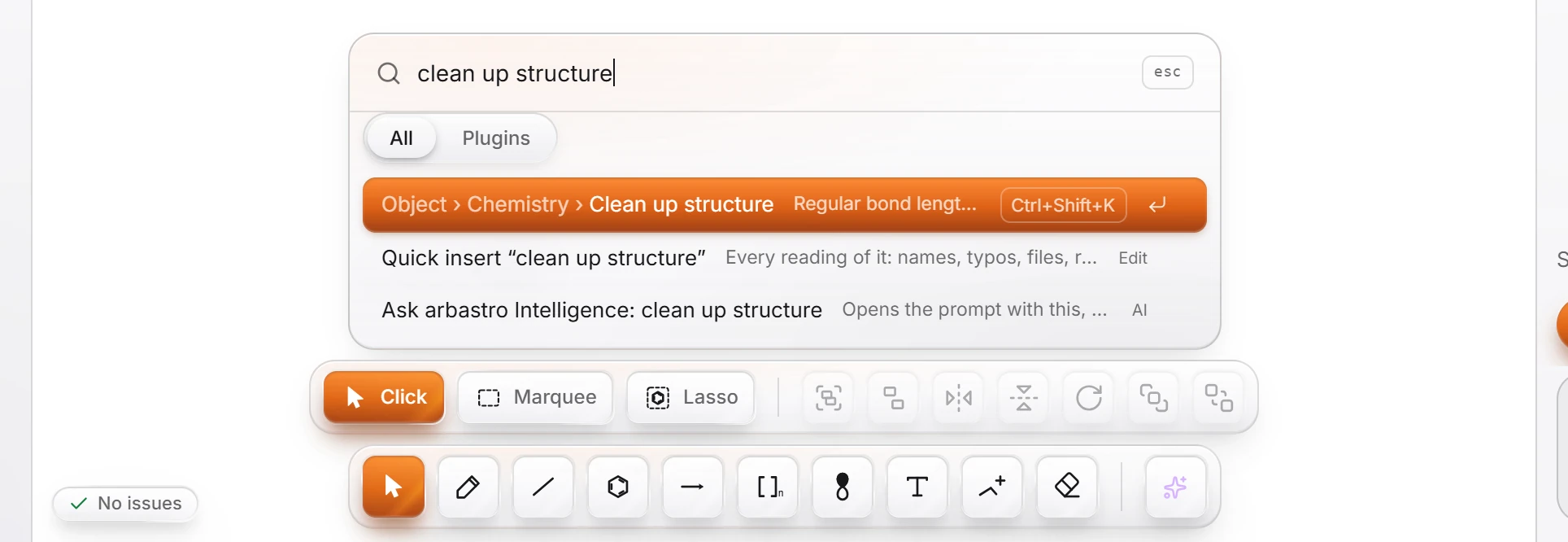 3 · ReferenceChemDraw commands and their Athanor namesMost ChemDraw commands have an Athanor command with the same or a similar name. Type ChemDraw's name into Search everything (Ctrl+K) and the Athanor command comes up, with its menu path and shortcut.
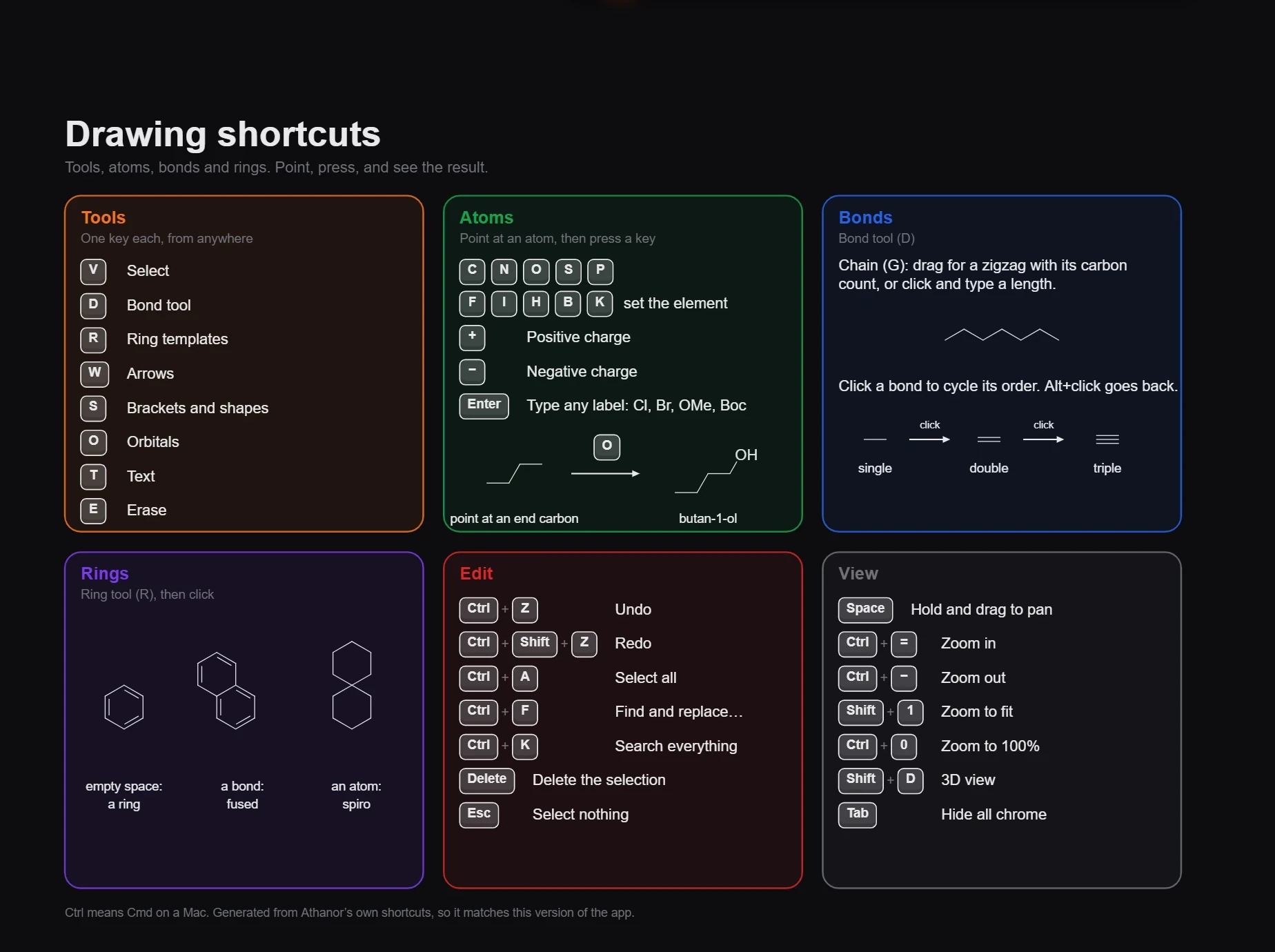
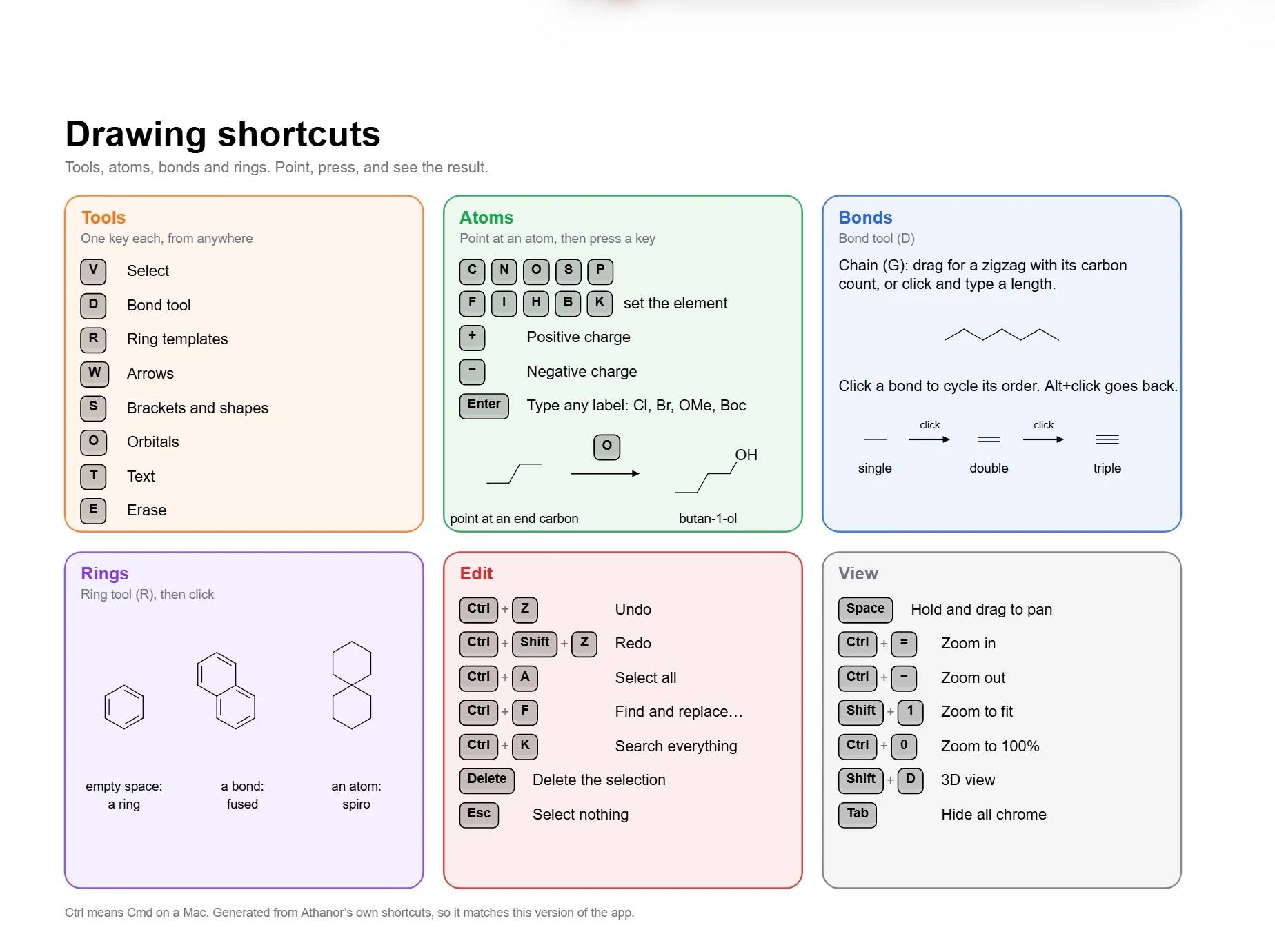 4 · ReferenceKeyboard shortcuts for ChemDraw usersPoint at an atom and press an element letter, as in ChemDraw. Tools have one-letter keys (D bonds, R rings, W arrows, T text, E erase). Settings › Shortcuts has a ChemDraw classic set with ChemDraw's atom-label keys.
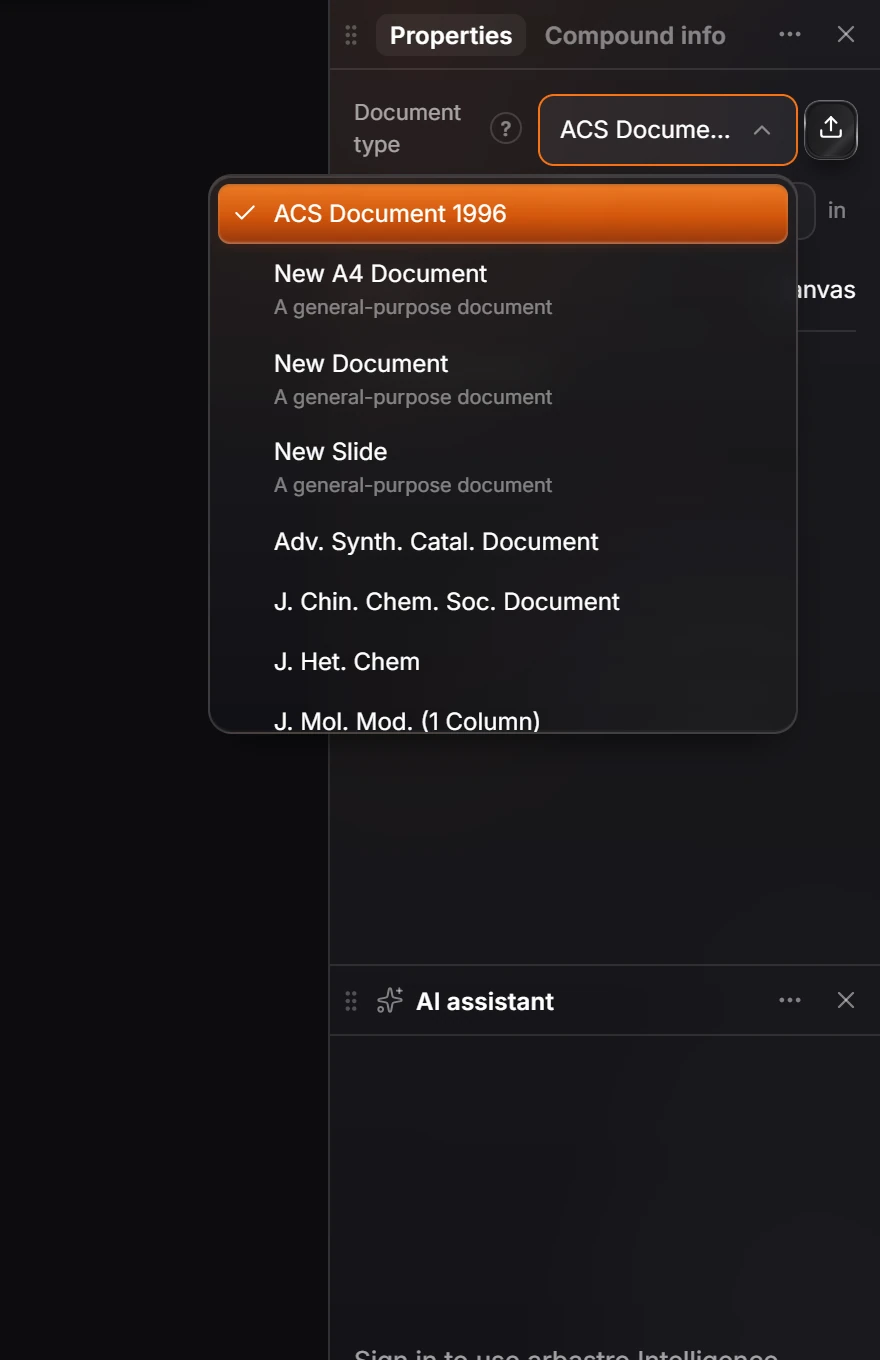
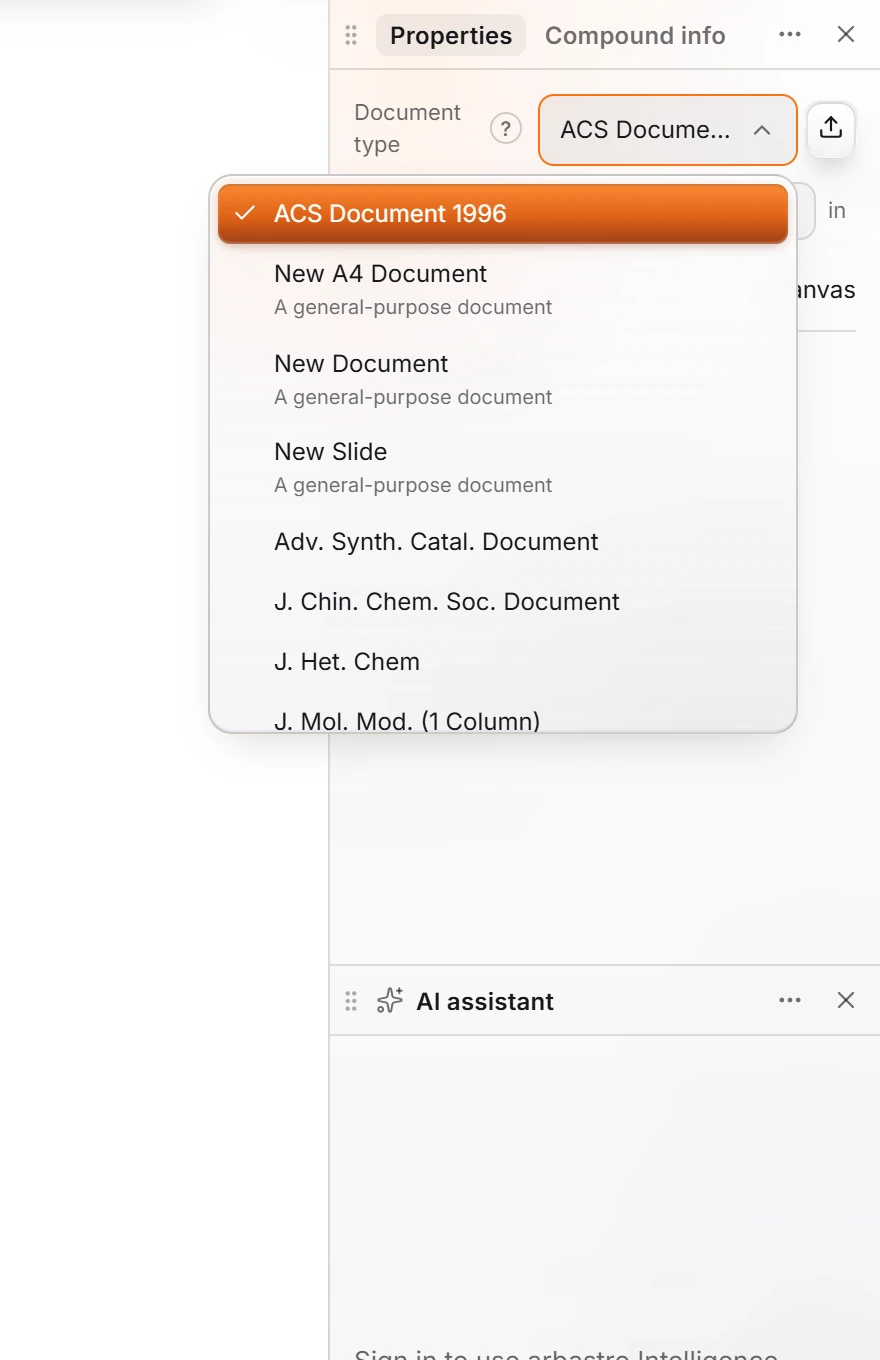 5 · How-toHow to use your ChemDraw style sheetsPick a style from Document type in the Properties panel (with nothing selected): ACS Document 1996 and the other ChemDraw journal styles are there. File › Save document type as ChemDraw style sheet writes a .cds file for colleagues still on ChemDraw.
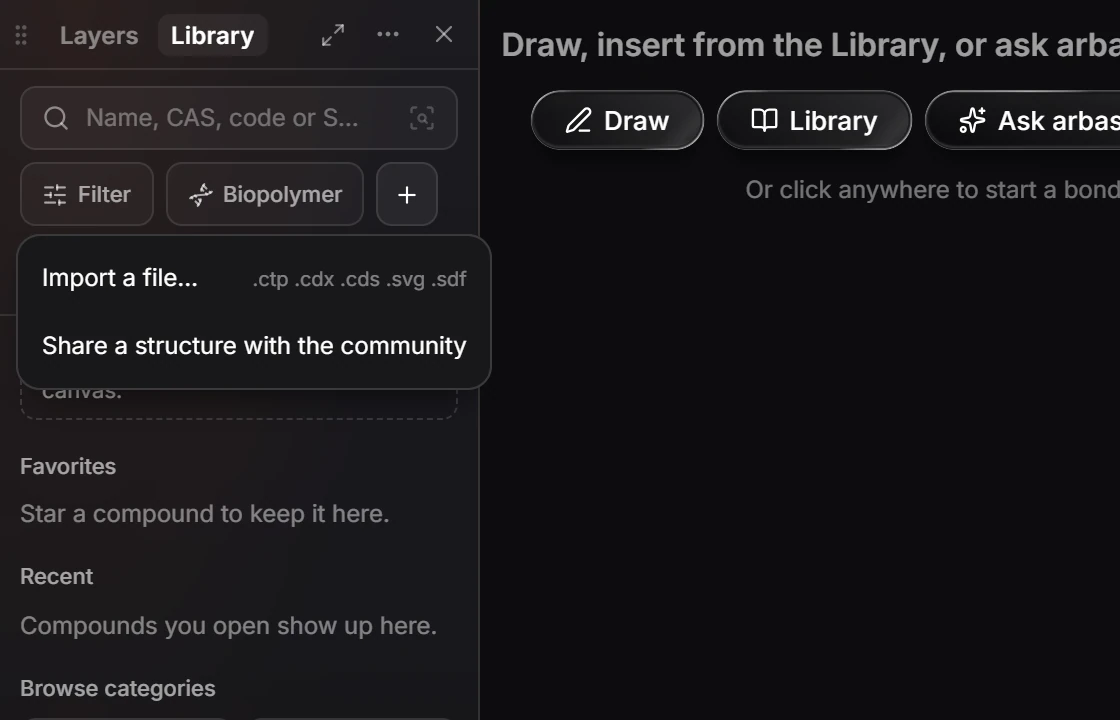
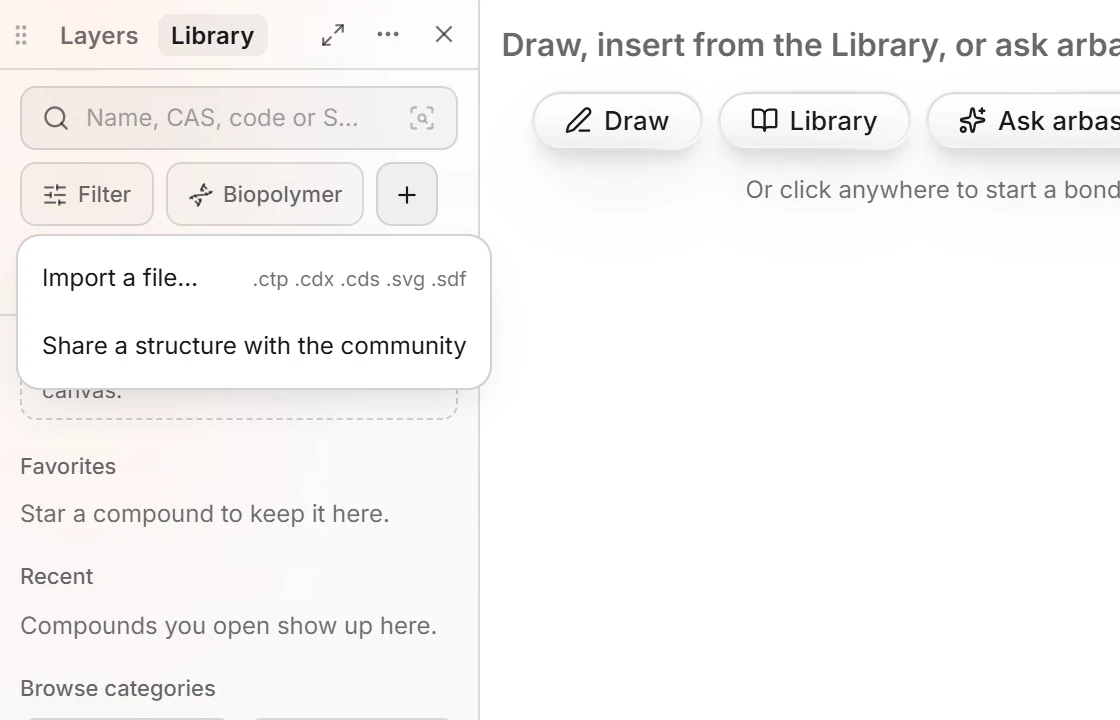 6 · How-toHow to import your ChemDraw templates and librariesOpen the Library panel, choose Add to the library (the + button), then Import a file…, and pick your ChemDraw template (.ctp), document (.cdx) or style sheet (.cds). SVG and SDF files import the same way.
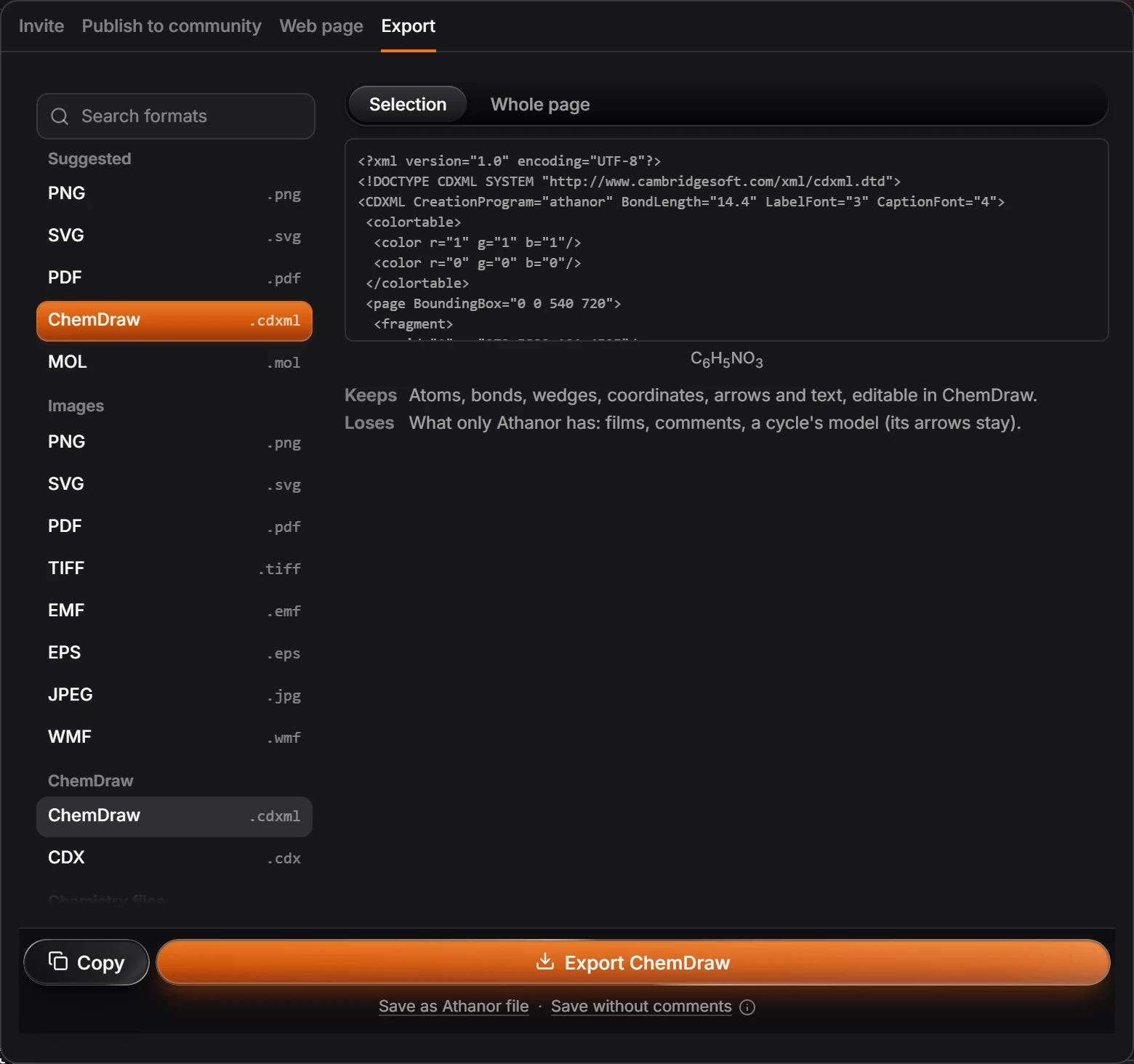
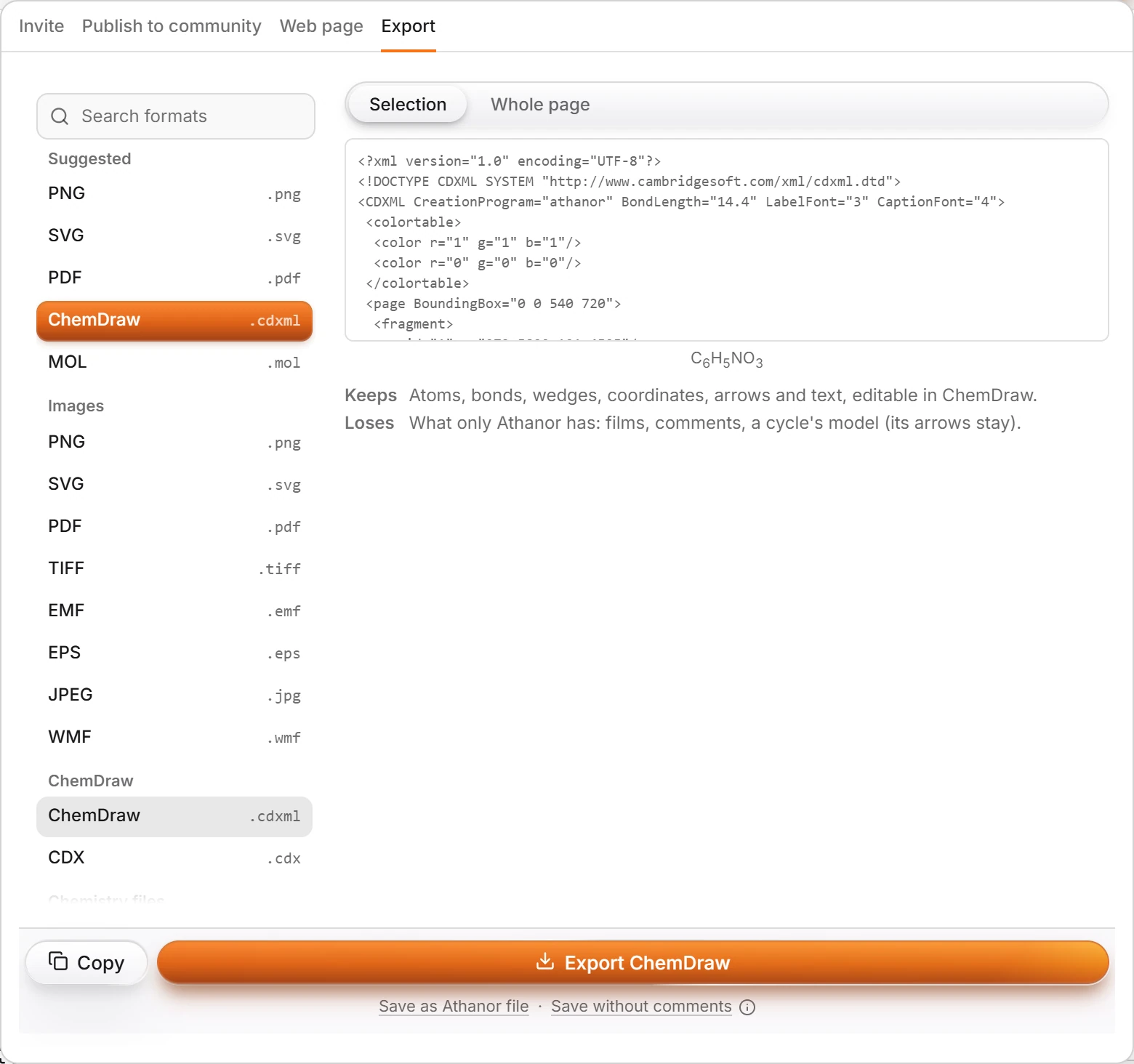 7 · How-toHow to send a file to someone using ChemDrawOpen Export (Ctrl+Shift+E) and pick ChemDraw (.cdxml) or CDX (.cdx), or use Edit › Copy as › Copy as CDXML and paste into ChemDraw.
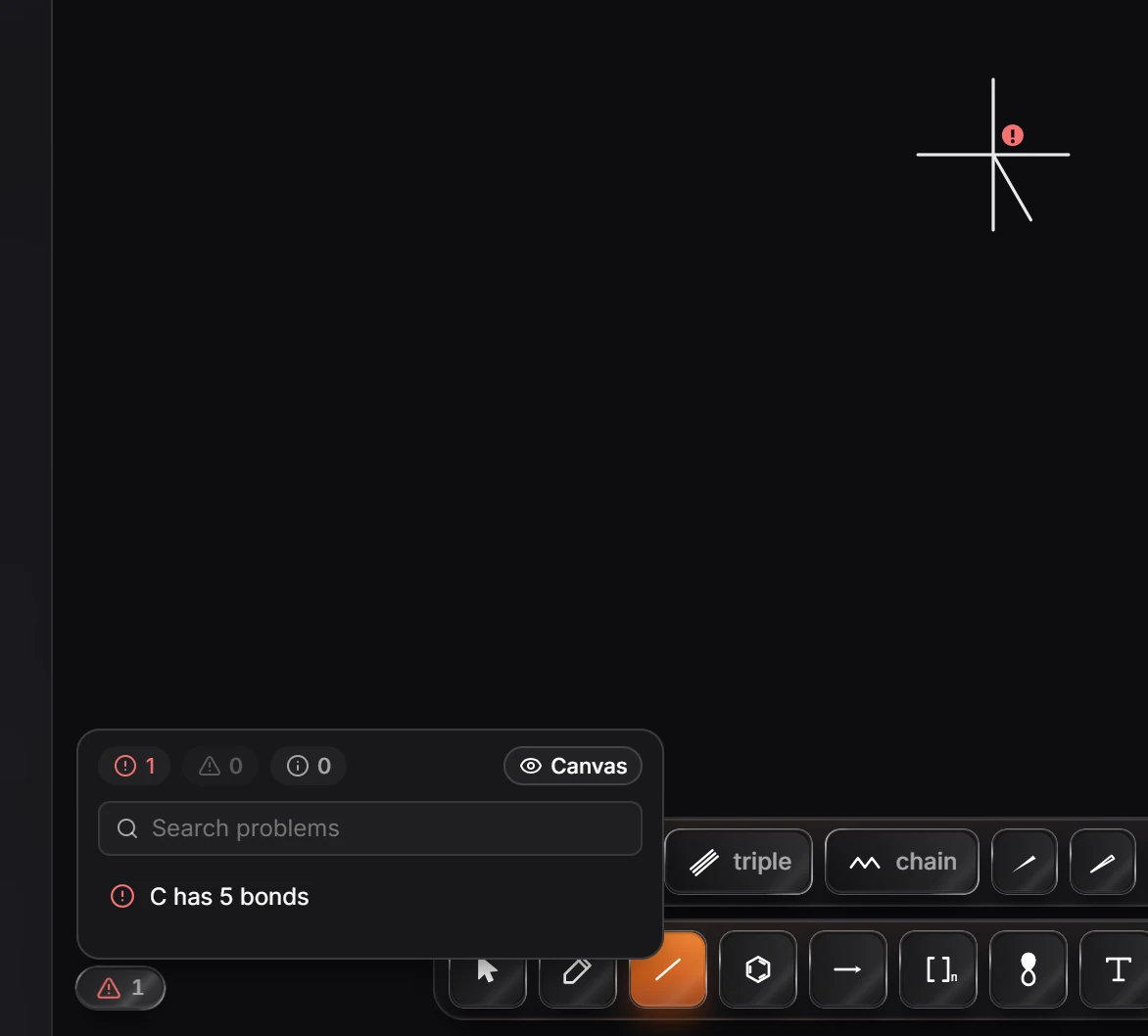
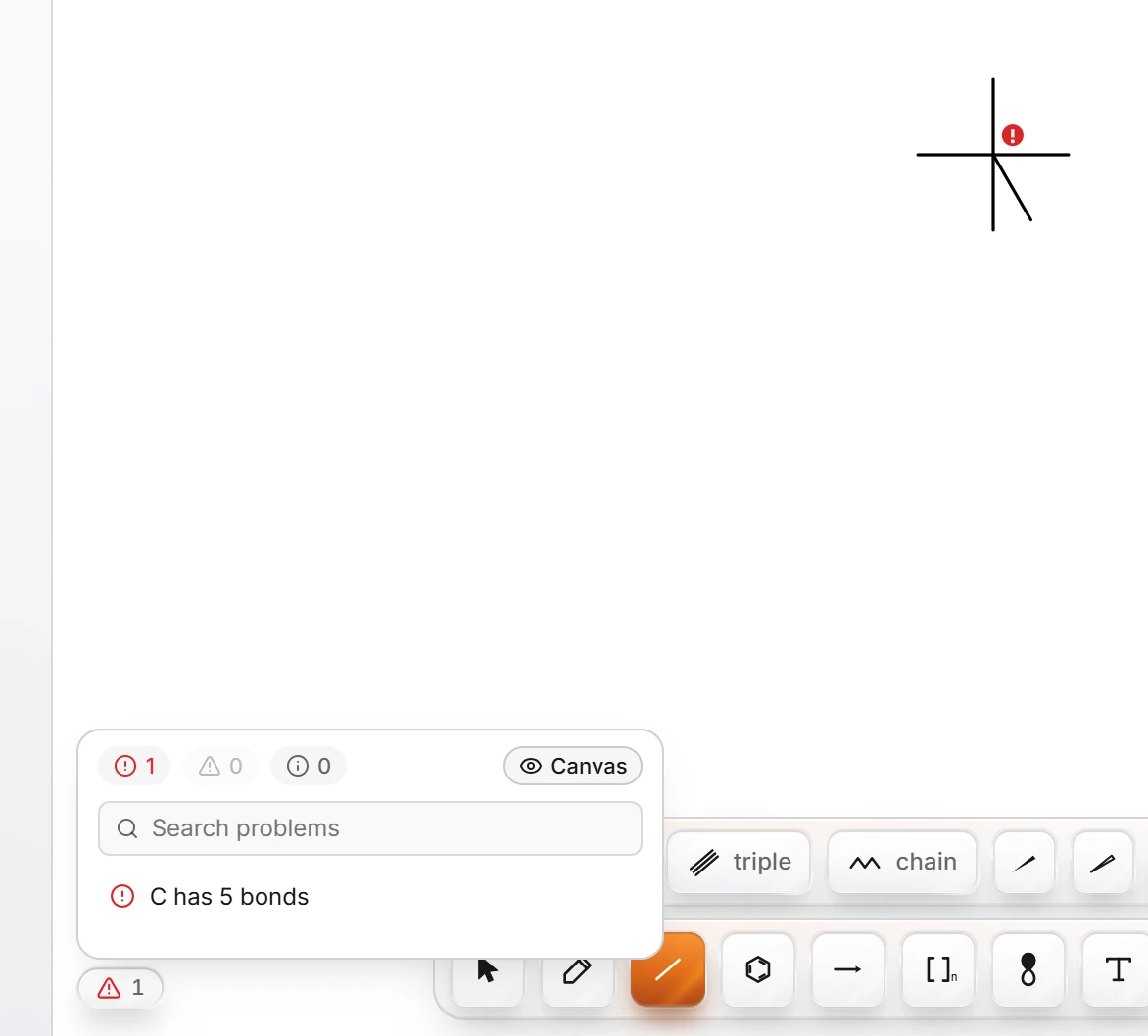 8 · ConceptWhat works differently from ChemDrawAthanor saves as you work, flags valence and stereo problems instead of silently changing your structure, shows actions for the selection in a bar beside it, and finds commands by ChemDraw's names in Search everything.
- Still stuck? Read the FAQ or contact support.
- Something wrong on this page? Tell us.
- For AI tools: llms.txt