
How to send a file to someone using ChemDraw
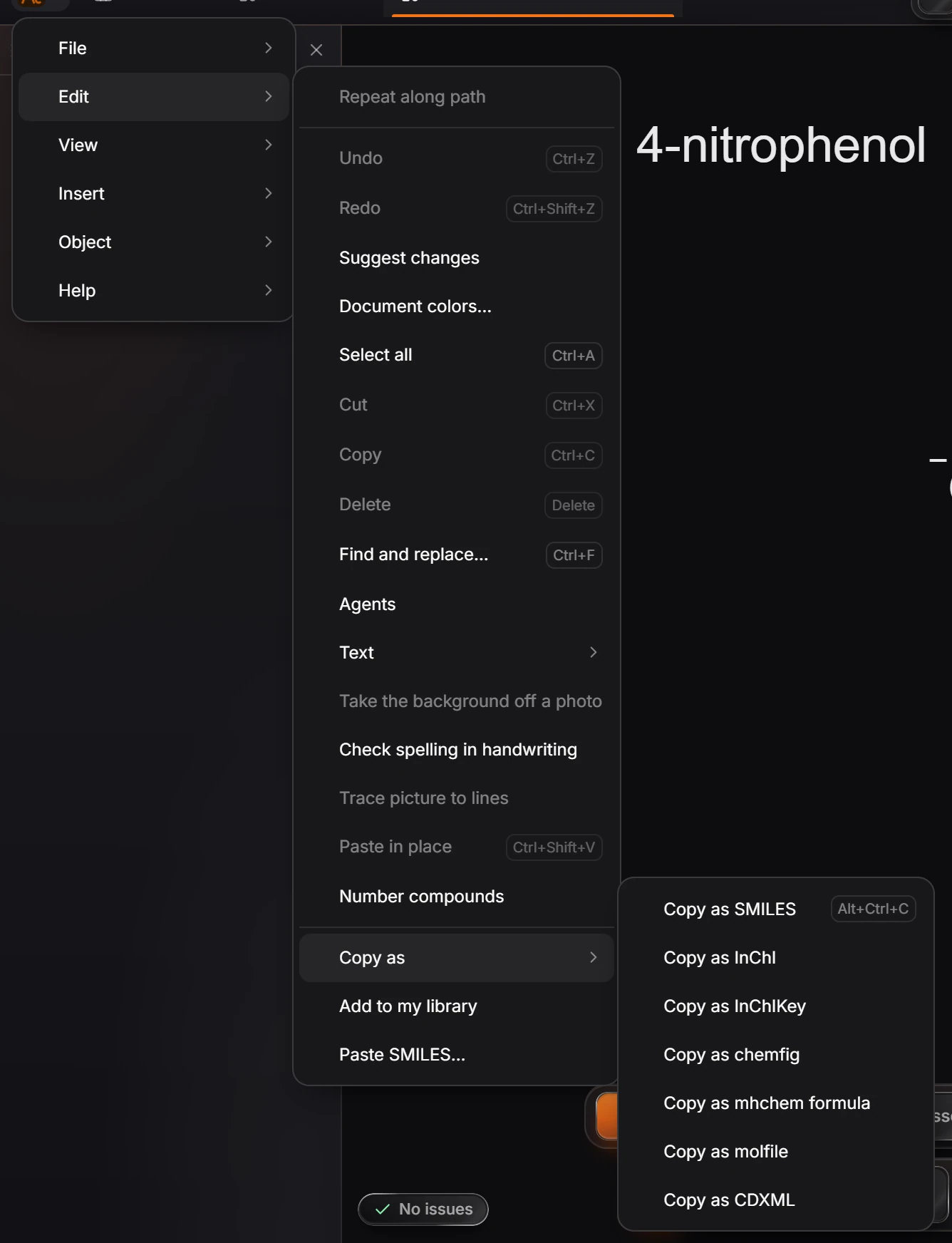
Open Export (Ctrl+Shift+E) and pick ChemDraw (.cdxml) or CDX (.cdx), or use Edit › Copy as › Copy as CDXML and paste into ChemDraw.
Export a file
Select what to send, or nothing to send the whole page.
Press Ctrl+Shift+E to open Export.
Choose ChemDraw (
.cdxml) under Suggested, or CDX (.cdx) under ChemDraw for the older binary format. The panel says what the format keeps (atoms, bonds, wedges, coordinates, arrows and text, editable in ChemDraw) and what it loses (what only Athanor has, such as films and comments).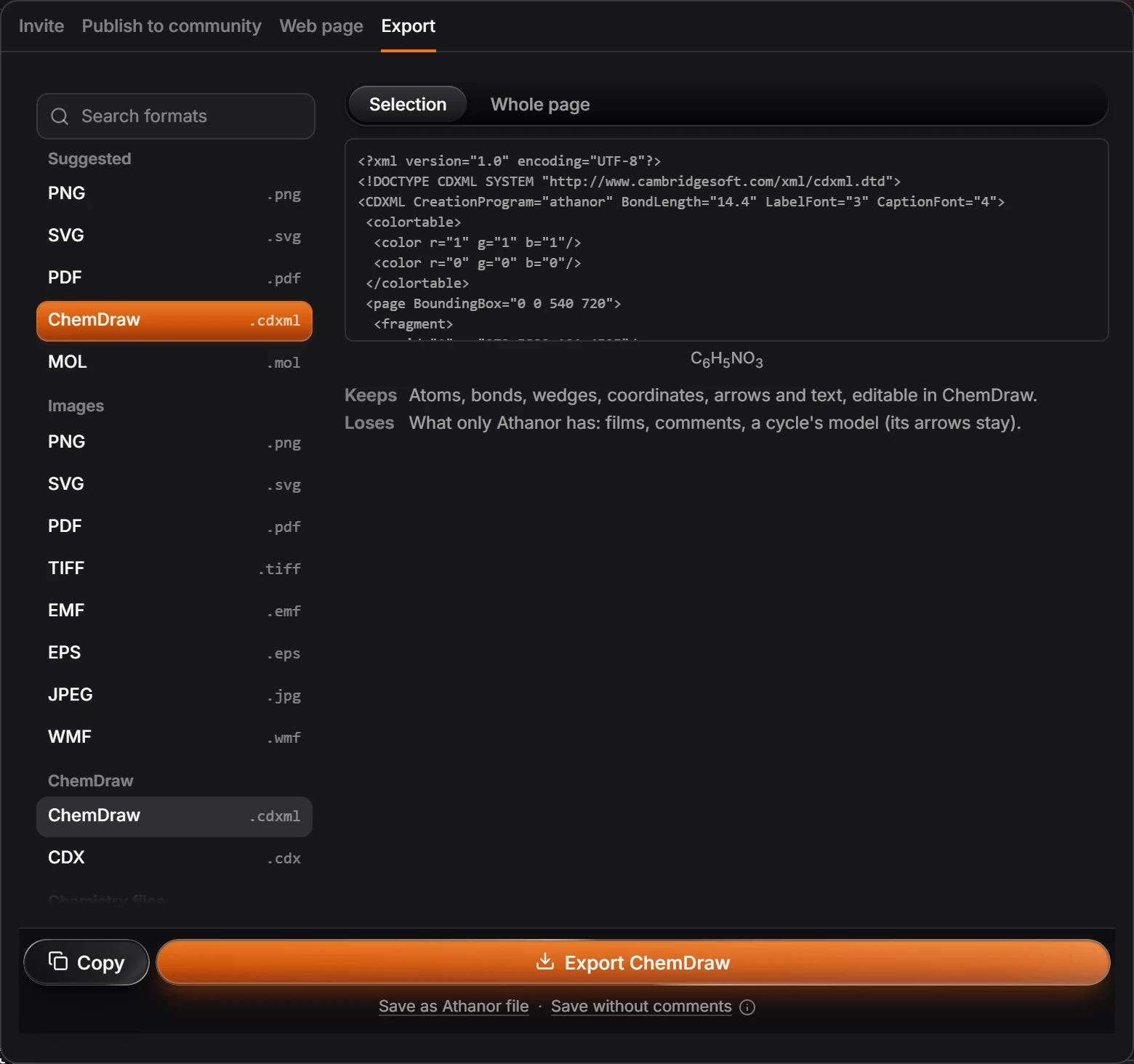
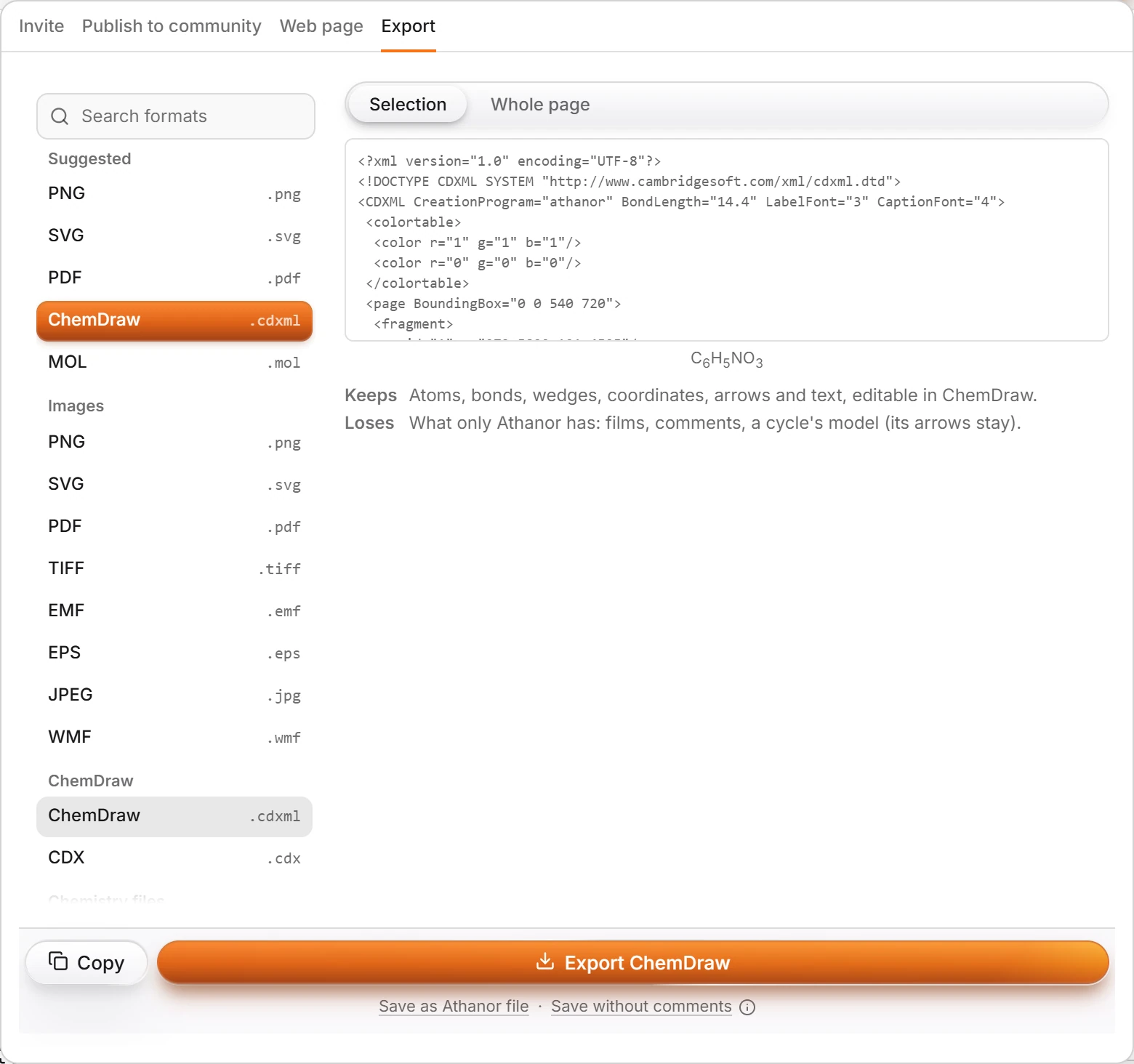
Press Export ChemDraw. Send the file as you would any other.
Copy and paste instead
Choose Edit › Copy as › Copy as CDXML in the Main menu, then paste into ChemDraw.
Tip
Sending to someone who uses Athanor? File › Download as .athanor keeps everything, films and comments included.
Is this helpful?
Last updated Nov 12, 2026
- Still stuck? Read the FAQ or contact support.
- Something wrong on this page? Tell us.
- For AI tools: llms.txt