
How to export a figure or structure file
Press Ctrl+Shift+E, pick a format (Ctrl-click to pick several), read what it keeps and loses, then press Export or Copy. Export again (Ctrl+Alt+E) repeats the last choice.
Steps
Select what to export, or select nothing for the whole page. At the top of the panel, Selection and Whole page switch between the two.
Press Ctrl+Shift+E, or choose File › Export…. The Export tab of the share panel opens, with a preview.
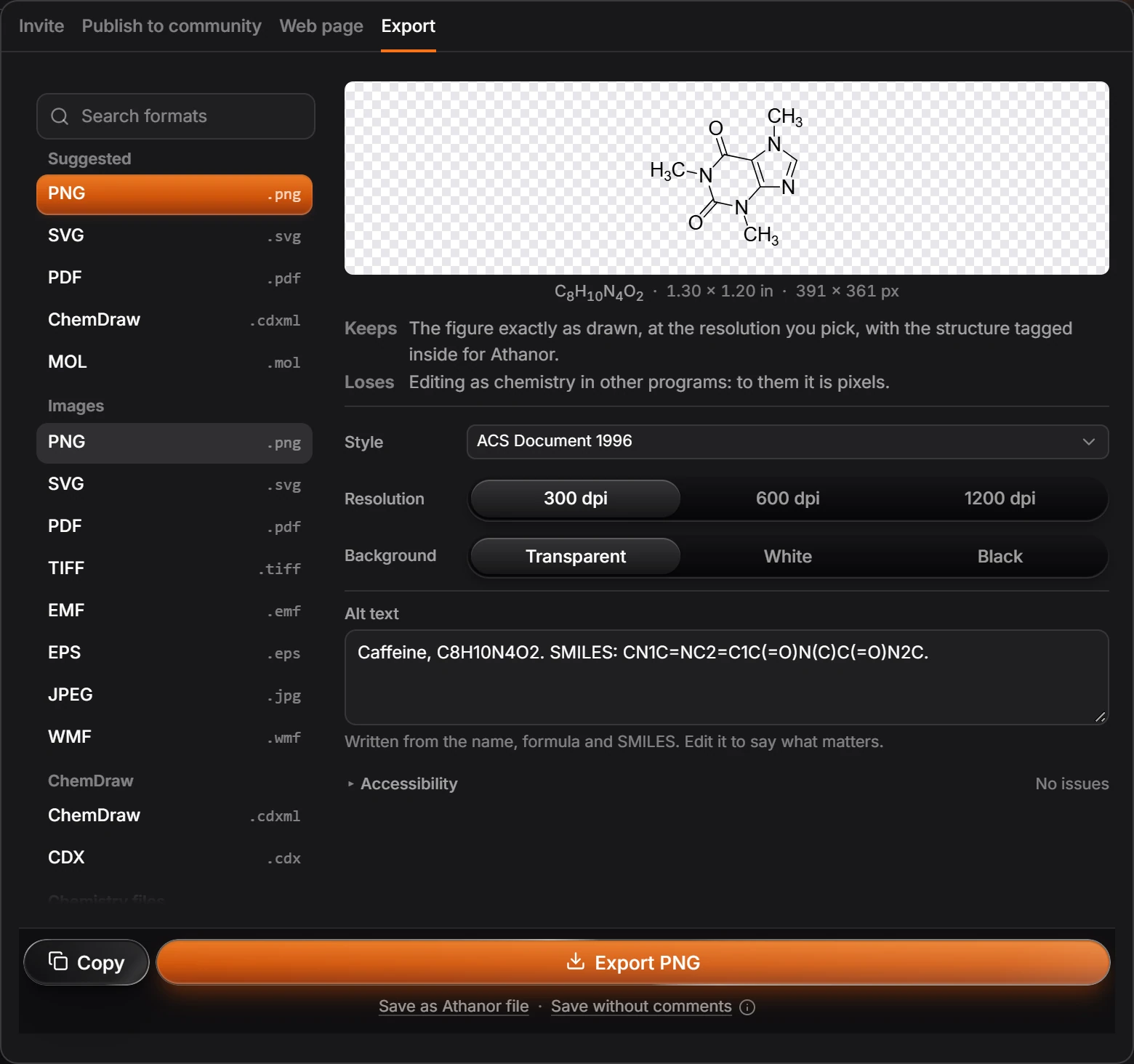
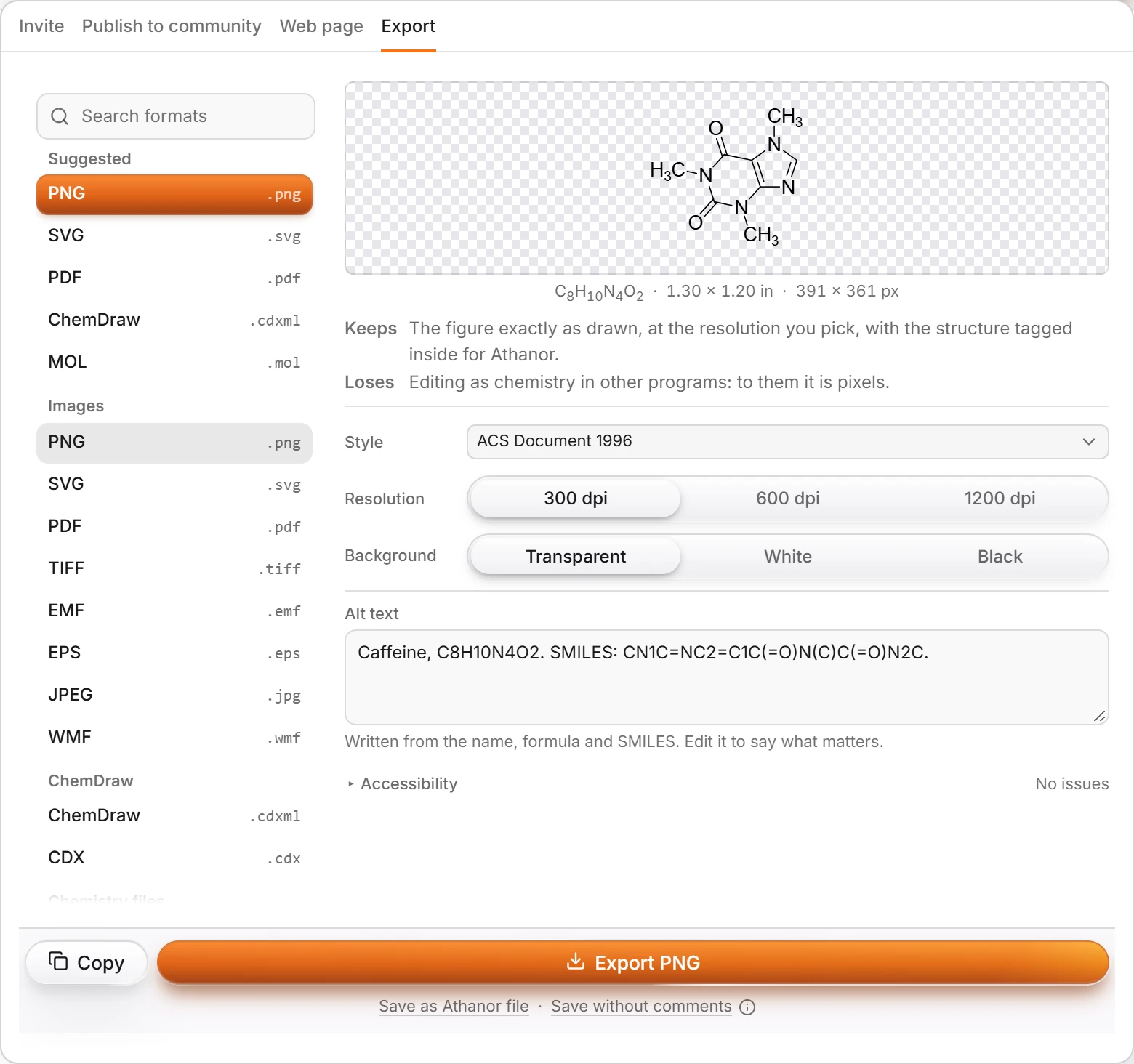
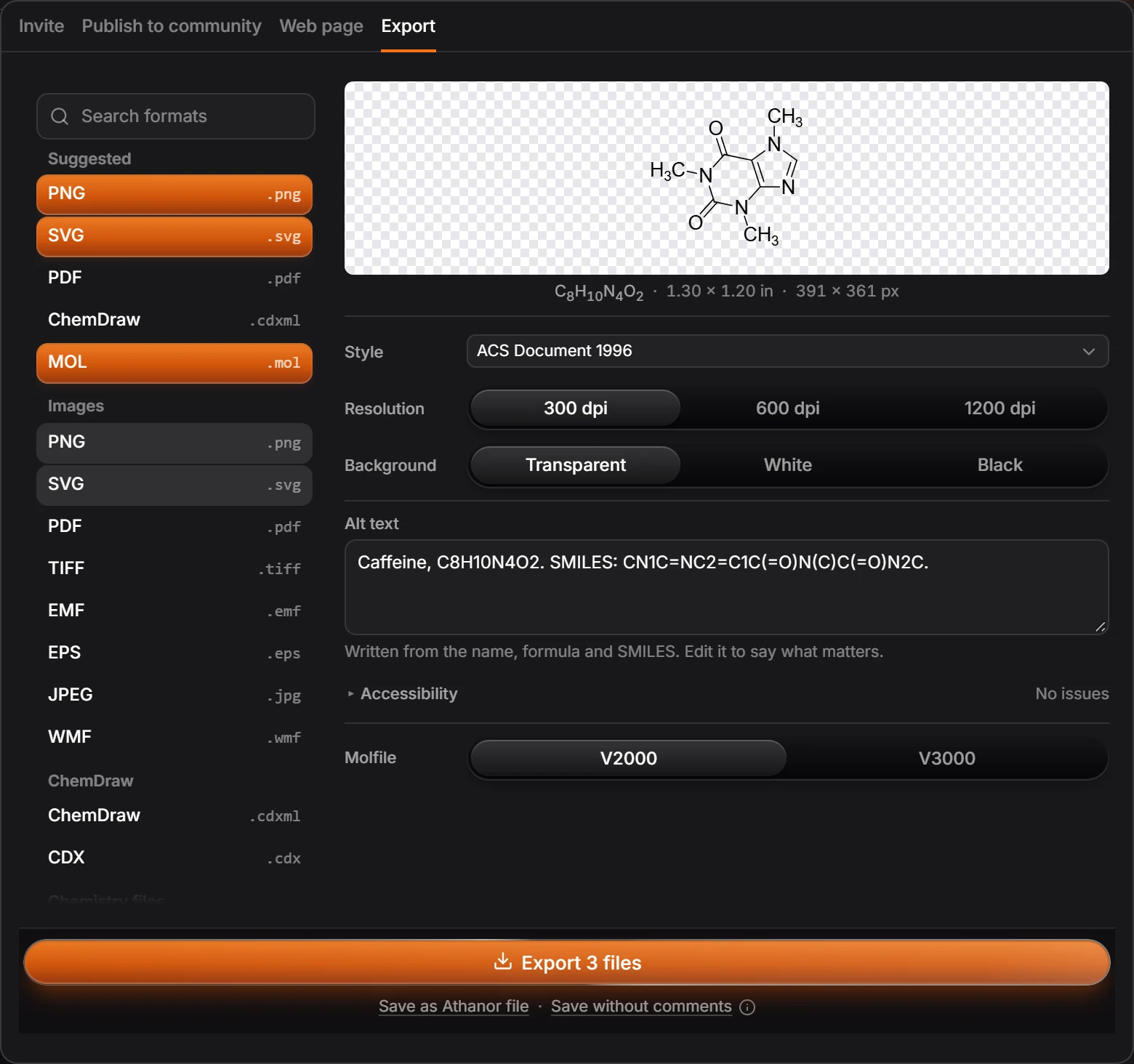
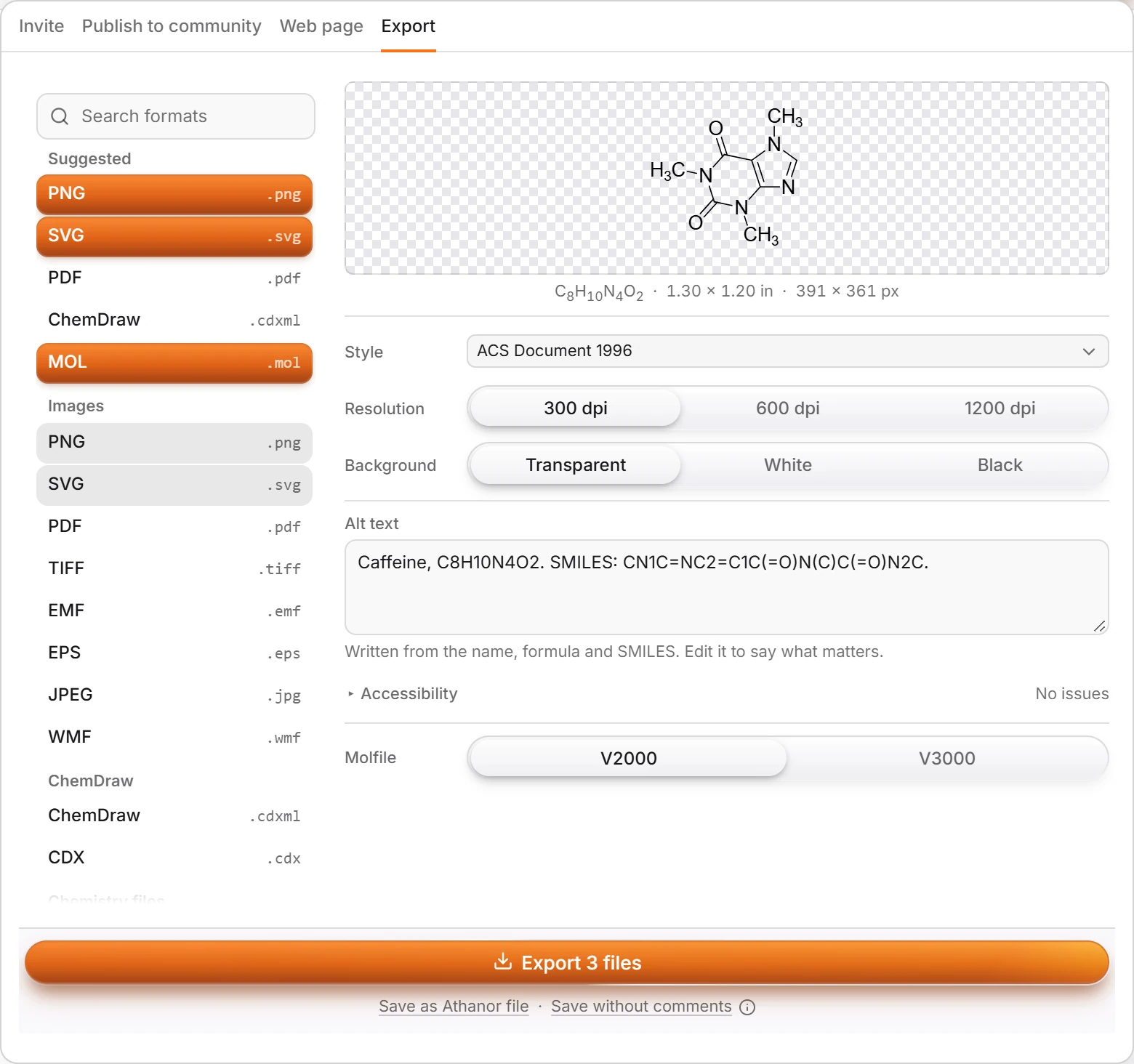
Pick a format from the list on the left. Suggested lists the ones most people want; Images, ChemDraw and the other groups follow, and Search formats finds one by name. To export several at once, hold Ctrl and click each.
Read Keeps and Loses under the preview. They say what the format carries and what it leaves behind.


Set the options the format has. For pictures: the Style, the Resolution (300, 600 or 1200 dpi for PNG), the Background (transparent, white or black) and the Alt text.
Press Export to download the file, or Copy to put it on the clipboard.
Export again (Ctrl+Alt+E) repeats the last export with the same choices, without opening the panel.
Formats
| Kind | Formats |
|---|---|
| Pictures | PNG, SVG, PDF, TIFF, EMF, EPS, JPEG, WMF |
| Structure files | MOL, SDF, ChemDraw CDXML and CDX, and more under their own groups |
| Identifiers | SMILES, InChI, InChIKey |
| The document | Save as Athanor file, under the Export button |
The list in the panel is the full and current one; search it by name.
Alt text
Every picture gets alt text written from the name, formula and SMILES of what it shows, so a screen reader can describe it. Edit it in Alt text to say what matters for your reader.
Is this helpful?
Last updated Nov 12, 2026
- Still stuck? Read the FAQ or contact support.
- Something wrong on this page? Tell us.
- For AI tools: llms.txt