
Atoms, bonds and rings
Charges and lone pairs, abbreviations, stereochemistry, projections, aromatic rings, organometallic bonds and the other details of a structure.
Start here
 1 · How-toHow to add charges, radicals and lone pairsPress Q for the Charges tool, pick plus (+), minus (-), lone pair (L), radical, diradical, delta plus or delta minus, and click the atom. clear takes every mark off an atom.
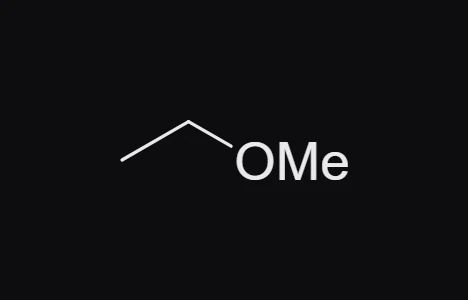
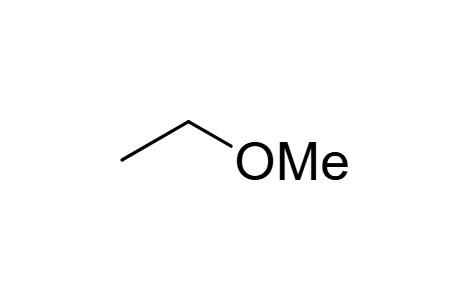 2 · How-toHow to use abbreviations like OMe, Boc and PhPoint at an atom, press Enter and type a label such as OMe or Ph. Object › Expand labels draws a label out as its atoms; Object › Contract to label turns selected atoms back into a label; Define abbreviation… names a group as your own label.
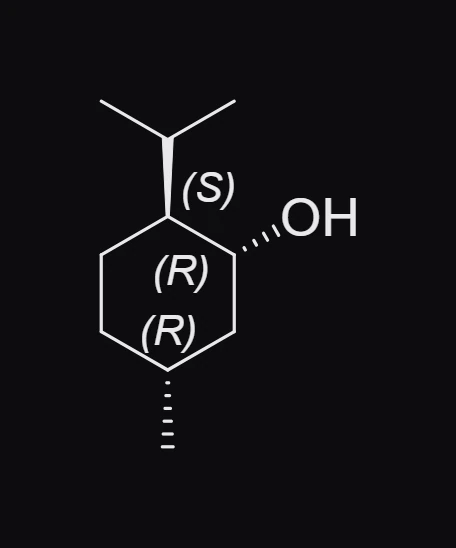
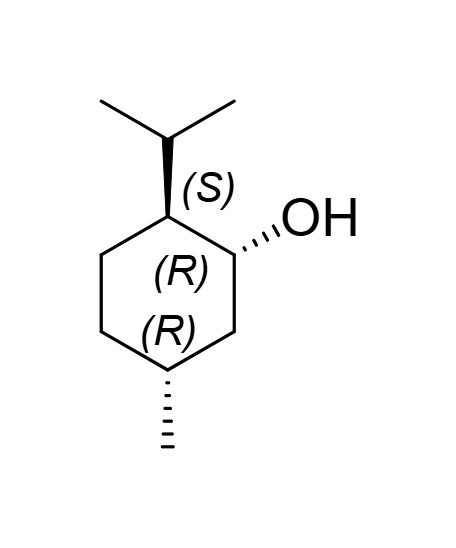 3 · How-toHow to show R and S, E and Z labelsTurn on View › Show stereochemistry. Each stereocenter gets R or S and each stereo double bond E or Z, worked out from the CIP priority rules and updated as you draw.
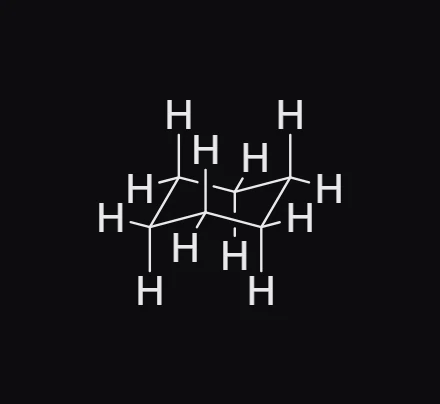
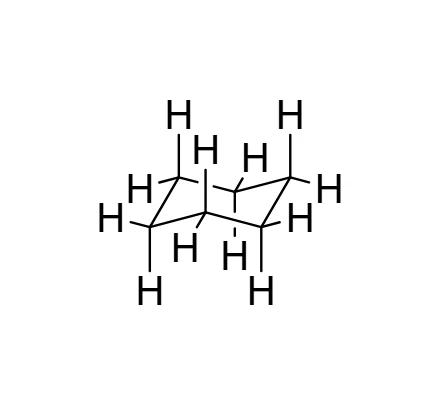 4 · How-toHow to draw chair, Newman, Haworth and Fischer projectionsPress R and pick chair, chair + H, Newman, Haworth or Fischer from the row above the toolbar, then click the canvas to place it.
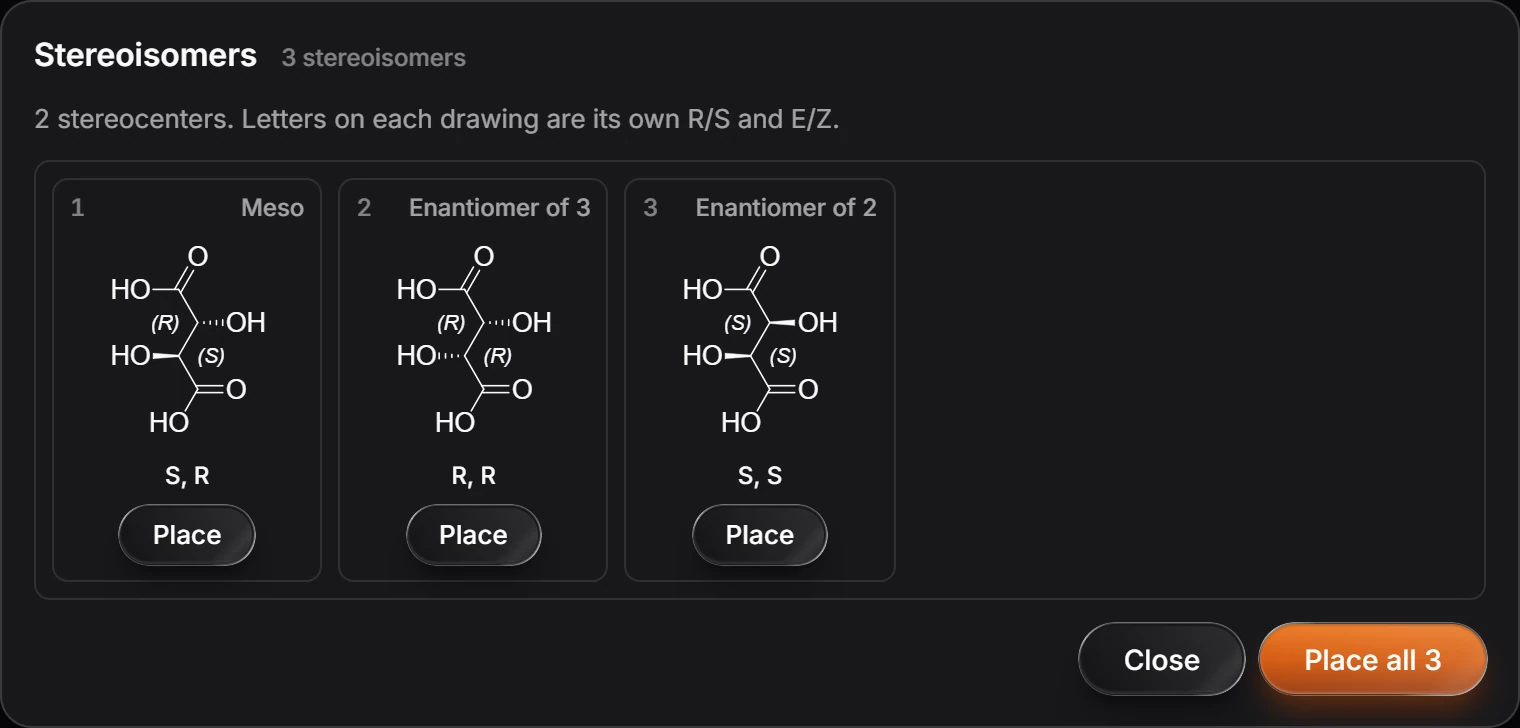
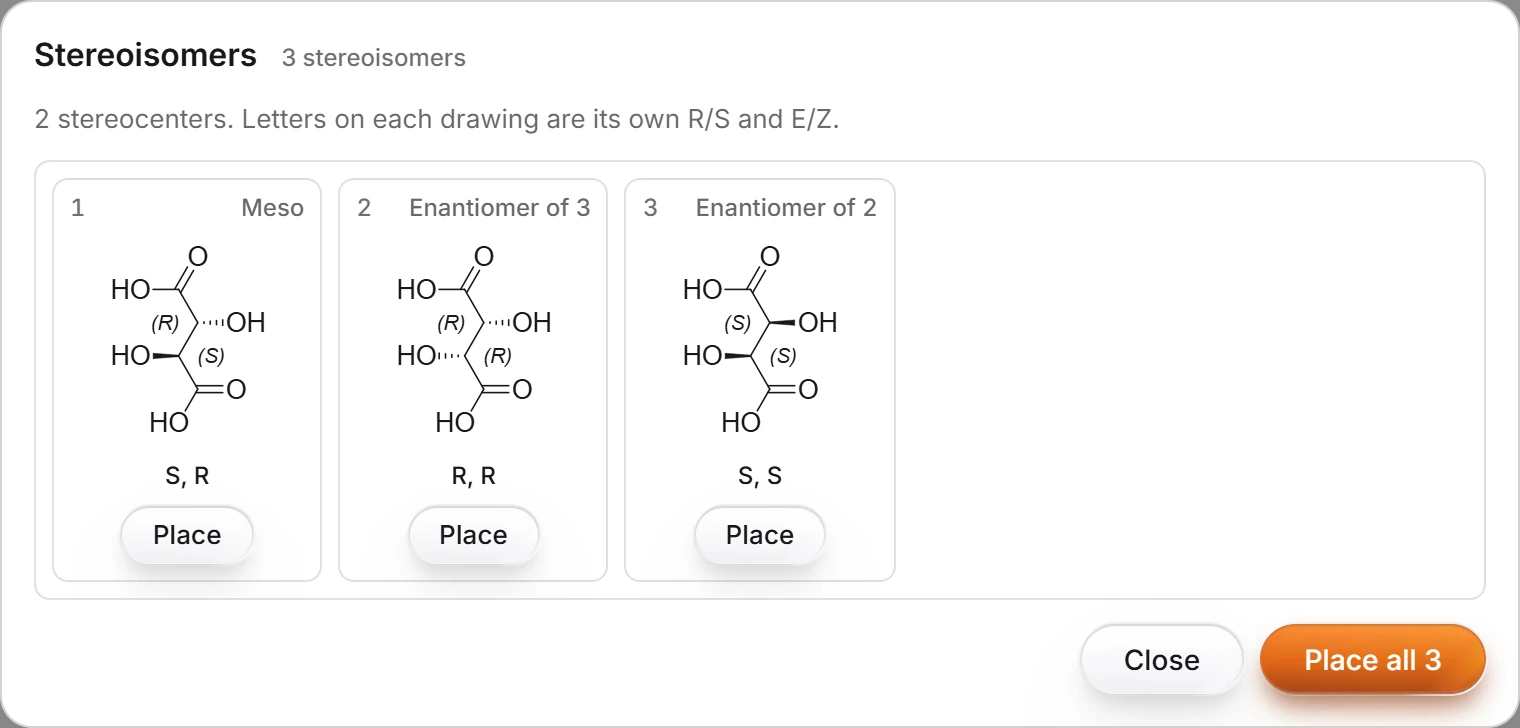 5 · How-toHow to list every stereoisomer of a structureSelect the structure and choose Object › Chemistry › Stereoisomers. Every stereoisomer is listed with its own R/S and E/Z, meso forms counted once; press Place on one or Place all.
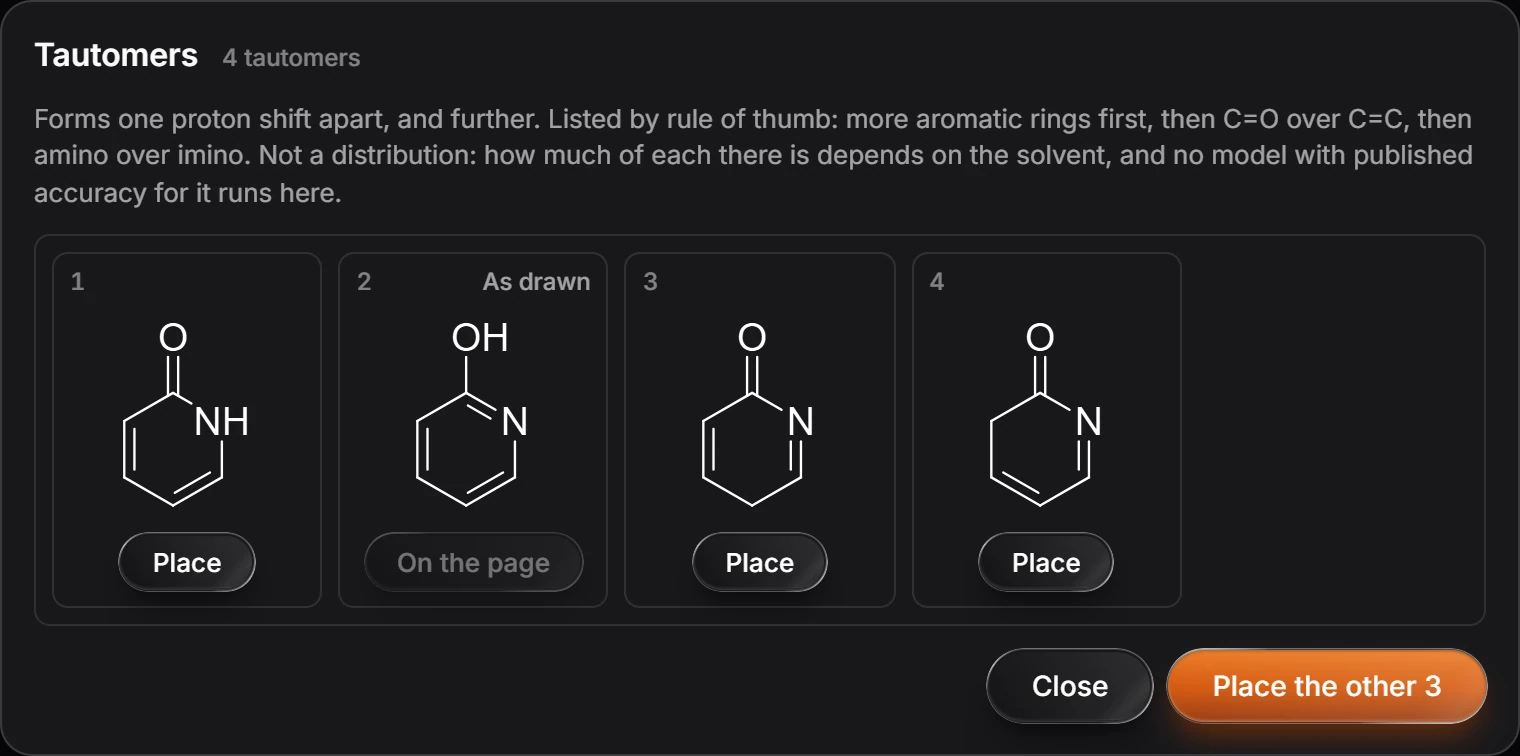
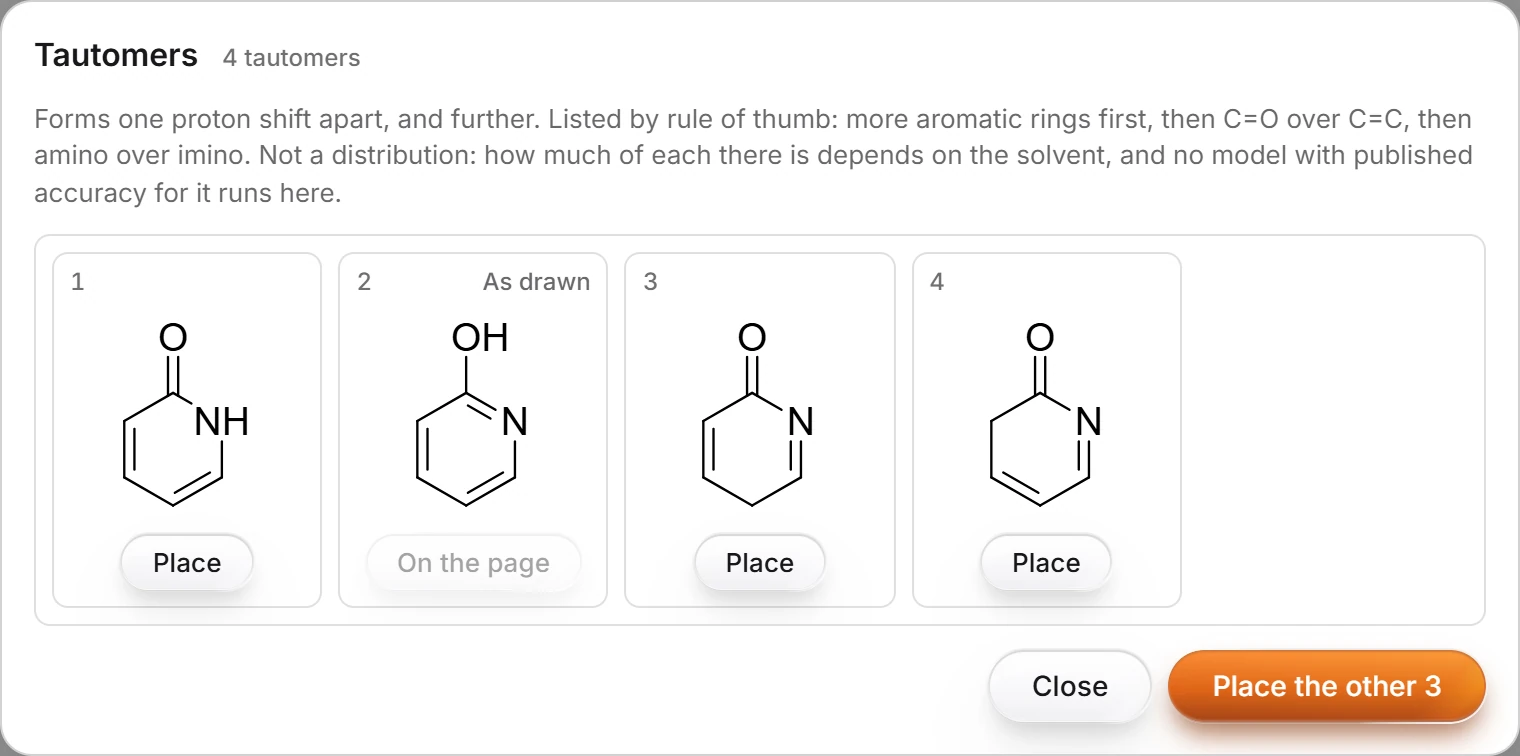 6 · How-toHow to list the tautomers of a structureSelect the structure and choose Object › Chemistry › Tautomers. The forms are listed by rule of thumb (more aromatic rings first, then C=O over C=C, then amino over imino); place one or all of them.
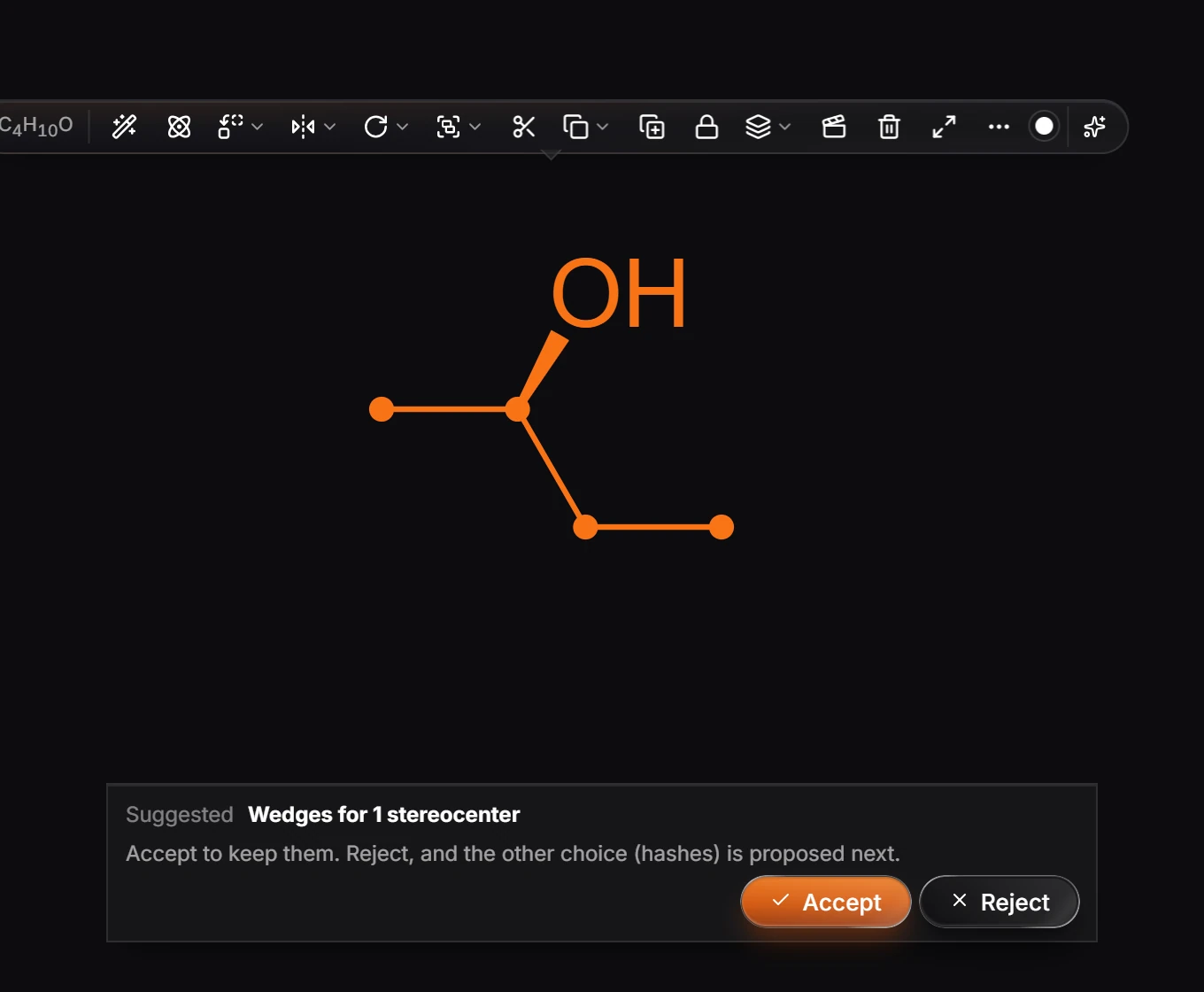
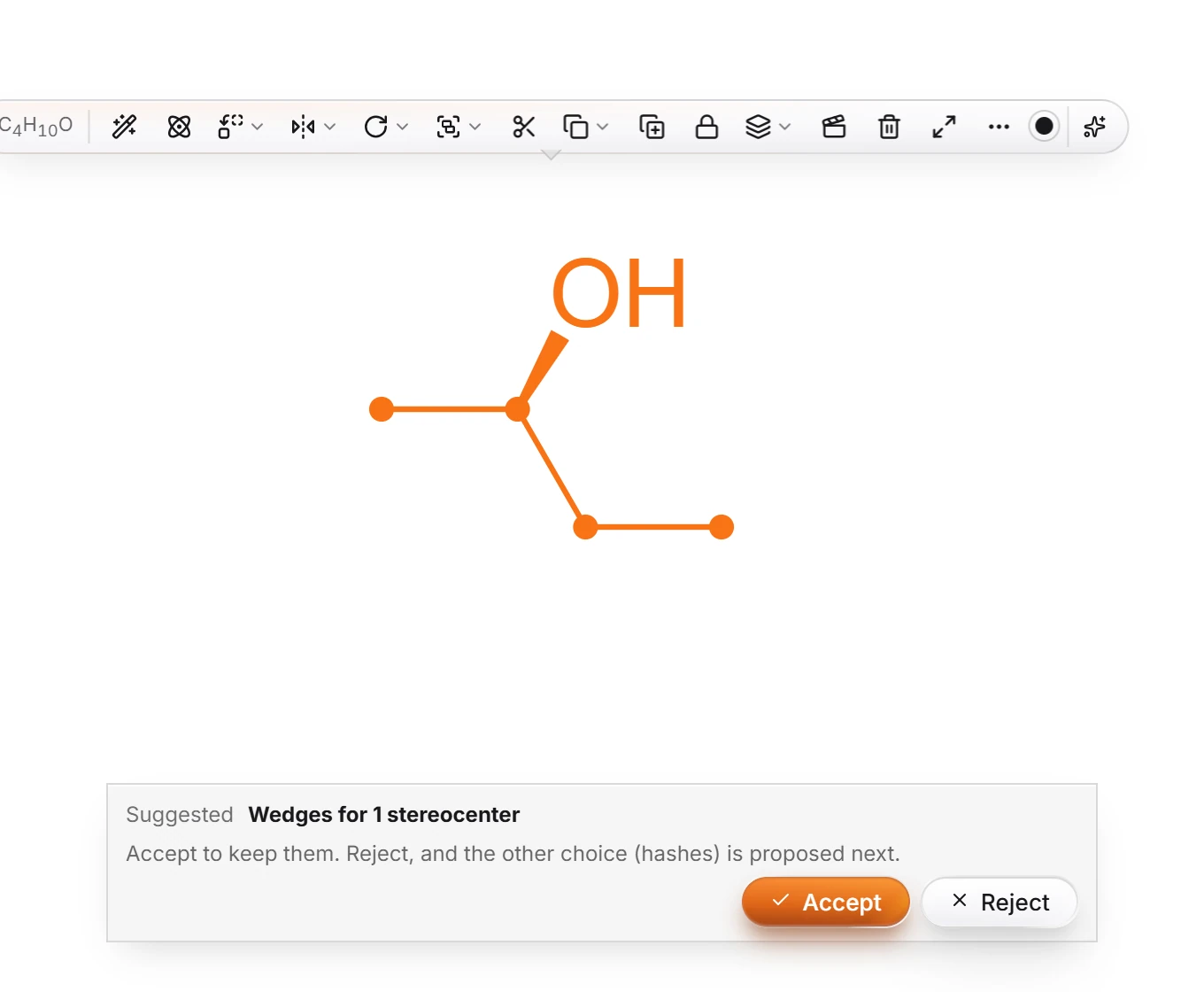 7 · How-toHow to choose undefined stereocentersSelect the structure and choose Object › Chemistry › Choose undefined stereocenters. Athanor proposes wedges; Accept keeps them, Reject proposes hashes, and rejecting again leaves them undefined.
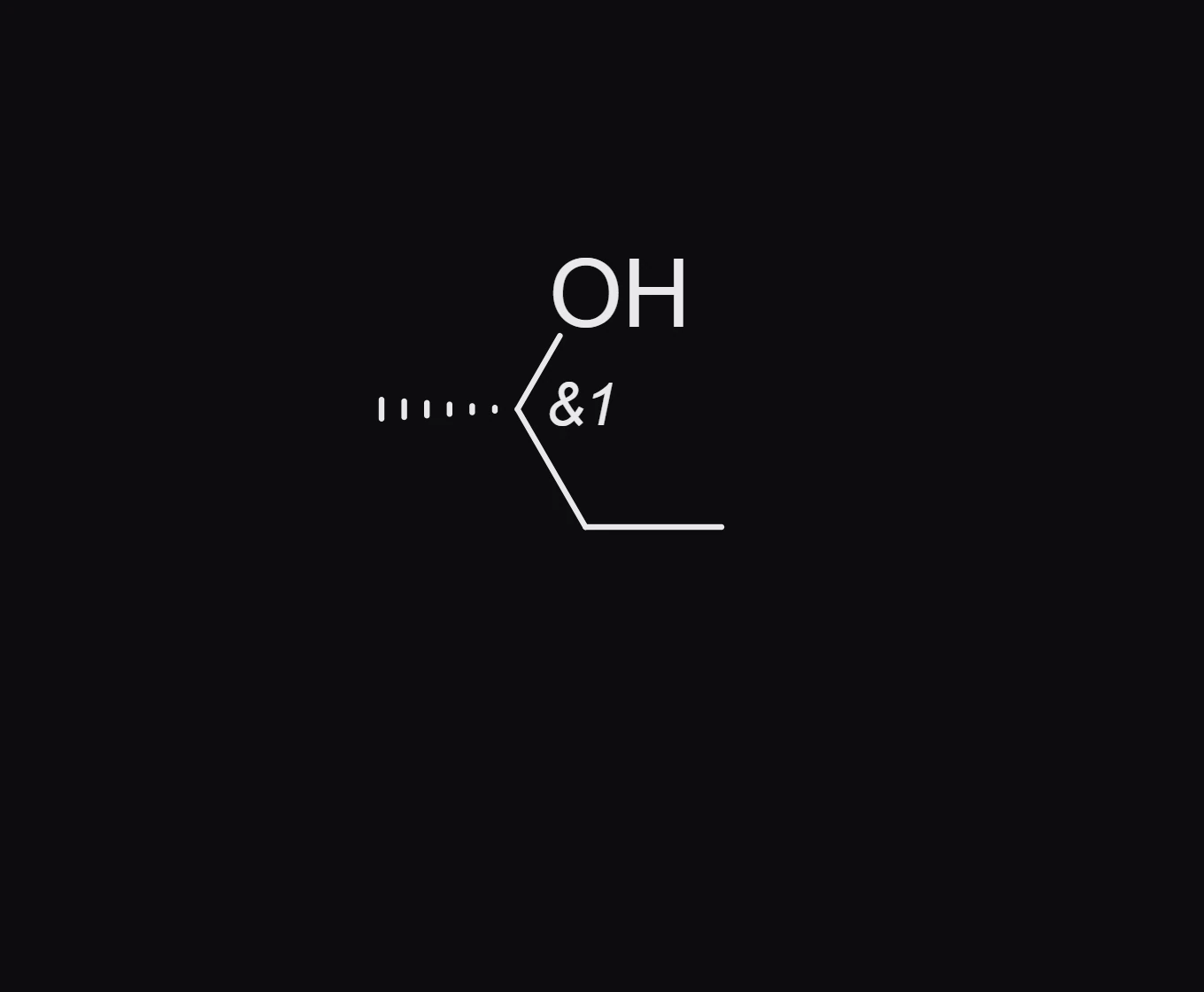
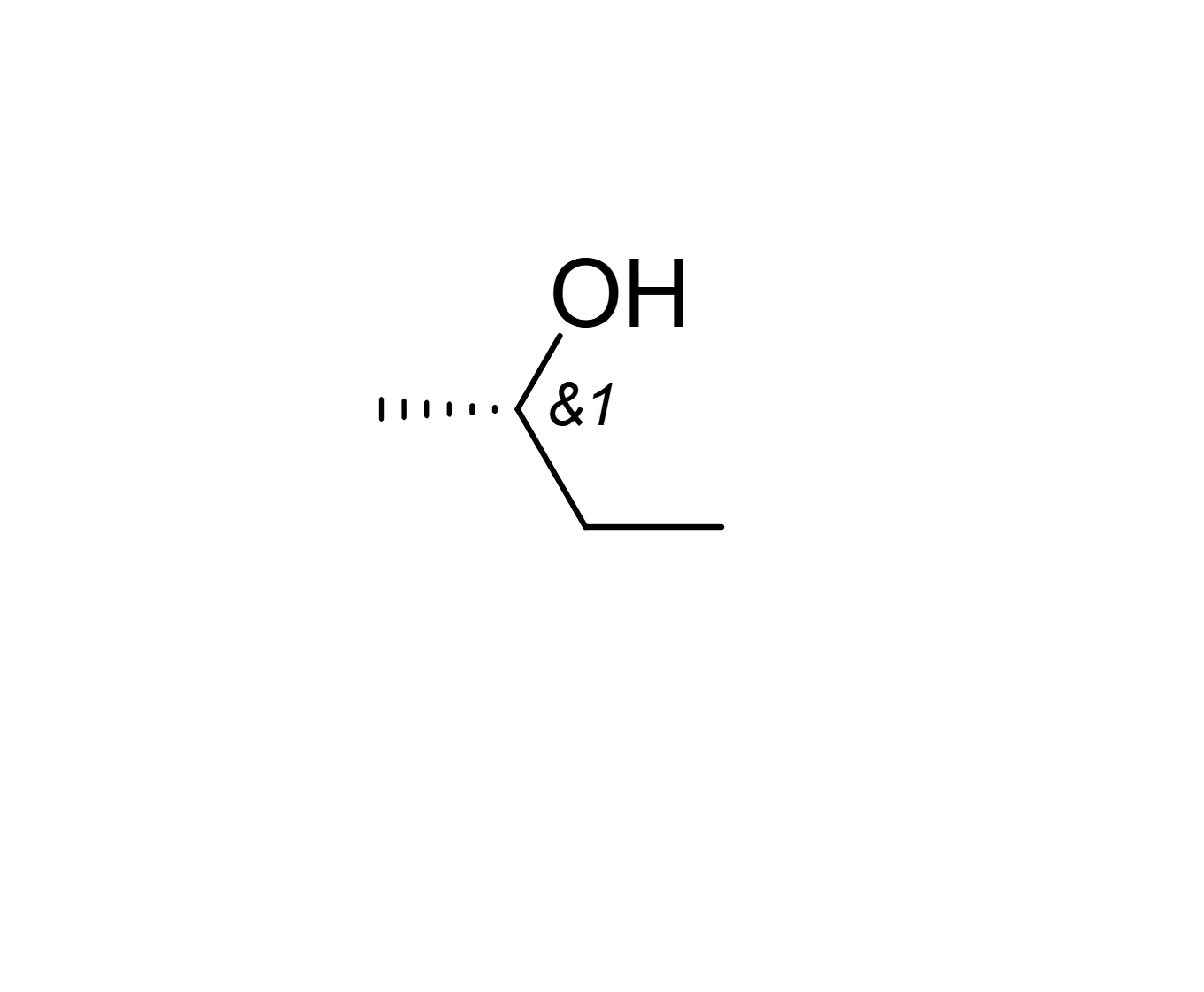 8 · How-toHow to mark stereo groups (AND, OR, absolute)Select the drawn stereocenters and choose Object › Stereo group: absolute, Stereo group: new AND (racemic) or Stereo group: new OR (one of two, unknown which). Stereo group: clear removes the mark.
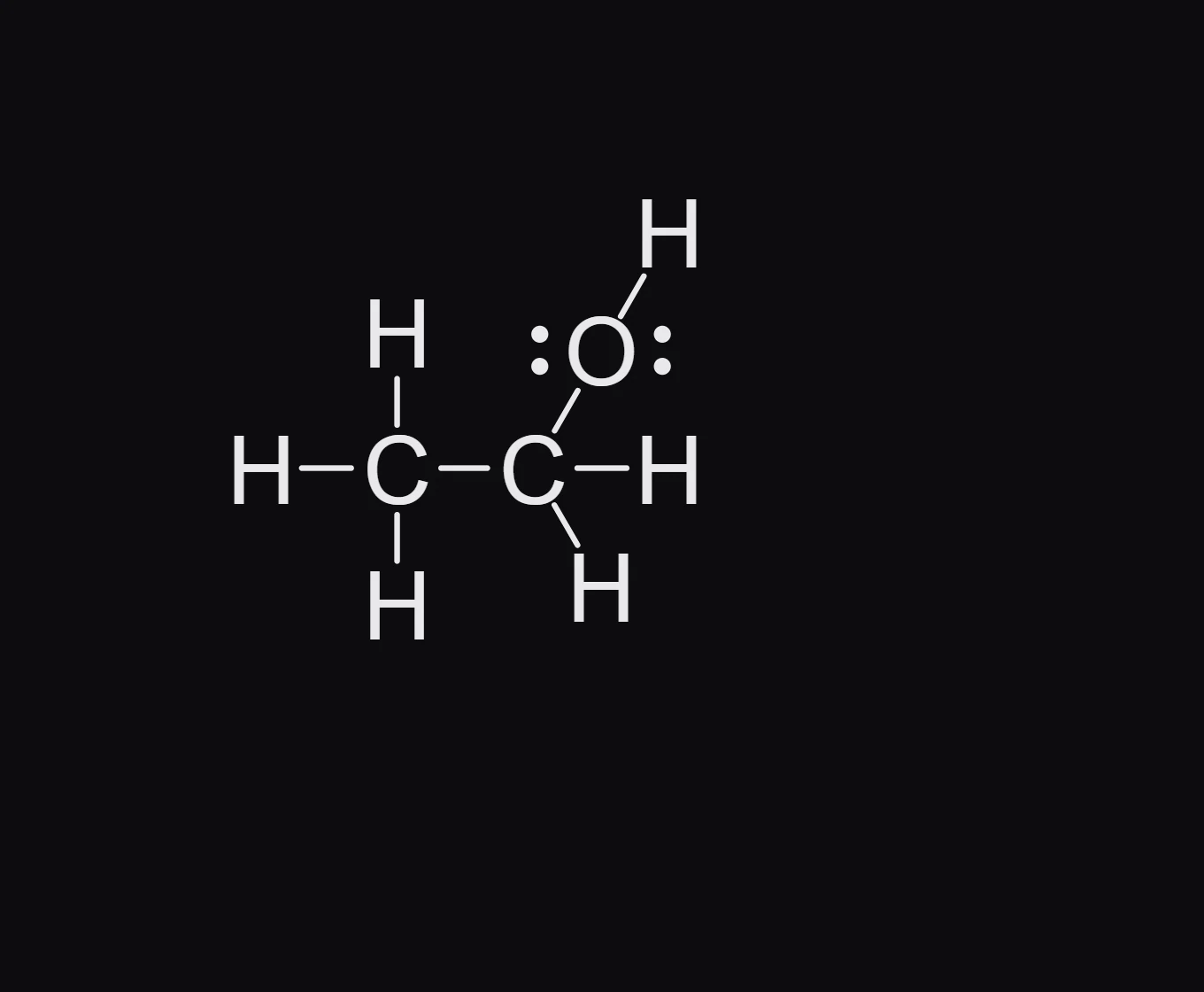
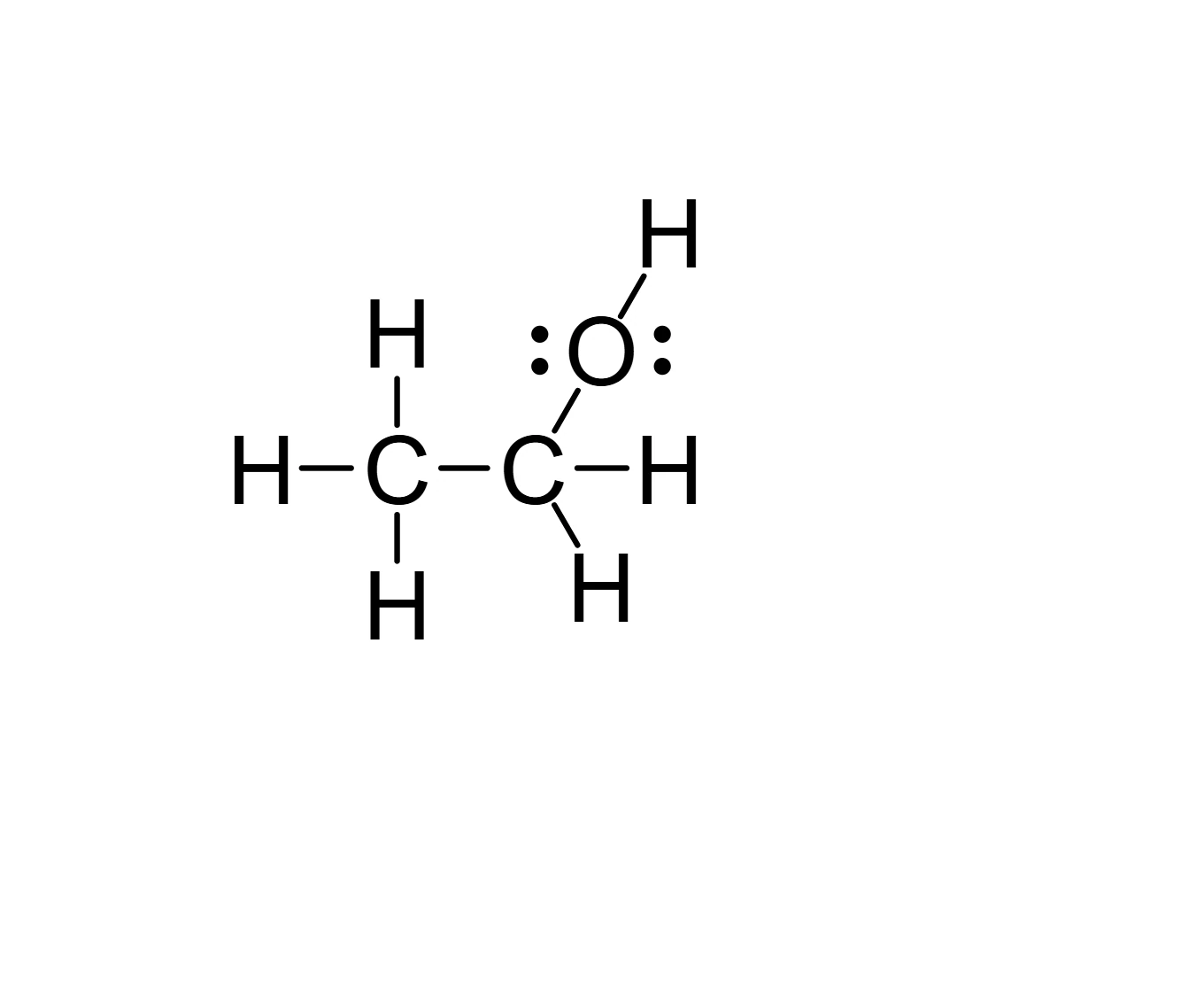 9 · How-toHow to convert between Lewis structures and bond-lineSelect the structure and choose Object › Chemistry › Convert to Lewis structure. Every carbon, hydrogen and lone pair is drawn. Object › Chemistry › Convert to bond-line goes back.

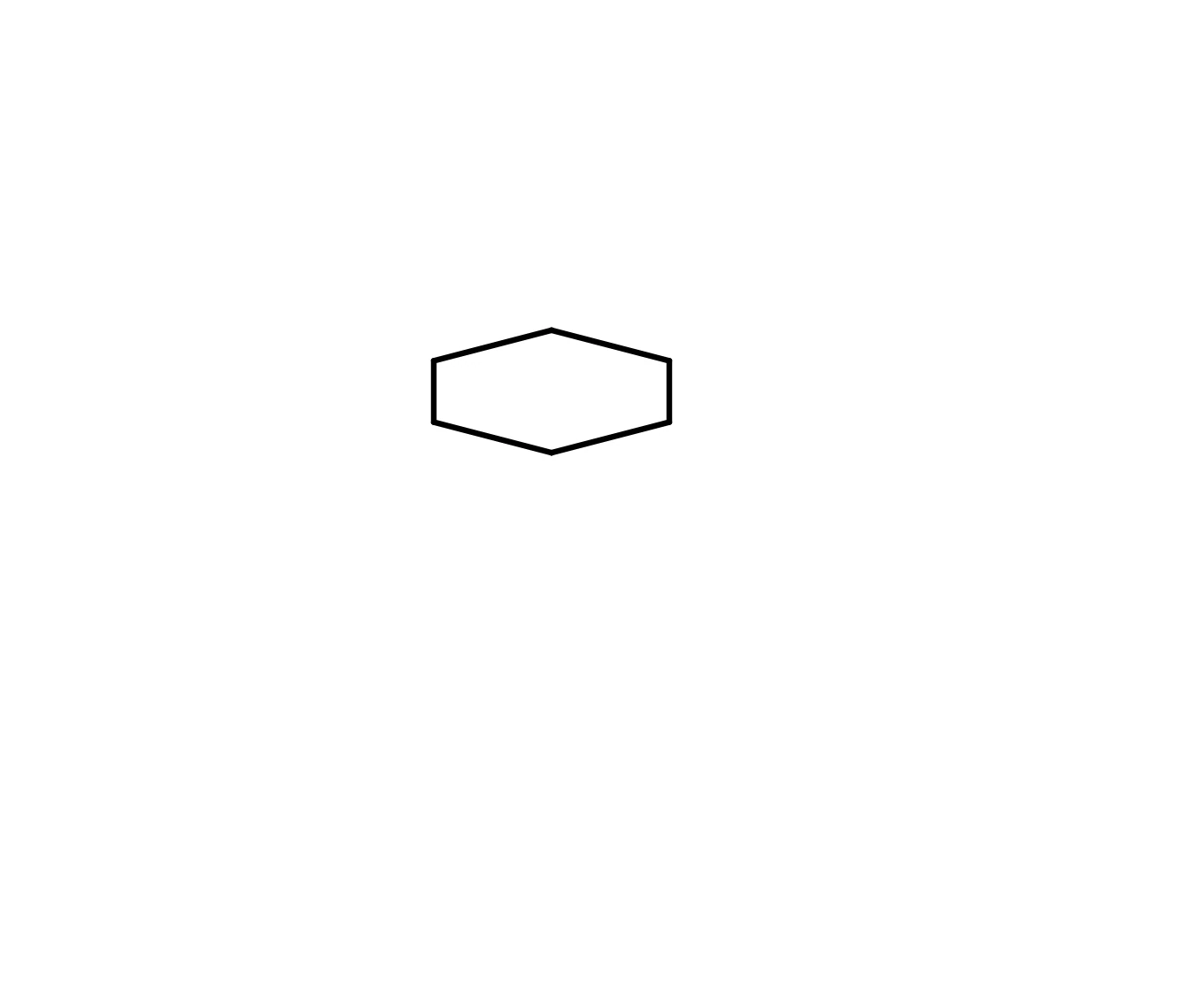 10 · How-toHow to tilt a ring into perspectiveSelect the ring and choose Object › Chemistry › Tilt into perspective. Flatten to face-on, in the same menu, returns it to the flat drawing.
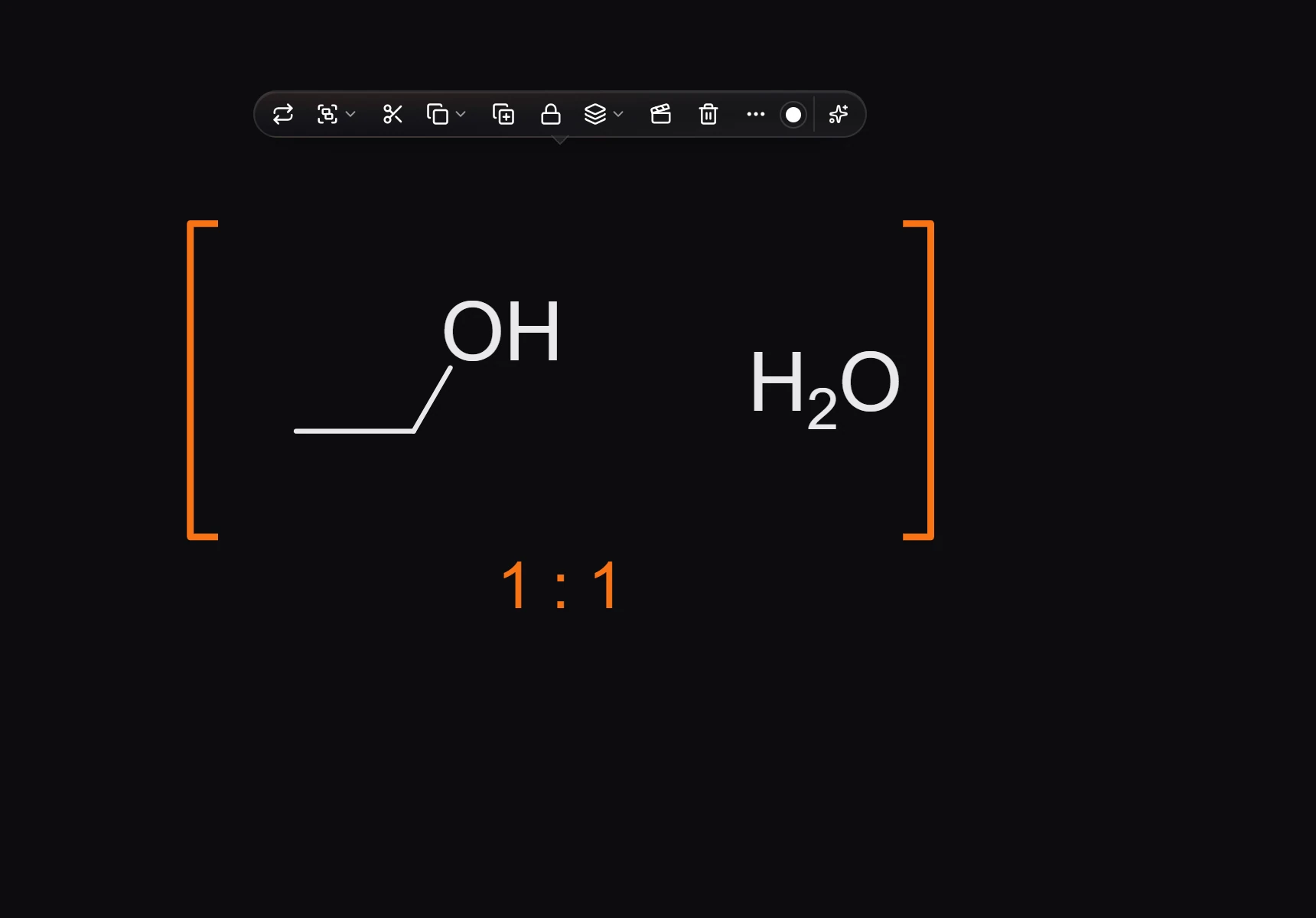
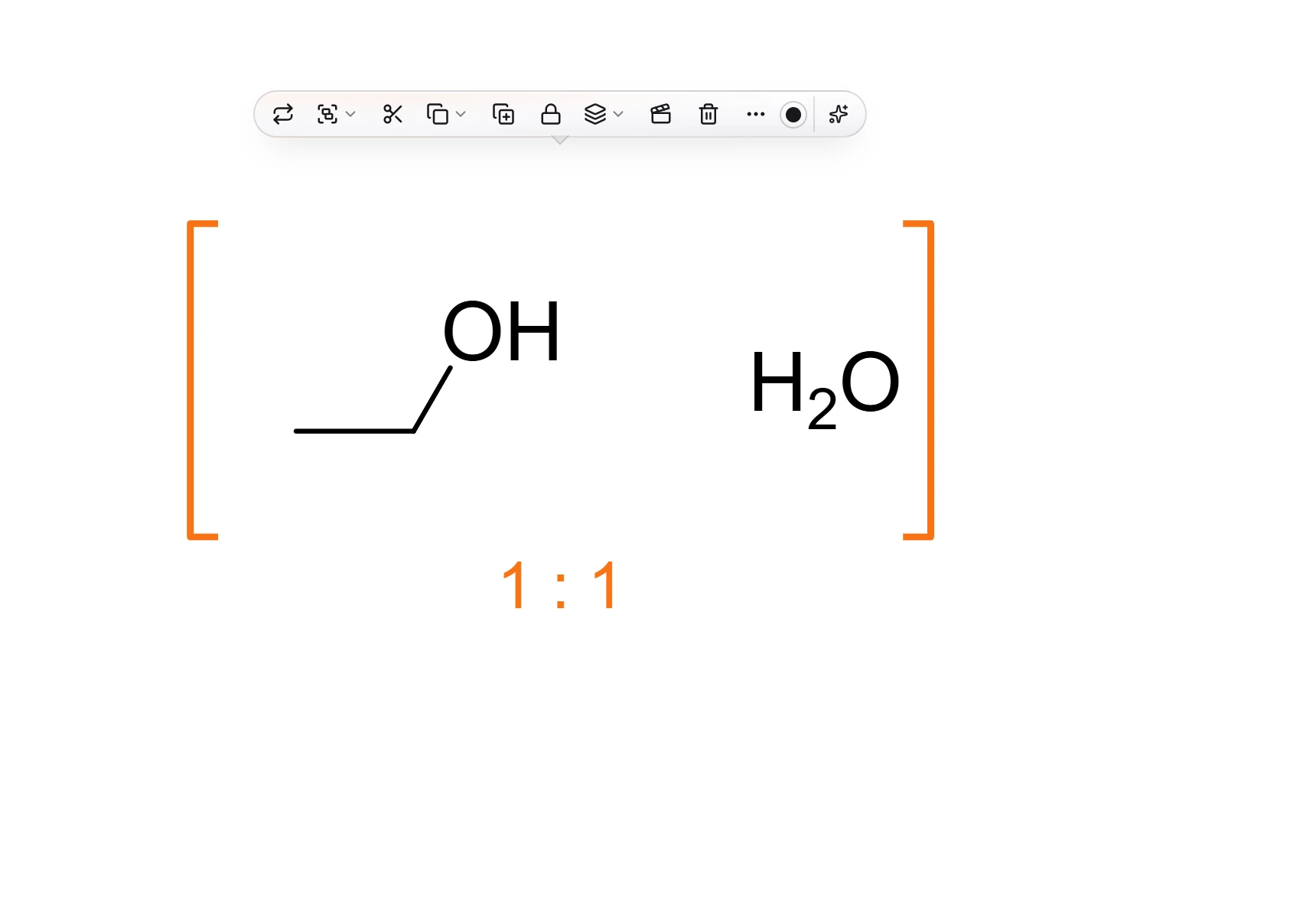 11 · How-toHow to draw a mixtureSelect the structures and choose Object › Chemistry › Make mixture. They go in one bracket with a 1 : 1 ratio; change the proportions in Properties, where each component shows its mol % and wt %.

 12 · How-toHow to turn a structure in space with the Perspective toolChoose Select › Perspective, or press K in the Select menu, and drag on a structure. It turns in space; Shift keeps to one axis, Ctrl turns in 15 degree steps and Alt turns it in the page. Wedges are redrawn for the new view, so R and S never change. Double-click puts it back.
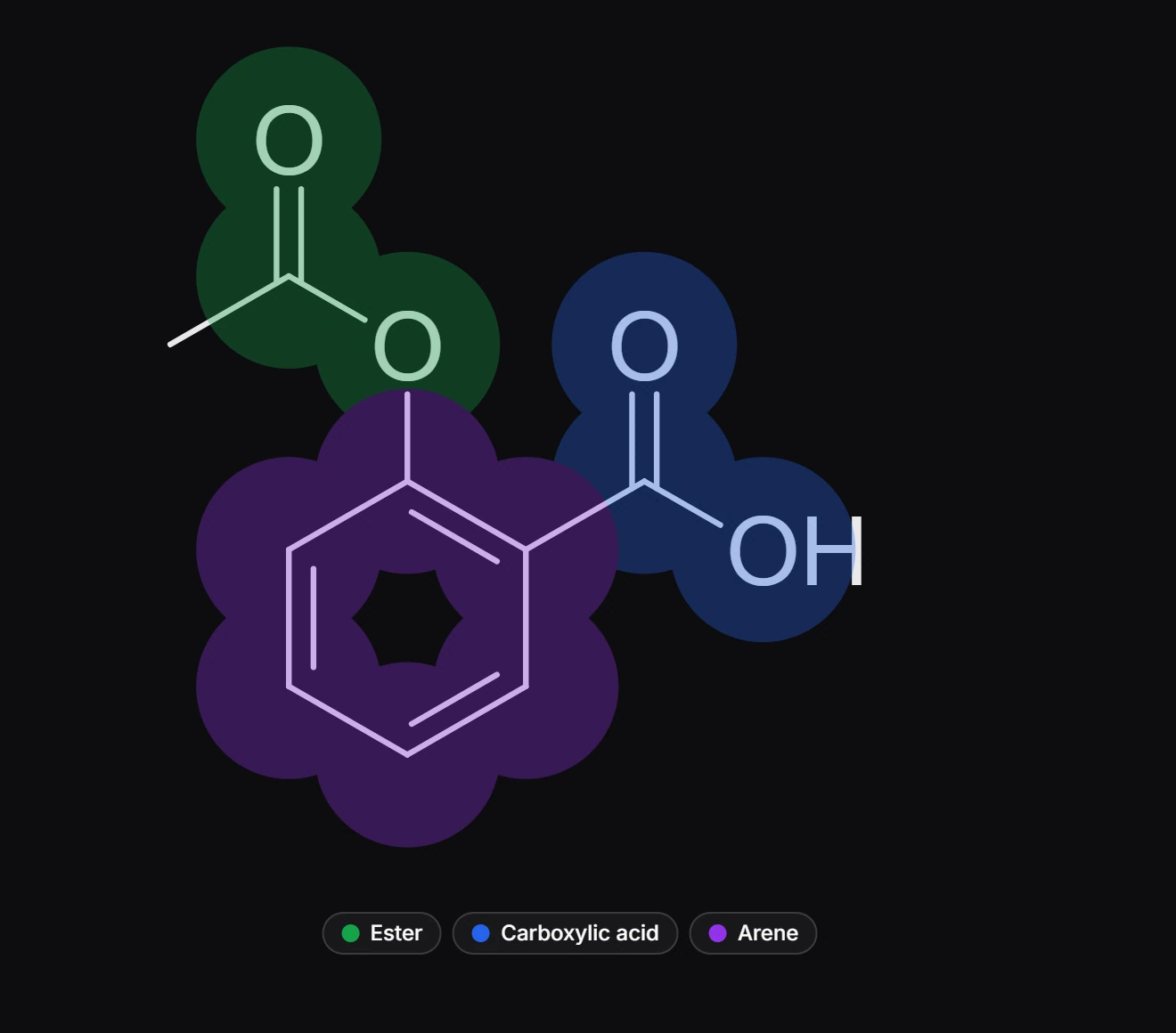
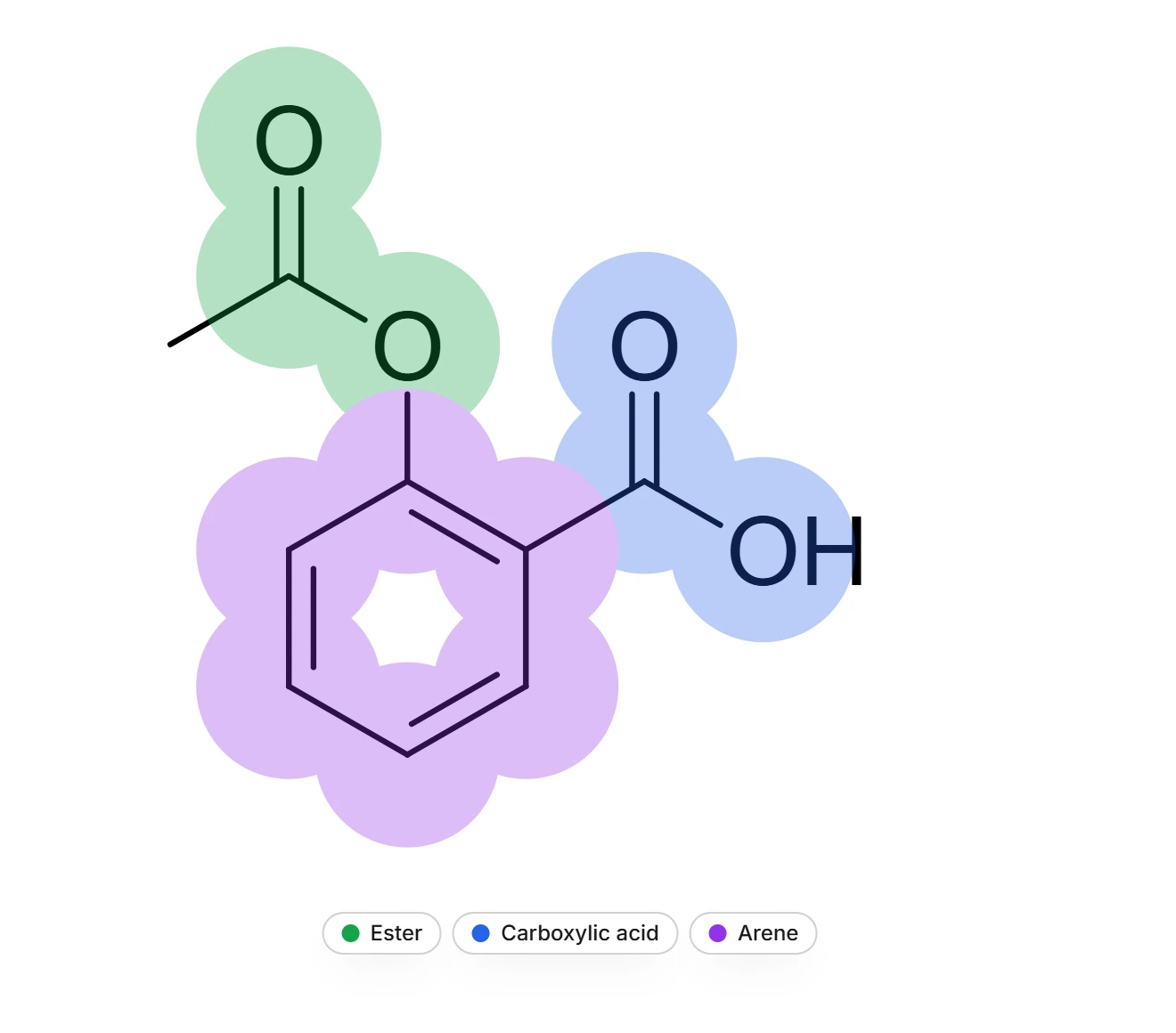 13 · How-toHow to highlight functional groupsChoose View › Show functional groups. Each group is shaded in its own color and named in a legend, such as Ester, Carboxylic acid and Arene for aspirin. Choose it again to hide them.
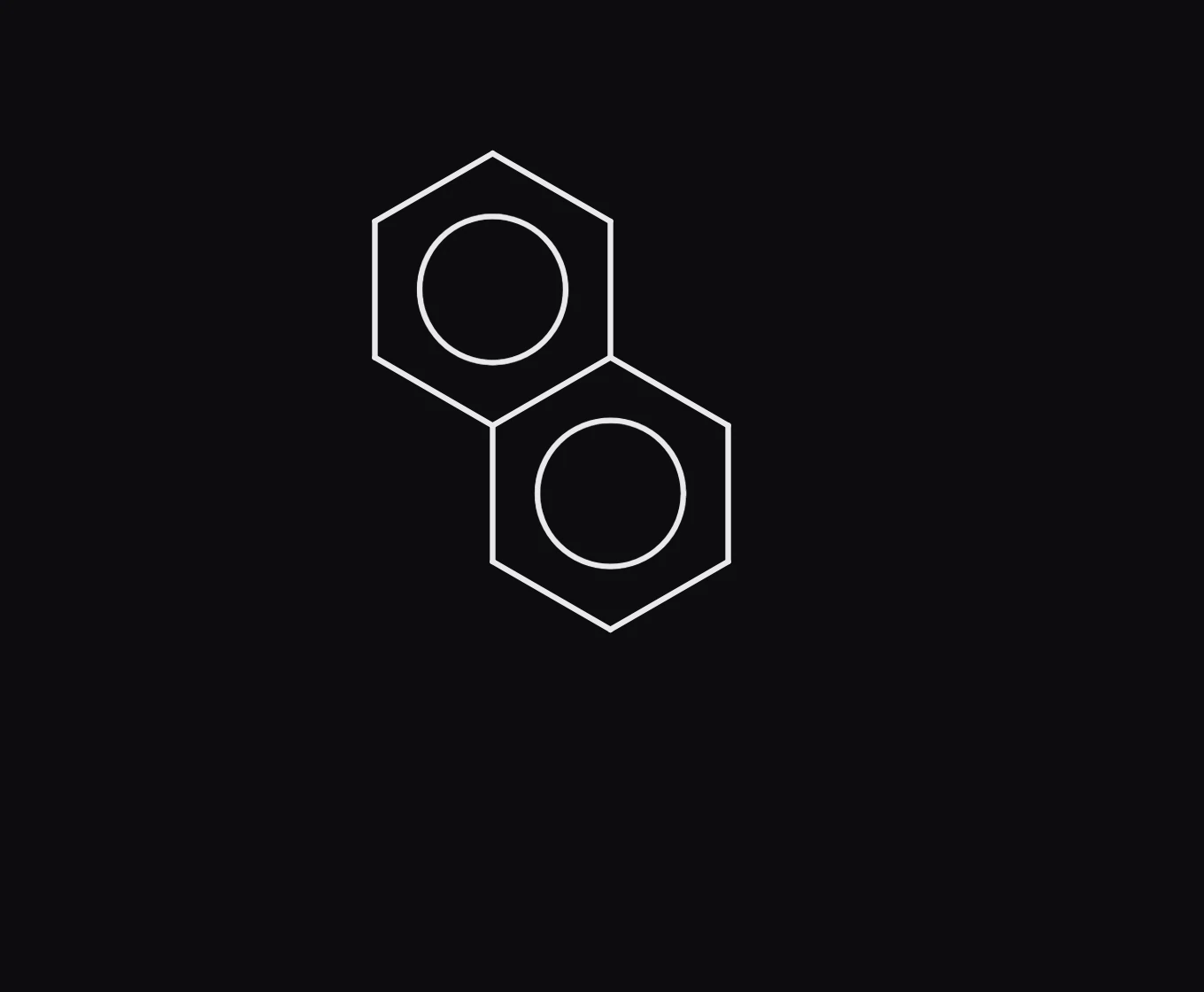
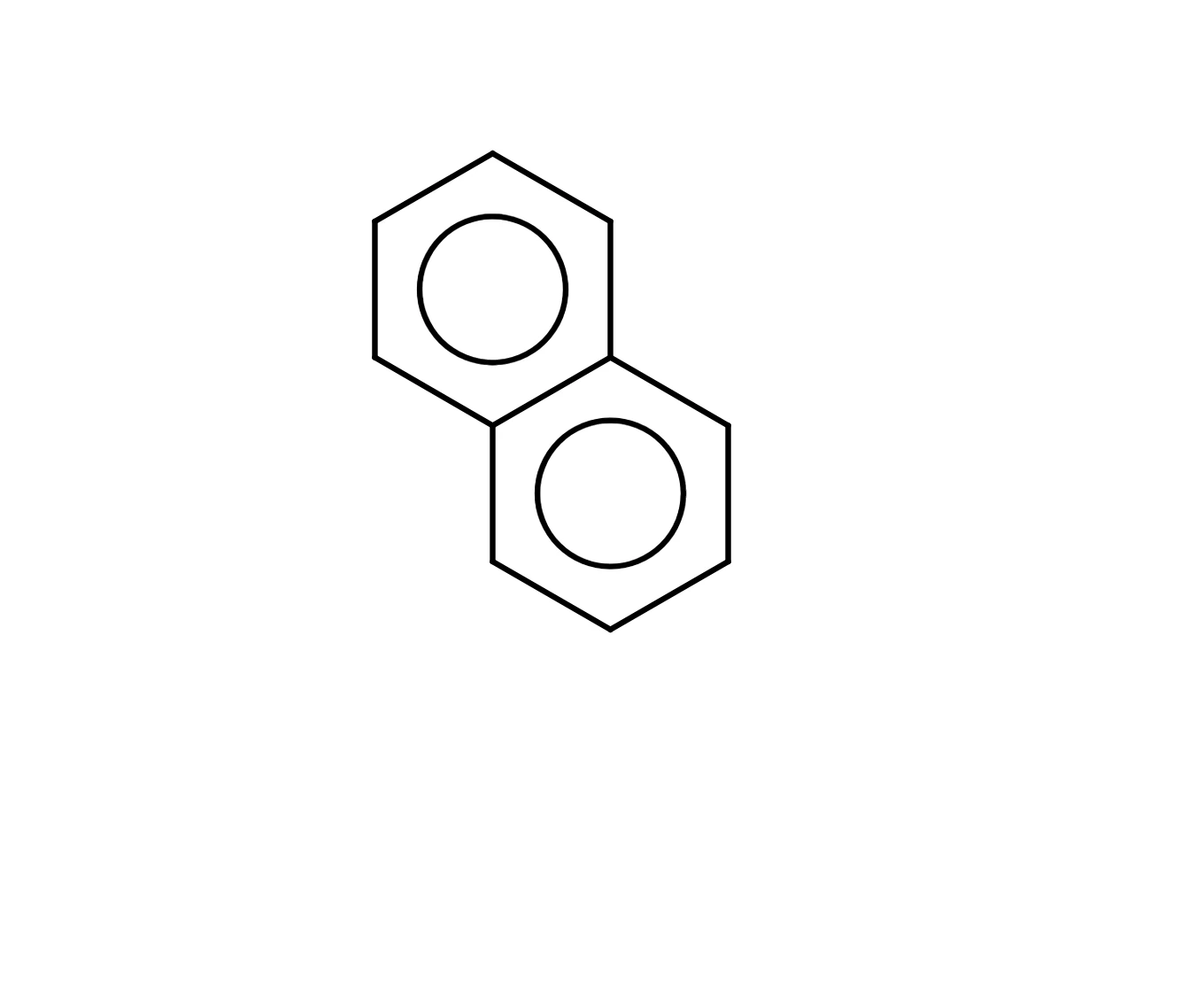 14 · How-toHow to draw aromatic rings with circlesChoose View › Aromatic circles to draw every aromatic ring with a circle. For one structure, select it and set Aromatic to Circle or Kekule under Display in Properties.
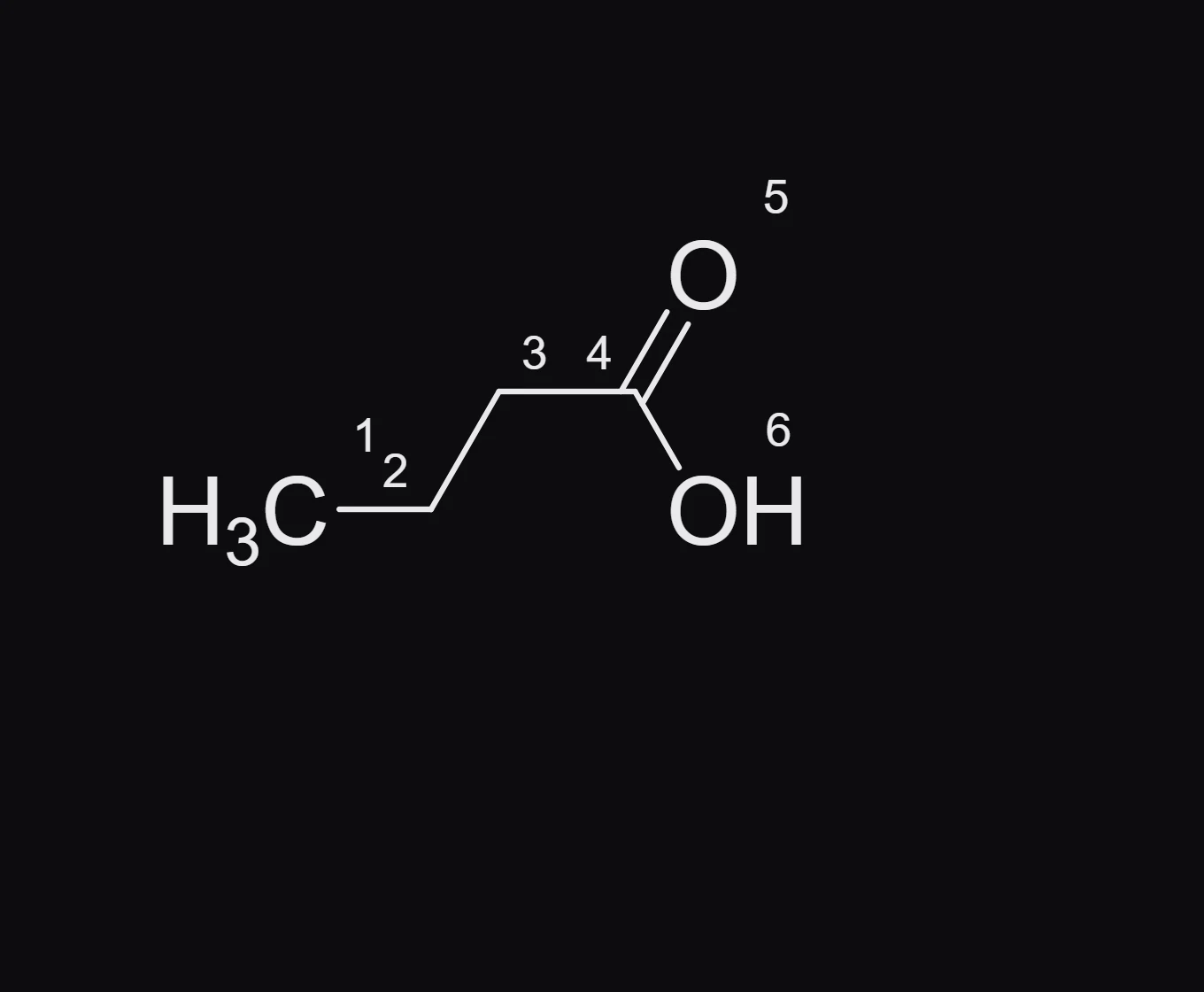
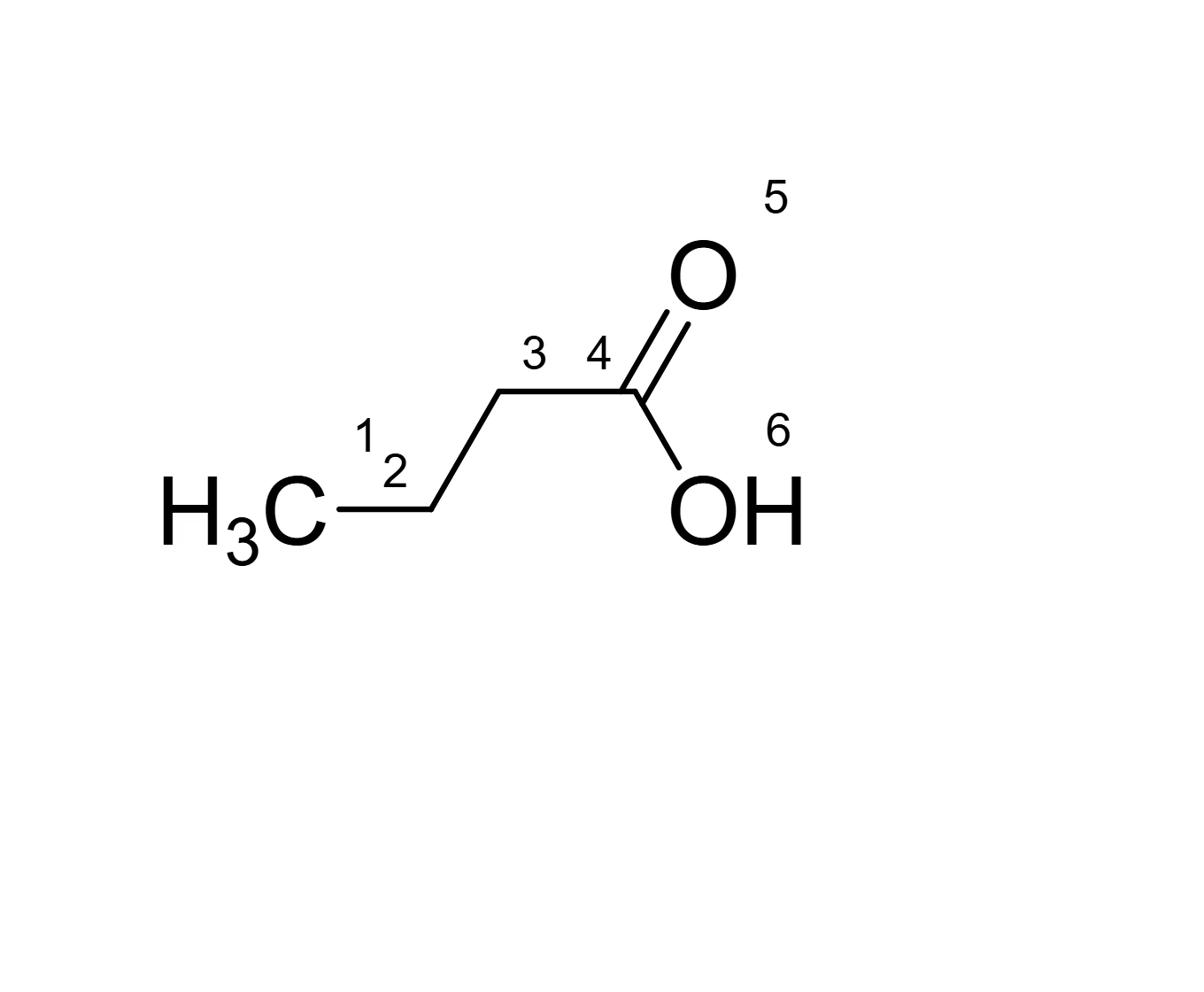 15 · How-toHow to show terminal carbons and atom numbersChoose View › Show terminal carbons and View › Show atom numbers. For one structure, select it and switch Terminal C and Atom numbers on under Display in Properties.
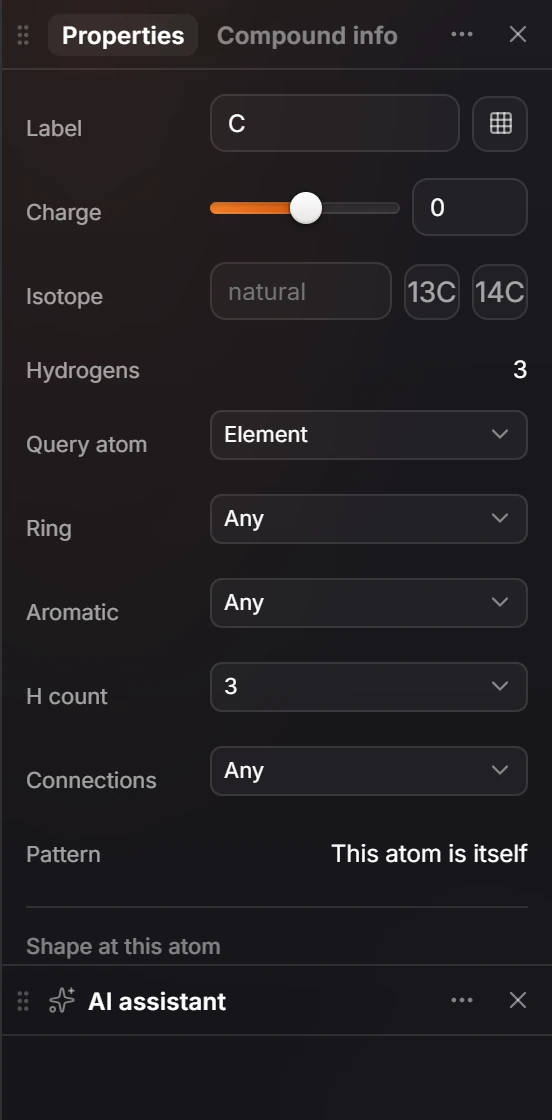
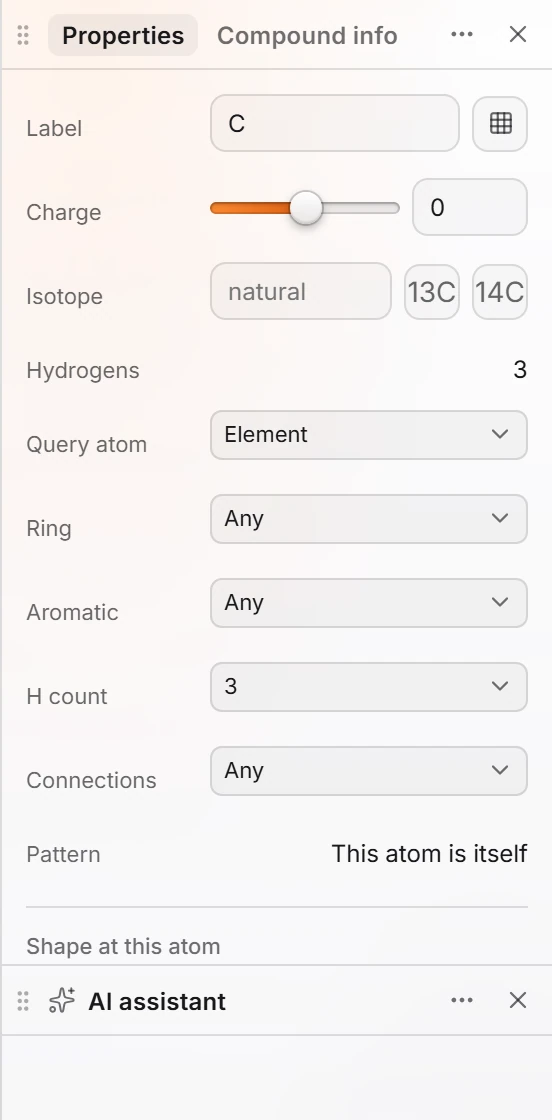 16 · ReferenceAtom propertiesSelect an atom and open Properties. It shows the Label, Charge, Isotope and Hydrogens, the Query atom settings for substructure searches, and Shape at this atom with the steric number, AXE class, geometry, hybridization and ideal angle.
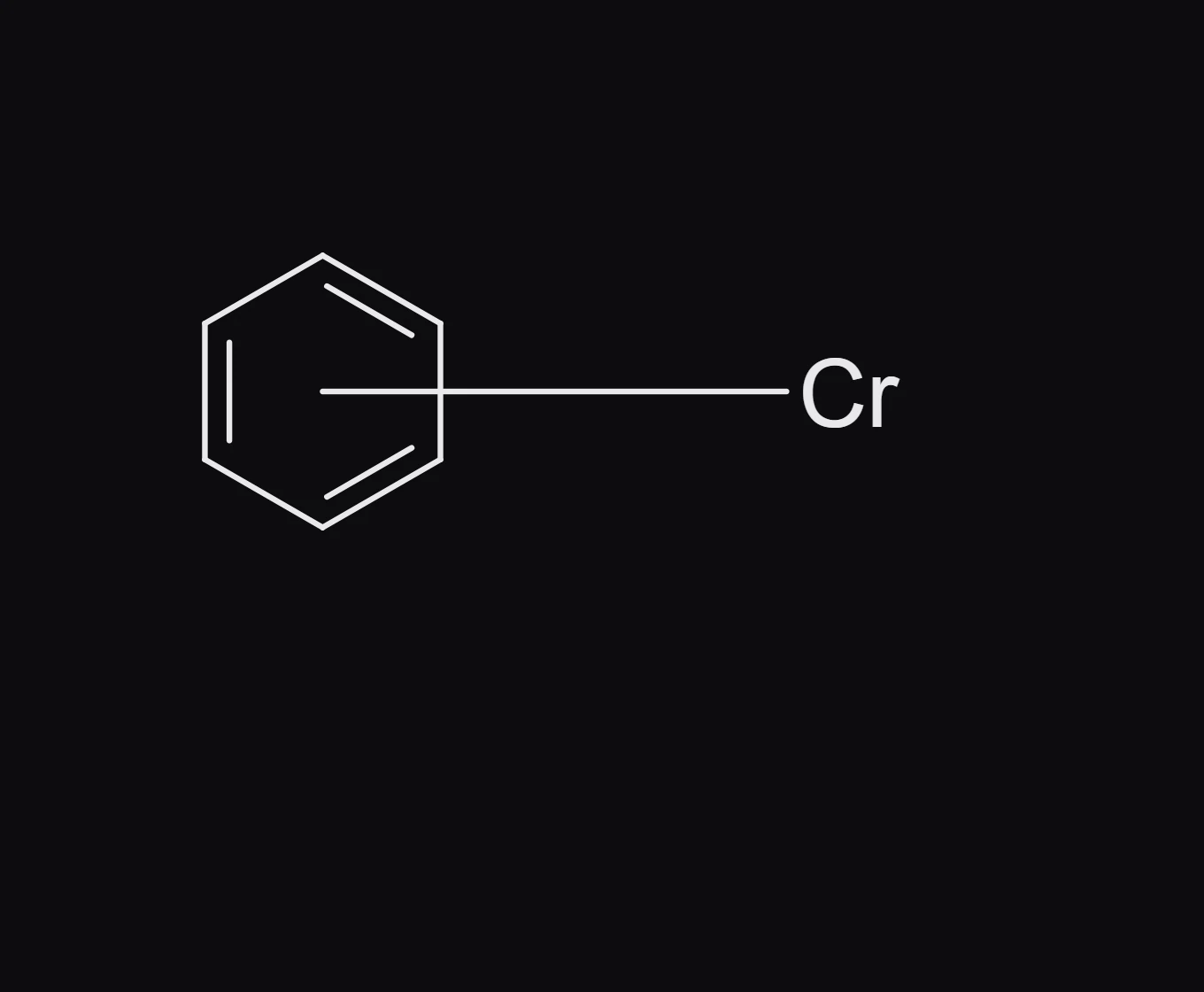
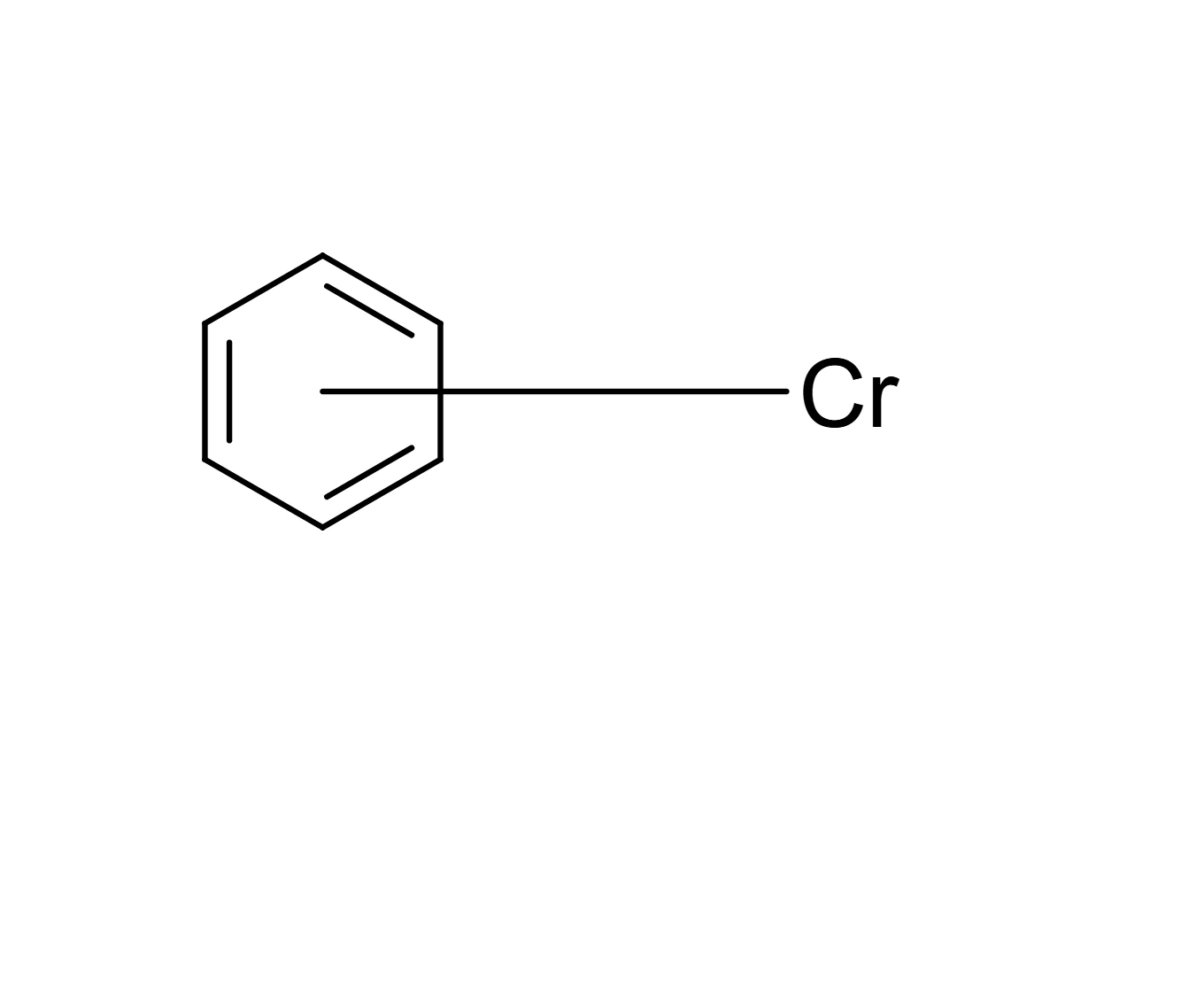 17 · How-toHow to draw haptic bondsSelect the metal and the ring or double bond it binds, then choose Object › Chemistry › Haptic bond. Athanor draws one bond from the center of the ring to the metal and names its hapticity, such as η6.

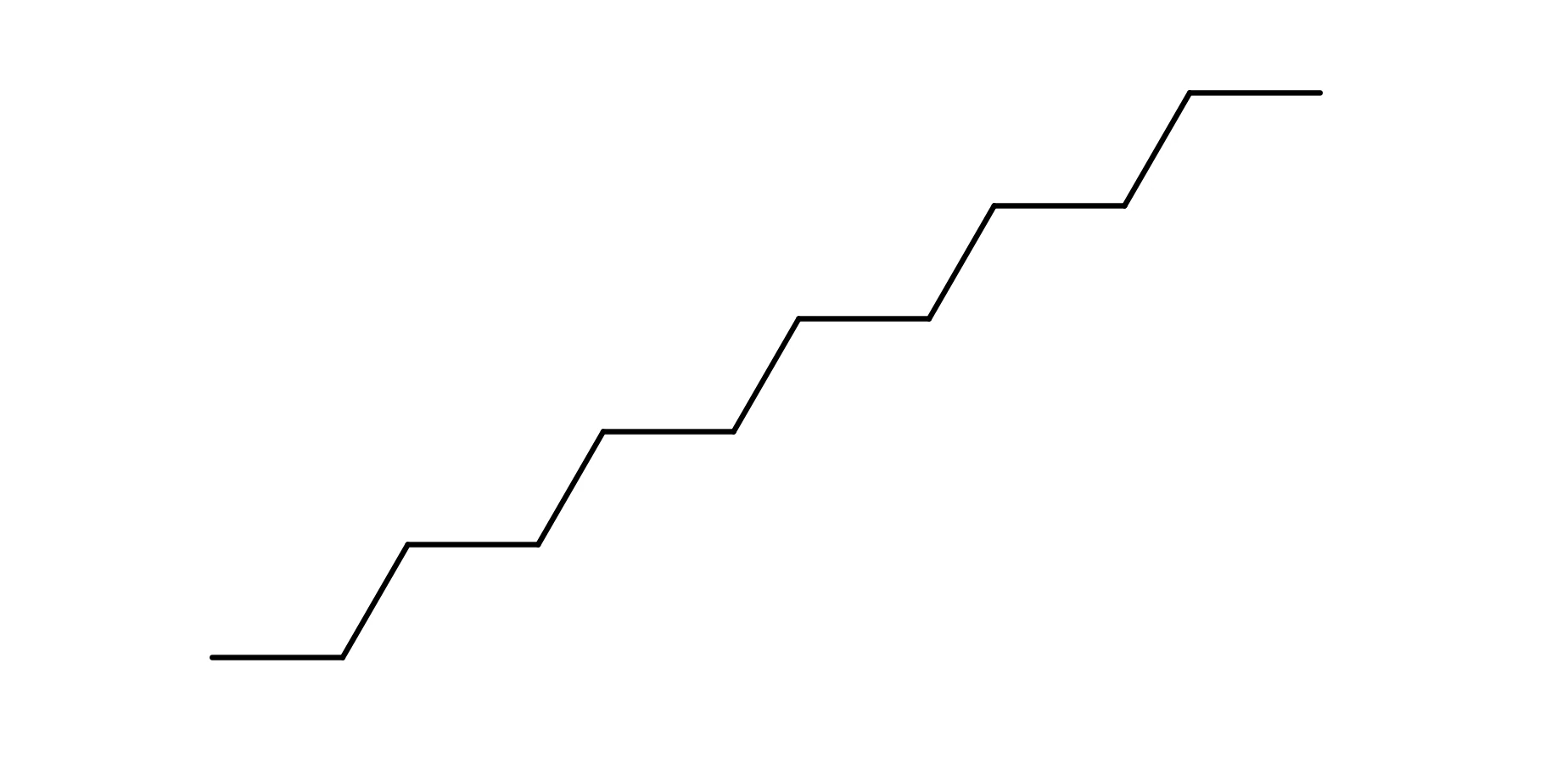 18 · How-toHow to draw repeating unitsSelect the structure and choose Object › Compress repeating units. A run of identical units is drawn once in brackets with its count, such as 10. Object › Expand repeating units draws it out again.
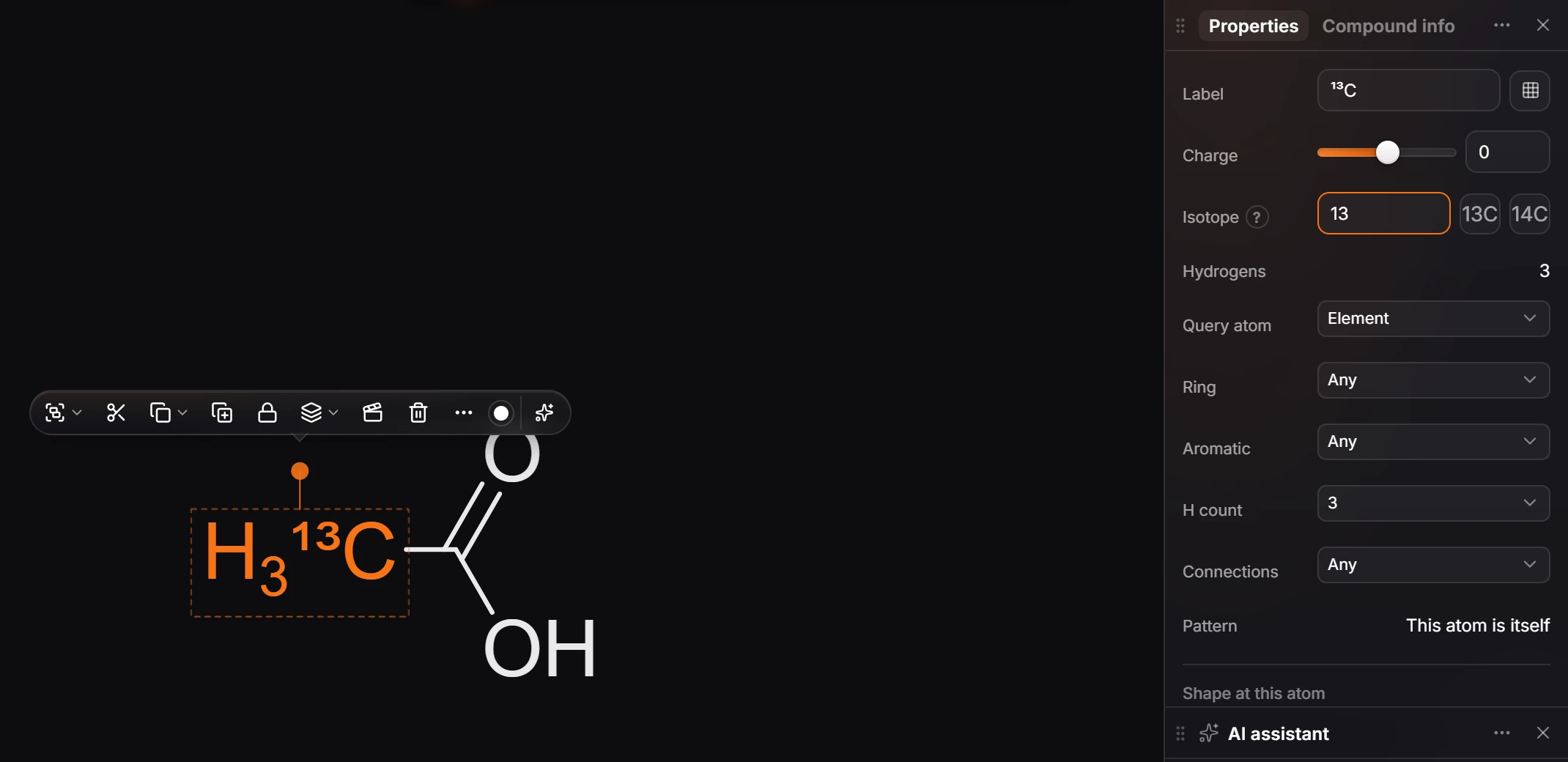
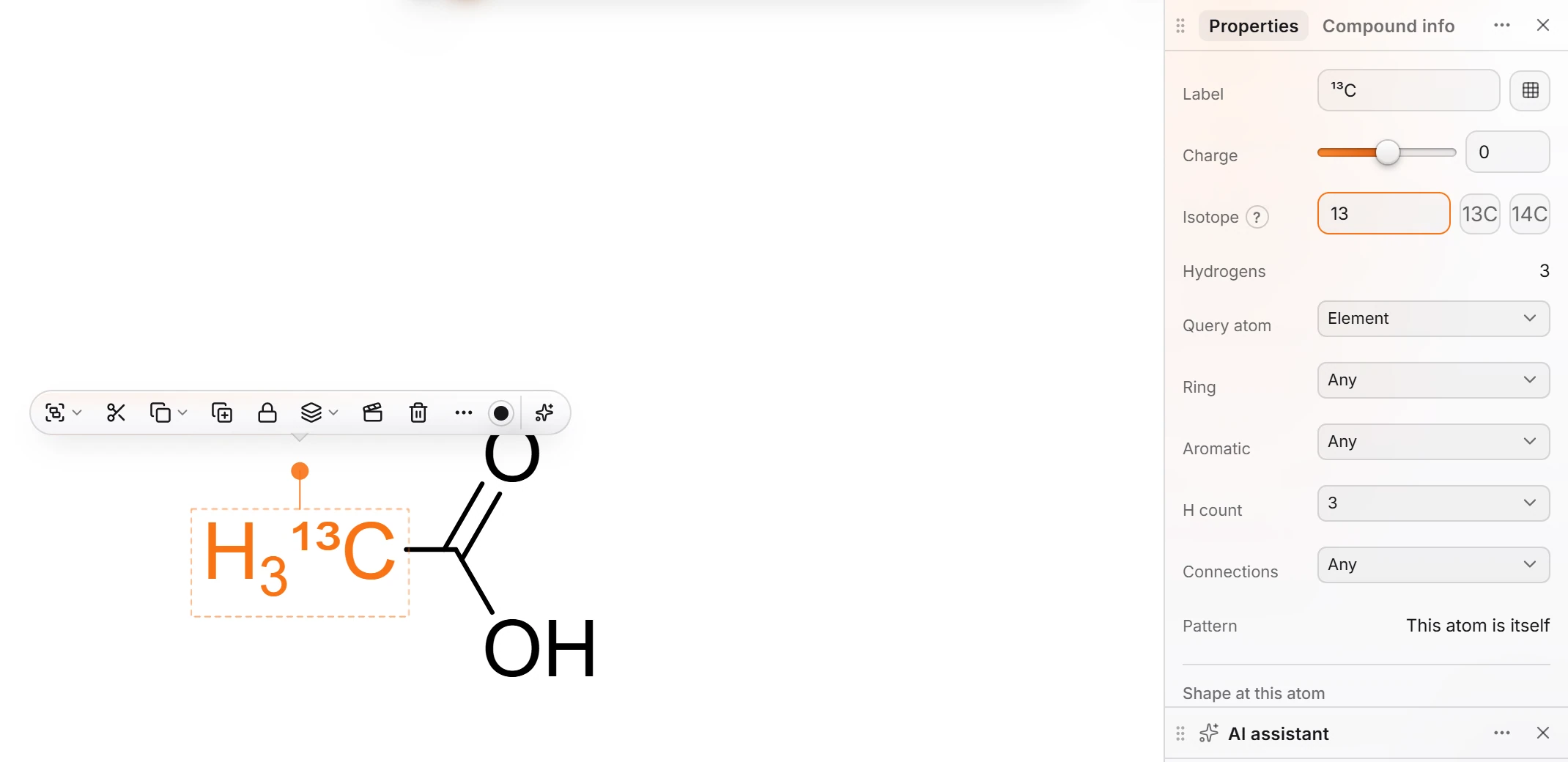 19 · How-toHow to label an isotope (deuterium, carbon-13)Type D, T or 13C on an atom the way you type any label, or select the atom and enter the mass number in Properties › Isotope. The atom shows ¹³C or D, and the formula, both masses, SMILES and MOL files carry the isotope.
- Still stuck? Read the FAQ or contact support.
- Something wrong on this page? Tell us.
- For AI tools: llms.txt