
Plugins
Install plugins that add commands, panels, formats and checks, build your own with the plugin API, and publish them to the directory.
Start here- 1 · How-toPlugins overviewWhat Athanor plugins are, what they can add to the editor, how the sandbox and permissions keep your work safe, and where to go next.
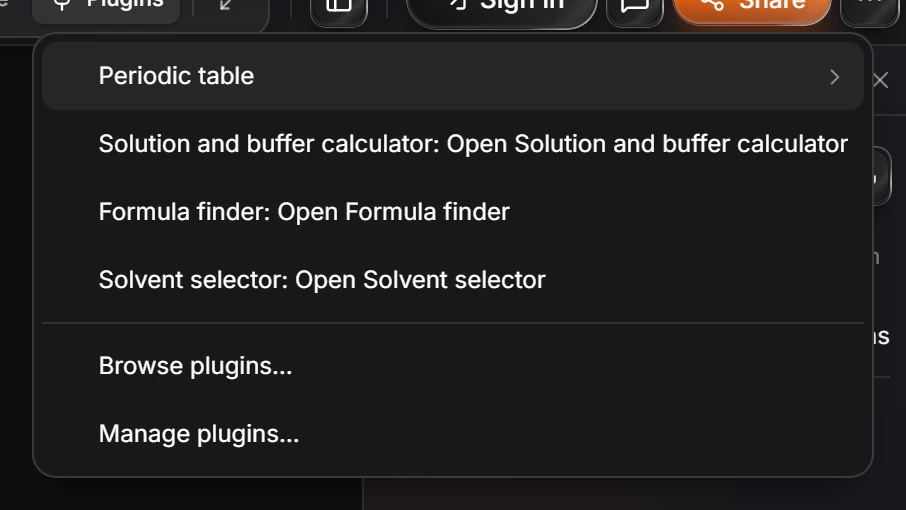
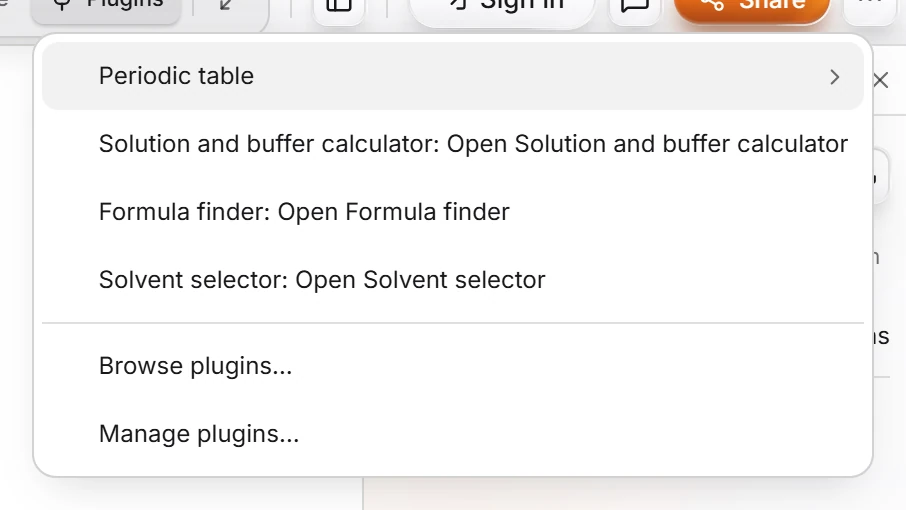 2 · ReferenceThe Plugins buttonPress Plugins in the top bar. The menu lists each installed plugin with what it opens, such as Periodic table or Formula finder, then Browse plugins to find more and Manage plugins for the ones you have.
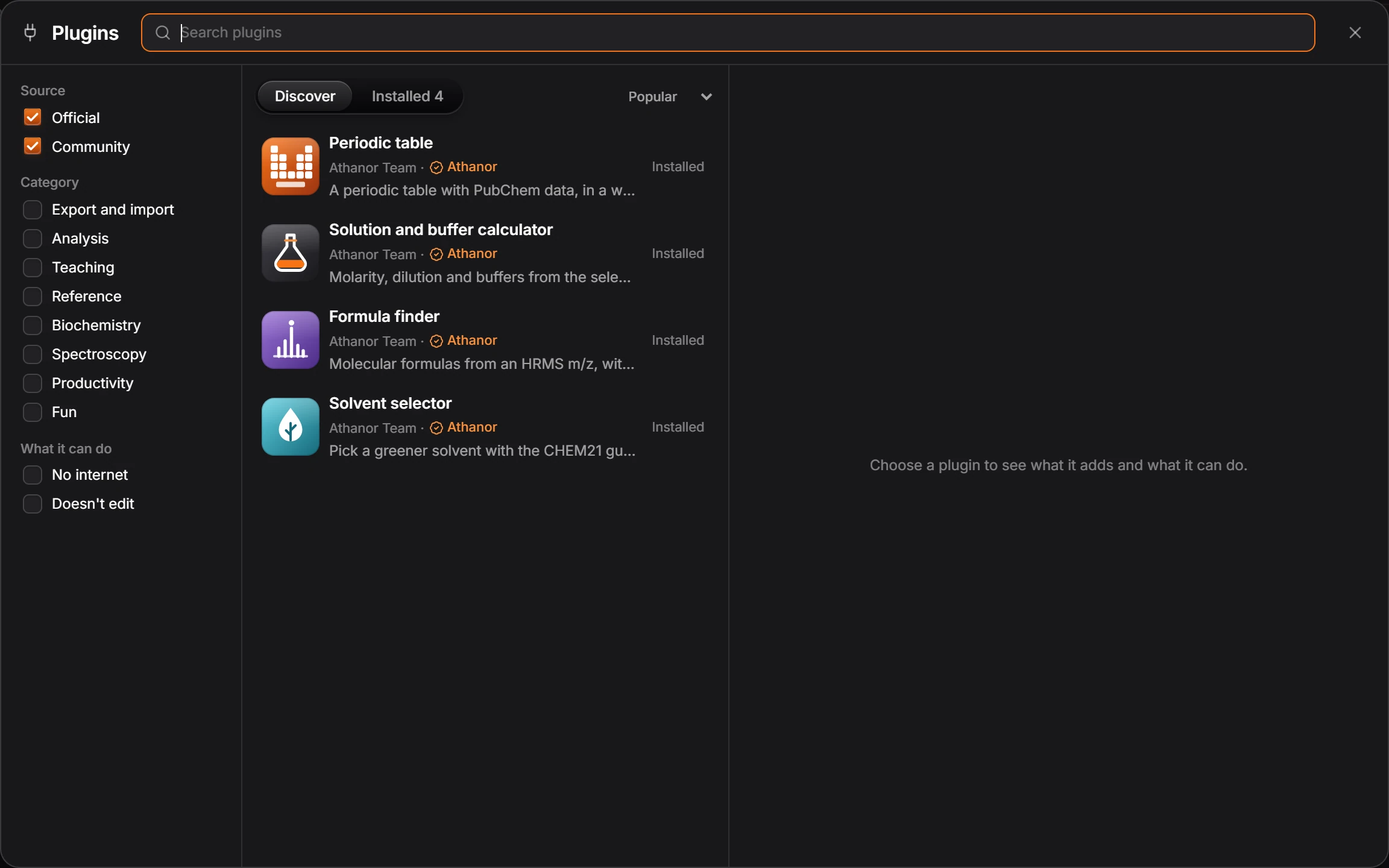
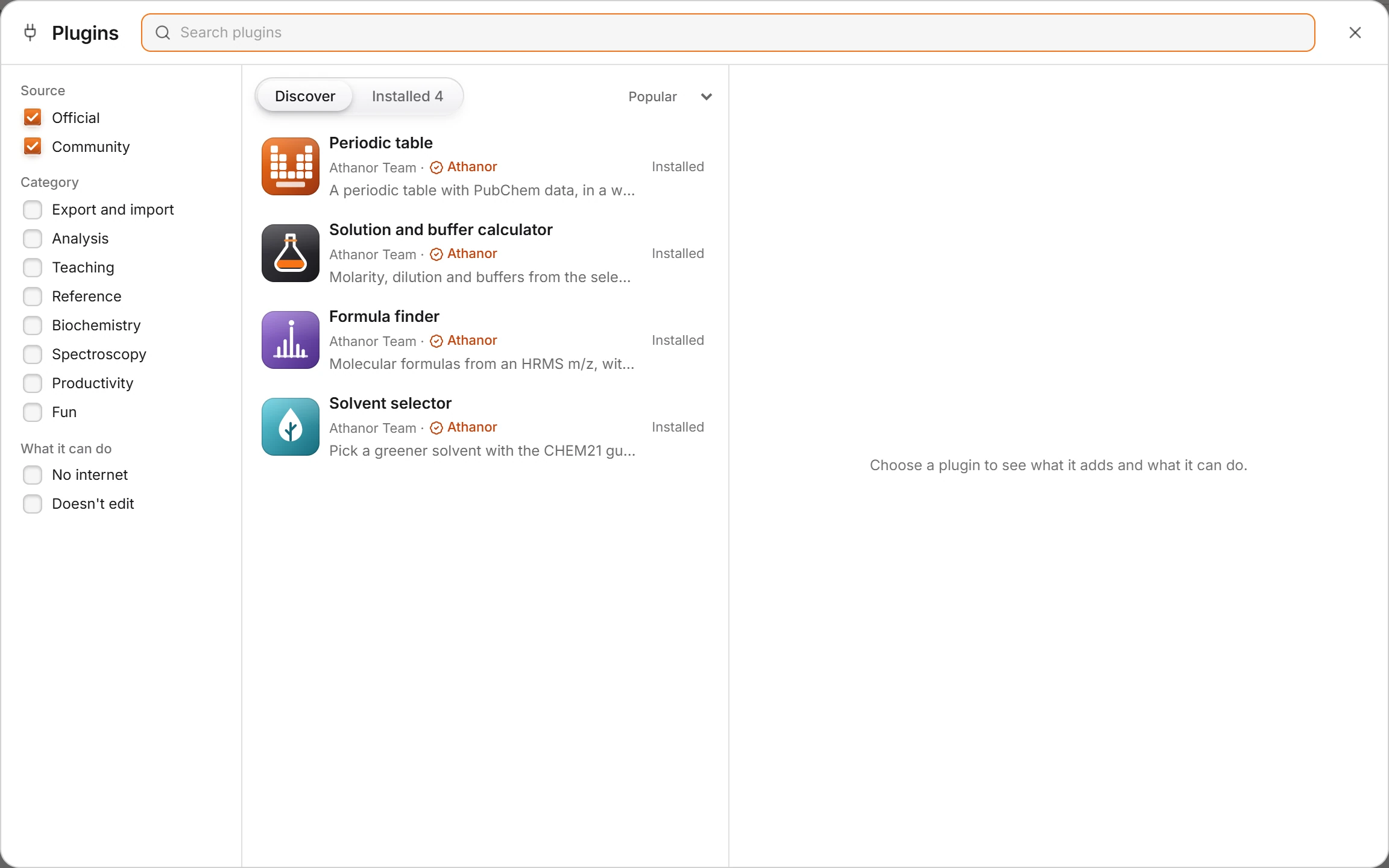 3 · How-toHow to browse and install pluginsChoose Plugins › Browse plugins…. Filter the list, pick a plugin to see its detail column, then press Install and confirm what it may do.
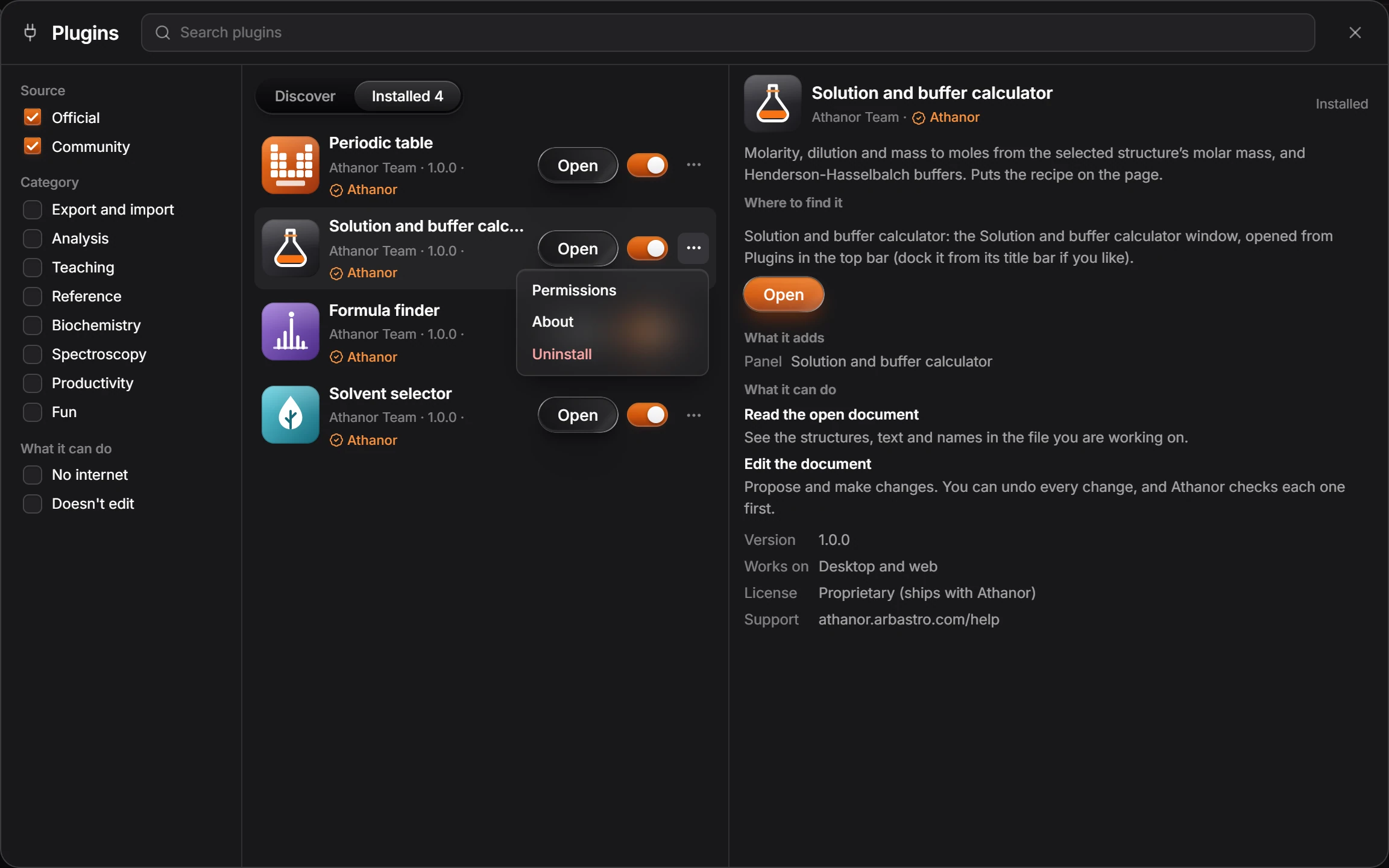
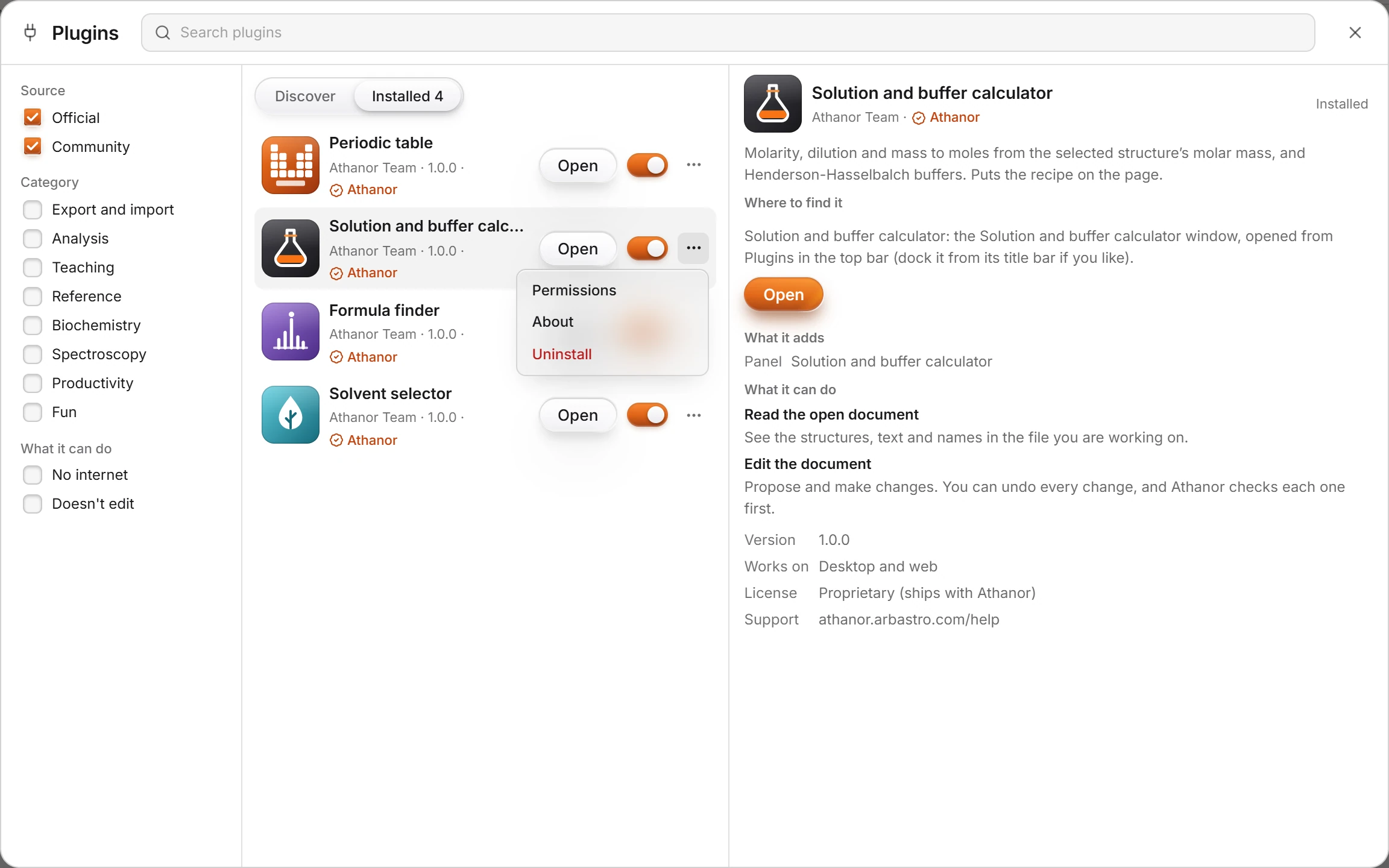 4 · How-toPlugin permissionsA plugin can only do what it asks for, such as read the open document or edit it. Choose Plugins › Manage plugins…, then ⋯ › Permissions on its row, and switch off what you do not want.

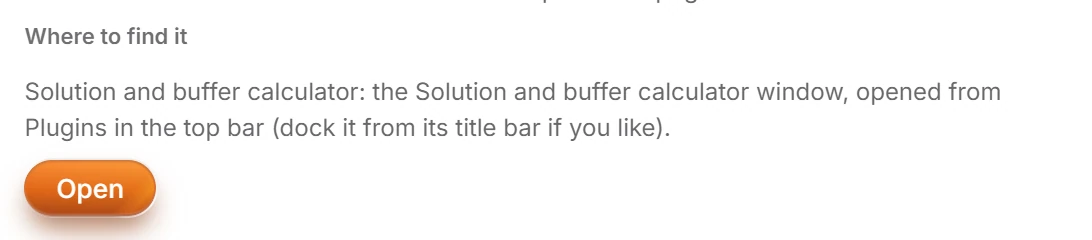 5 · How-toHow to start a plugin and find where it livesIn the Plugins window, click the plugin. Where to find it says where its window or command lives, and the button under it, such as Open, starts it.
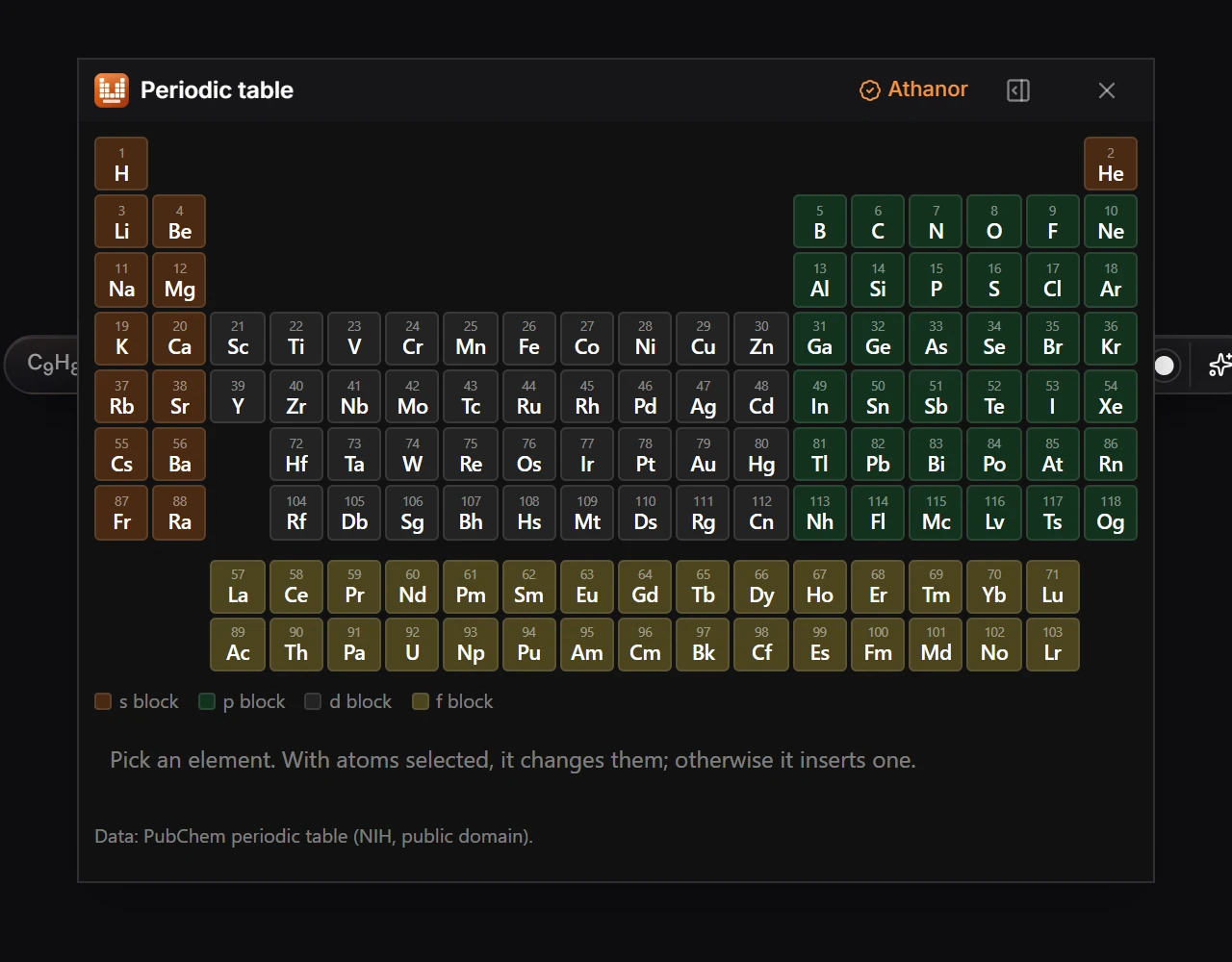
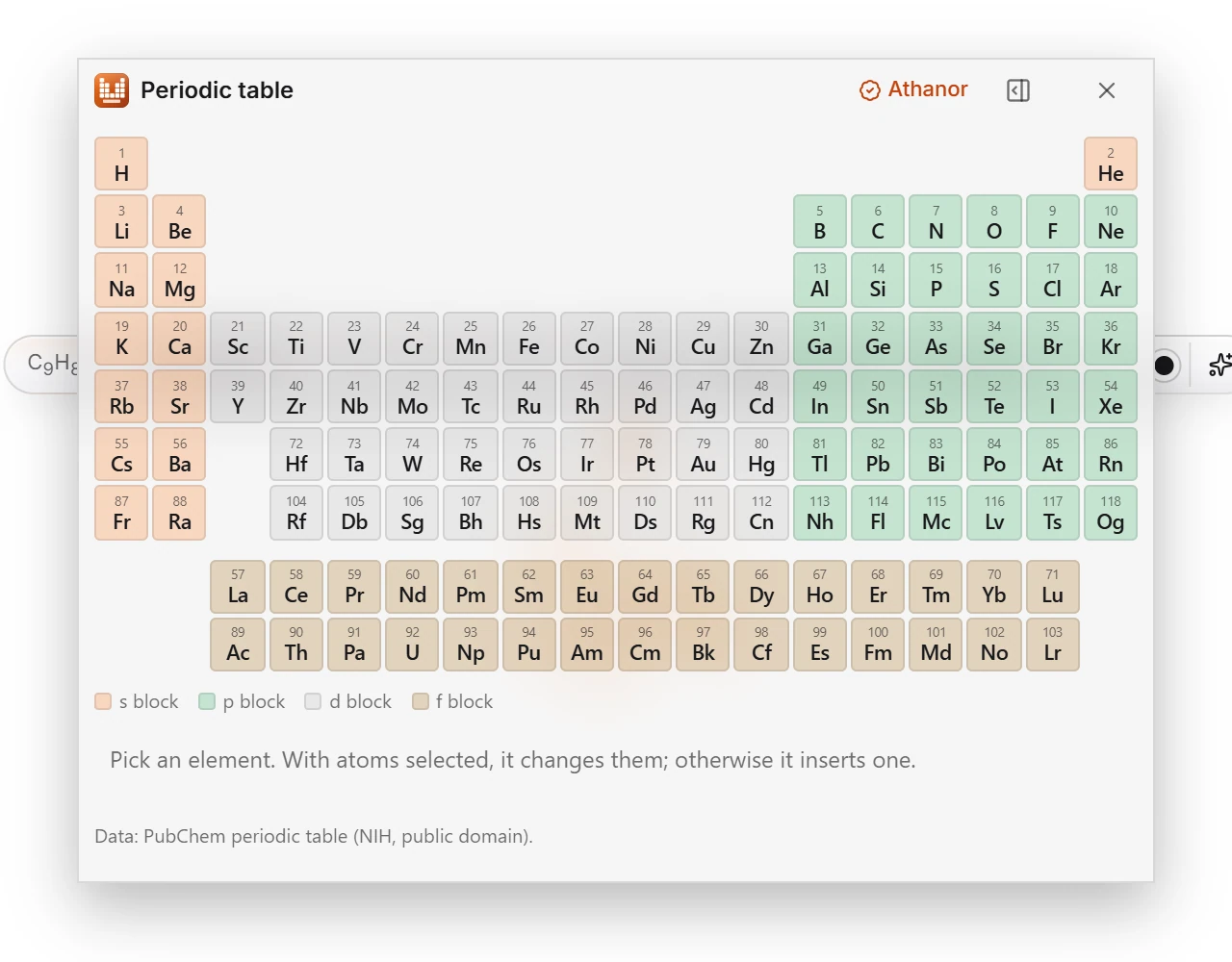 6 · How-toHow to move, dock and close plugin windowsA plugin window opens floating over the canvas. Drag its title bar to move it, press the dock button in the title bar to dock it beside the canvas, and close it with the X.
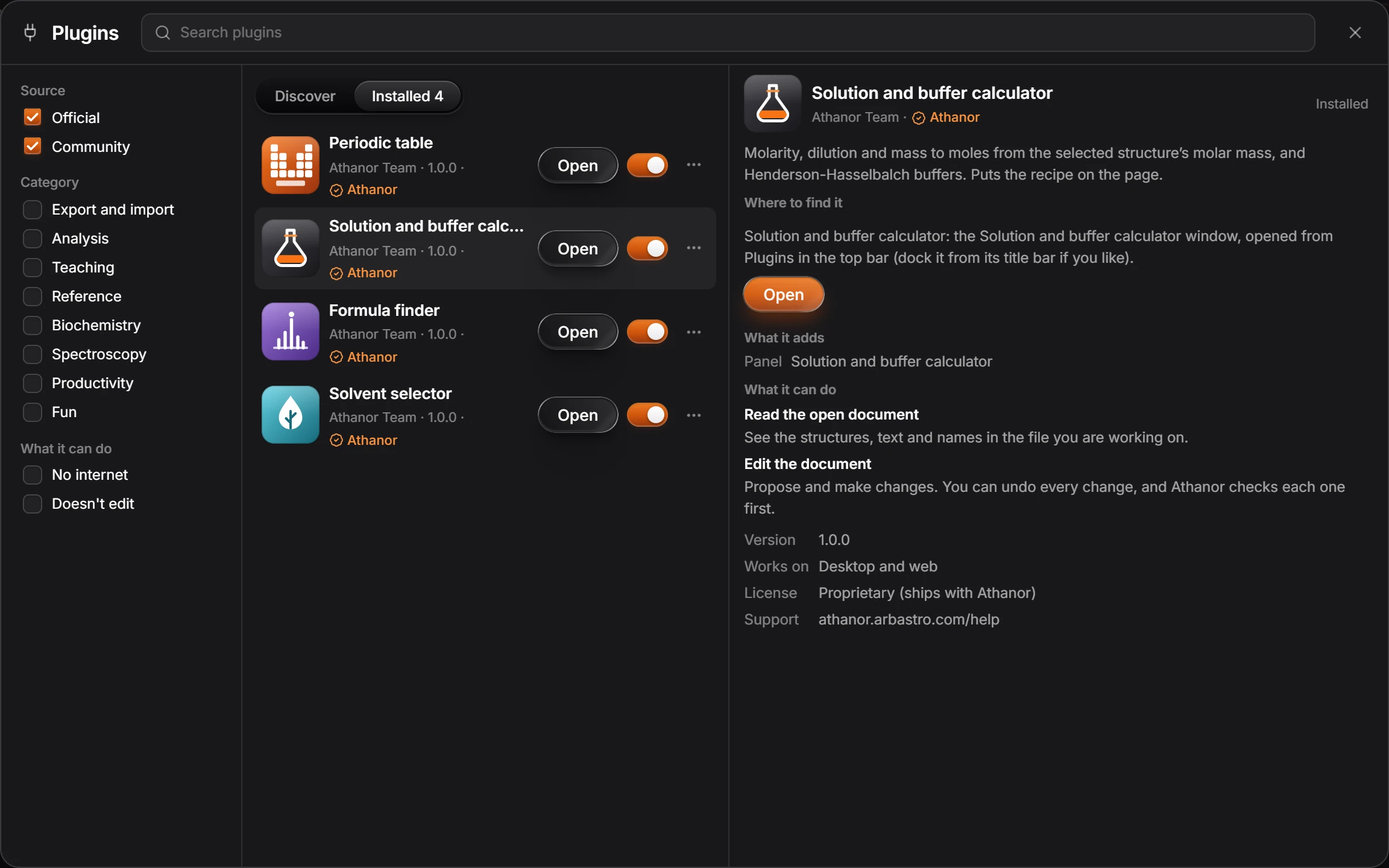
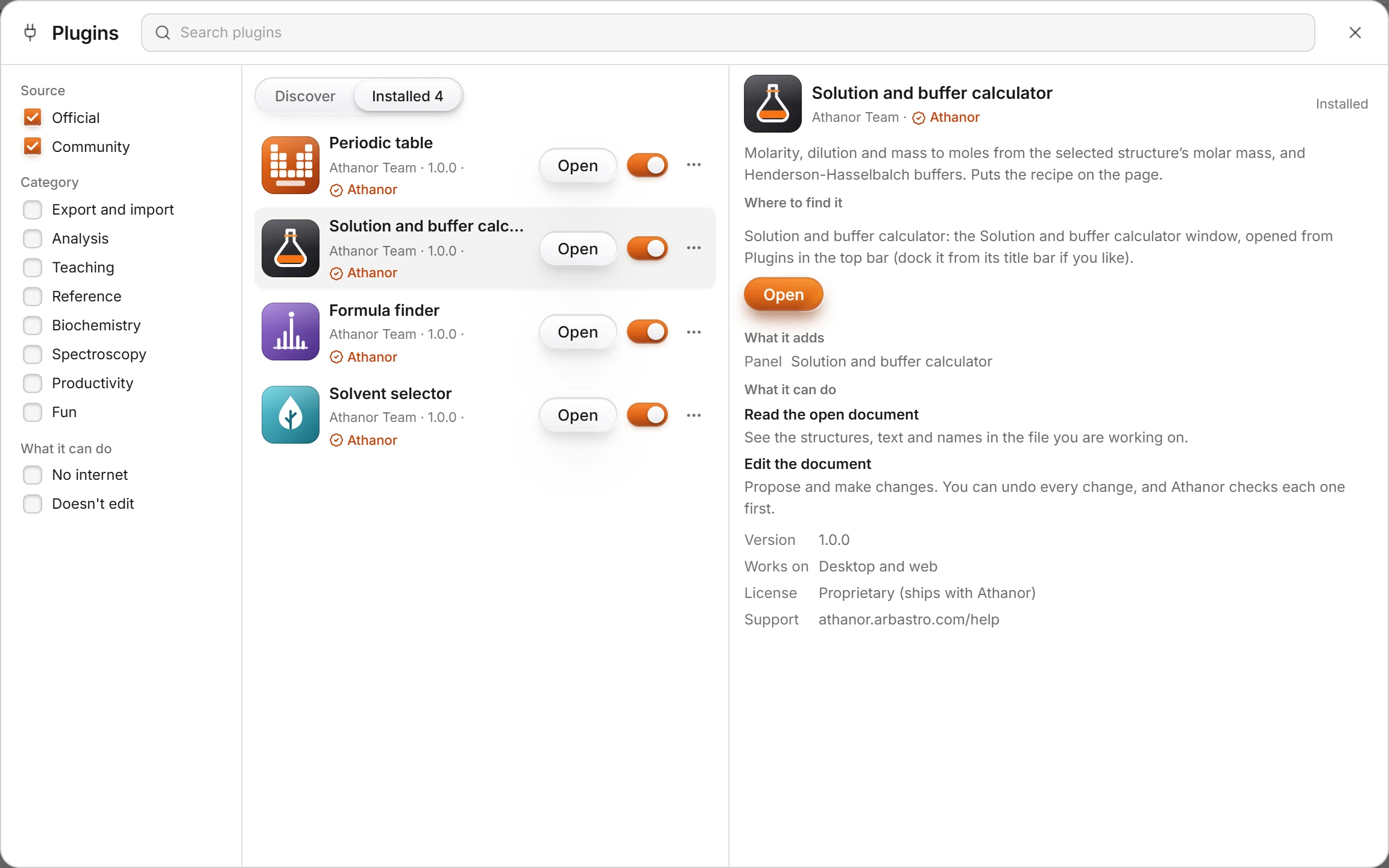 7 · How-toHow to turn off or uninstall a pluginChoose Plugins › Manage plugins…. The switch on a plugin row turns it off and on; ⋯ › Uninstall removes it after you confirm.
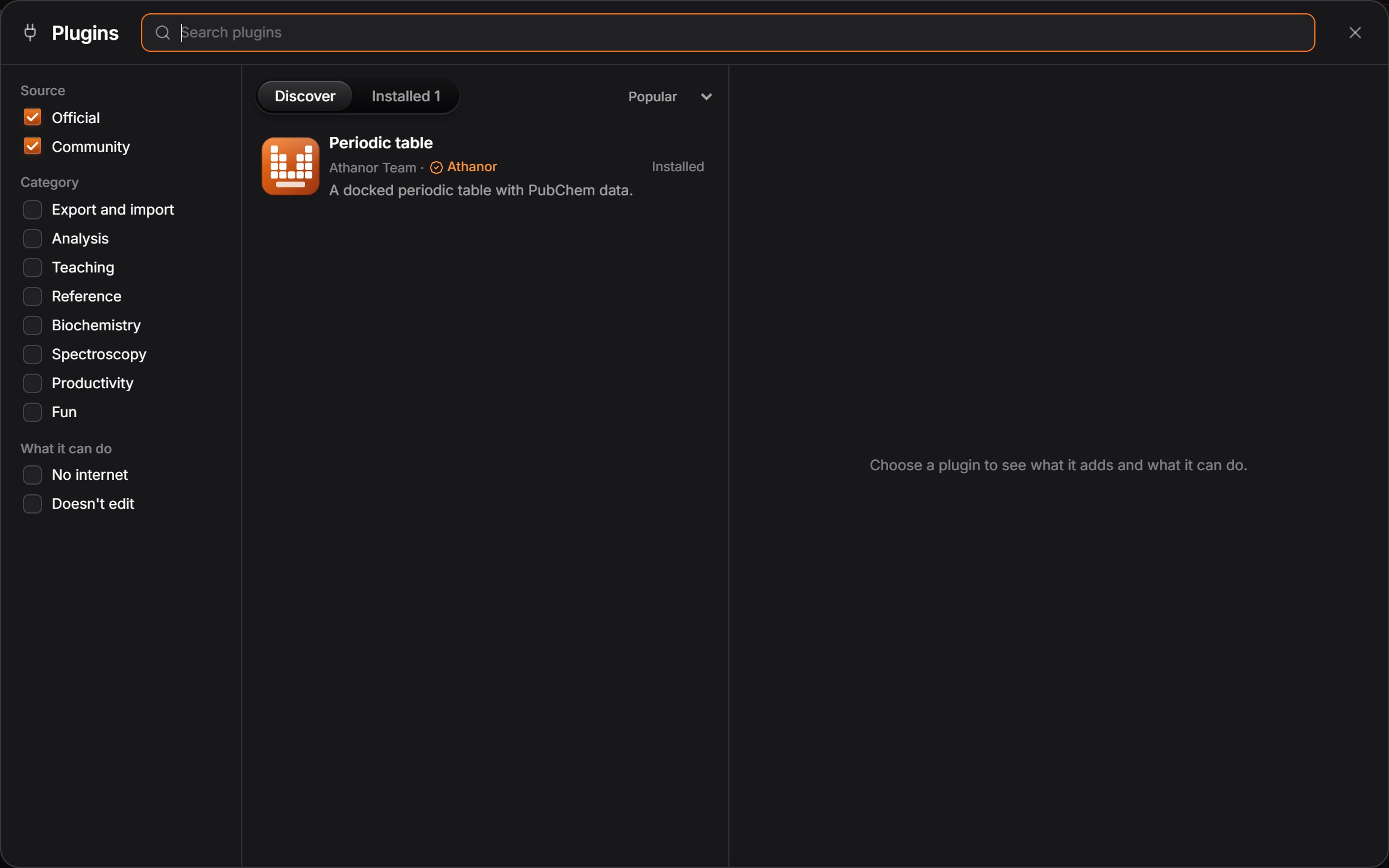
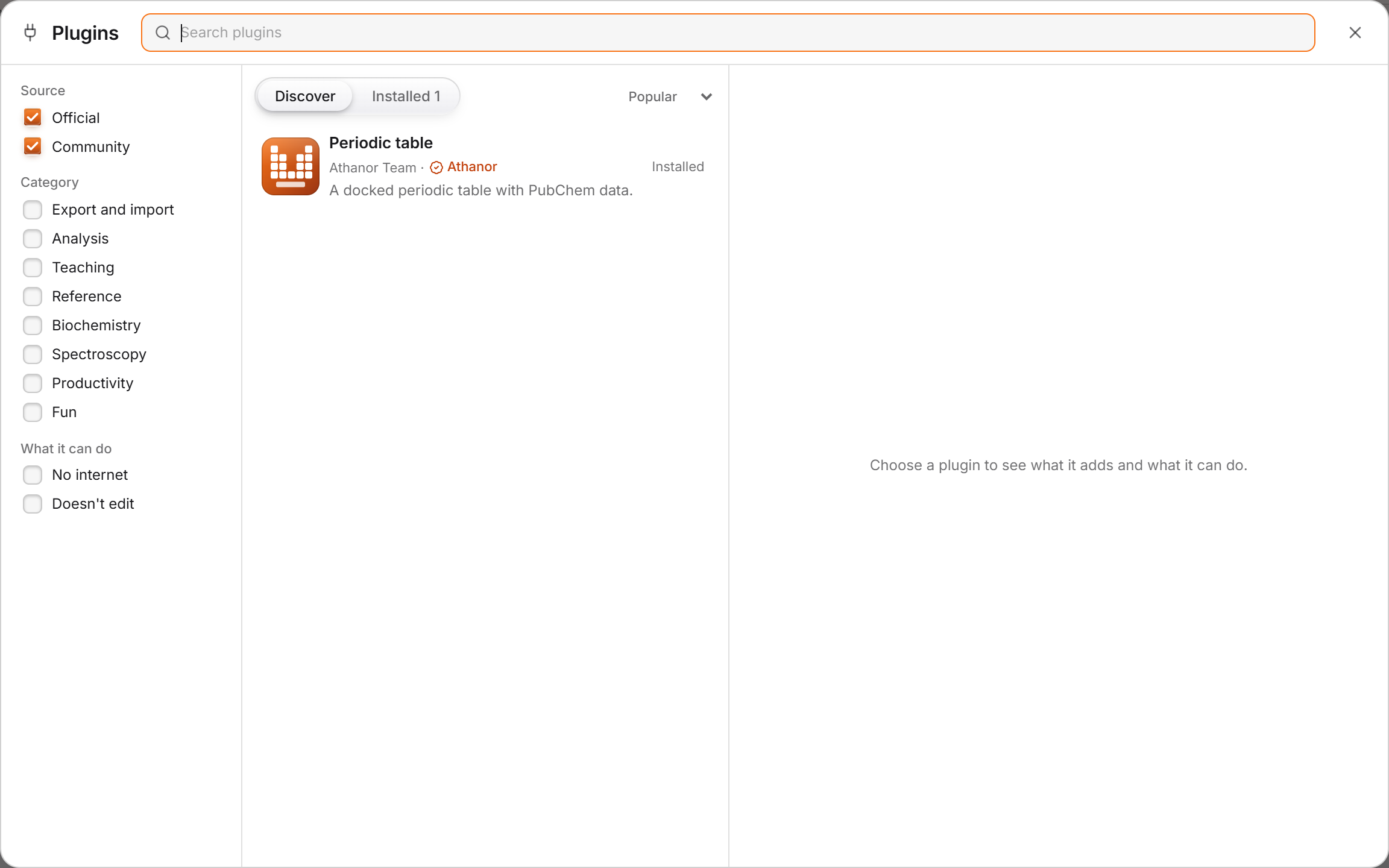 8 · How-toUsing pluginsFind, install, run, configure, update, turn off and uninstall Athanor plugins, read the permission sheet, and rate, review or report a plugin.
- 9 · ReferenceOfficial pluginsFour official plugins come installed and work signed out: Periodic table, Solution and buffer calculator, Formula finder and Solvent selector. Each opens a window from Plugins in the top bar.
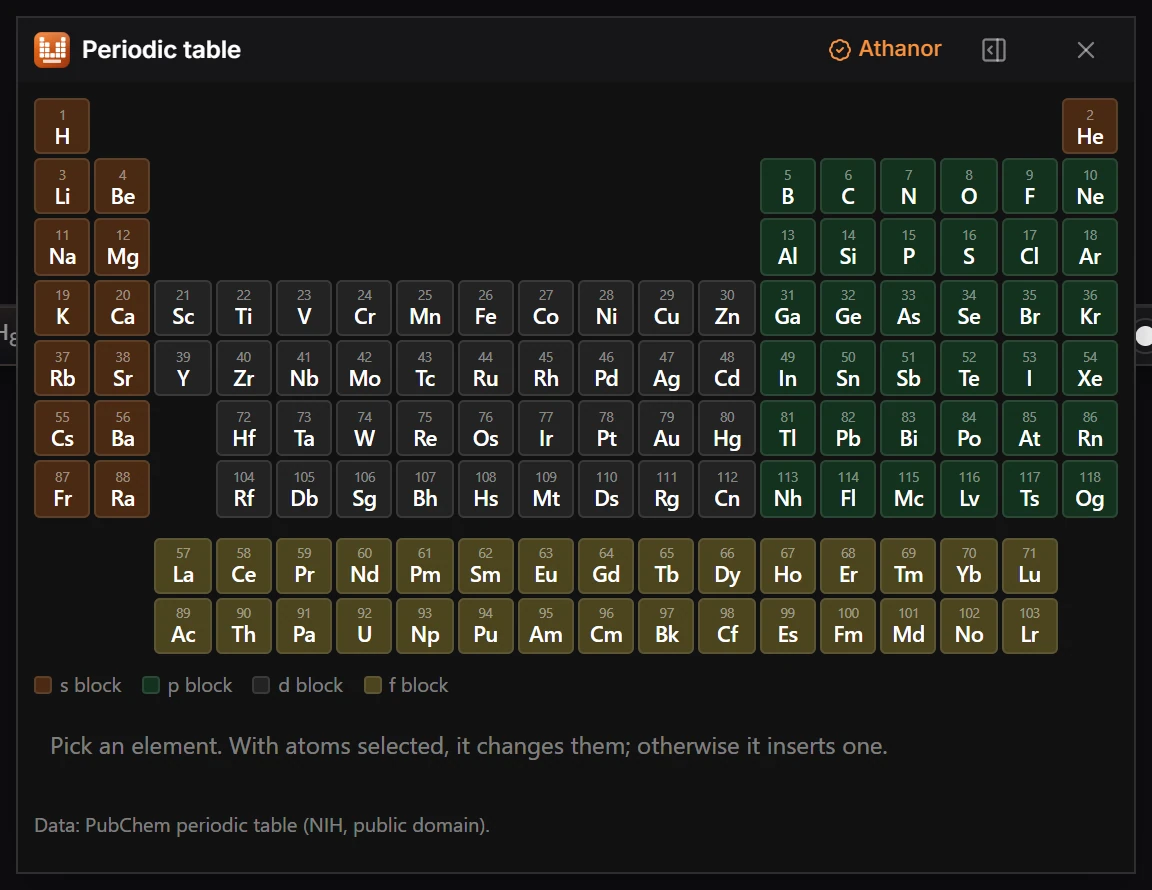
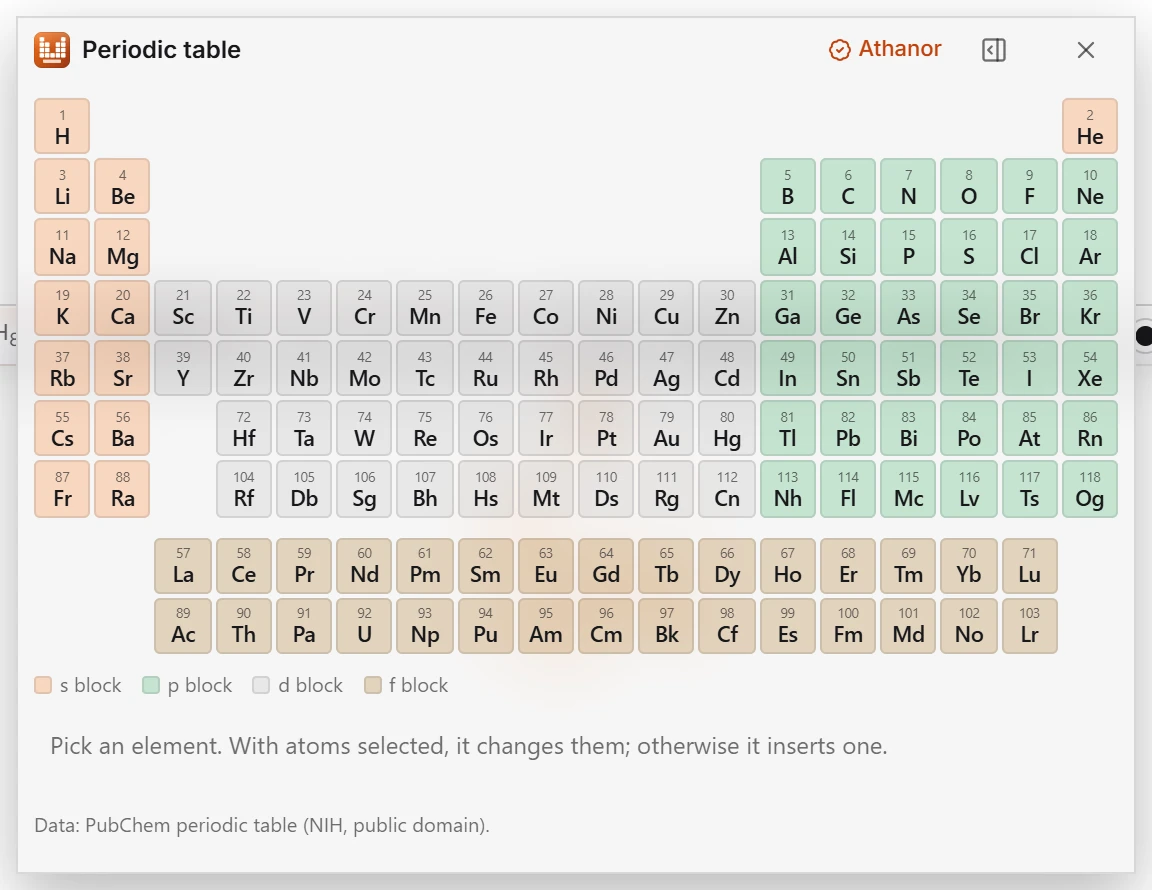 10 · How-toThe Periodic table pluginChoose Plugins › Periodic table › Open Periodic table, then pick an element. With atoms selected it changes them; without a selection it inserts the element.
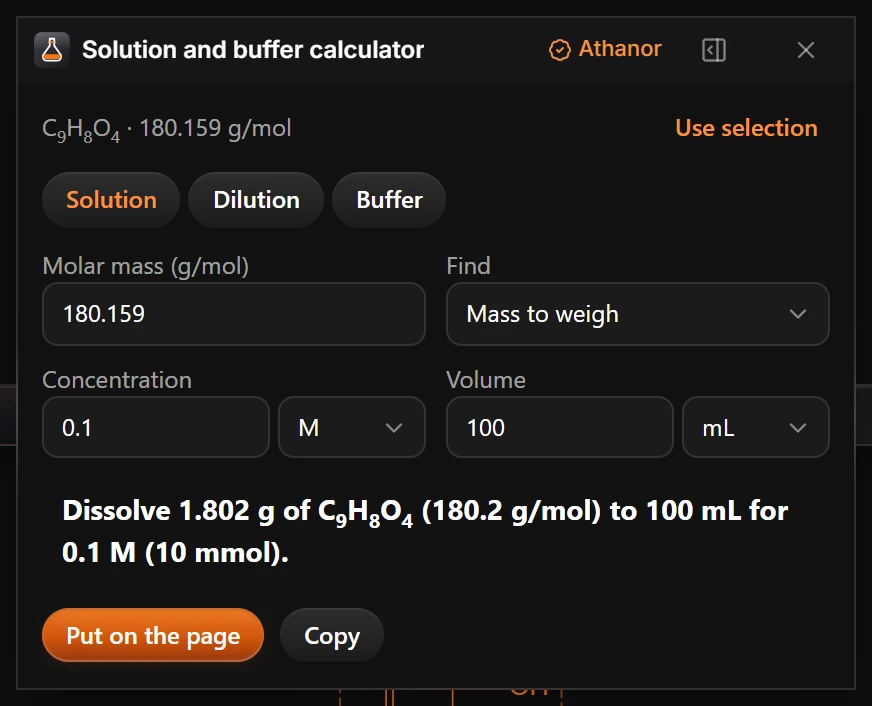
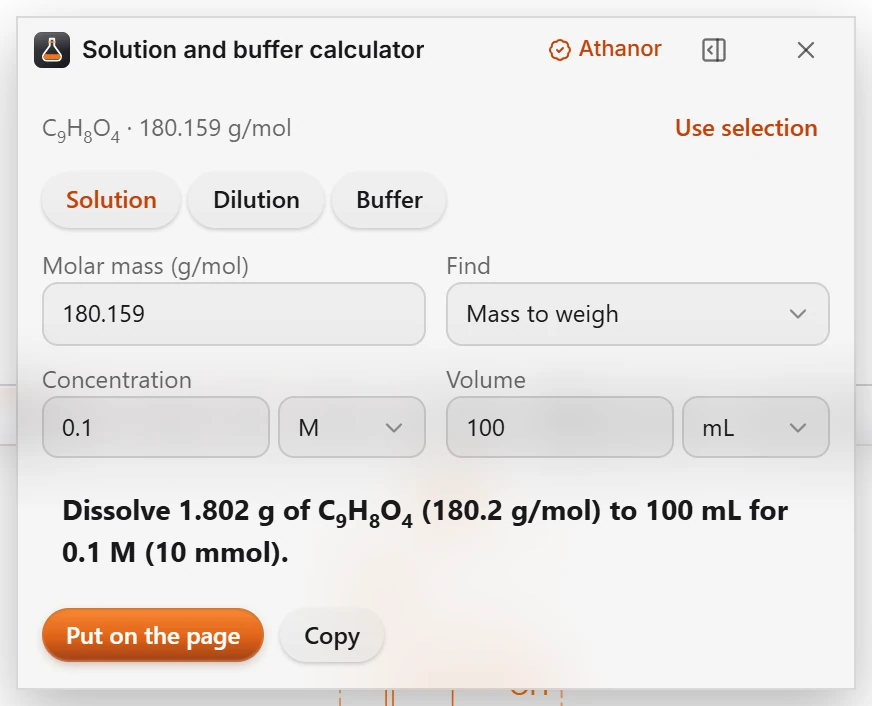 11 · How-toThe Solution and buffer calculator pluginSelect a structure and choose Plugins › Solution and buffer calculator: Open. It reads the molar mass of the selection and works out the amounts.
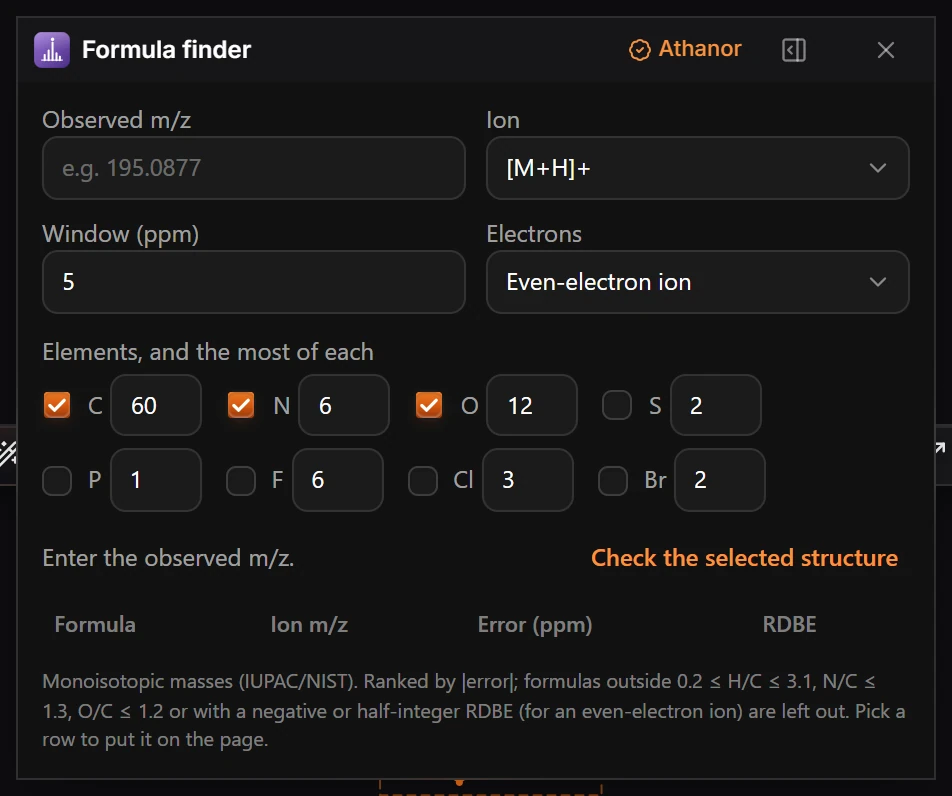
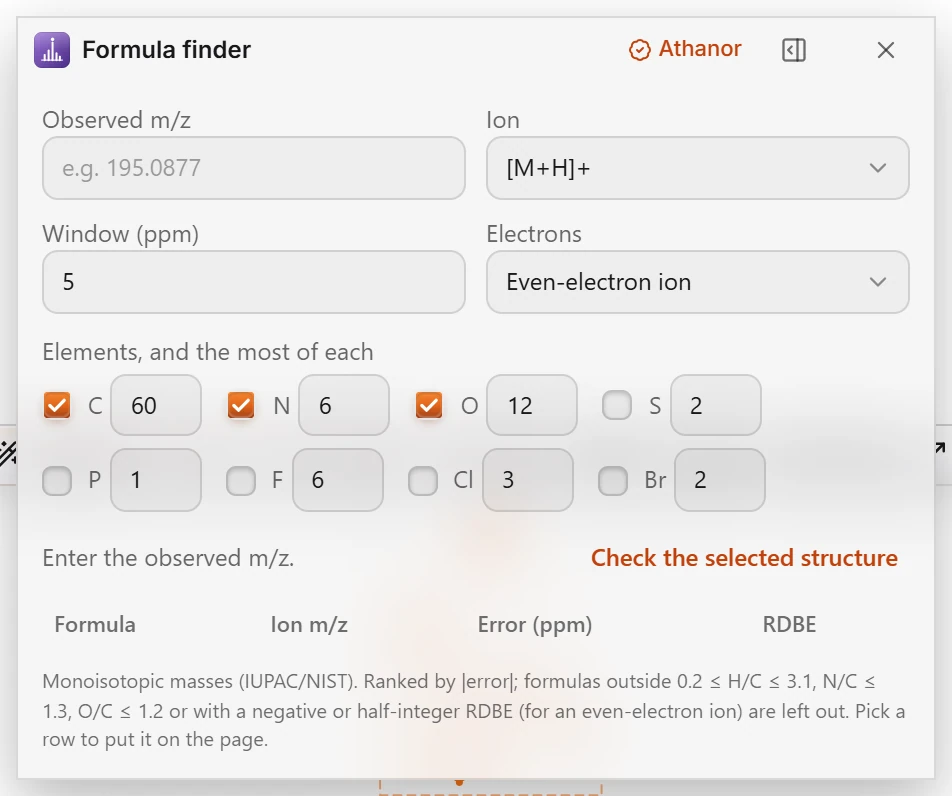 12 · How-toThe Formula finder pluginChoose Plugins › Formula finder: Open Formula finder, enter the observed m/z, the ion and the ppm window, choose the elements, and it lists the formulas that match.
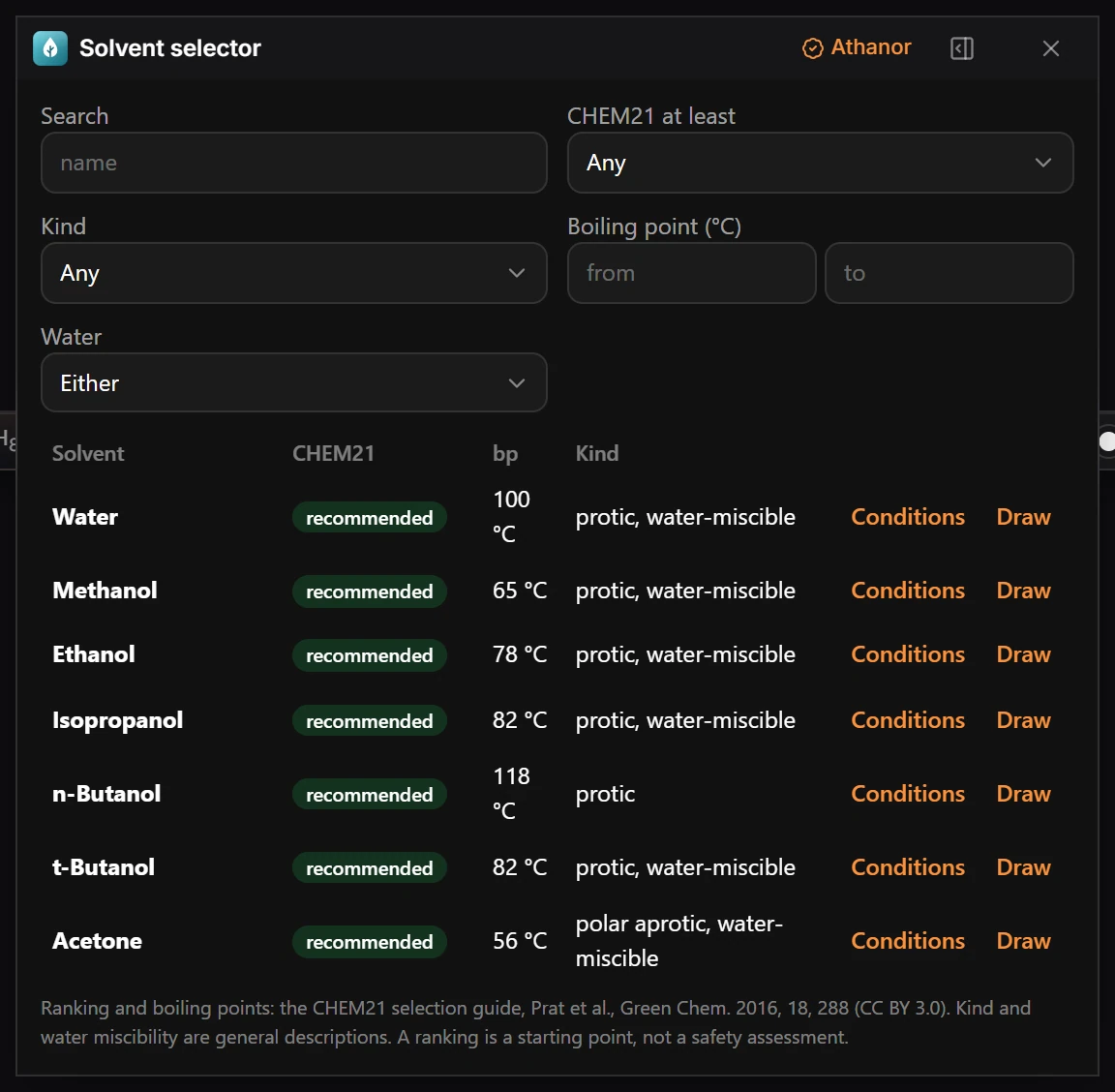
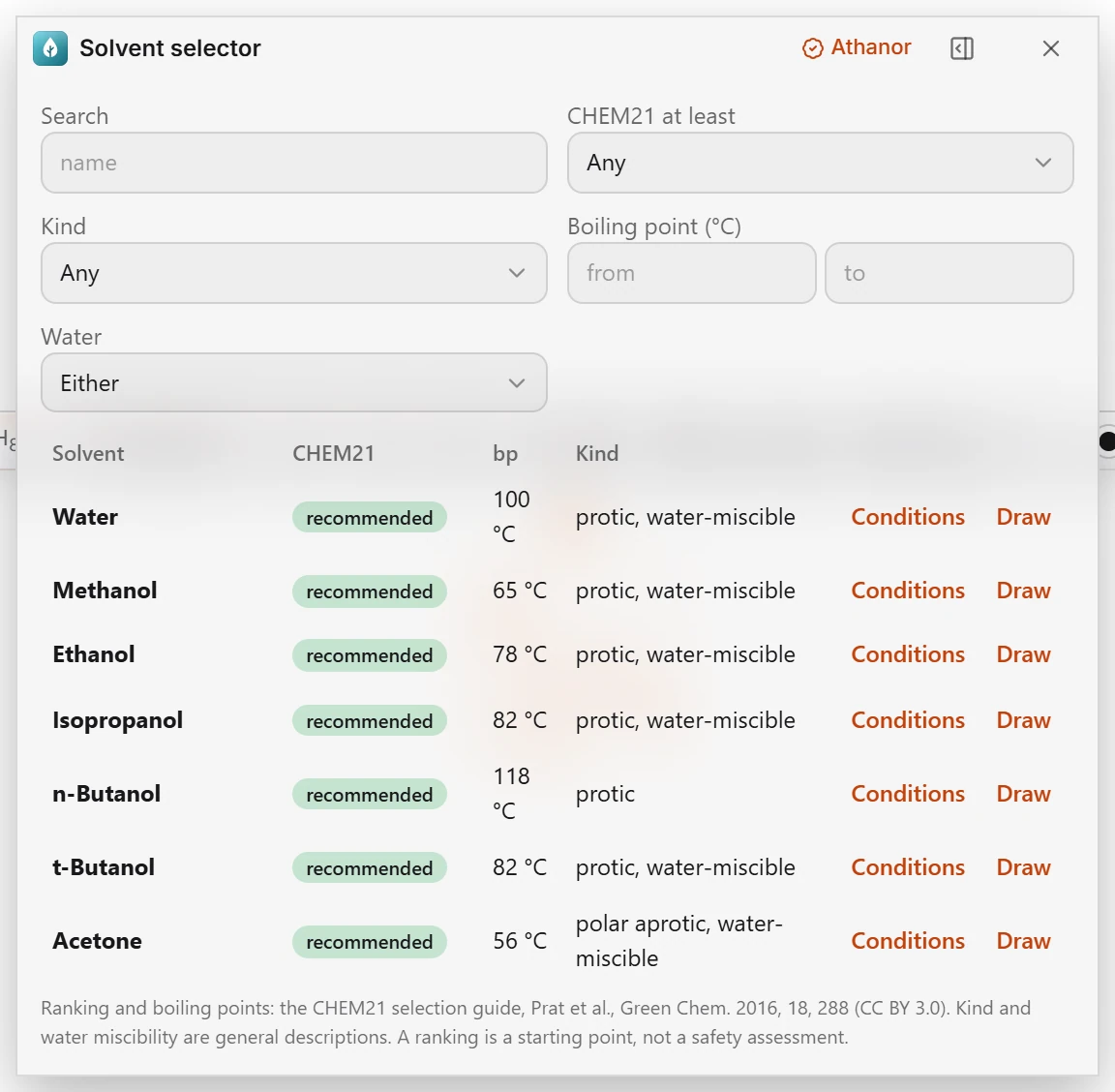 13 · How-toThe Solvent selector pluginChoose Plugins › Solvent selector: Open Solvent selector and filter the list by name, ranking, kind and boiling point.
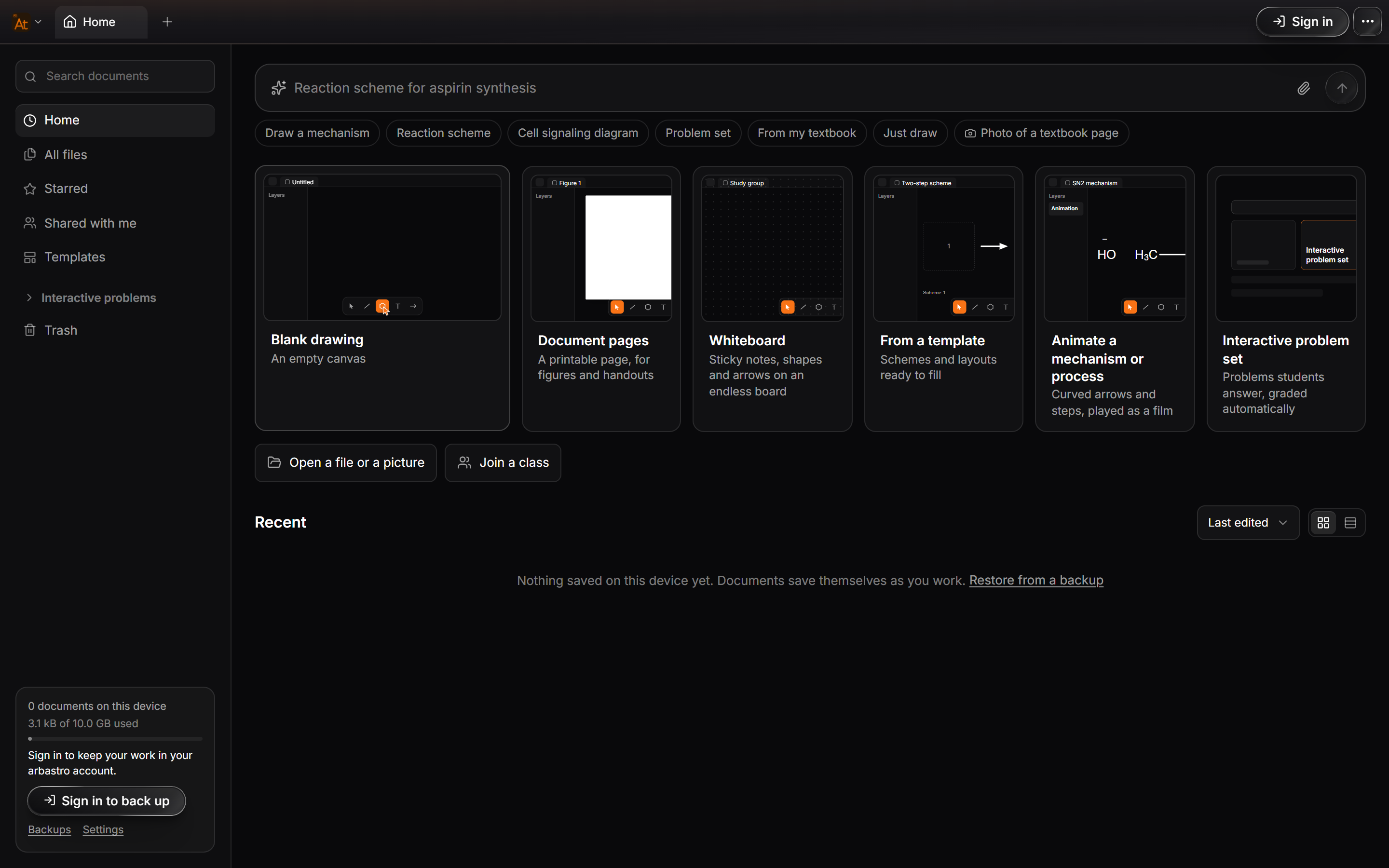
 14 · How-toBuild your first pluginTurn on developer mode, create a plugin from the Command template, run it, edit it with hot reload, and inspect it in the plugin console.
- 15 · How-toHow to turn on plugin developer modeChoose Main menu › Object › Plugins › Plugin developer mode. Athanor says "Plugin developer mode is on." and the Plugins submenu gains the developer commands.
- 16 · ReferencePlugin templatesWith developer mode on, Main menu › Object › Plugins offers seven templates. Each makes a working plugin you can edit: five starting points and two complete examples.
- 17 · How-toThe plugin console and hot reloadWith developer mode on, Main menu › Object › Plugins › Hot reload plugins restarts your plugin when you save a file, and Open plugin console shows what it logs.
- 18 · How-toCommandsAdd commands to Athanor's Plugins menu, the canvas right-click menu and Ctrl+K, handle them in main.js, and act on the current selection.
- 19 · How-toPanels and windowsGive an Athanor plugin a window with ui.html, open it as a panel or from a command, and pass messages between the window and main.js.
- 20 · How-toChanges, undo and previewsHow an Athanor plugin edits the page by sending a change, which ops a change can carry, how undo and the safety screen work, and how to propose edits.
- 21 · How-toImporters and exportersAdd a file format to Athanor's Export window with a plugin exporter, return text or binary files, and use 3D coordinates. Importers are reserved.
- 22 · How-toAnalysis checksAdd a check to Athanor's issues badge with a plugin: return findings for atoms on the page, keep within the time budget, and pick a severity.
- 23 · How-toInput sourcesAdd a search source to Athanor's Quick insert with a plugin, so people can type a name and insert structures your plugin offers.
- 24 · How-toSettingsDeclare settings in an Athanor plugin's manifest, let Athanor draw the form, read the values with athanor.settings.get(), and react to changes.
- 25 · How-toNetwork accessLet an Athanor plugin reach the internet: the network permission, allowedDomains and reasoning, where requests can be made from, and the publishing rules.
- 26 · How-toTheming with Athanor's tokensMake an Athanor plugin window match the app in light and dark: the built-in styles for plain HTML, and the design tokens as CSS variables.
- 27 · How-toAPI referenceEvery member of the athanor object an Athanor plugin can call in API version 1, with signatures, return values, permissions and the shapes they use.
- 28 · How-toManifest referenceEvery field of an Athanor plugin's manifest.json in API version 1: types, limits and examples, the permissions list, contributes and network rules.
- 29 · How-toPlugin API changelogChanges to the Athanor plugin API by version. API version 1 shipped with Athanor 0.3.31 on November 11, 2026, with plugins on for everyone.
- 30 · How-toPublishing a pluginPublish an Athanor plugin to the directory: who may publish, the four Publish steps, automatic screening, human review, updates and Ed25519 signing.
- 31 · ReferencePlugin review guidelinesEvery plugin version passes an automatic screen, then a person checks quality, trust and safety, chemistry safety, business and legal rules, and approves, asks for changes or rejects it.
- 32 · ReferencePlugin developer termsPublishing a plugin means agreeing to the Plugin Developer Terms. They cover who may publish, the license you give arbastro to list it, user data, review and removal, fees and how the agreement ends.
- 33 · How-toSecurity modelHow Athanor runs plugins safely: the QuickJS sandbox in a worker, time and memory limits, the sandboxed window and its CSP, network rules and signing.
- Still stuck? Read the FAQ or contact support.
- Something wrong on this page? Tell us.
- For AI tools: llms.txt