
How to turn off or uninstall a plugin
Choose Plugins › Manage plugins…. The switch on a plugin row turns it off and on; ⋯ › Uninstall removes it after you confirm.
Turn a plugin off
Choose Plugins › Manage plugins…. The Installed tab lists your plugins, each with Open, an on and off switch, and ⋯.
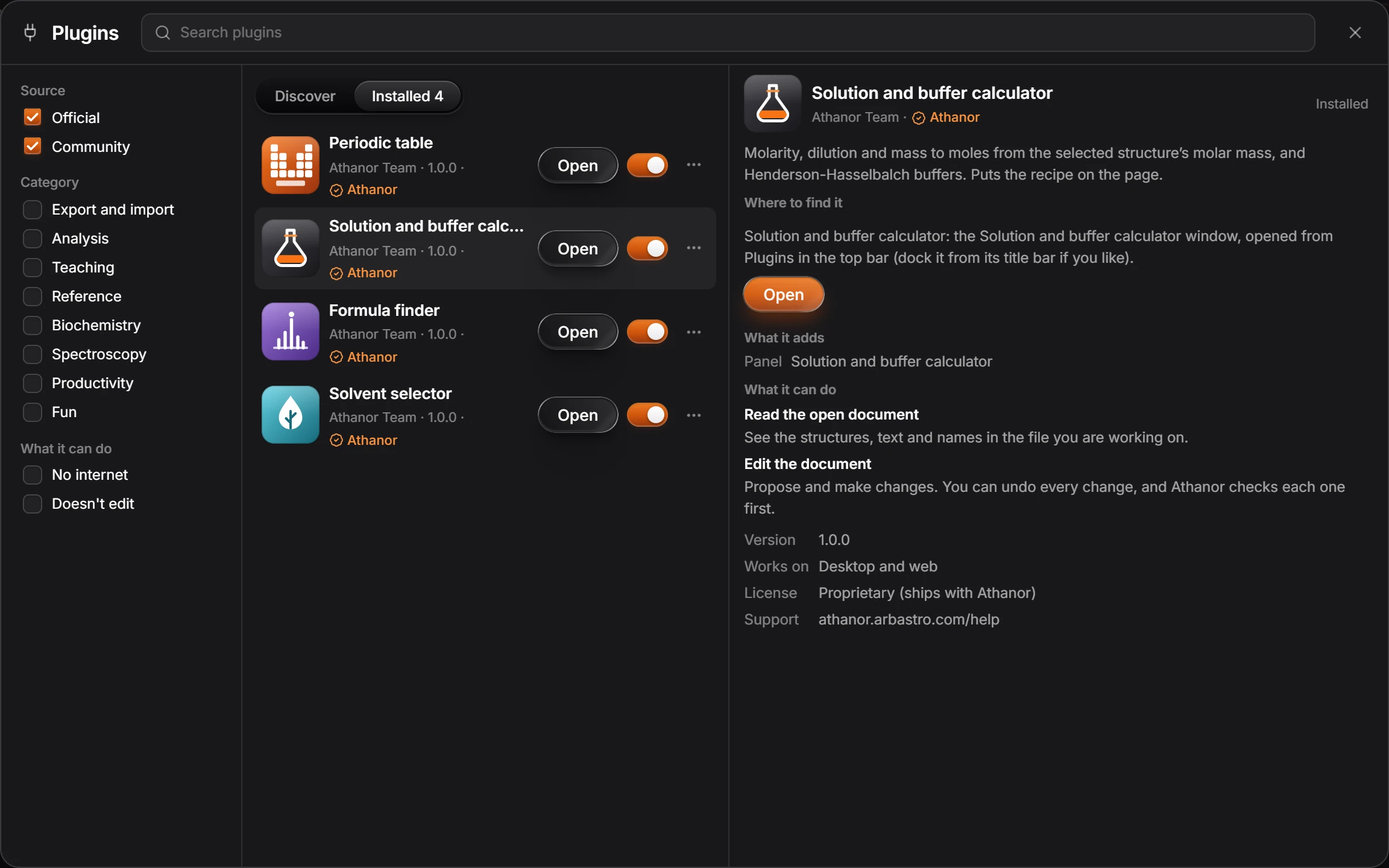
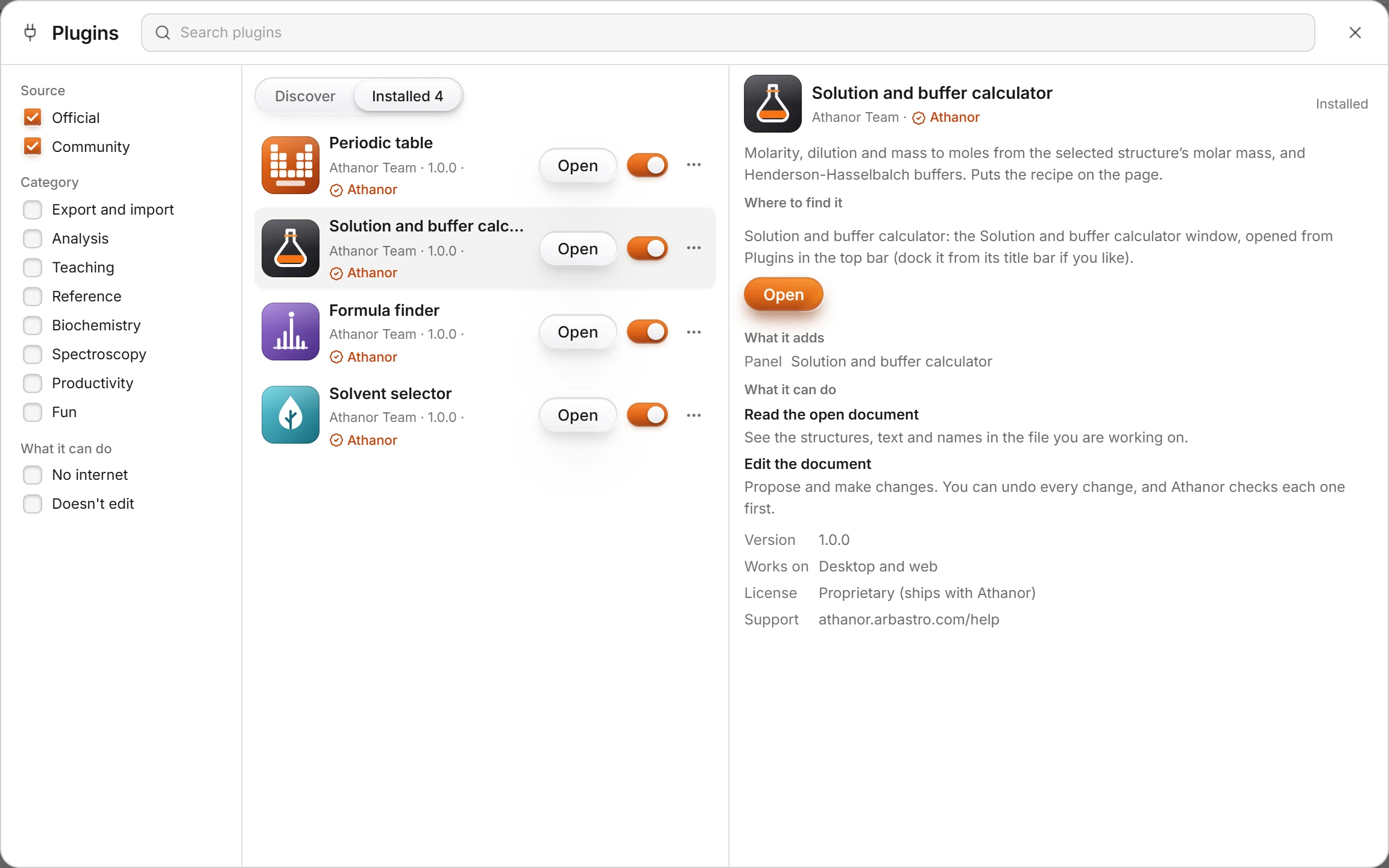
Flip the plugin's switch off. It stops running and leaves the Plugins menu, but stays installed. Flip it on to bring it back.
Uninstall a plugin
On the Installed tab, press ⋯ on the plugin's row and choose Uninstall.
Read the dialog, which says what is removed, and press Uninstall.
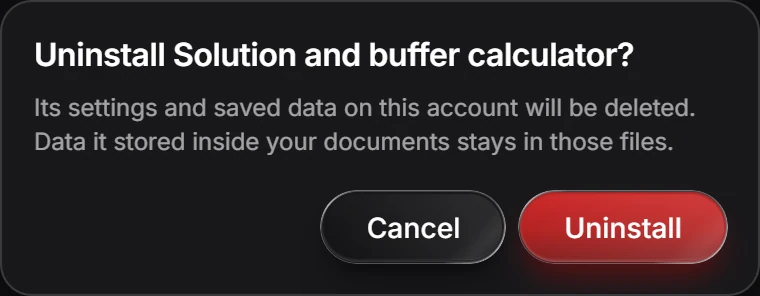
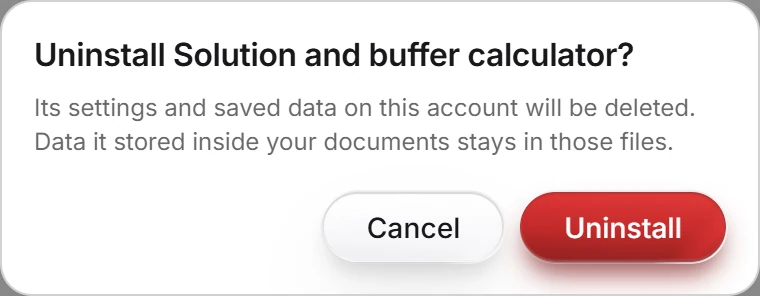
An official plugin you uninstall can be installed again from Discover.
Is this helpful?
Last updated Nov 12, 2026
- Still stuck? Read the FAQ or contact support.
- Something wrong on this page? Tell us.
- For AI tools: llms.txt