
How to browse and install plugins
Choose Plugins › Browse plugins…. Filter the list, pick a plugin to see its detail column, then press Install and confirm what it may do.
Steps
Choose Plugins in the top bar, then Browse plugins…. The Plugins window opens on Discover.
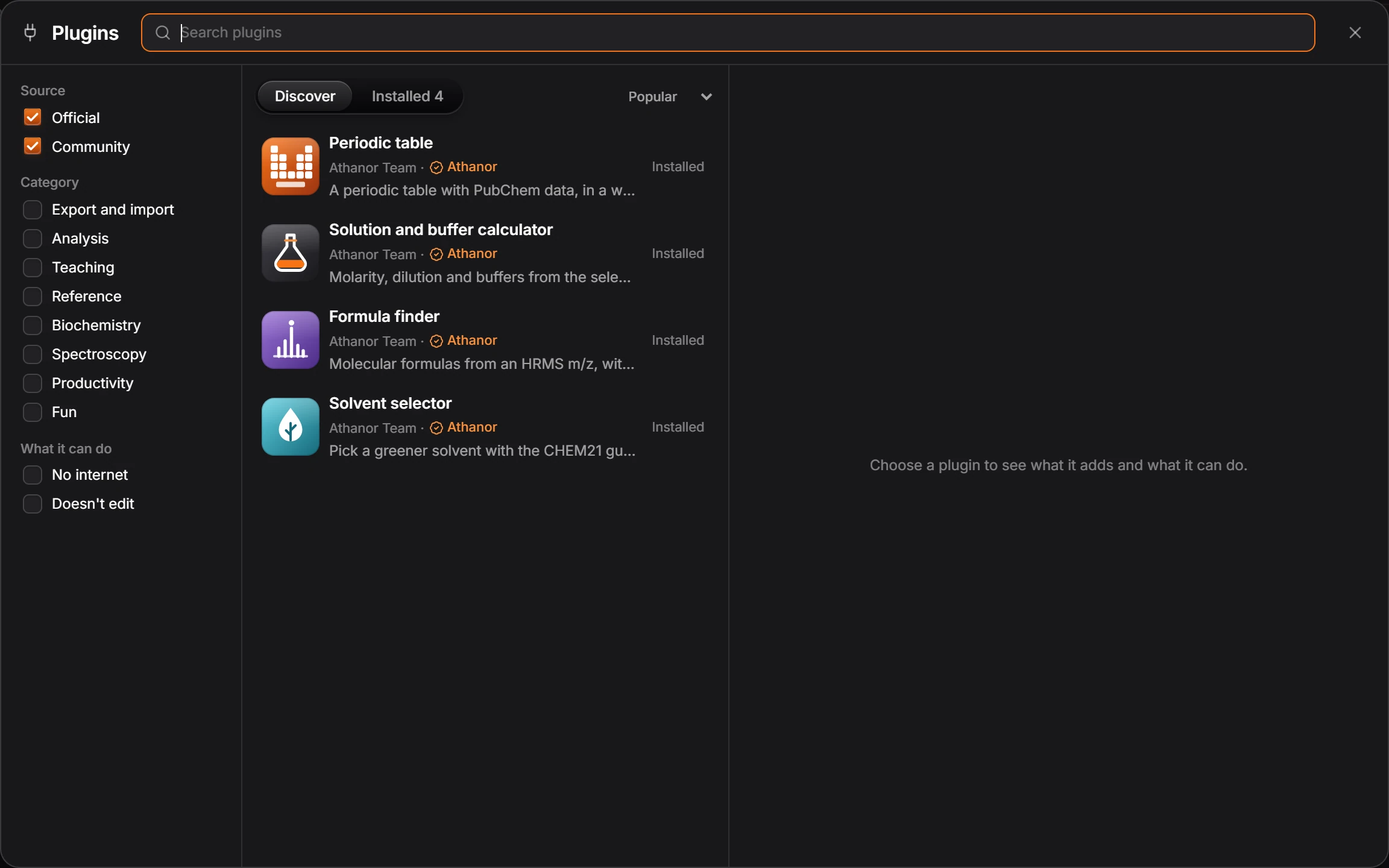
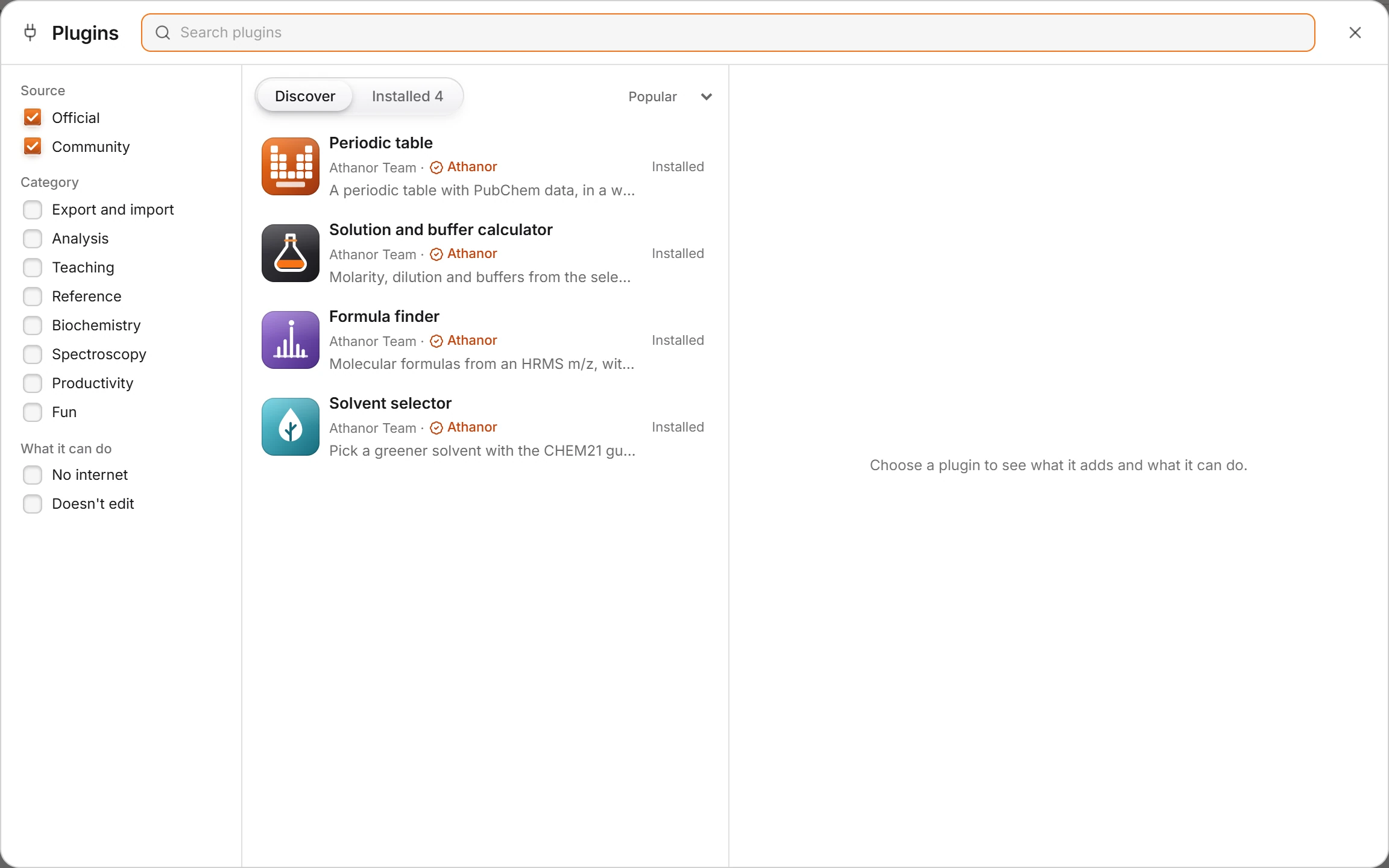
Narrow the list with the filters and the search box at the top of the window.
Click a plugin. The detail column says what it does, Where to find it, What it adds and What it can do, then its version, where it works, its license and where to get support.
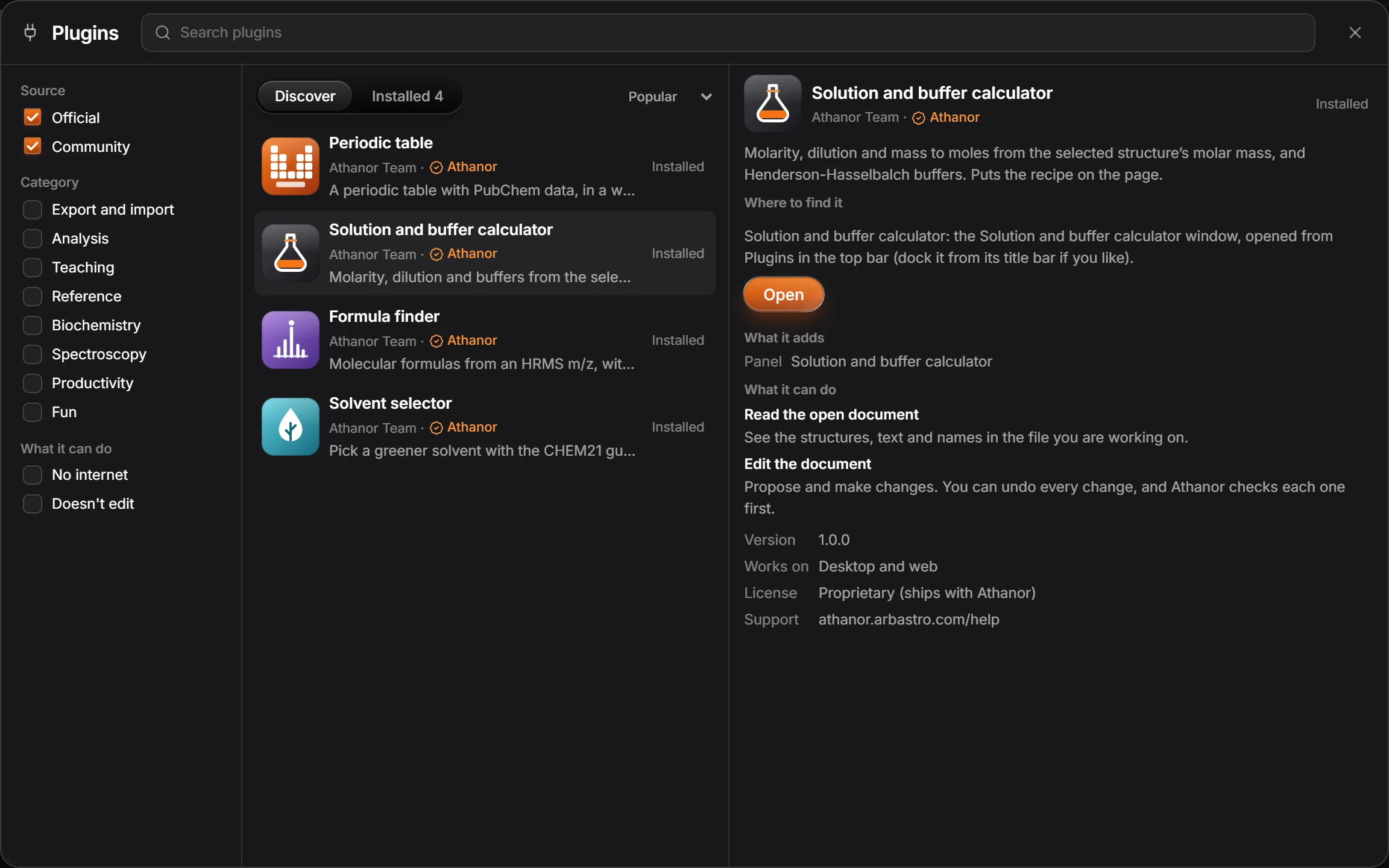
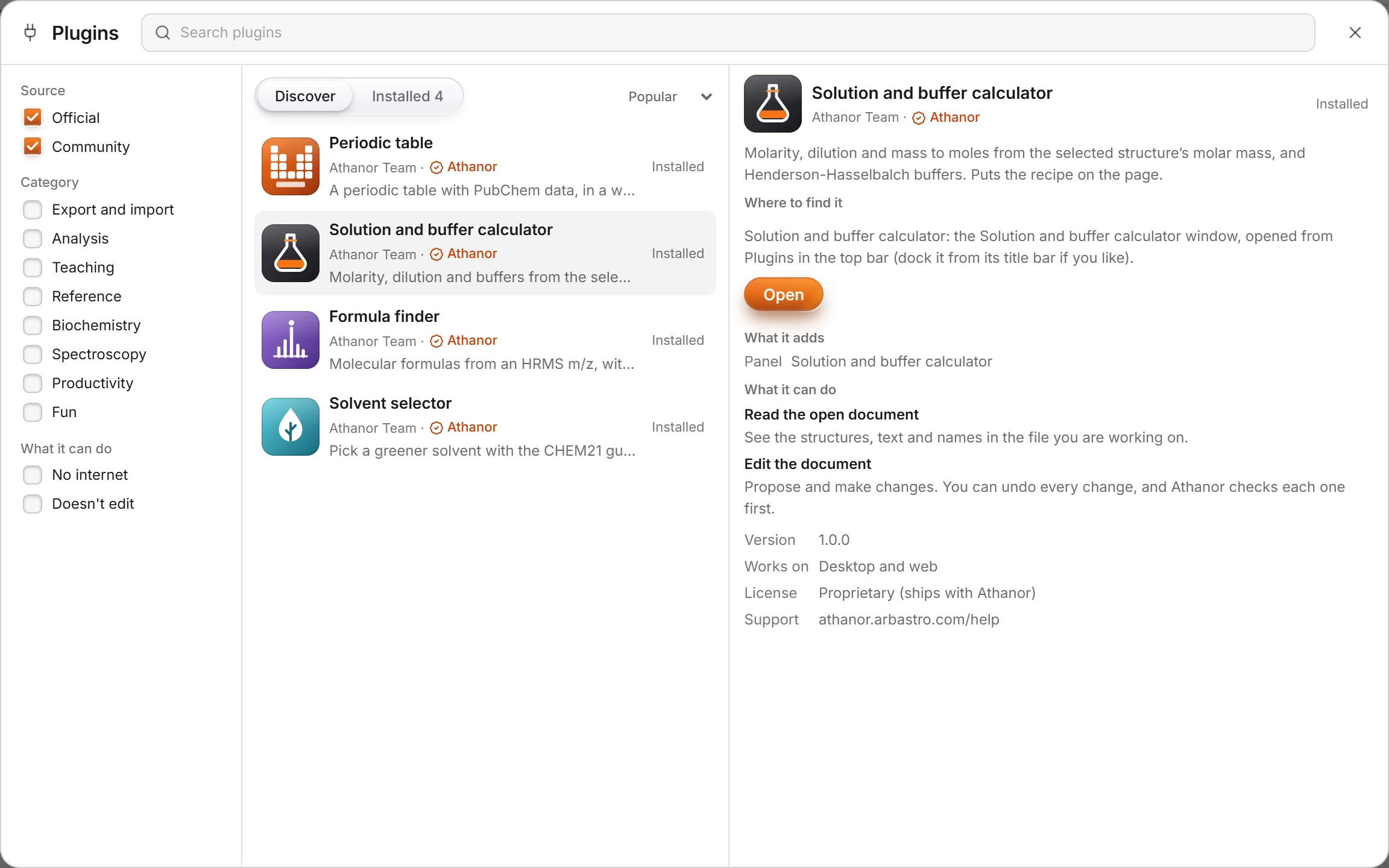
Press Install and confirm what the plugin may do. See Plugin permissions.
Needs an account
Community plugins are kept on your arbastro account, so installing one needs you signed in. The four official plugins come installed and work signed out.
Is this helpful?
Last updated Nov 12, 2026
- Still stuck? Read the FAQ or contact support.
- Something wrong on this page? Tell us.
- For AI tools: llms.txt