
Reactions and arrows
Reaction arrows, tidy schemes, balanced equations, stoichiometry tables, atom mapping, catalytic cycles and reaction review tools.
Start here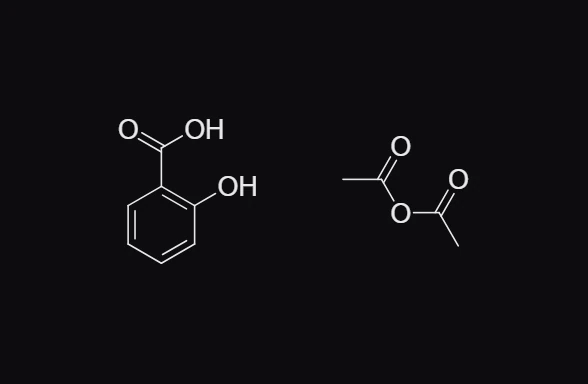
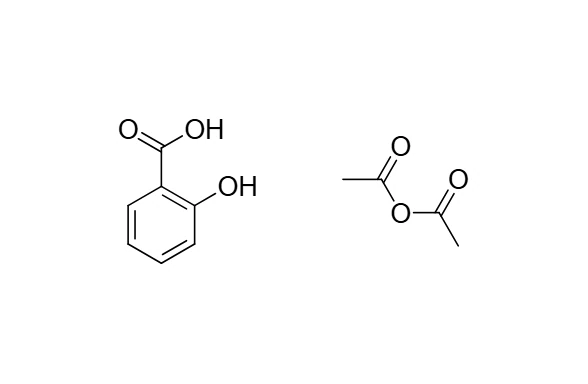 1 · How-toHow to draw a reaction schemeDraw or insert the reactants, press W and drag a reaction arrow after them, write the conditions above it with the Text tool, then add the products after the arrow. Or press / and type the whole reaction as reaction SMILES.

 2 · ReferenceReaction arrow typesThe Arrow tool (W) has forward (1), equilibrium (2), lies forward (3), lies backward (4), resonance (5), retro (6), curly (7), fishhook (8) and no reaction (9), plus dashed and plain.
- 3 · How-toProduct prediction and planningSigned in, Athanor predicts the products of the reaction you draw and plans routes back to buyable starting materials, every route screened.
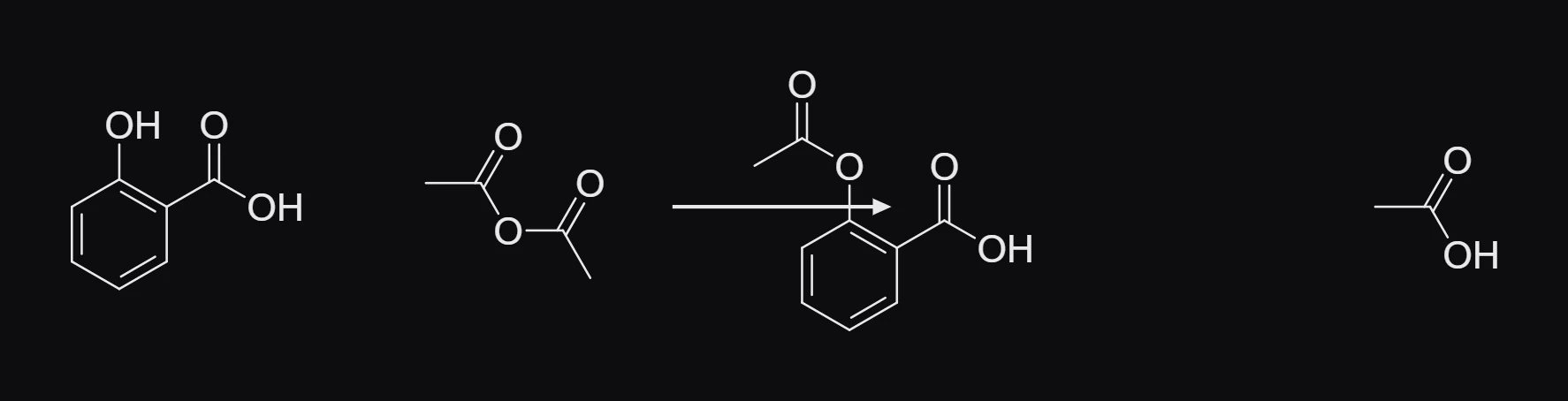
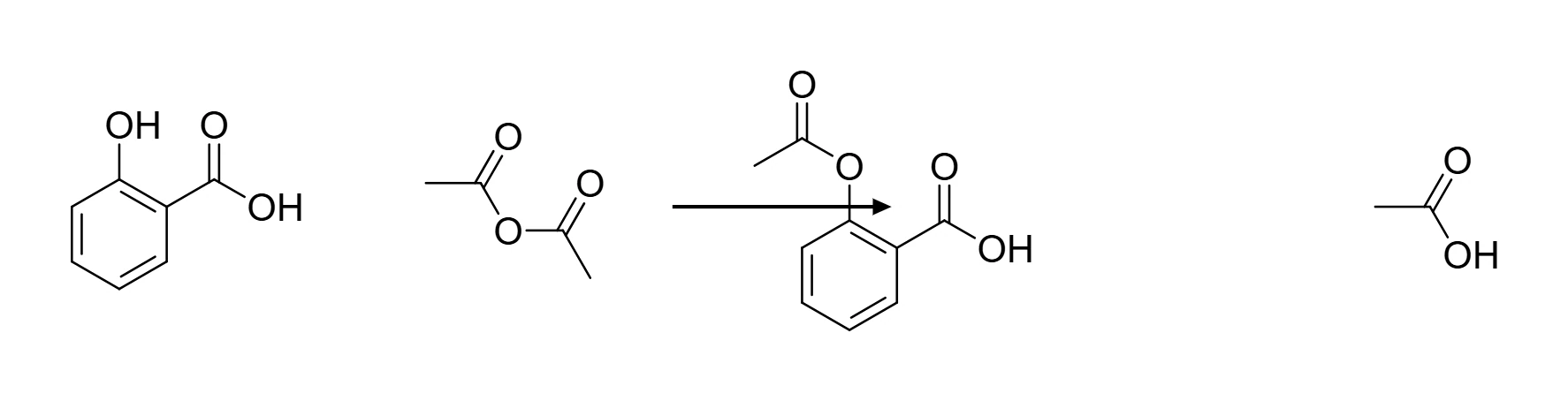 4 · How-toHow to tidy a reaction schemeSelect the reaction arrow and press Ctrl+Shift+X (Clean up reaction). The reactants, arrow and products move into a row with even spacing; the structures themselves do not change.
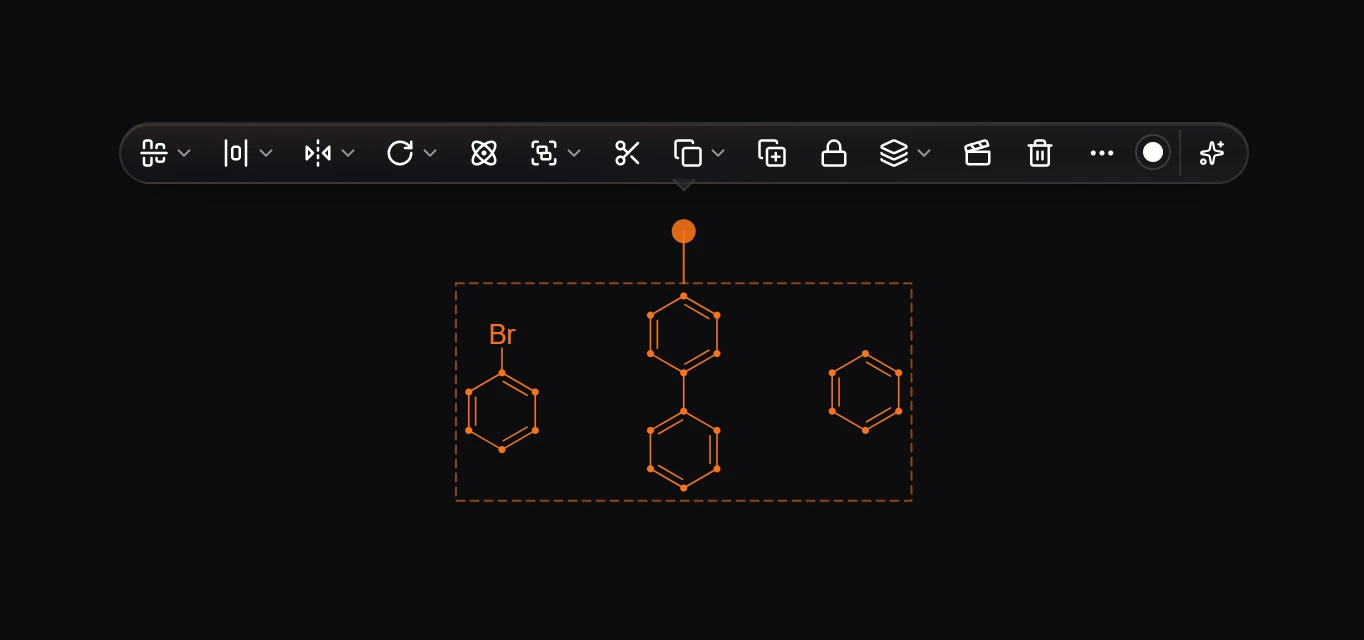
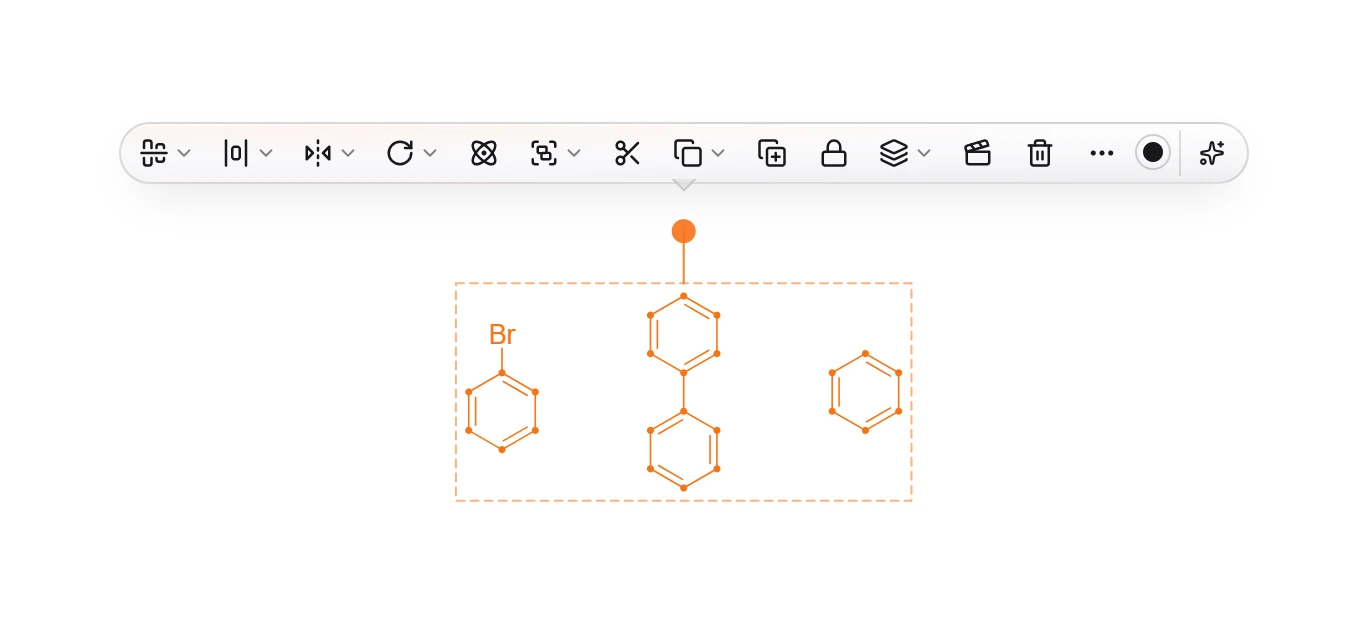 5 · How-toHow to draw a catalytic cycleSelect the intermediates in order and press Ctrl+Alt+Y (Make catalytic cycle). Select an arc to Name this step…, Make this step reversible or Make this step one-way. Tidy, Reverse and Remove catalytic cycle act on the whole cycle.
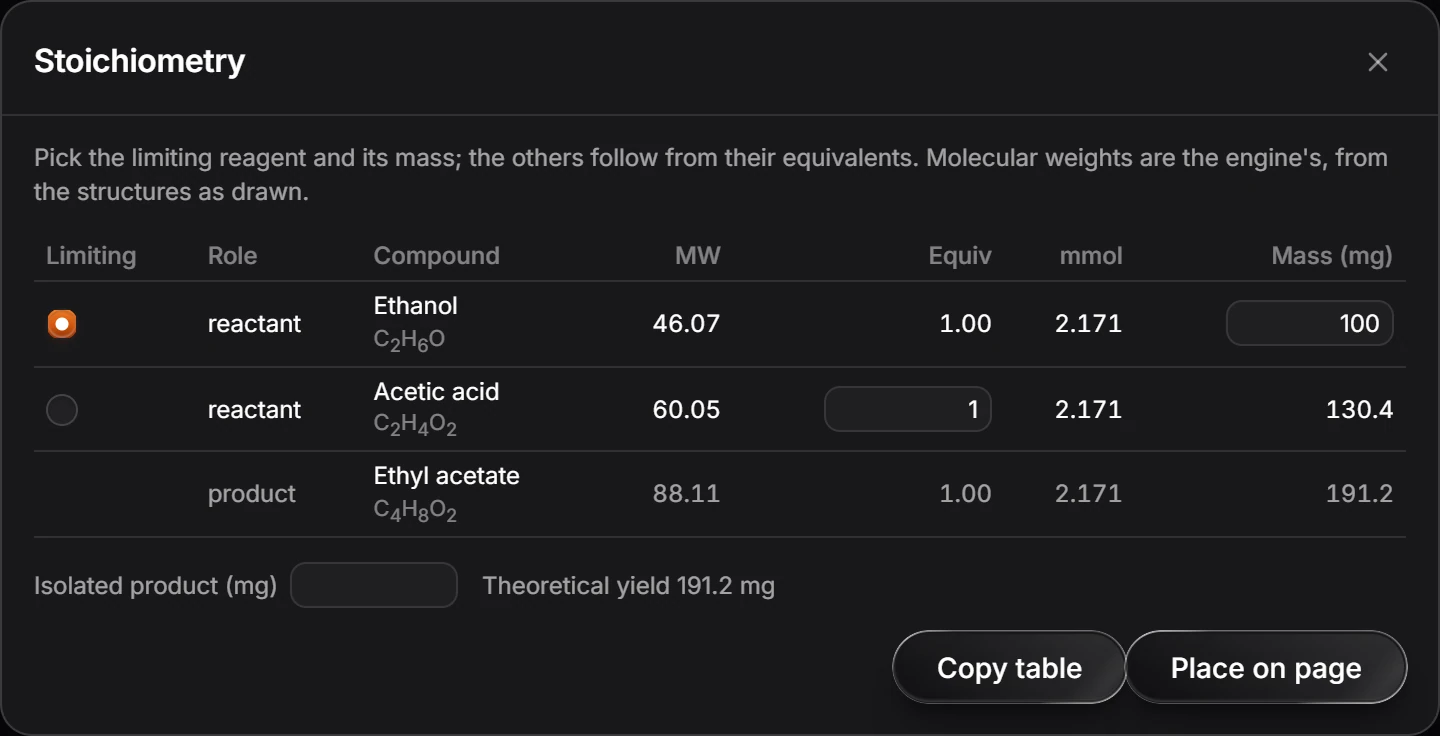
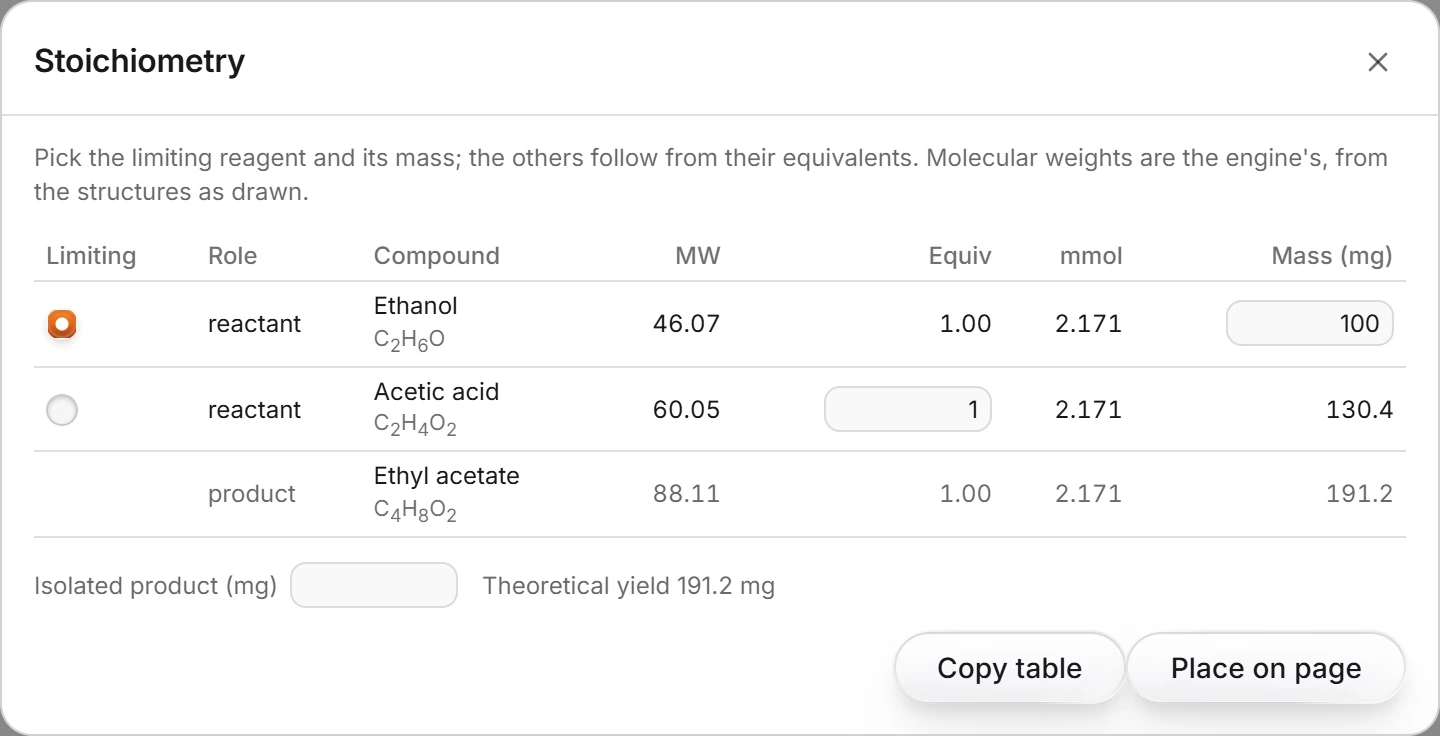 6 · How-toHow to make a stoichiometry tableDraw the reaction and choose View › Stoichiometry table. Pick the limiting reagent and its mass; the other amounts follow from their equivalents, with the theoretical yield below.
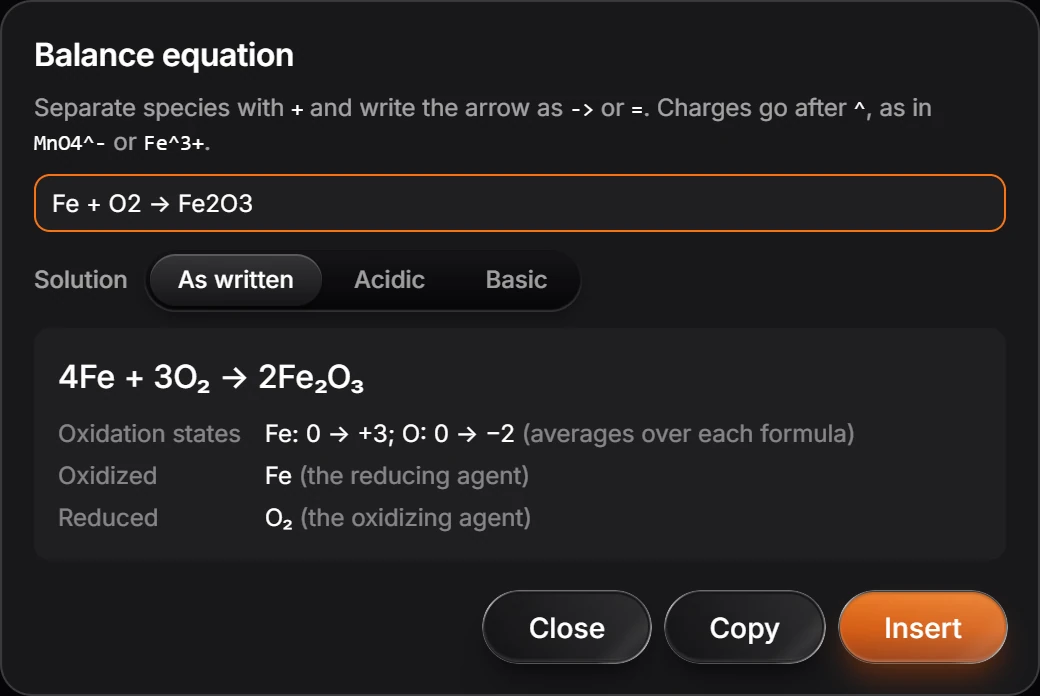
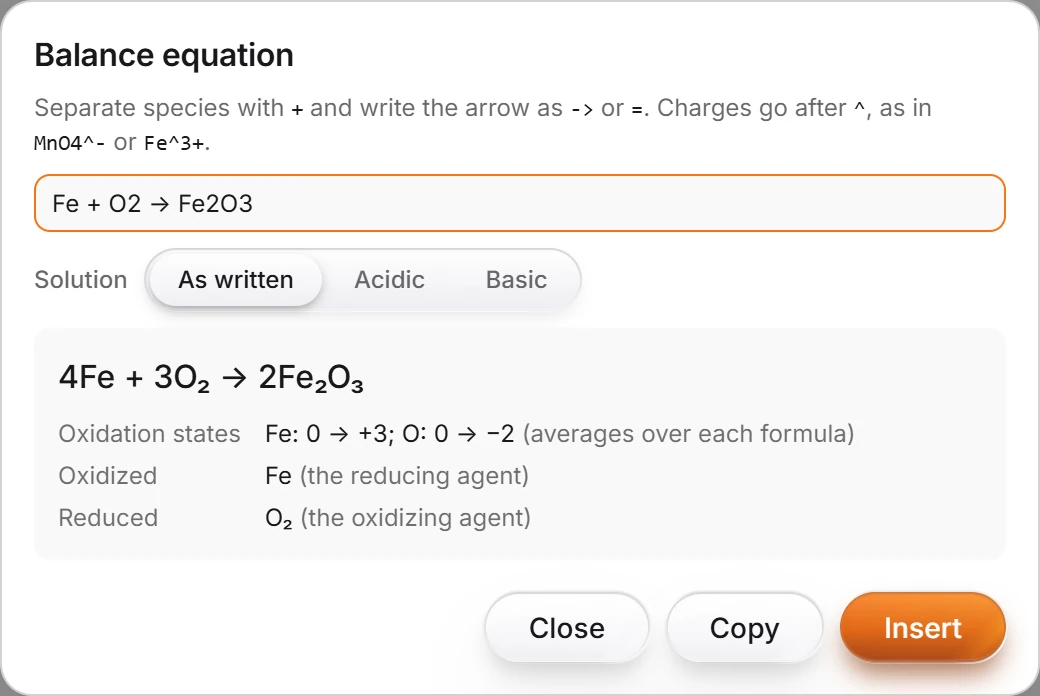 7 · How-toHow to balance a chemical equationChoose Object › Chemistry › Balance a typed equation and type it, such as Fe + O2 -> Fe2O3. Athanor gives 4Fe + 3O2 -> 2Fe2O3 with the oxidation states. Press Insert to place it.
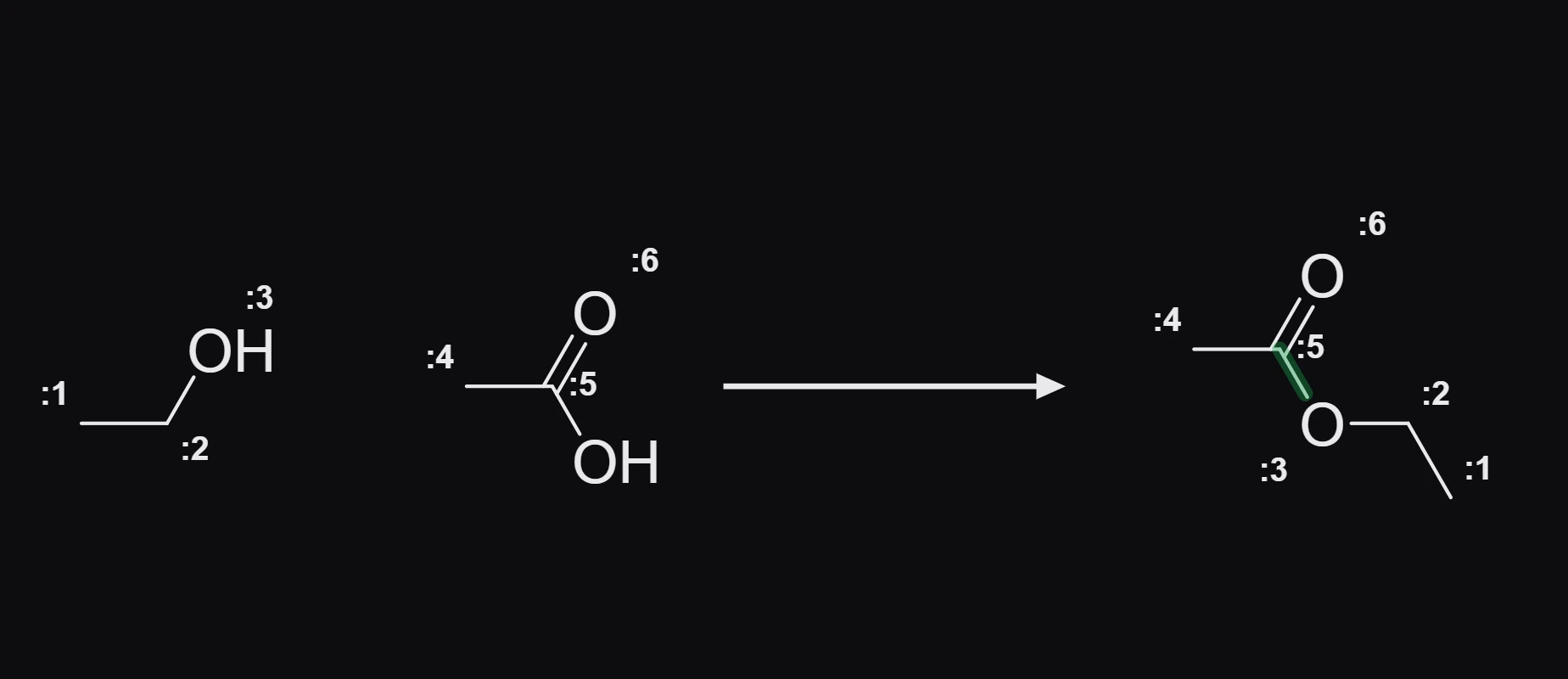
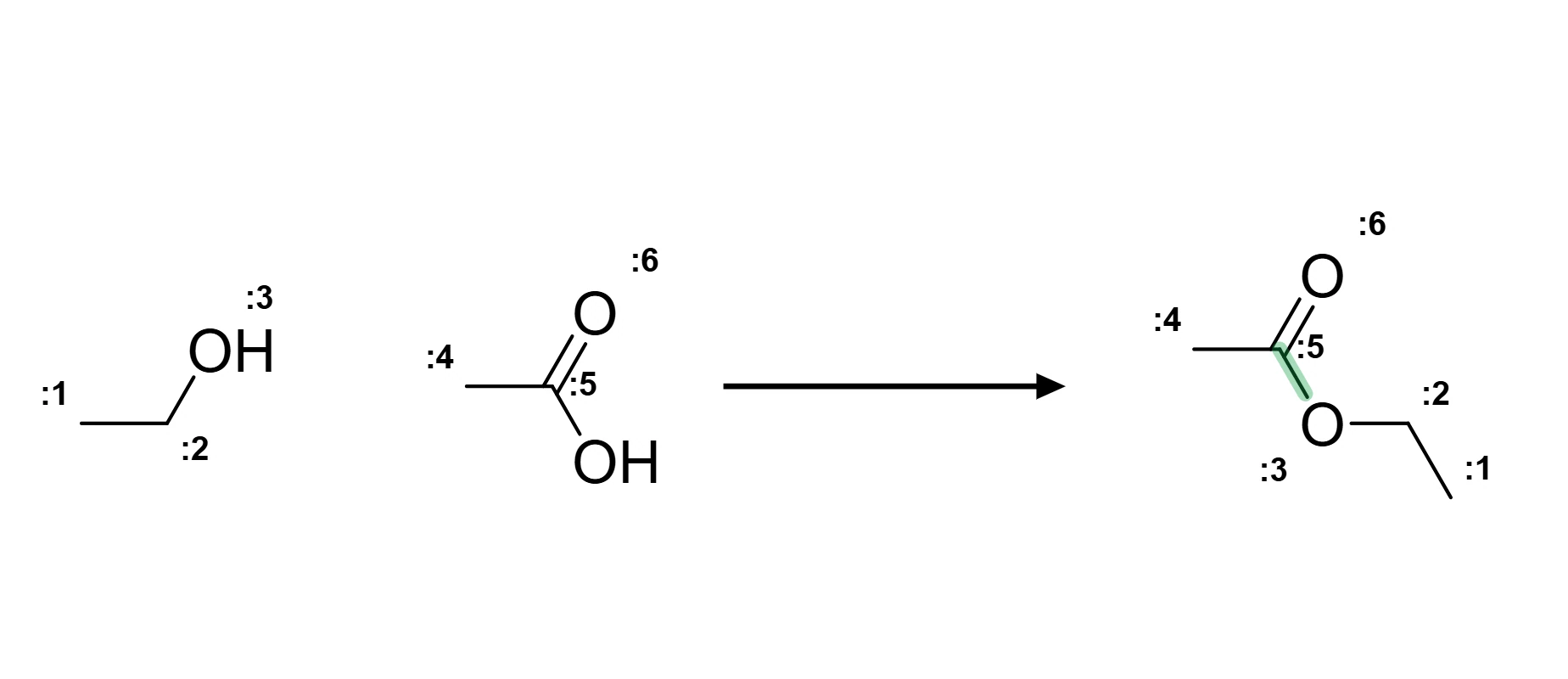 8 · How-toHow to map reaction atomsSelect the reaction and choose Object › Chemistry › Map reaction atoms automatically. Each atom gets a map number, matched across the arrow, and new bonds are marked. Object › Clear atom mapping removes it.
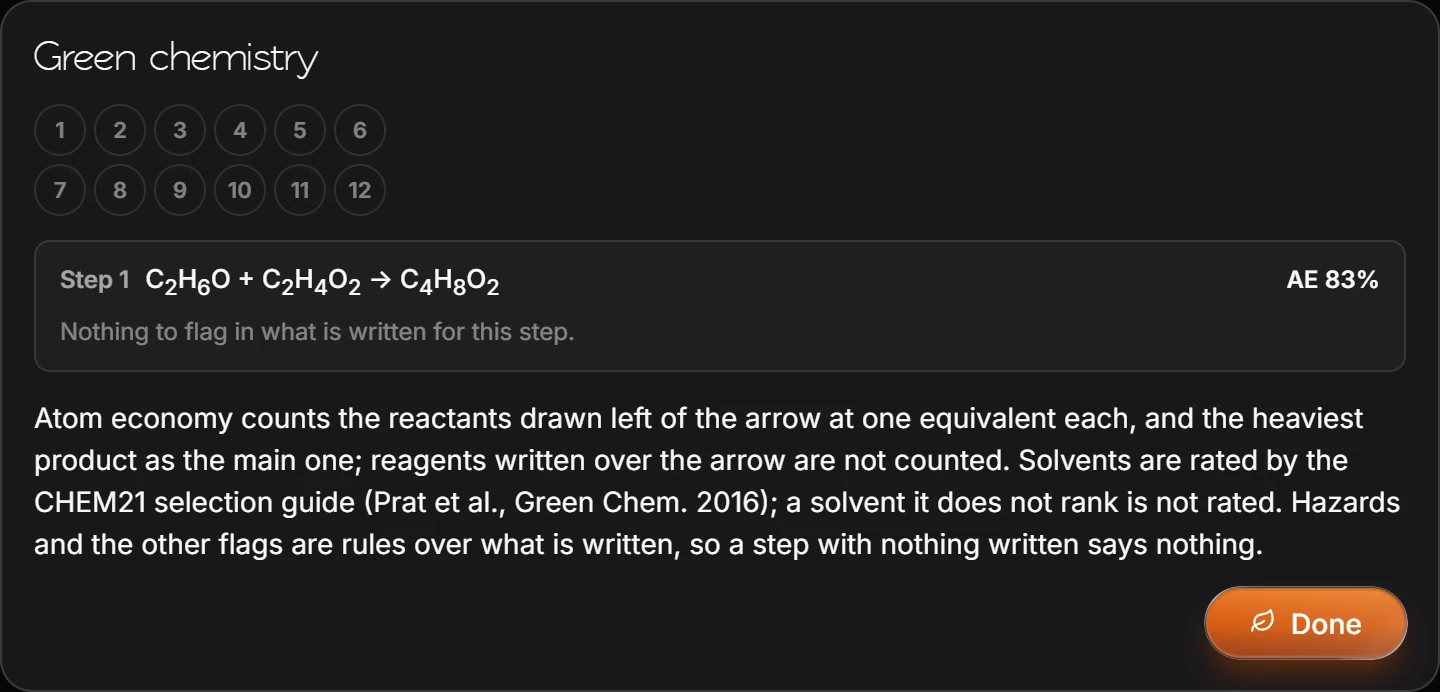
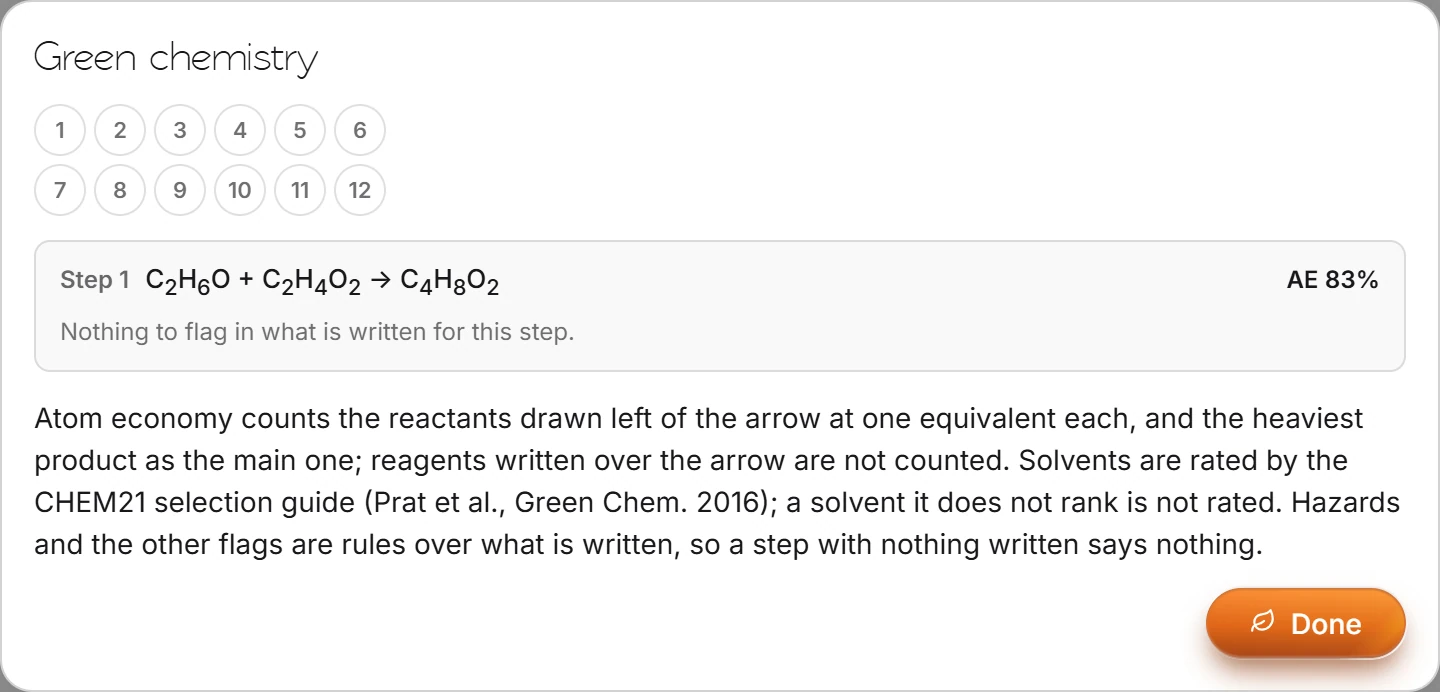 9 · How-toHow to review a reaction for green chemistrySelect the reaction and choose Object › Chemistry › Green chemistry. Each step shows its atom economy (AE) and any flags on what is written, such as a solvent the CHEM21 guide ranks poorly.
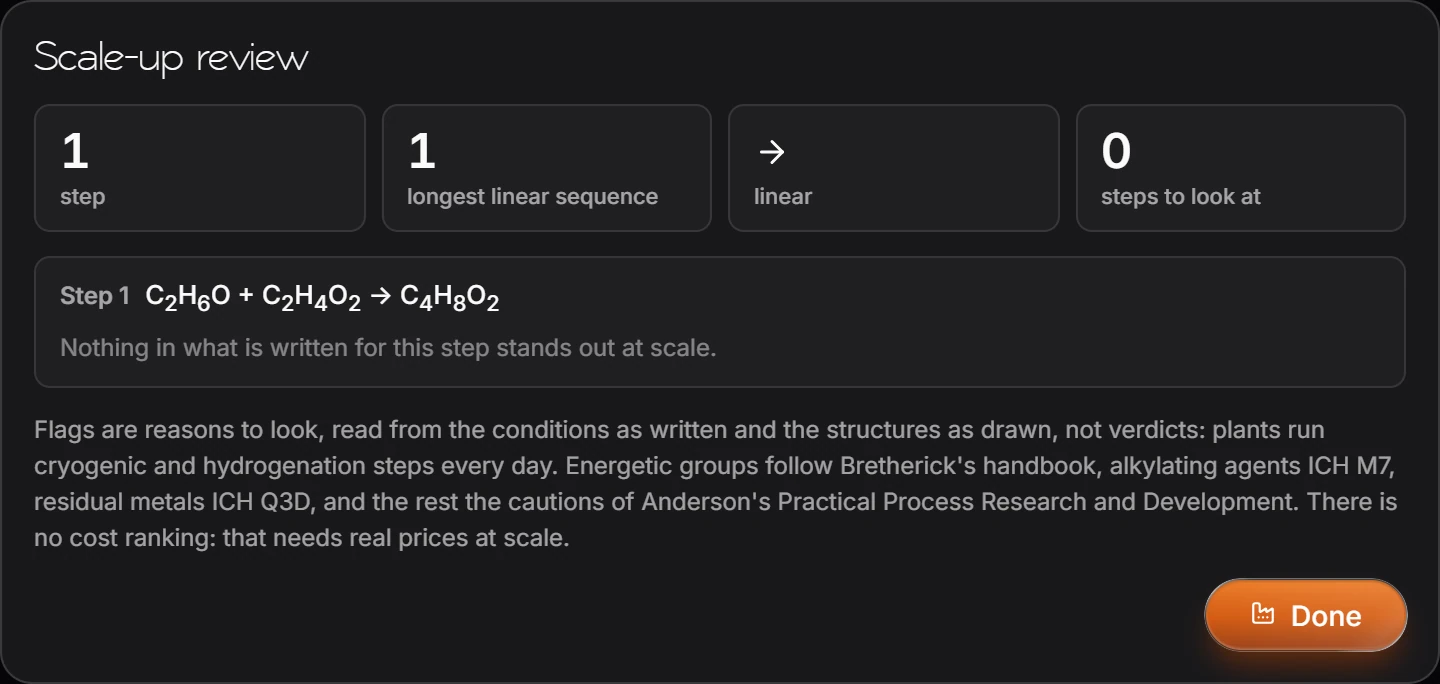
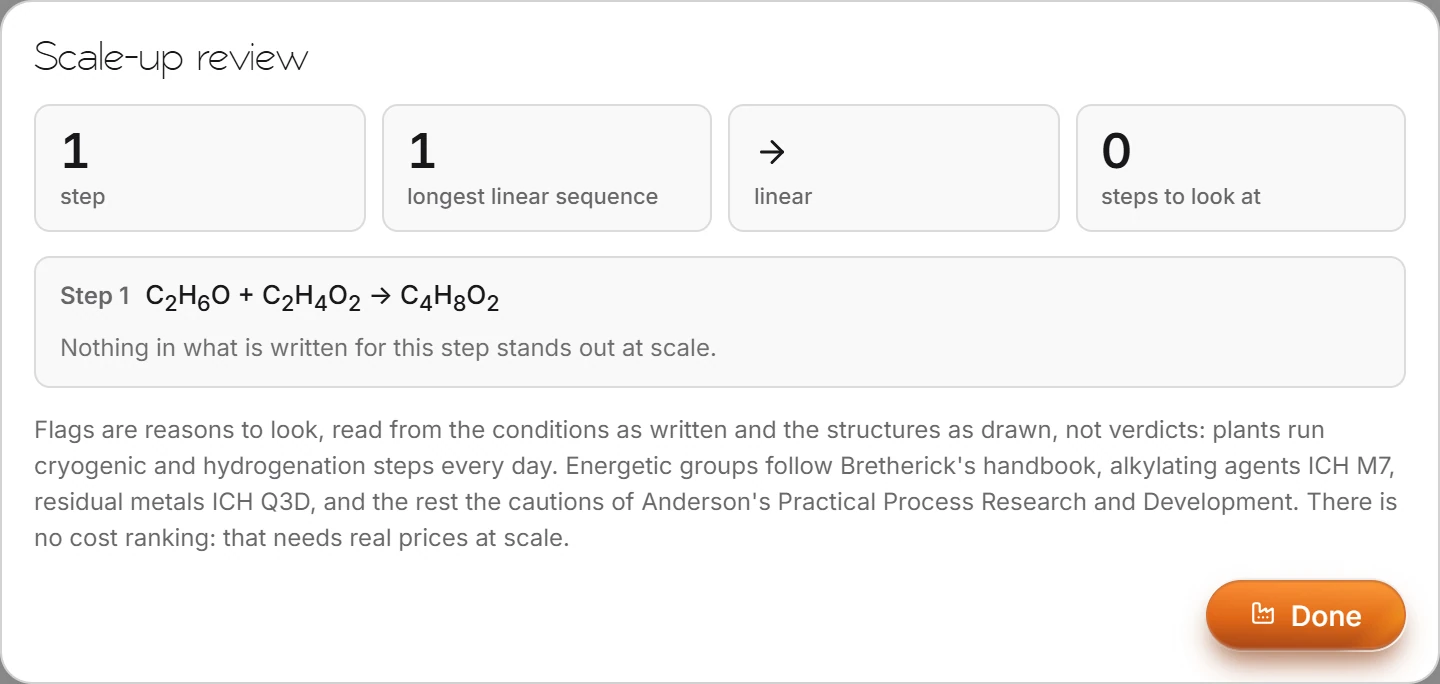 10 · How-toHow to review a route for scale-upSelect the reaction or route and choose Object › Chemistry › Scale-up review. It counts the steps and longest linear sequence and lists the steps to look at, with the reason for each.
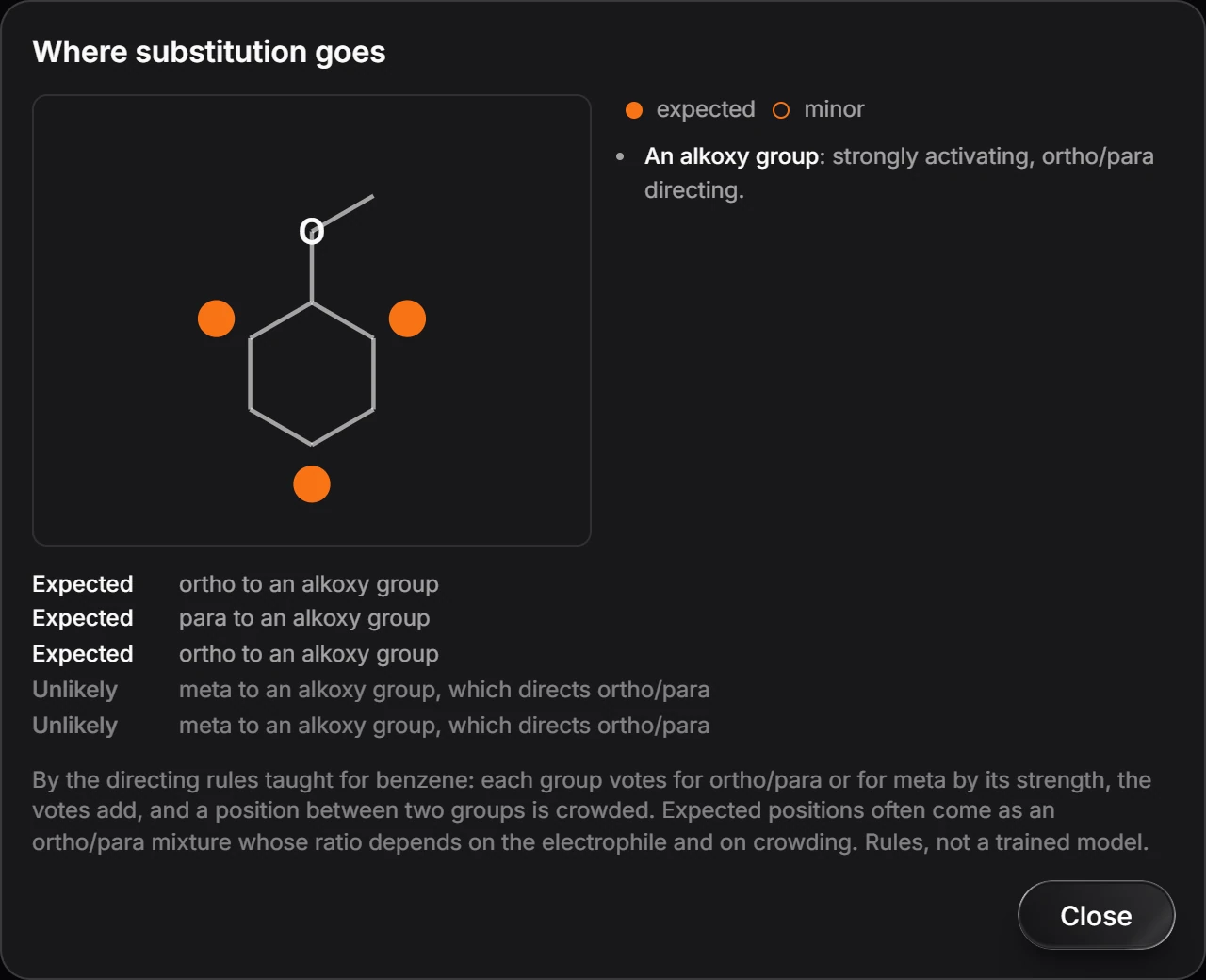
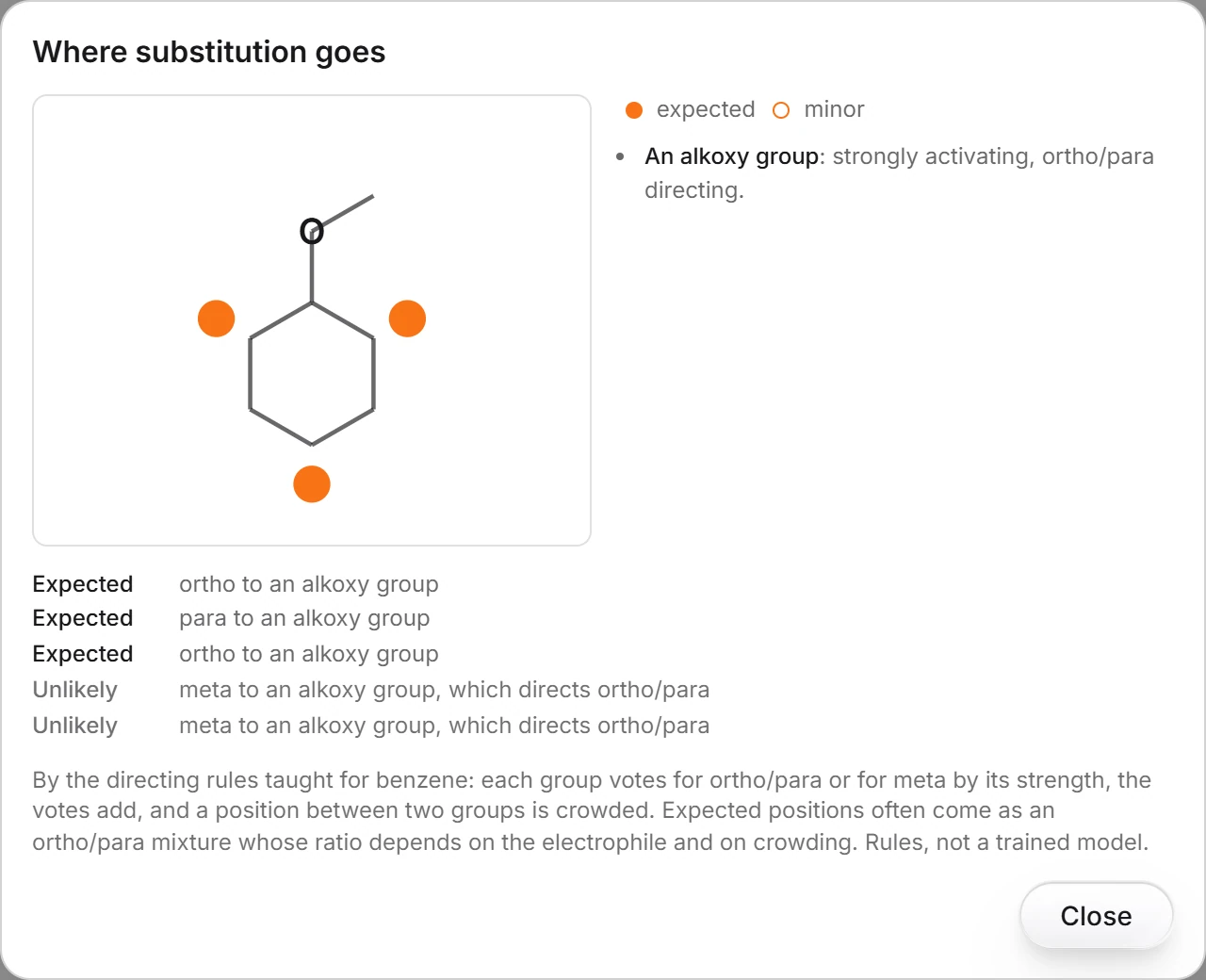 11 · How-toHow to predict where substitution goes on a ringSelect an aromatic structure and choose Object › Chemistry › Where substitution goes. Expected positions are marked in full, minor ones in outline, with the reason for each.
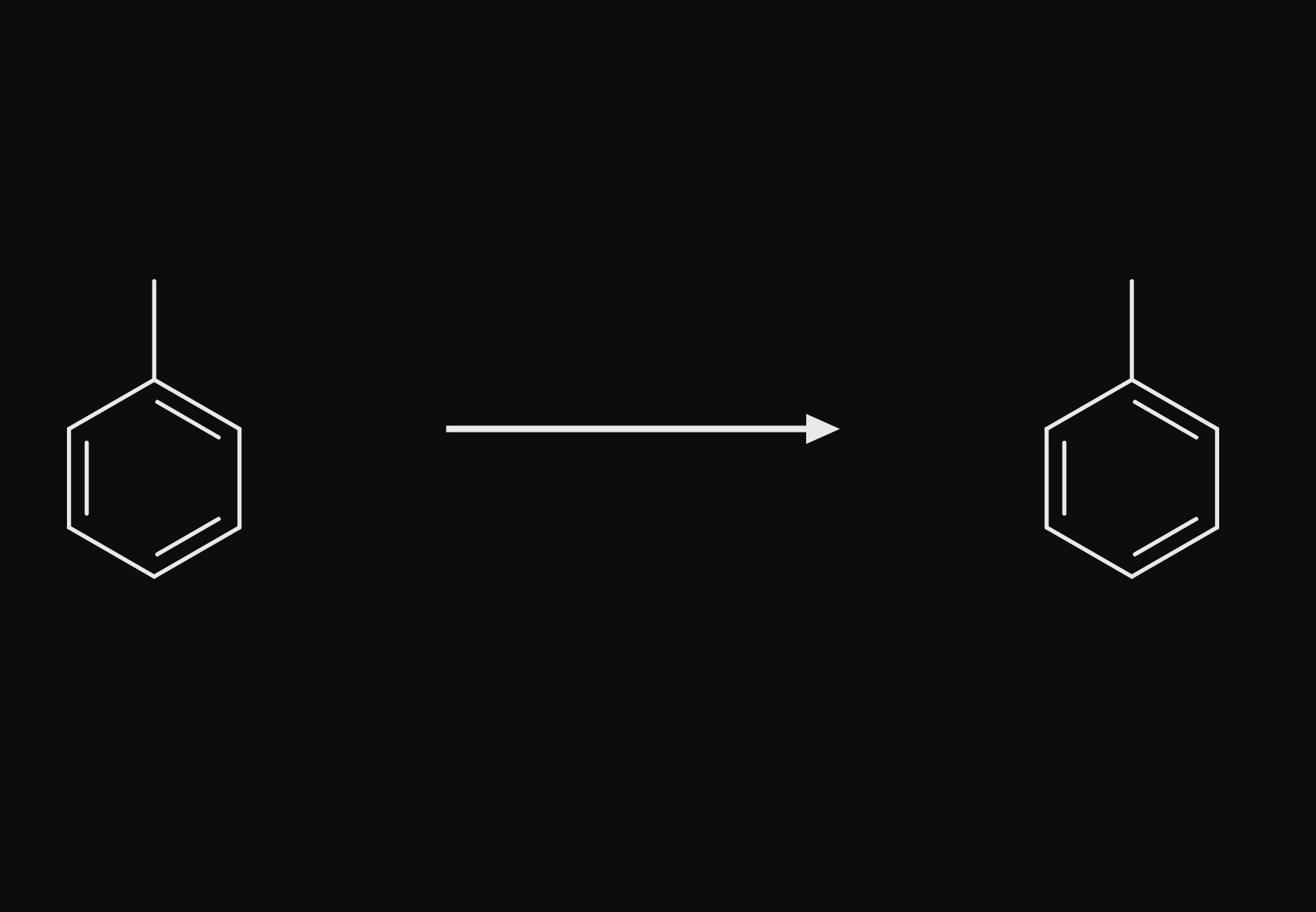
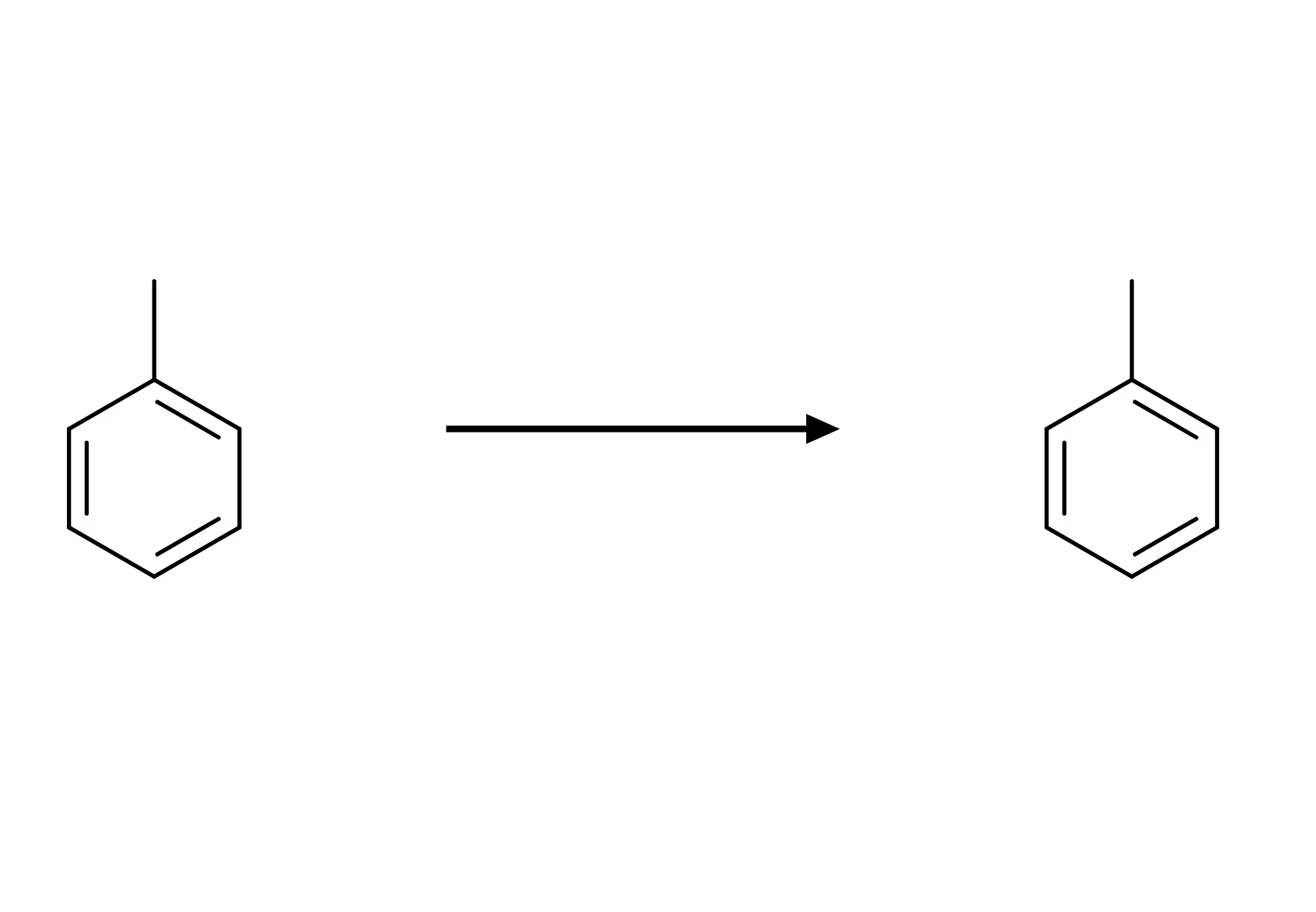 12 · How-toHow to sprout a reaction from a structureSelect a structure and choose Object › Chemistry › Sprout reaction. An arrow and a copy of the structure appear to its right; edit the copy into the product.
- Still stuck? Read the FAQ or contact support.
- Something wrong on this page? Tell us.
- For AI tools: llms.txt