
Names, properties and checks
Name structures, calculate properties, check valence and stereo, copy identifiers and score synthetic accessibility.
Start here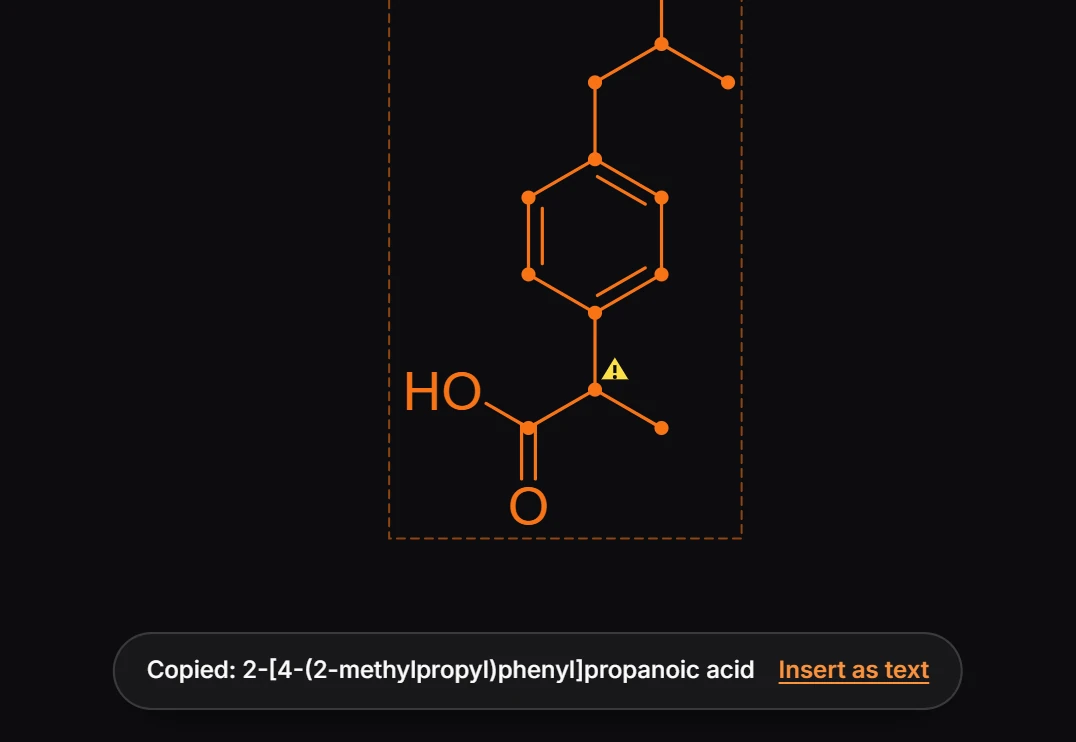
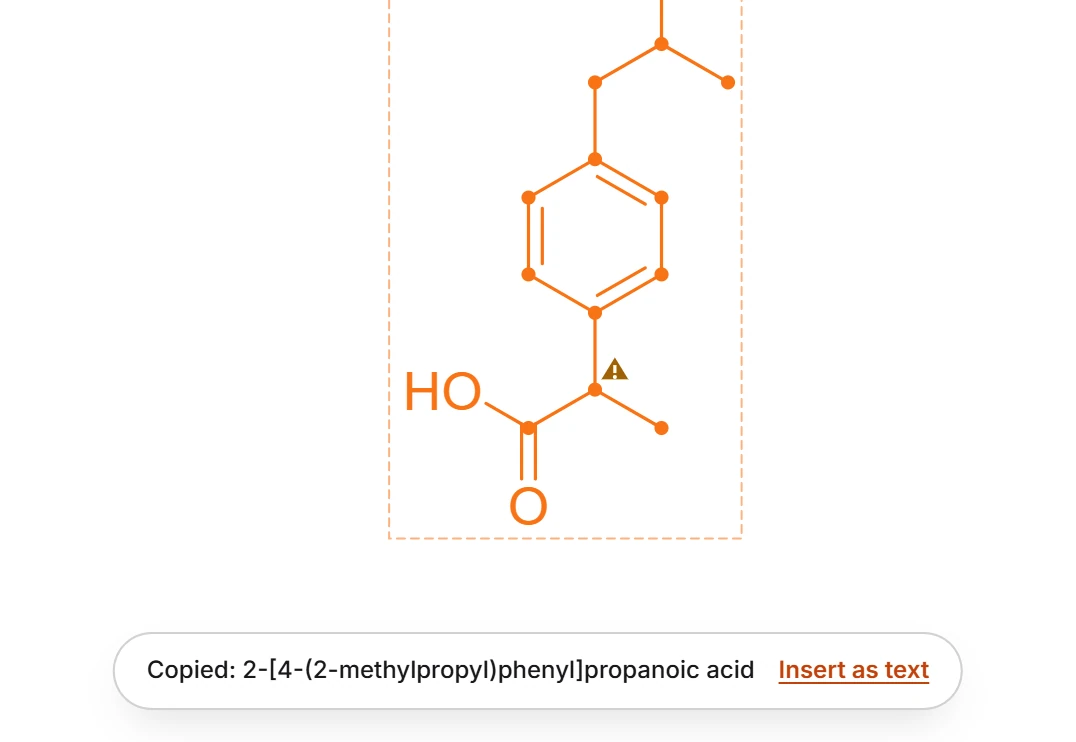 1 · How-toHow to get the IUPAC name of a structureSelect the structure and press Ctrl+Alt+N (Structure to name). Athanor copies its IUPAC name and shows it in a message with Insert as text, which places the name under the structure.
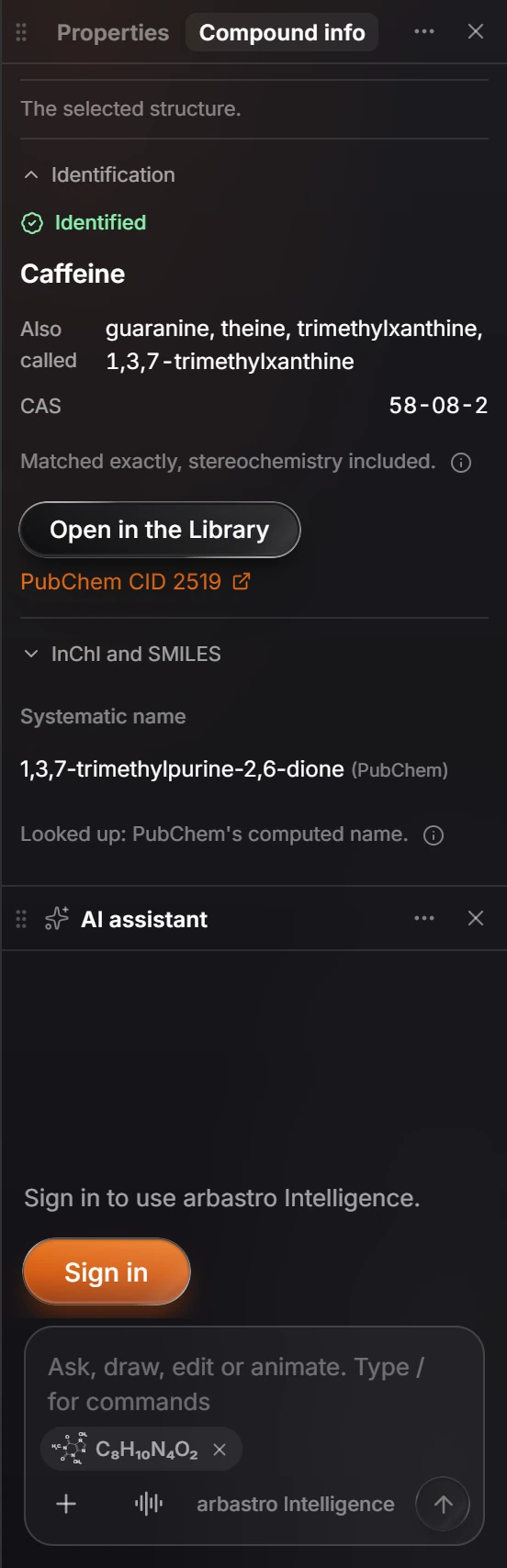
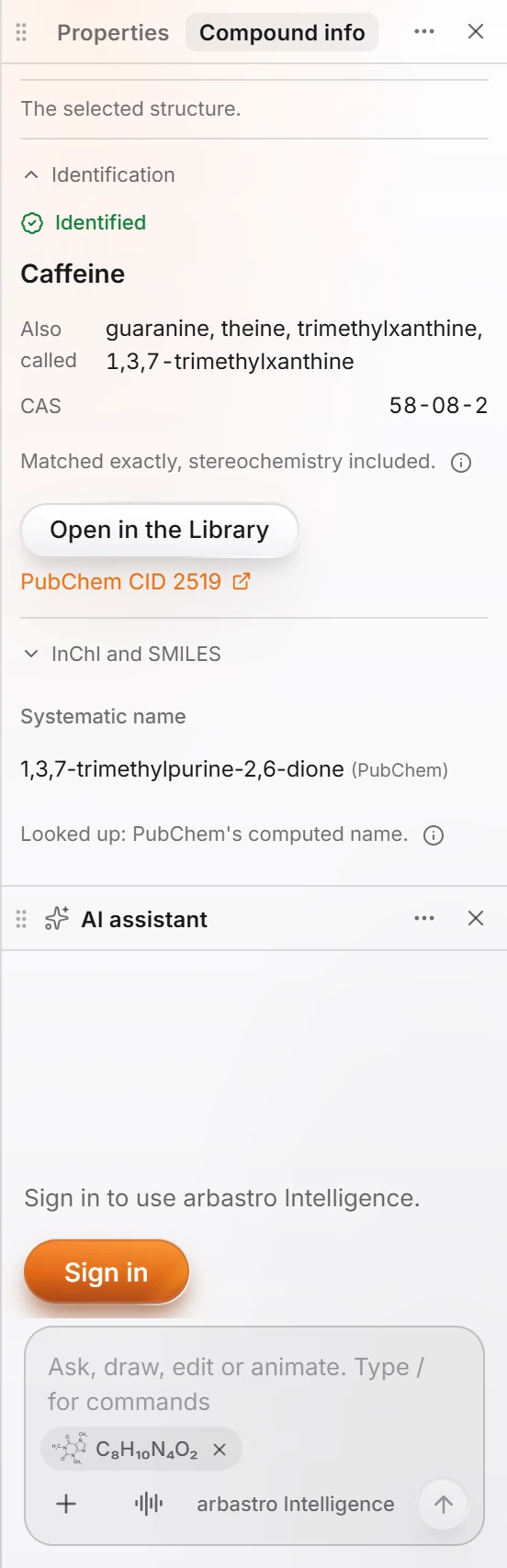 2 · How-toHow to calculate molecular weight, logP and other propertiesSelect the structure and choose Object › Chemistry › Calculate properties. The Compound info panel opens at Calculated, with the formula, exact mass, TPSA, donors, acceptors, rotatable bonds and the Lipinski rule-of-five checks.

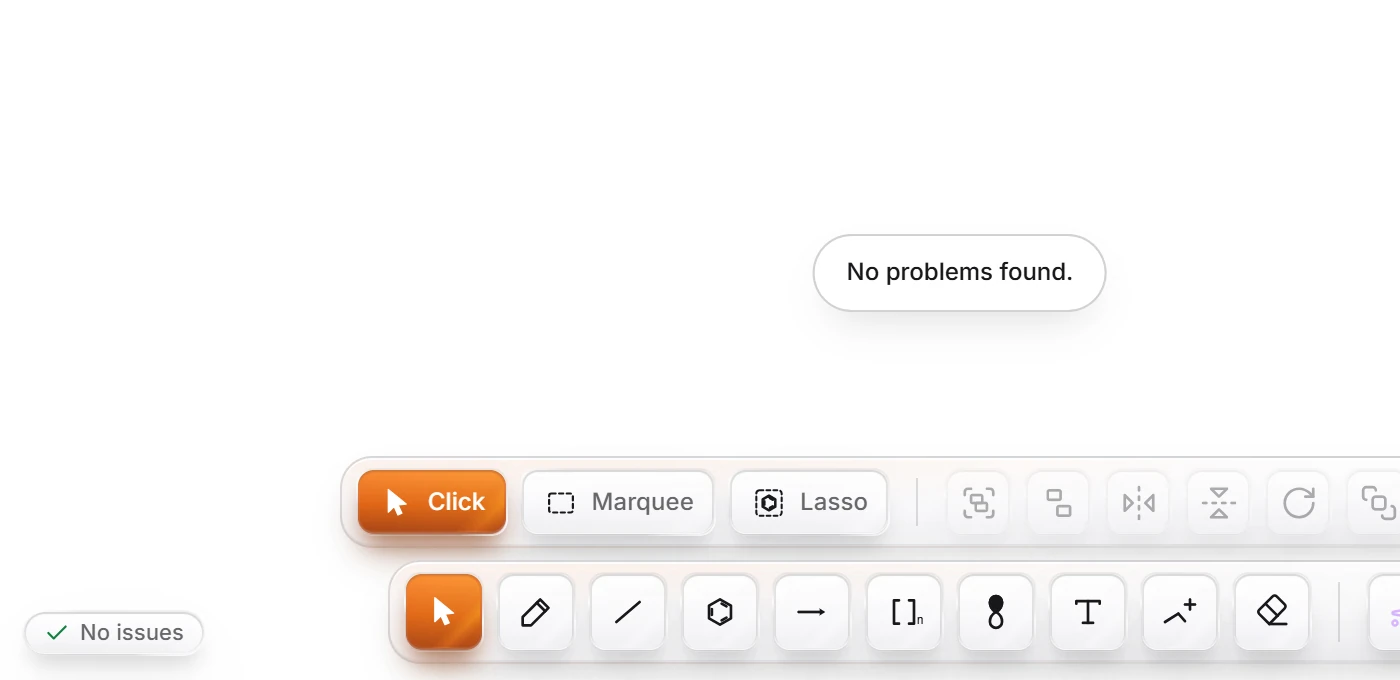 3 · How-toHow to check a structure for errorsSelect the structure and press Shift+K (Check structure). Athanor lists each problem it finds, such as a carbon with five bonds, with a suggestion. A clean structure gets "No problems found.
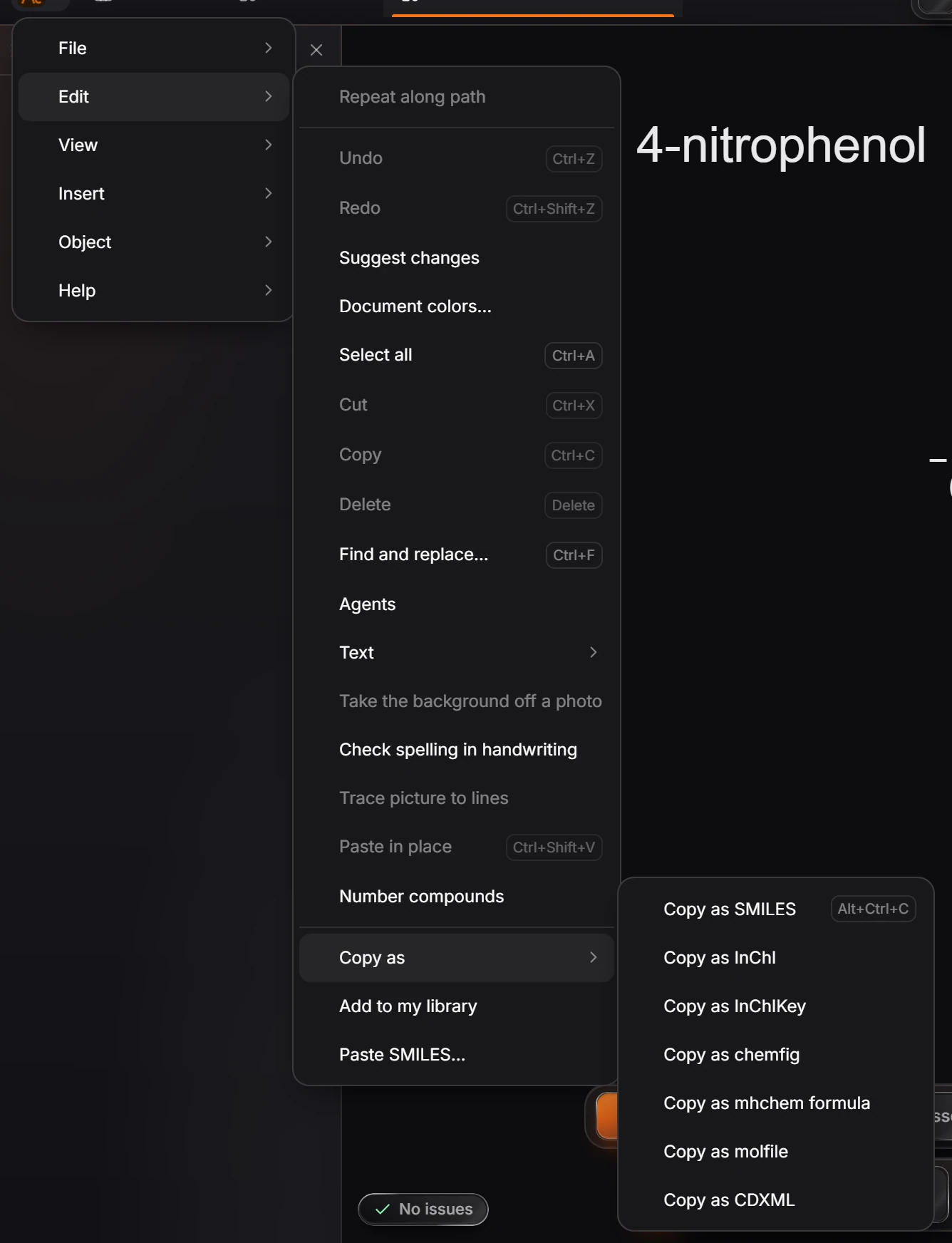
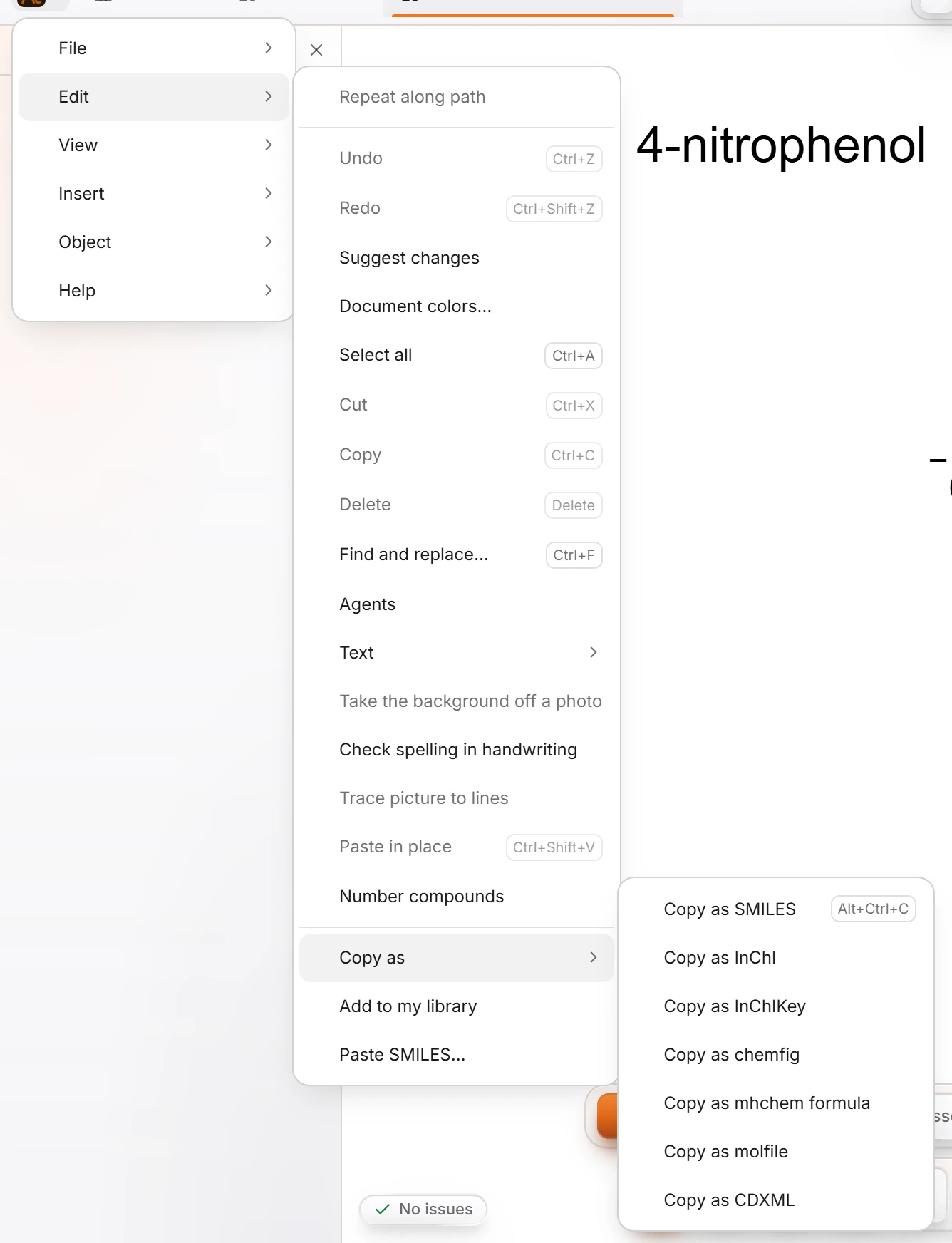 4 · How-toHow to copy a structure as SMILES, InChI or a molfileSelect the structure and use Edit › Copy as: Copy as SMILES (Ctrl+Alt+C), InChI, InChIKey, molfile, CDXML, chemfig or mhchem formula. Then paste it wherever you need it.
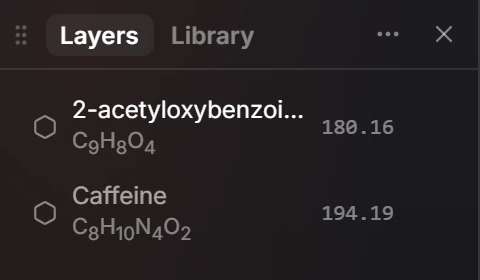
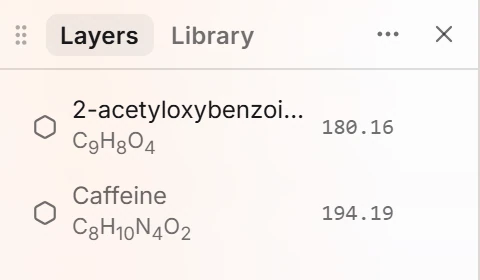 5 · How-toHow to name every structure and rename themSelect the structures and choose Object › Chemistry › Name every structure for IUPAC names, or Rename structures… to number them to a pattern such as Compound #.
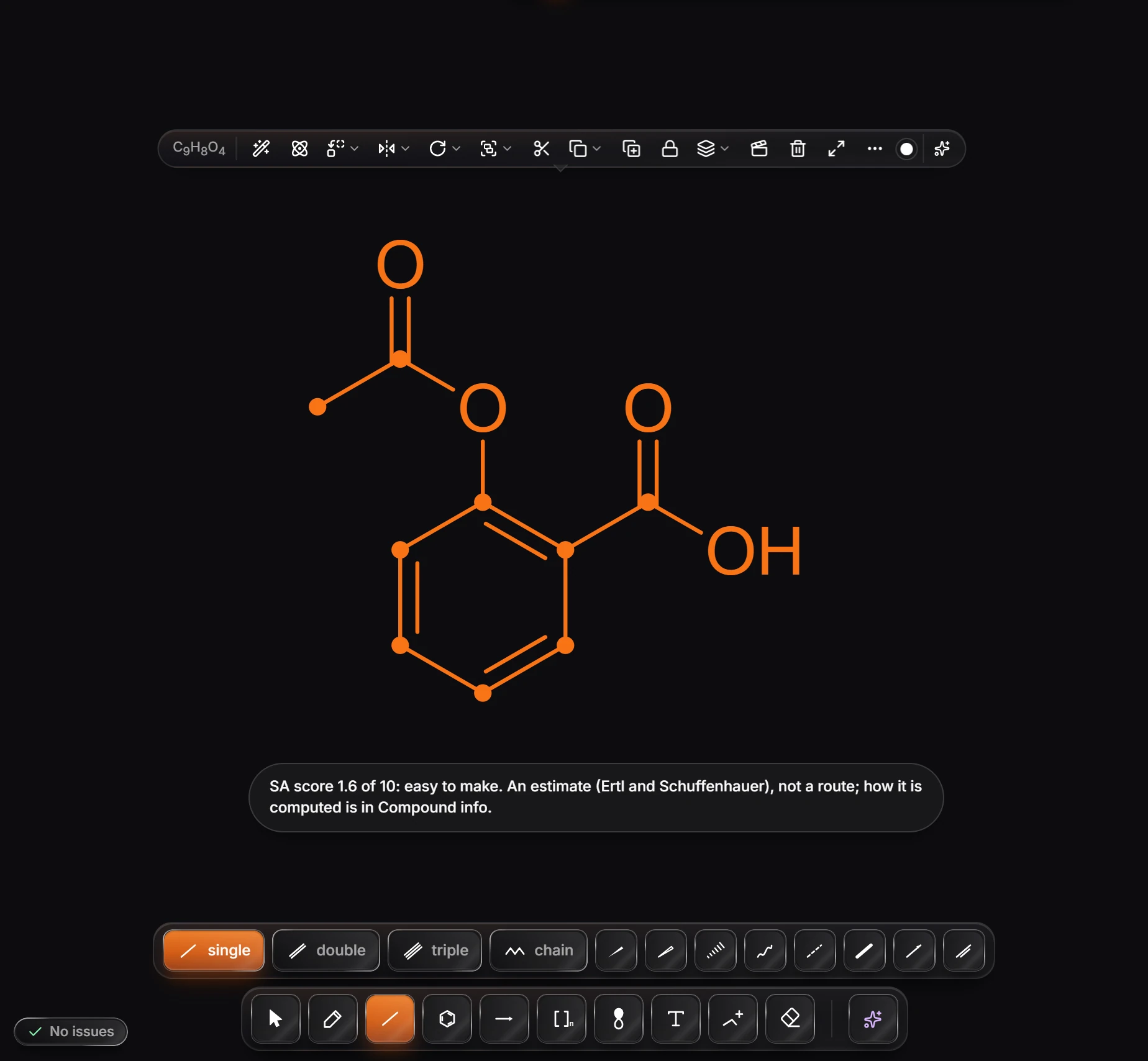
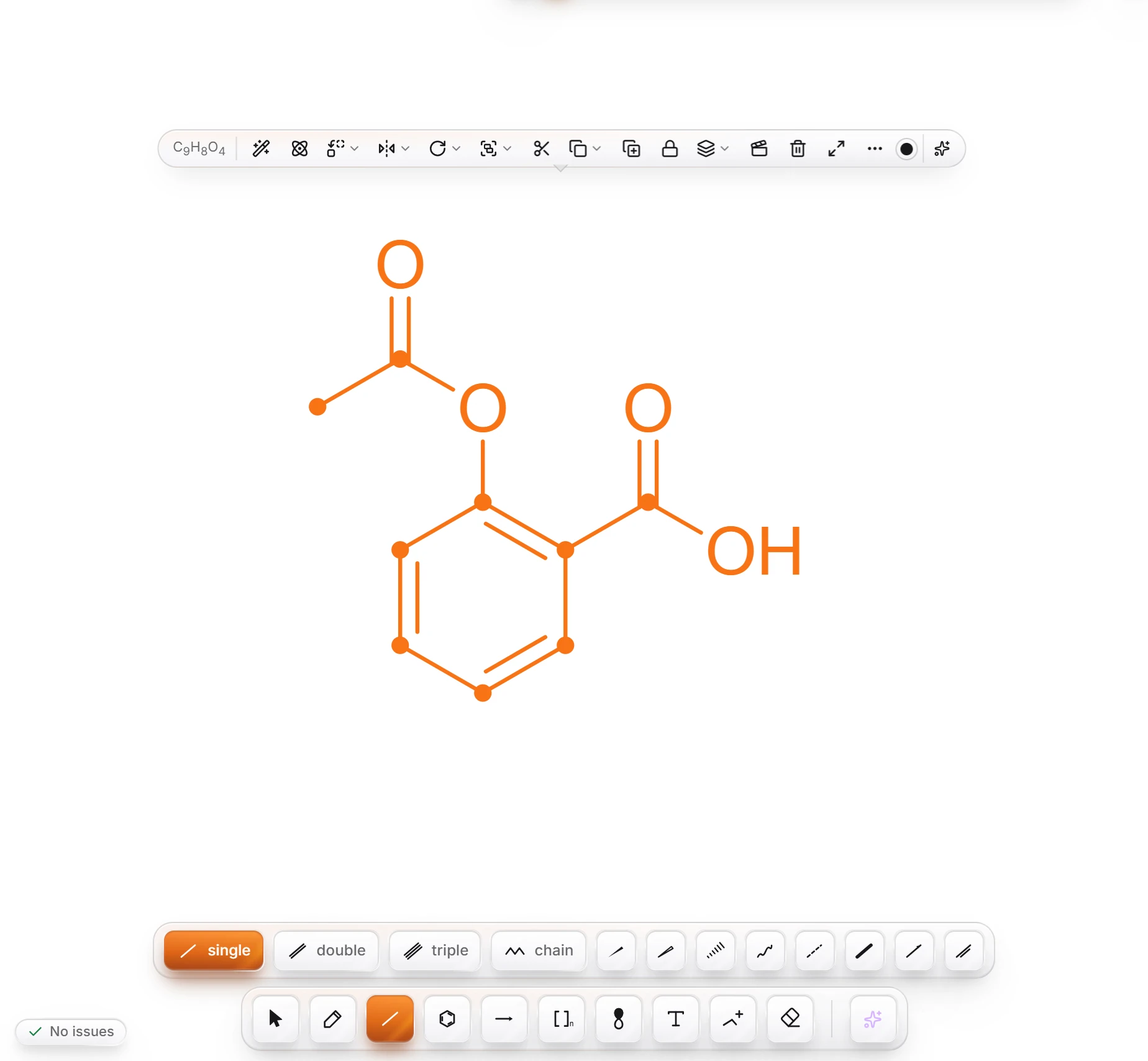 6 · How-toHow to score synthetic accessibilitySelect one structure and choose Object › Chemistry › Synthetic accessibility (SA score). Athanor reports a score from 1 (easy) to 10 (hard), such as 1.6 for aspirin.
- Still stuck? Read the FAQ or contact support.
- Something wrong on this page? Tell us.
- For AI tools: llms.txt