
How to get the IUPAC name of a structure
Select the structure and press Ctrl+Alt+N (Structure to name). Athanor copies its IUPAC name and shows it in a message with Insert as text, which places the name under the structure.
Steps
Select the structure with Select (V).
Press Ctrl+Alt+N, or choose Object › Chemistry › Structure to name.
A message shows the name and says it is copied. For ibuprofen it is
2-[4-(2-methylpropyl)phenyl]propanoic acid.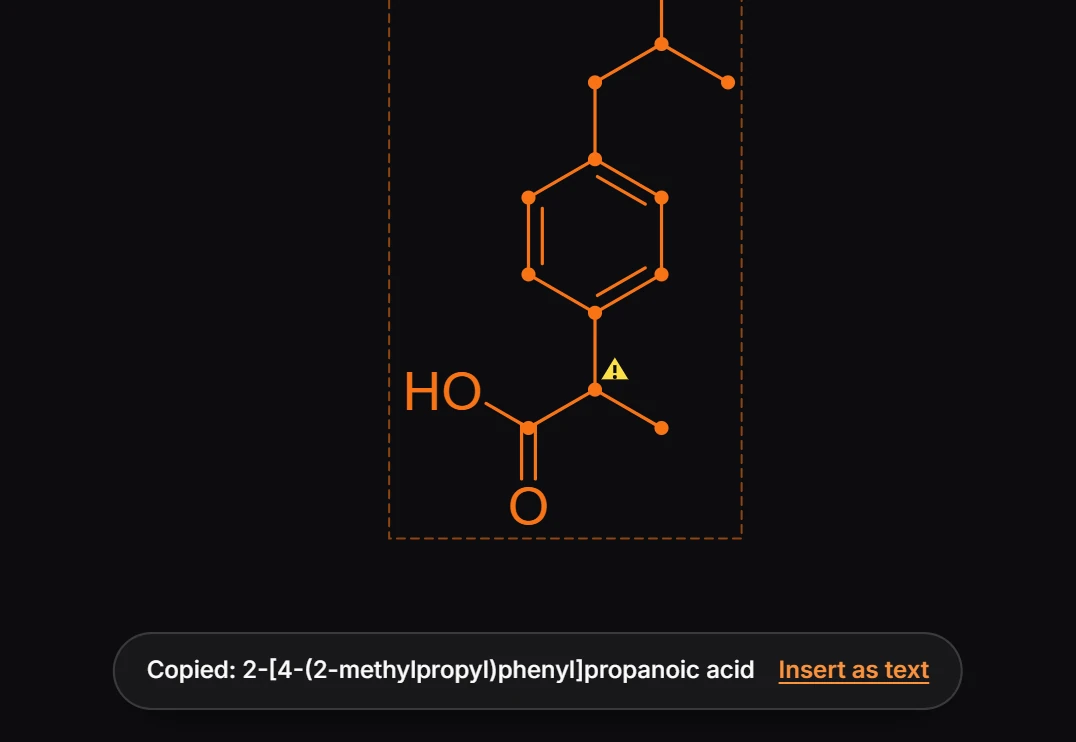
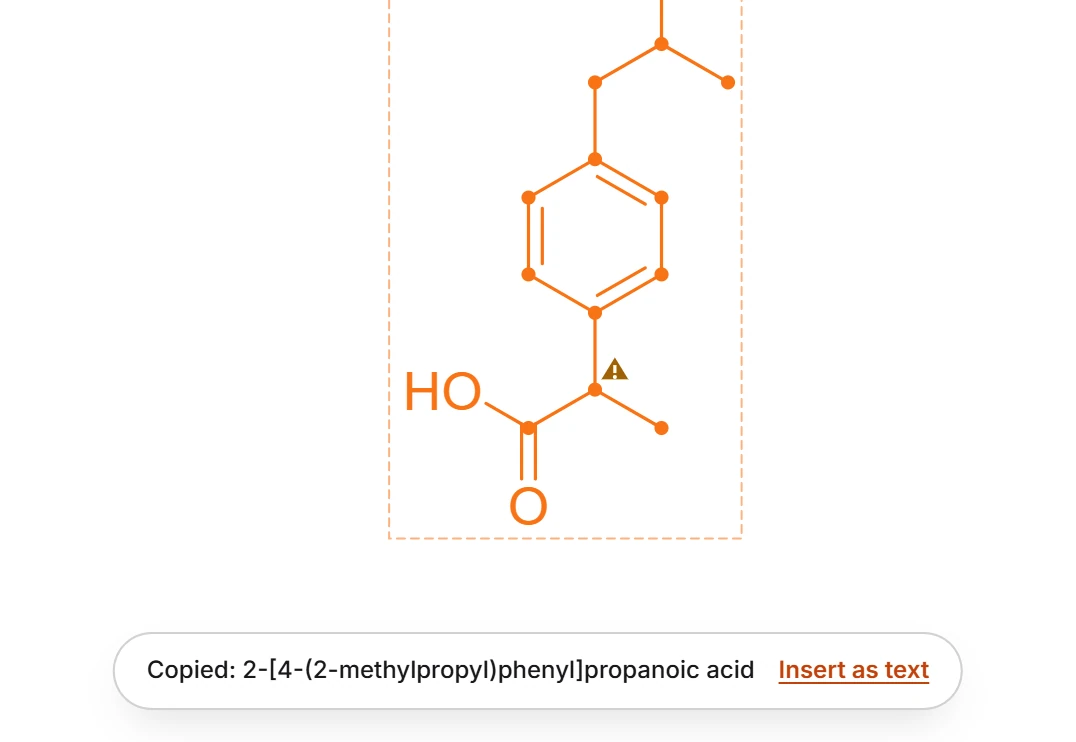
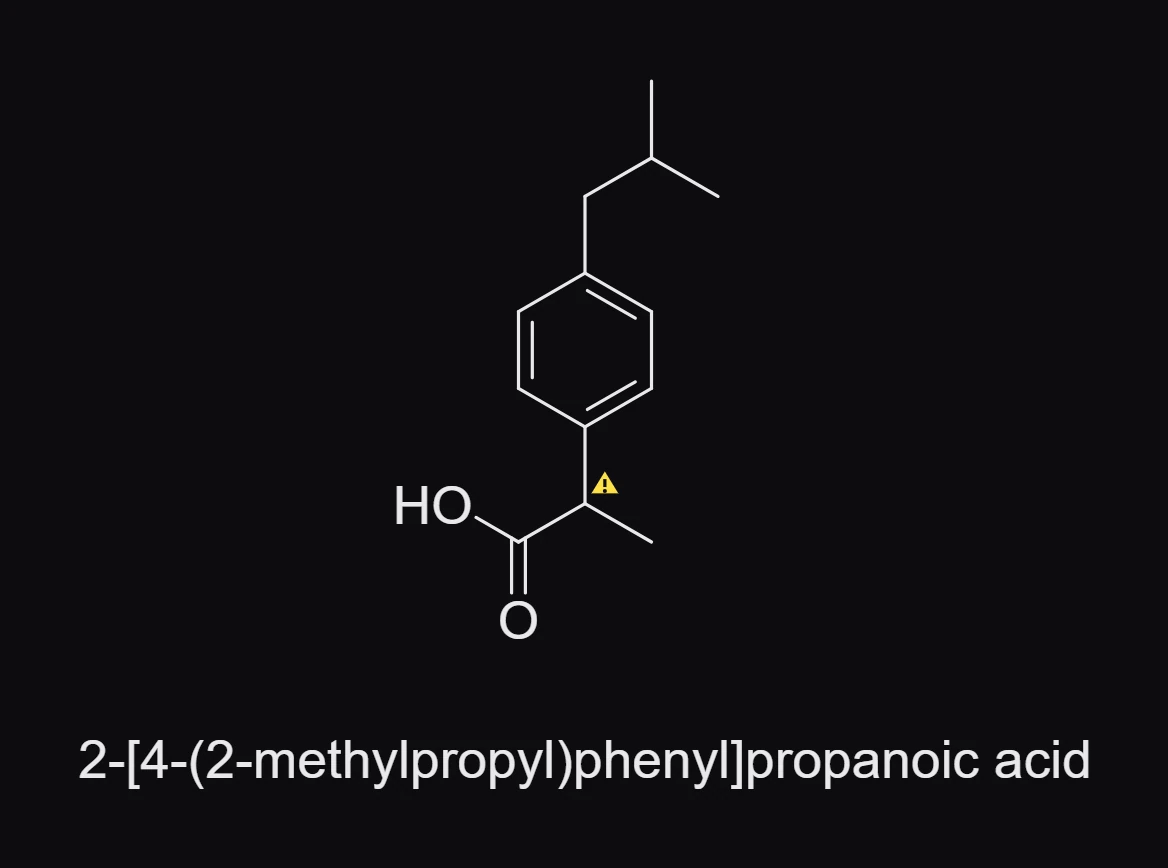
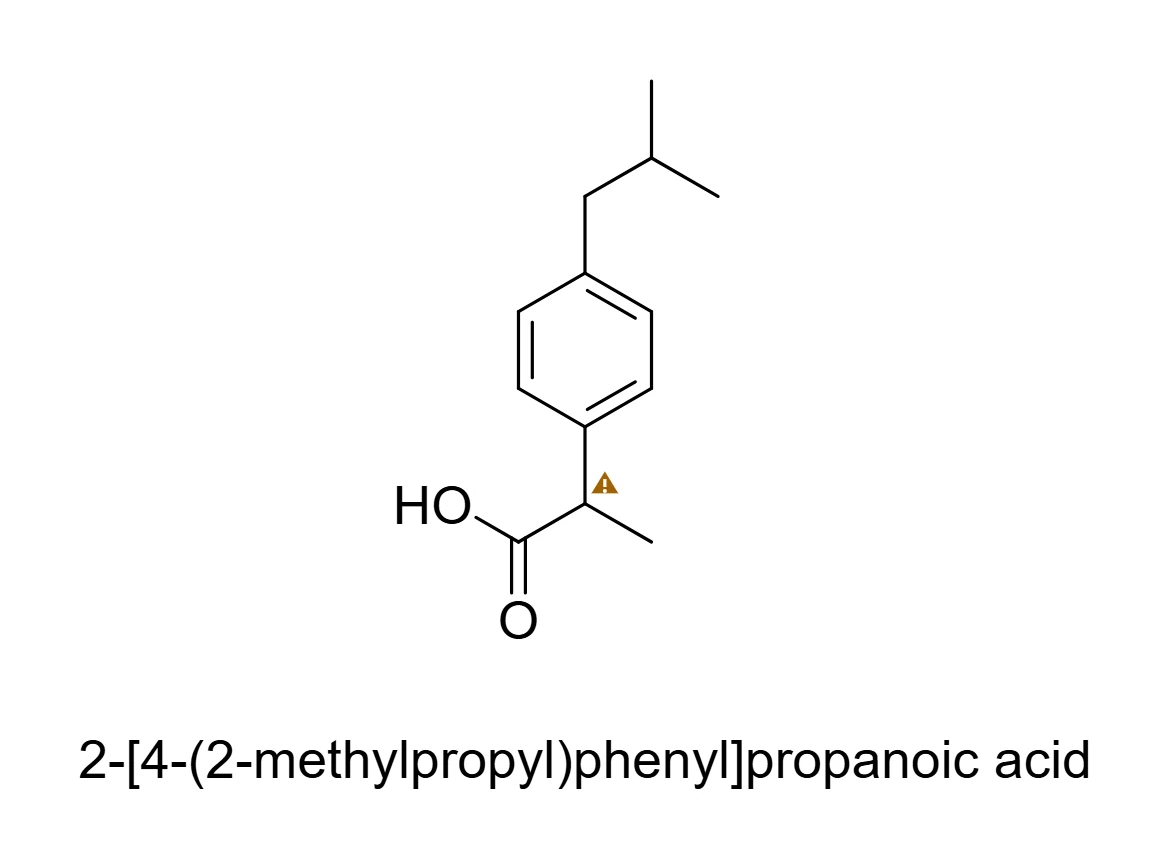
Press Insert as text to put the name under the structure, or paste it anywhere with Ctrl+V: a caption, a paper, a search box.
If the structure cannot be named, for example because it is not finished or has a problem the issues badge points out, Athanor says why instead.
Name every structure at once
Object › Chemistry › Name every structure names every selected structure at once. See How to name every structure and rename them.
Is this helpful?
Last updated Nov 12, 2026
- Still stuck? Read the FAQ or contact support.
- Something wrong on this page? Tell us.
- For AI tools: llms.txt