
Mechanisms
Curved arrows and lone pairs, Build mechanism, the Timeline and its advanced mode, energy diagrams, and exporting a mechanism as video.
Start here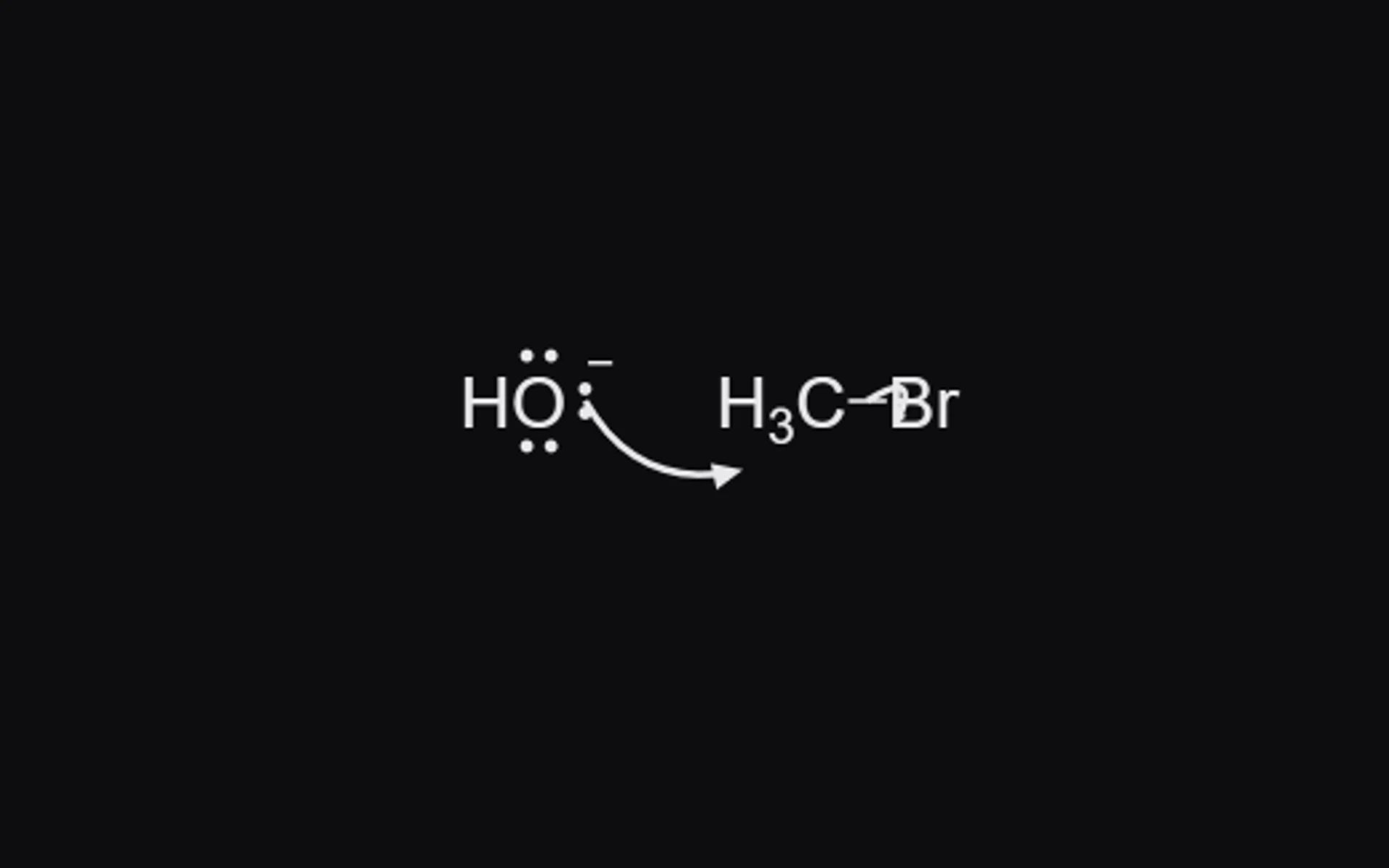
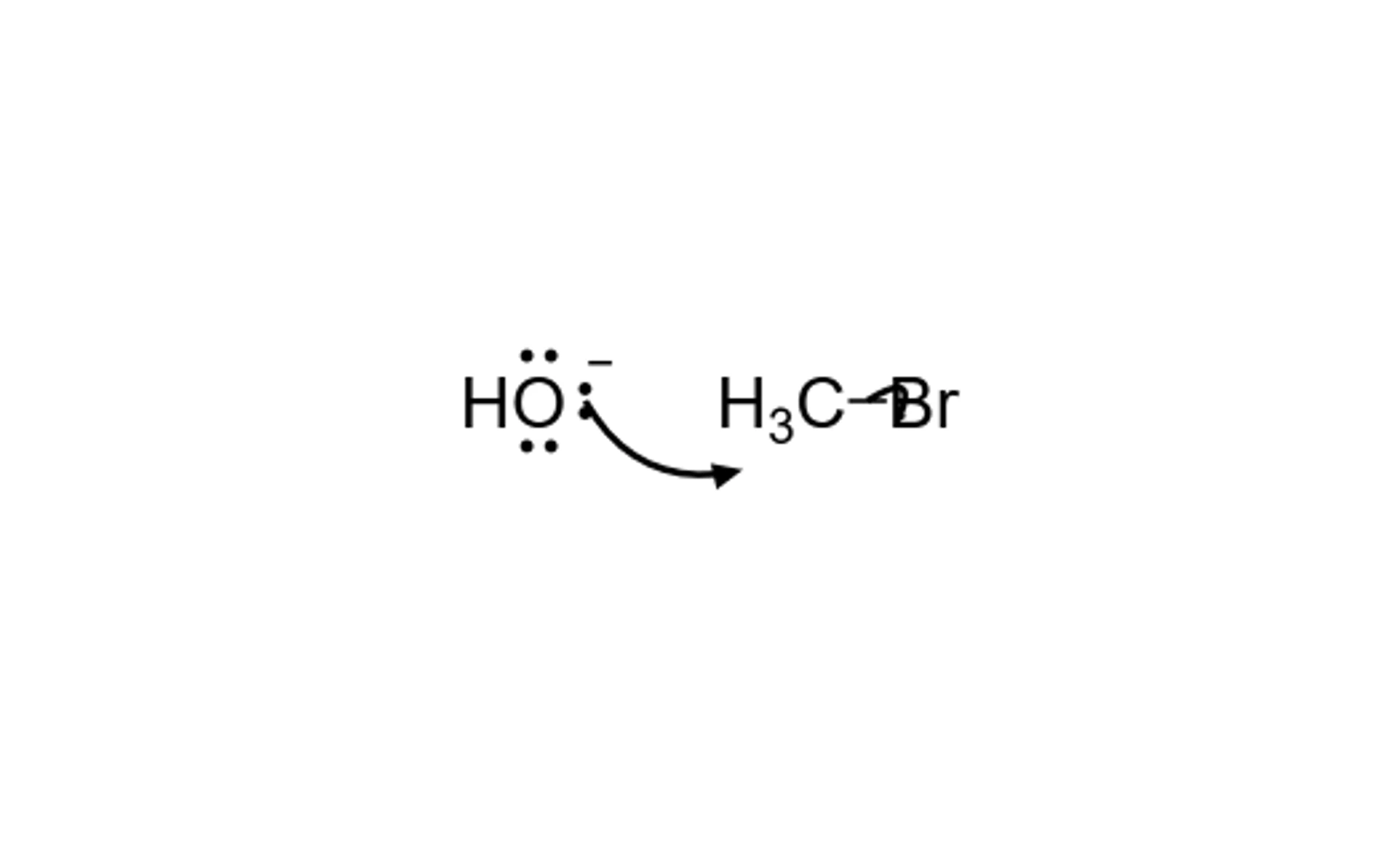 1 · How-toHow to draw curved arrows for a mechanismPress W, then 7 for a curly arrow (an electron pair) or 8 for a fishhook (one electron). Drag from a lone pair or a bond to the atom or bond the electrons go to.
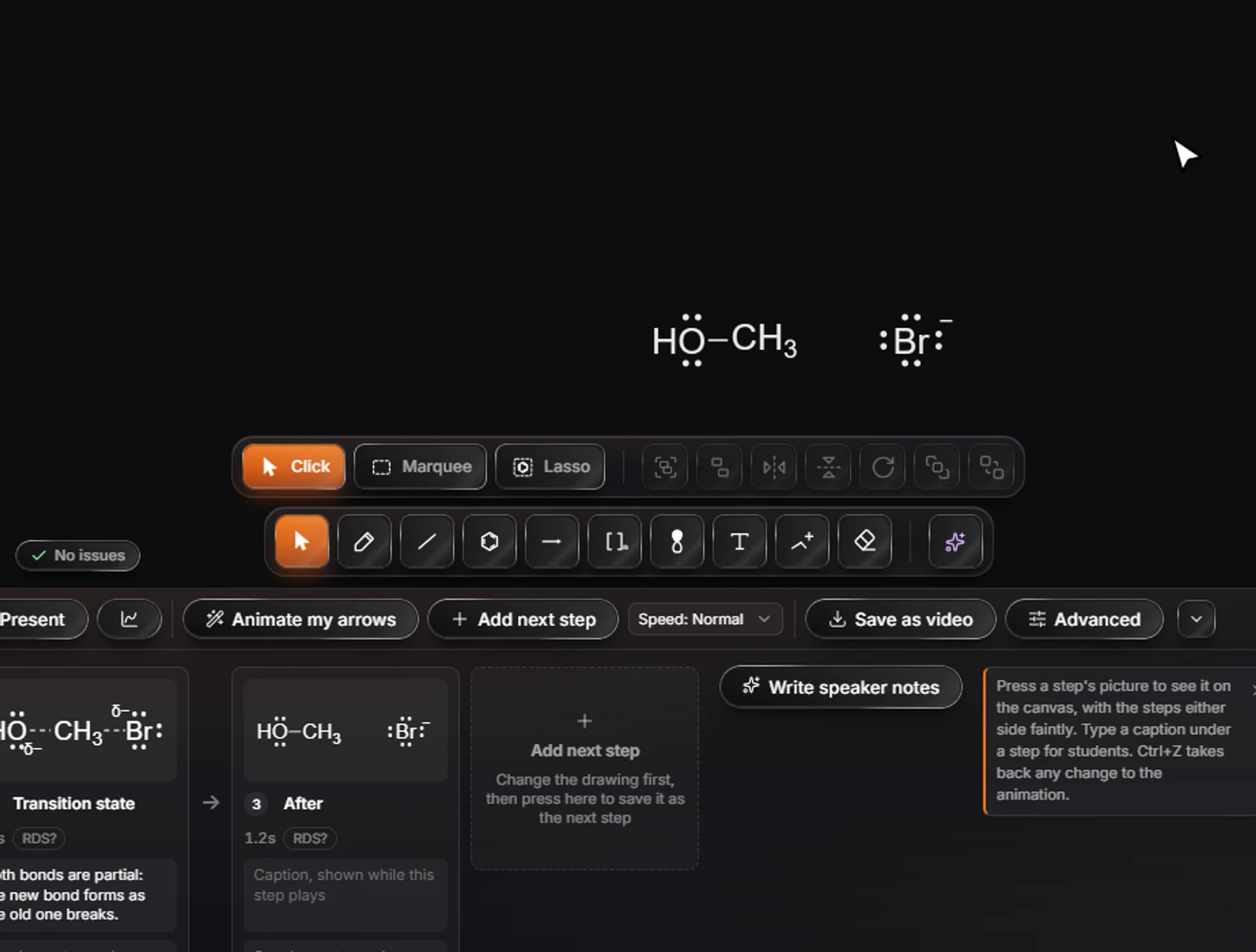
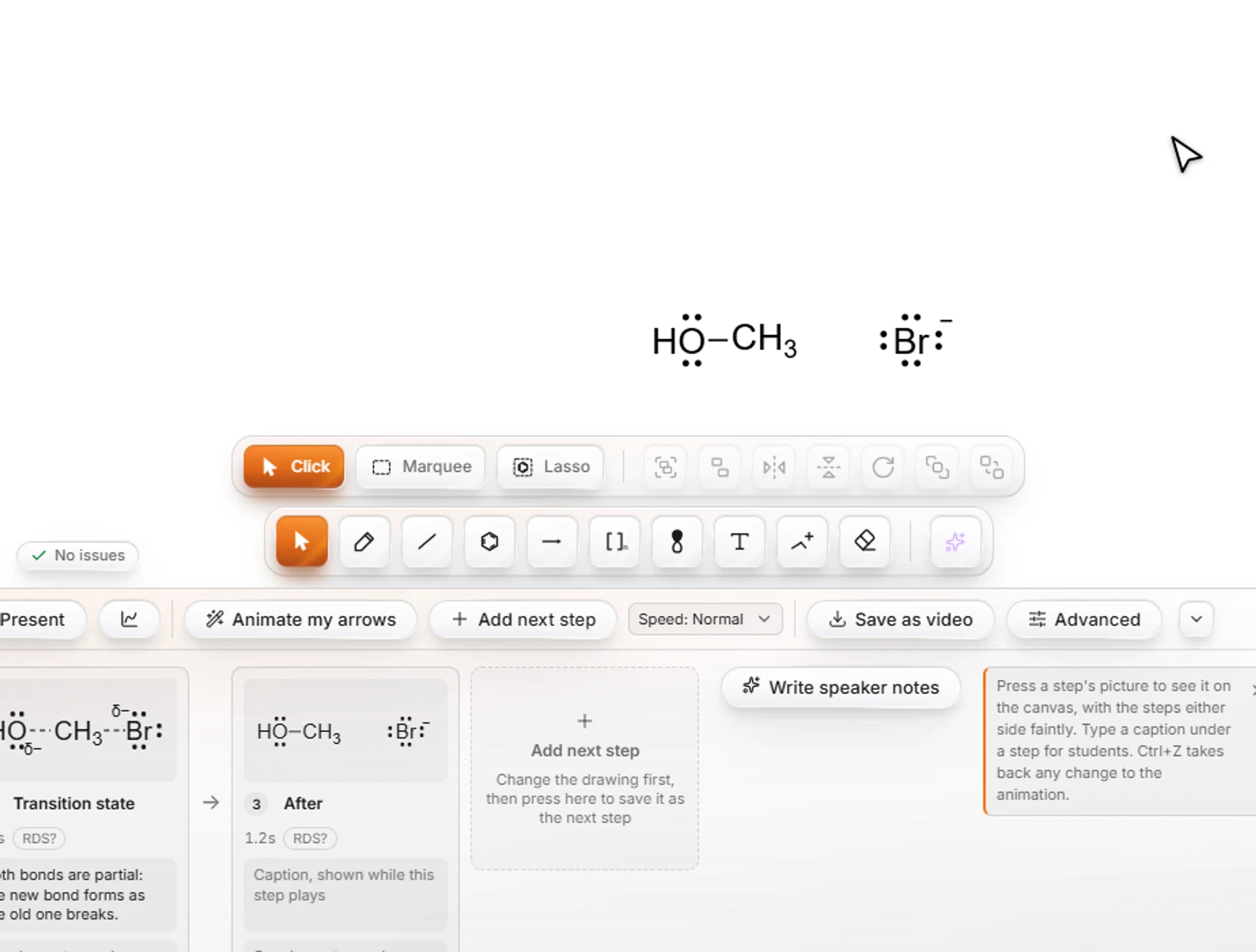 2 · How-toHow to animate a reaction mechanismDraw a mechanism step with its curved arrows, open the Timeline (Animate in the top bar, or Ctrl+Shift+T) and press Animate my arrows. Athanor works out the steps that follow from the arrows and Play runs them as a film.

 3 · How-toHow to use the Timeline's advanced modeIn the Timeline, switch Basic to Advanced. Steps shows each step with its duration and easing; Keyframes shows a track for each structure that changes, where you add and move keyframes. Easing sets how each move speeds up and slows down.
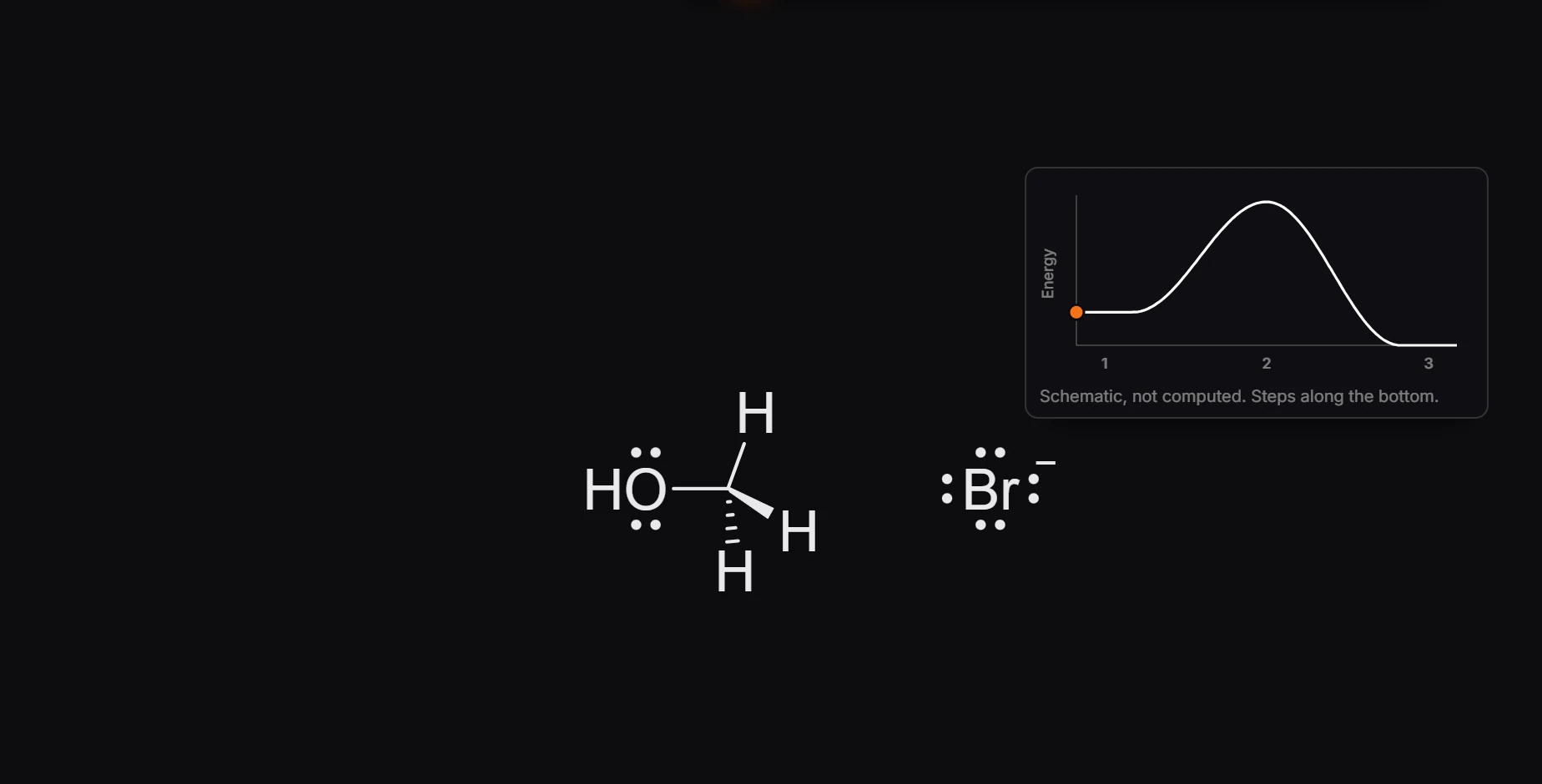
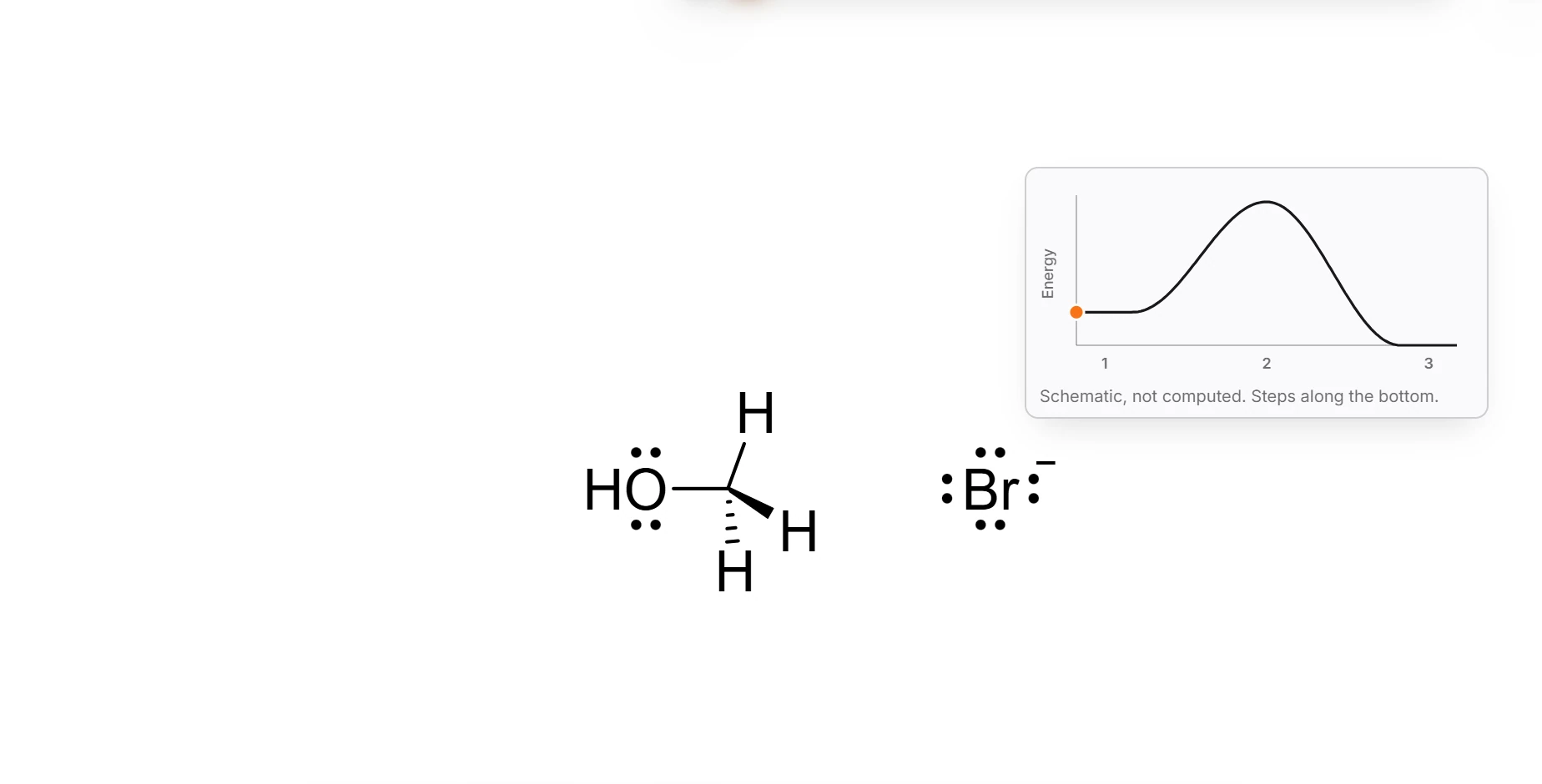 4 · How-toHow to add an energy diagram that follows the animationIn the Timeline, press the Energy diagram button. An energy profile appears on the canvas, with the steps along the bottom and a marker that follows the playhead as the animation plays.
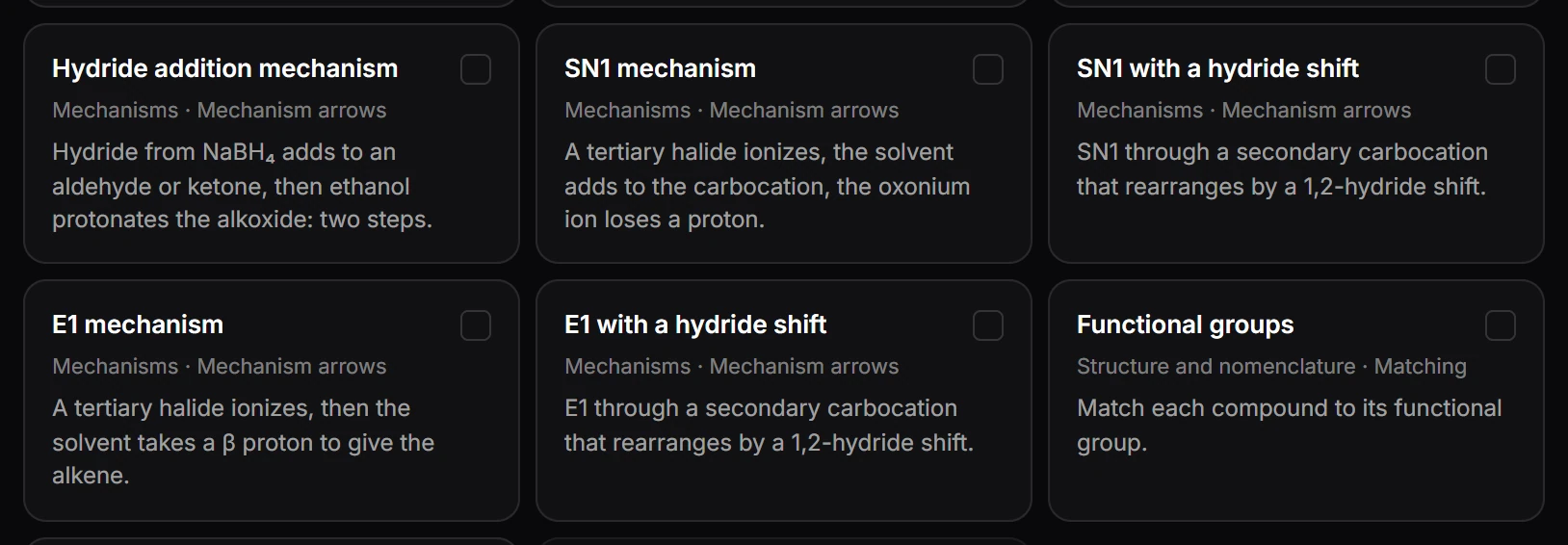
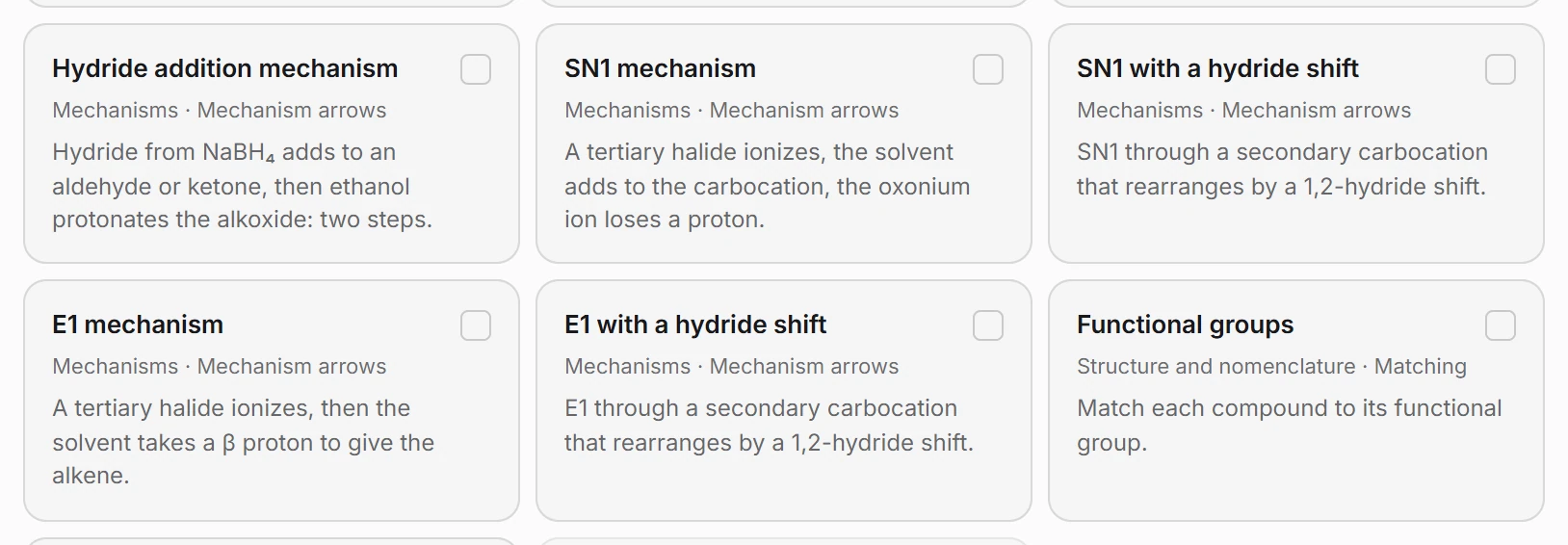 5 · How-toMechanism problem templates (SN1, SN2, E1, E2)Choose File › New problem set › From a template › Organic chemistry and tick the mechanism templates, such as SN1 mechanism, SN1 with a hydride shift, E1 mechanism or E2 mechanism. Set how many, the difficulty and the level, then Pick templates.
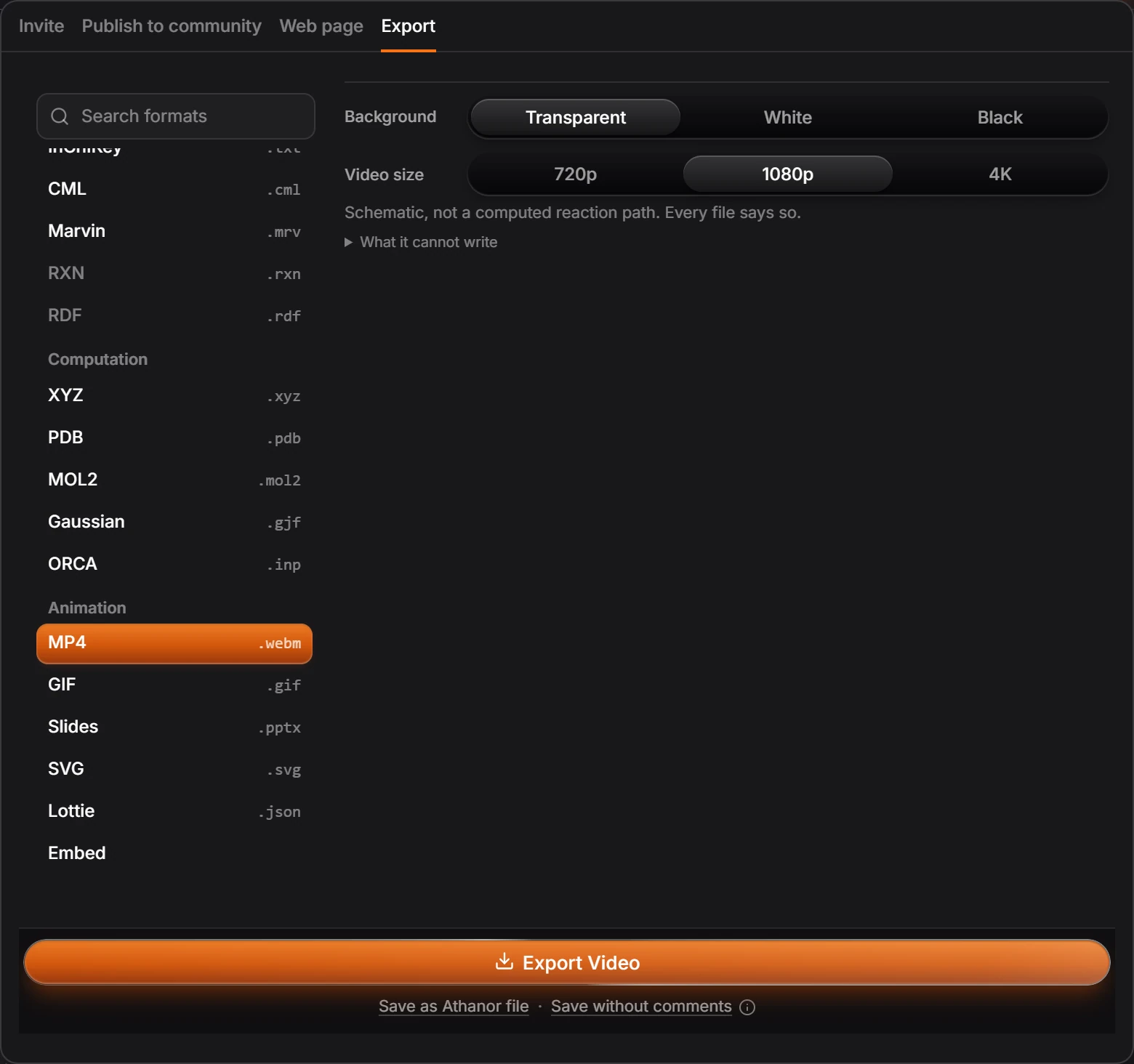
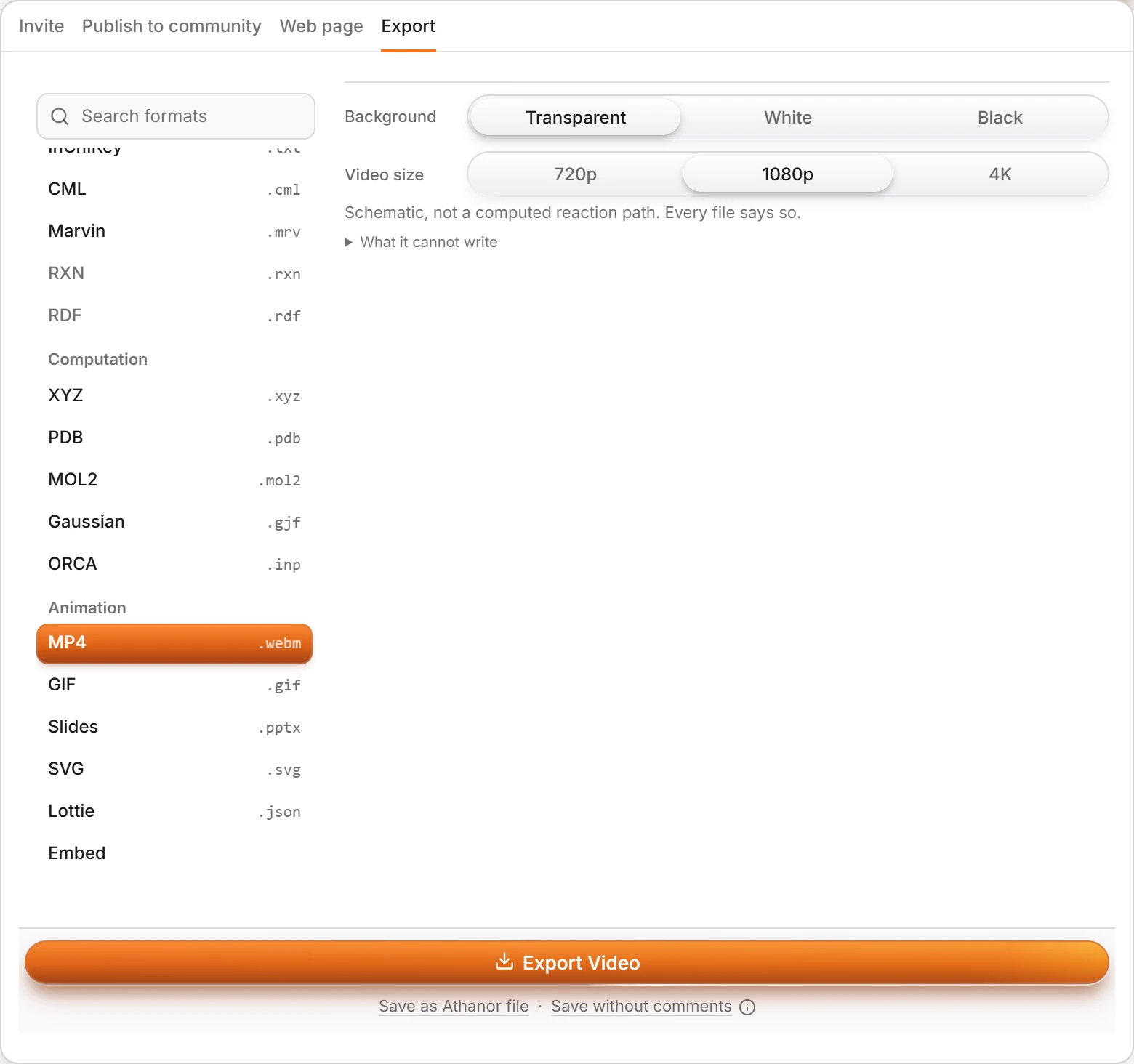 6 · How-toHow to export a mechanism as a video, GIF or slidesOpen Export (Ctrl+Shift+E) and pick a format under Animation: MP4, GIF, Slides (.pptx), SVG, Lottie or Embed. Choose the background and the video size, then press Export. Save as video in the Timeline does the same.

 7 · How-toHow to present a mechanism step by step in a lectureAnimate the mechanism, then press Present on the Timeline. The mechanism fills the screen on step 1. Click, press Space or the right arrow to play the next step and stop on it. L is a laser pointer, P a pen, B a black screen, and Esc ends.
- Still stuck? Read the FAQ or contact support.
- Something wrong on this page? Tell us.
- For AI tools: llms.txt