
How to draw curved arrows for a mechanism
Press W, then 7 for a curly arrow (an electron pair) or 8 for a fishhook (one electron). Drag from a lone pair or a bond to the atom or bond the electrons go to.
A curved arrow (or curly arrow) shows where a pair of electrons moves in a reaction step. It starts at the electrons, a lone pair or a bond, and points to where they end up. A fishhook has half an arrowhead and moves a single electron, as in radical reactions.
Steps
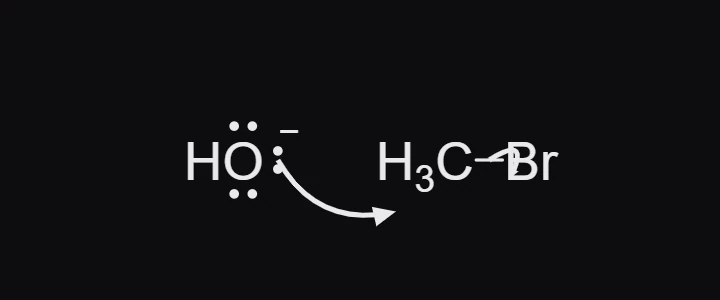
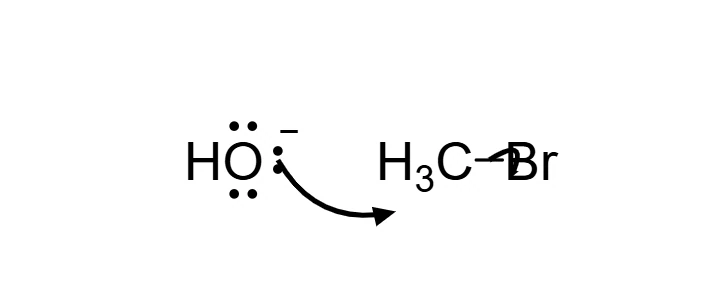
The example is an SN2 step: hydroxide attacks bromomethane and bromide leaves.
Draw the starting structures with their lone pairs. Here, press / and insert
[OH-].CBr, then add three lone pairs to the oxygen with the Charges tool (Q, then L, and click the oxygen three times). See How to add charges, radicals and lone pairs.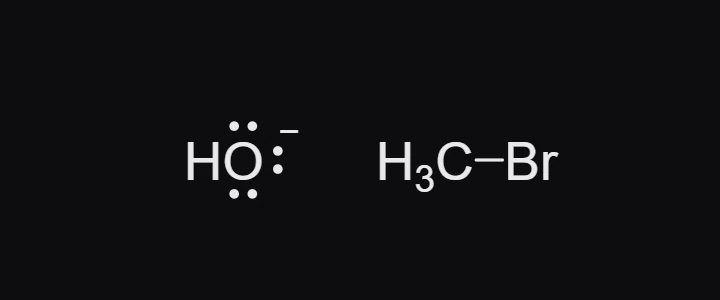
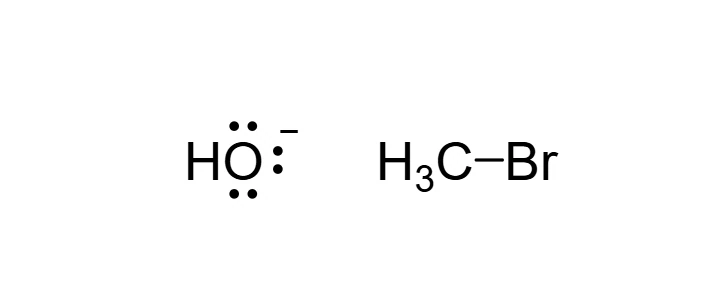
Press W for the Arrow tool, then 7 for curly (or 8 for fishhook).
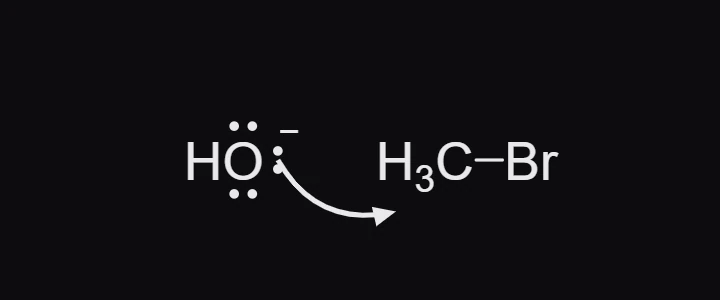
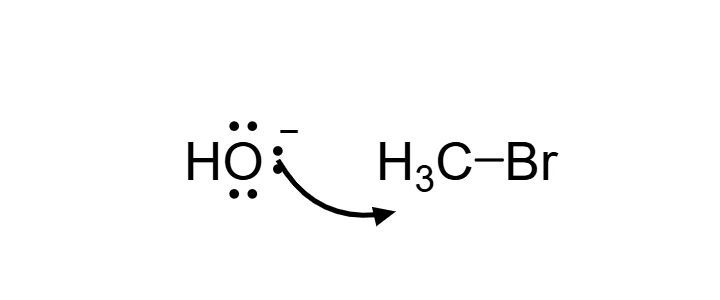
Drag from one of the oxygen's lone pairs to the carbon. Let go on the carbon: the arrow bends between the two and points at it.
Drag from the middle of the C-Br bond to the bromine. These electrons leave with the bromine as bromide.
Make it move
Press Animate my arrows and Athanor works out what the arrows do: here it forms the C-O bond, breaks the C-Br bond, and adds a transition state in between. See How to animate a reaction mechanism.
Tip
Start each arrow on the electrons themselves, a lone pair or the middle of a bond, and end it on the atom or bond that receives them. If an arrow is not attached at both ends, Animate my arrows cannot tell what it does and leaves it out: check the result, and redraw that arrow if the step is not what you meant.
Is this helpful?
Last updated Nov 12, 2026
- Still stuck? Read the FAQ or contact support.
- Something wrong on this page? Tell us.
- For AI tools: llms.txt