
How to add charges, radicals and lone pairs
Press Q for the Charges tool, pick plus (+), minus (-), lone pair (L), radical, diradical, delta plus or delta minus, and click the atom. clear takes every mark off an atom.
Steps
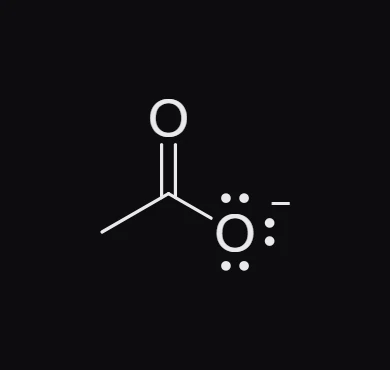
Press Q for the Charges tool. The row above the toolbar shows what it can add: plus, minus, circled plus, circled minus, lone pair, radical, diradical, delta plus, delta minus and clear.


Pick one. + is plus, - is minus and L is lone pair.
Click the atom. Click again to add another of the same, for example a second lone pair.
To take the marks off an atom, pick clear and click it.
Tip
No need to switch tools for a charge: point at any atom and press + or -.
Partial charges
delta plus and delta minus draw δ+ and δ− beside an atom, the usual way to show a polar bond such as C=O.
Is this helpful?
Last updated Nov 12, 2026
- Still stuck? Read the FAQ or contact support.
- Something wrong on this page? Tell us.
- For AI tools: llms.txt