
Compound info and the Library
About 1,200 curated compounds, templates, guides, icons and community uploads, plus Compound info for what you drew.
Start here- 1 · How-toThe LibraryAthanor's Library: about a thousand curated compounds, reaction templates, guides and icons to drag onto the page, searchable by name or by structure.
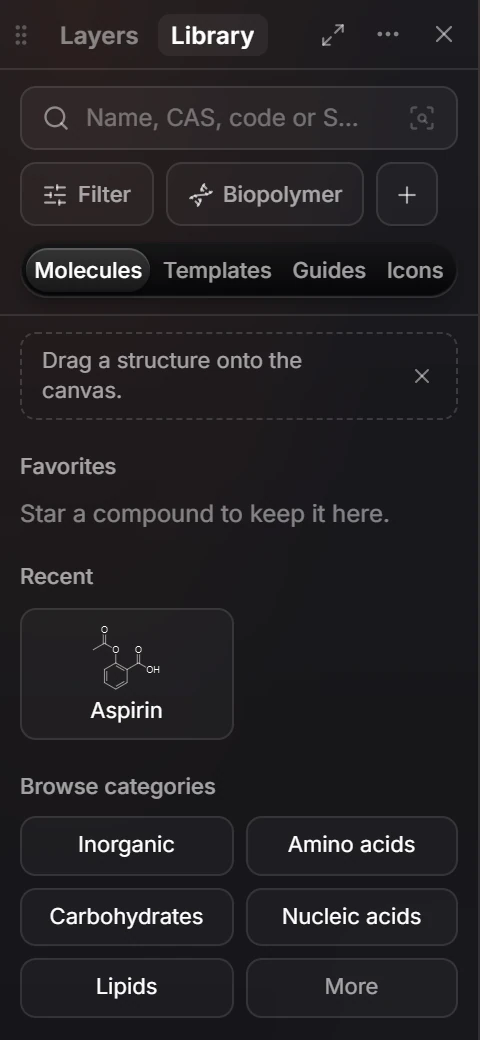
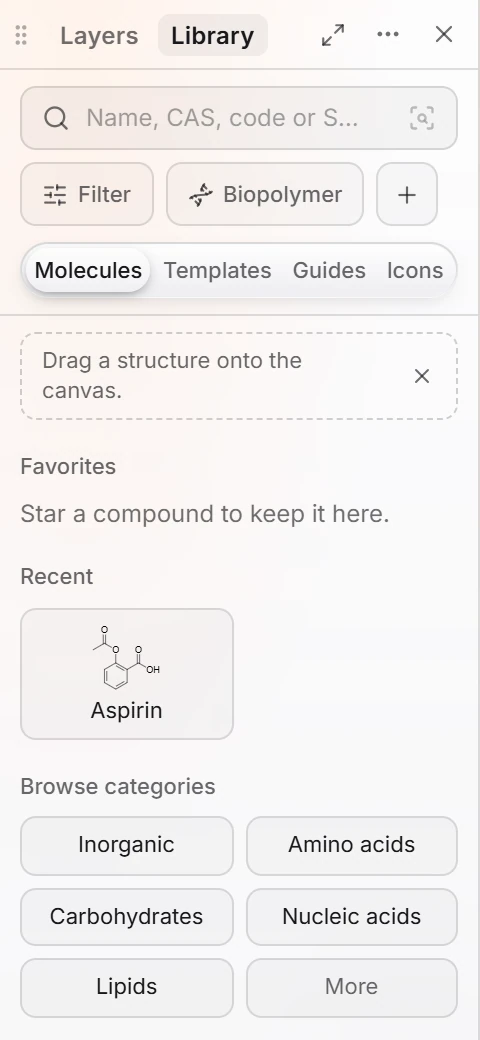 2 · ReferenceThe Library panelOpen the Library tab beside Layers. Search by name, CAS, code or SMILES, browse categories, star favorites, and drag a structure onto the canvas.
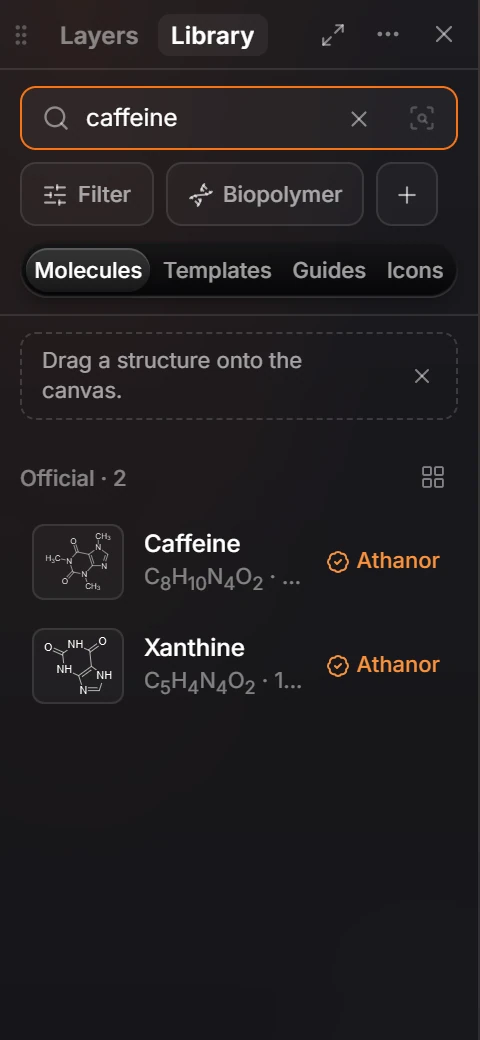
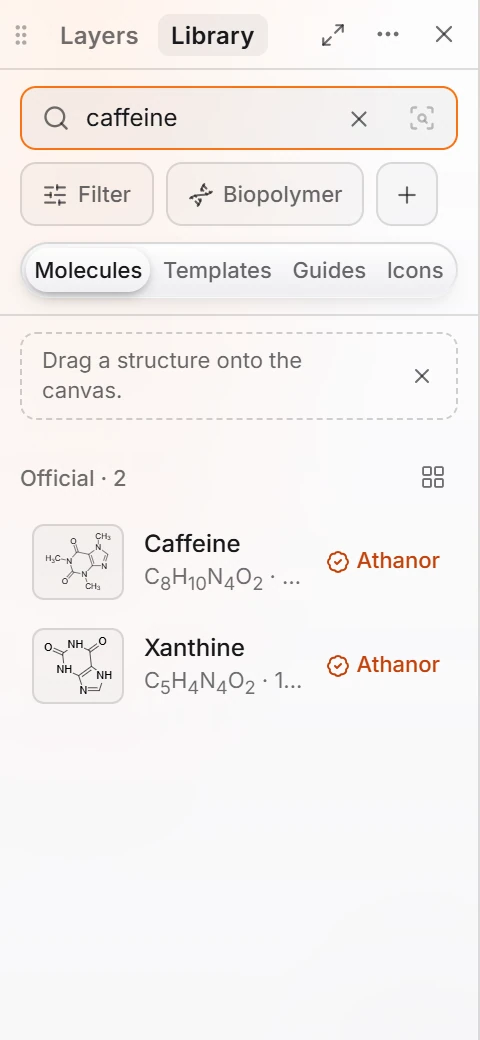 3 · How-toHow to search the libraryOpen the Library tab and type in the search box, for example caffeine. Matches are listed with their formula; official entries carry the Athanor mark. Drag one onto the canvas.
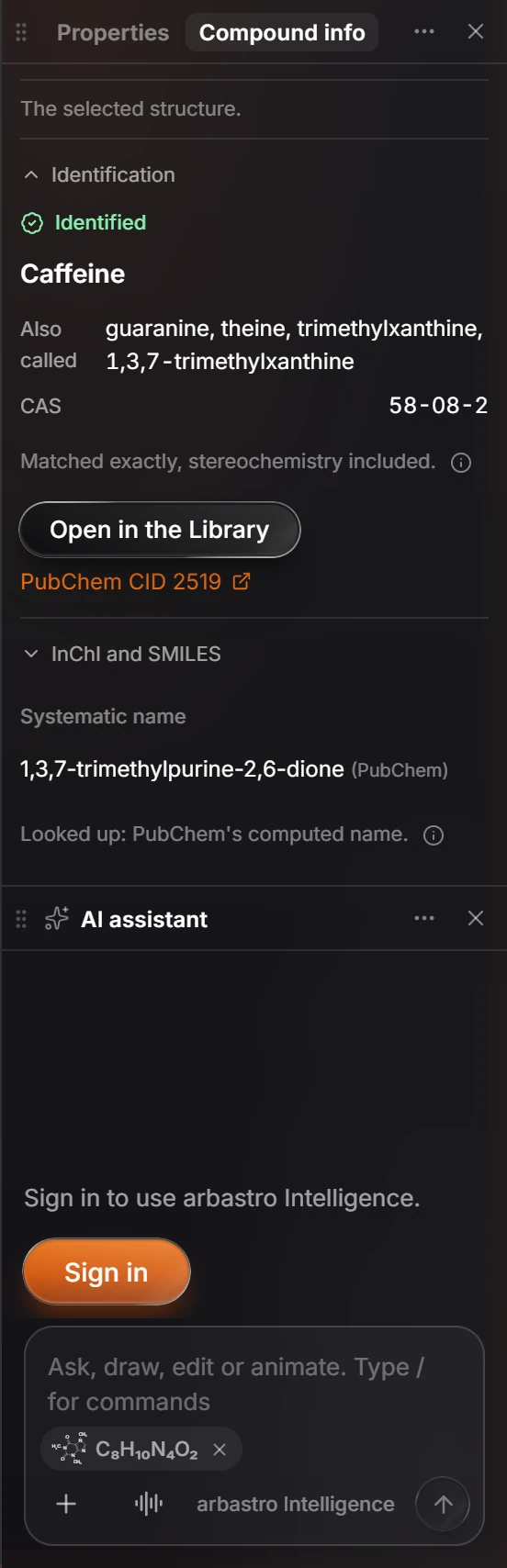
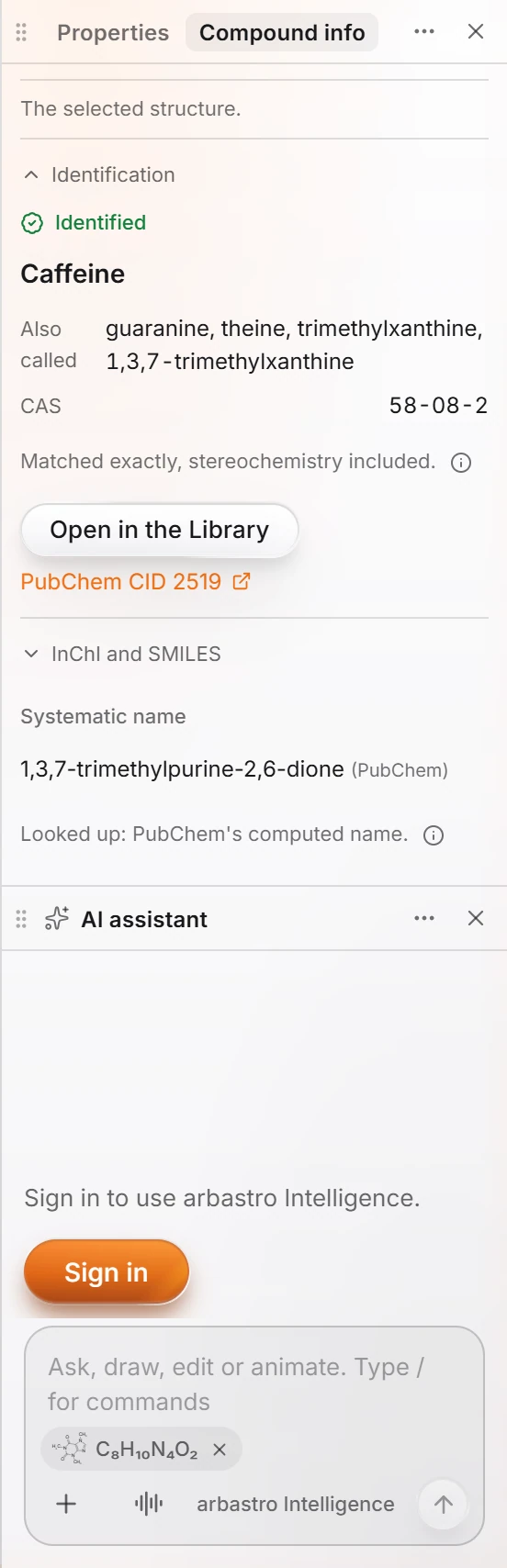 4 · ReferenceThe Compound info panelSelect a structure and press I (or click the Compound info tab beside Properties). The panel says what the structure is, its other names, CAS number and PubChem record, its systematic name, its InChI and SMILES, and calculated properties.
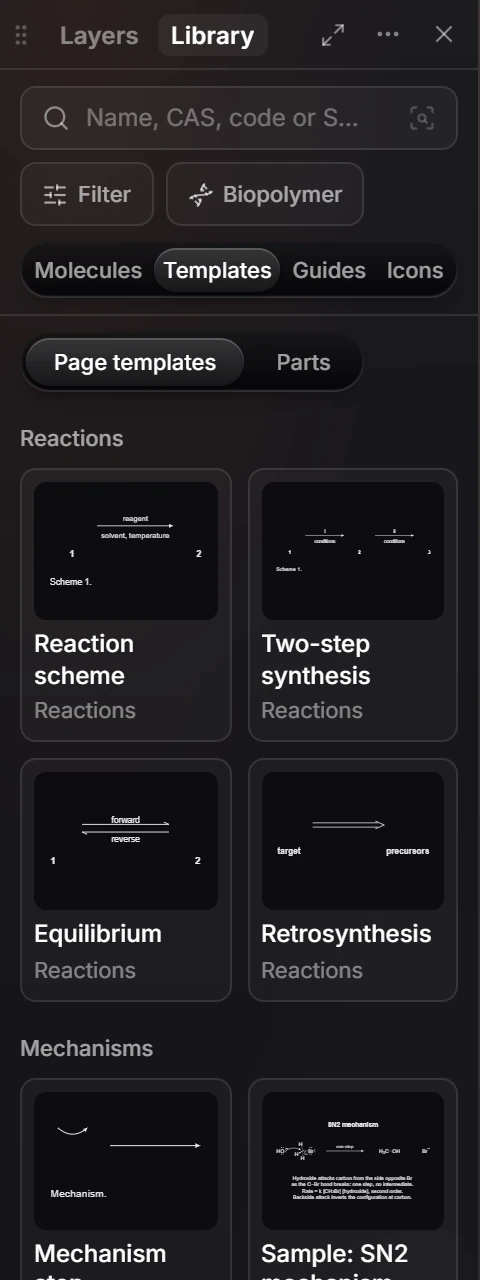
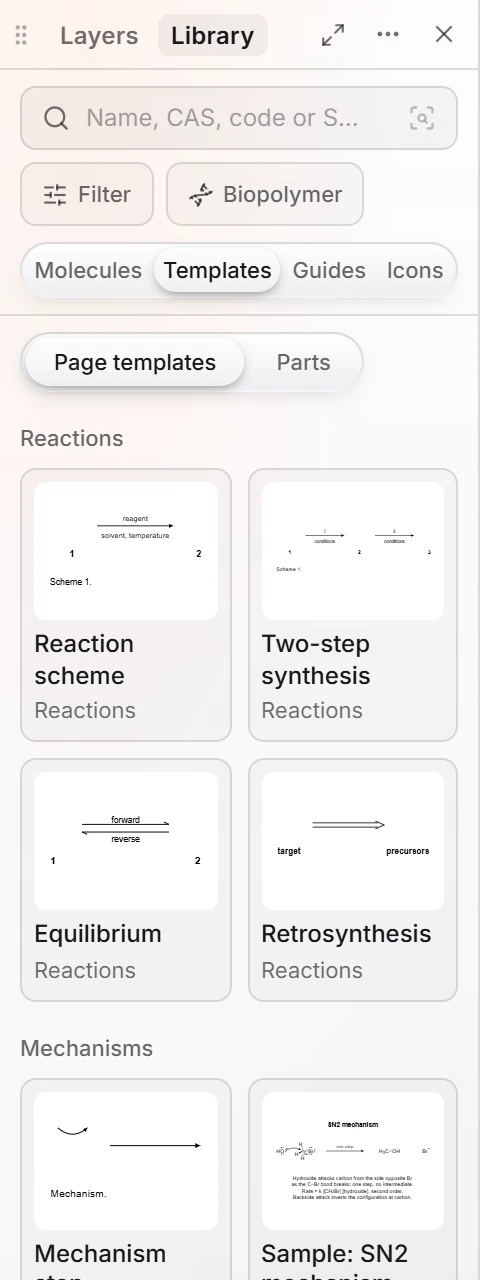 5 · How-toHow to start from a templateOpen Library › Templates. Page templates include Reaction scheme, Two-step synthesis, Equilibrium, Retrosynthesis and Mechanism step; Parts holds smaller pieces. Drag one onto the canvas.
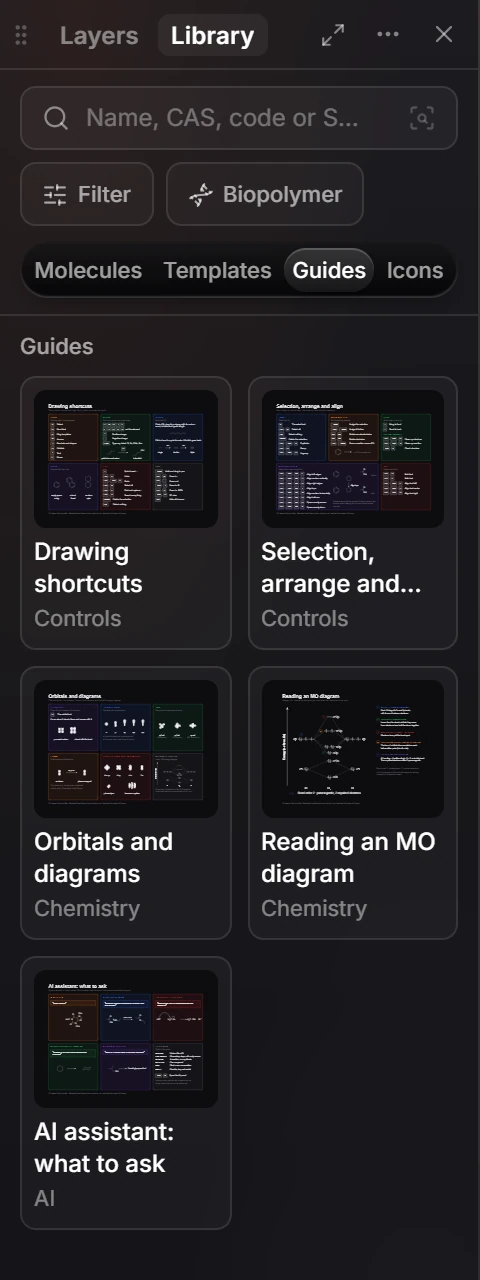
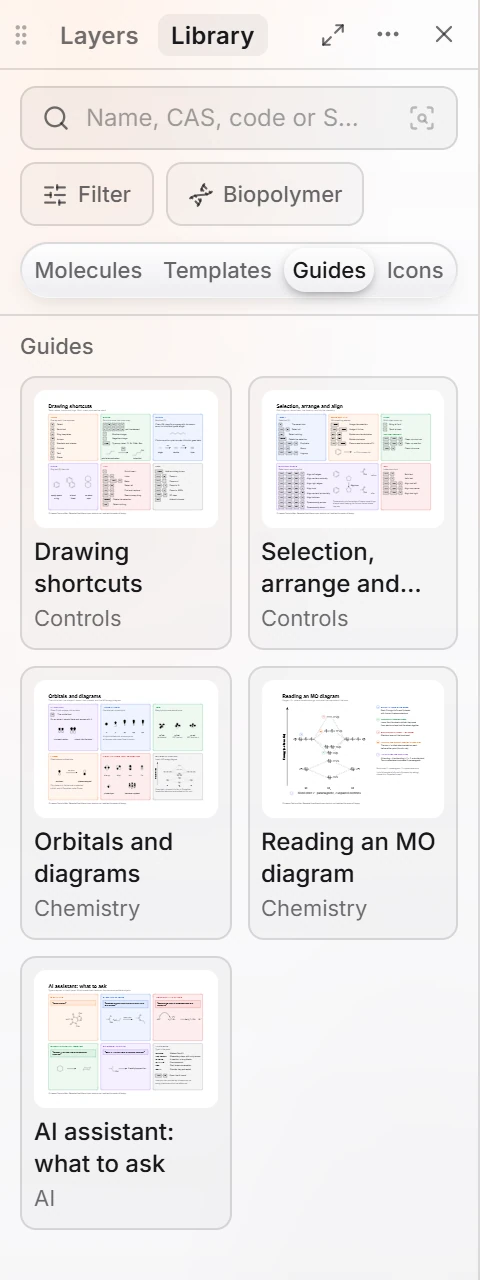 6 · How-toHow to use the guides in the LibraryOpen Library › Guides and pick a guide, such as Drawing shortcuts, Orbitals and diagrams, Reading an MO diagram or AI assistant: what to ask.
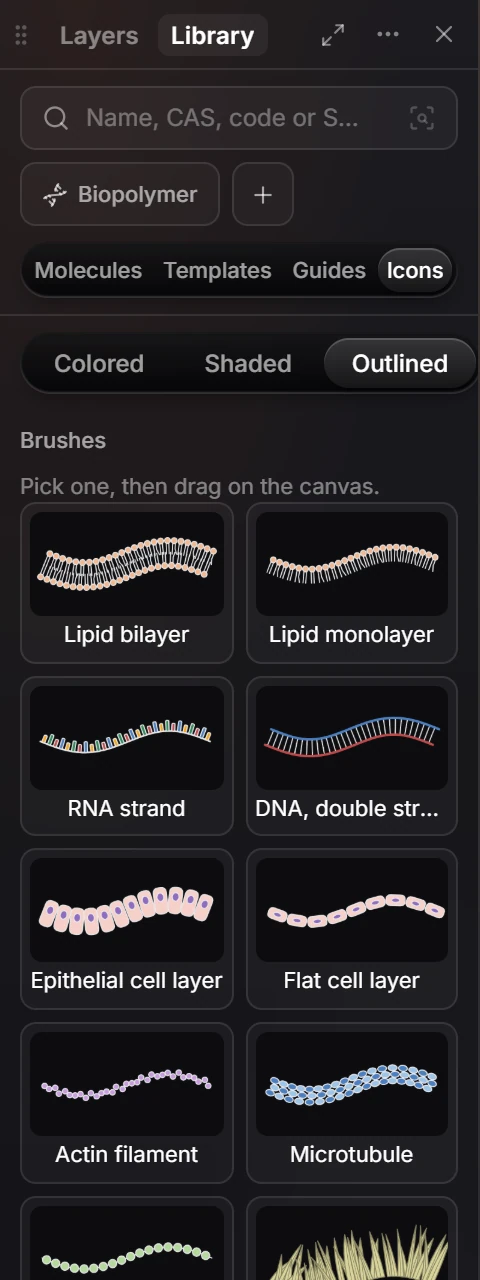
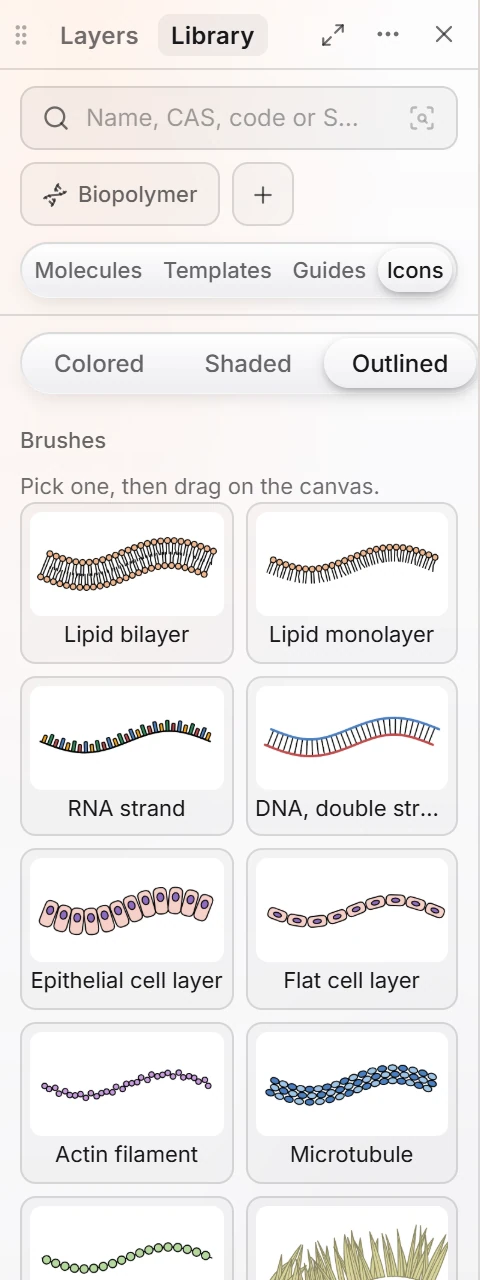 7 · How-toHow to add icons and illustrationsOpen Library › Icons, pick Colored, Shaded or Outlined, then pick a brush or icon. Brushes, such as Lipid bilayer or DNA, are drawn by dragging on the canvas.
- Still stuck? Read the FAQ or contact support.
- Something wrong on this page? Tell us.
- For AI tools: llms.txt