
How to add icons and illustrations
Open Library › Icons, pick Colored, Shaded or Outlined, then pick a brush or icon. Brushes, such as Lipid bilayer or DNA, are drawn by dragging on the canvas.
Steps
Open the Library tab and choose Icons.
Pick a style: Colored, Shaded or Outlined.
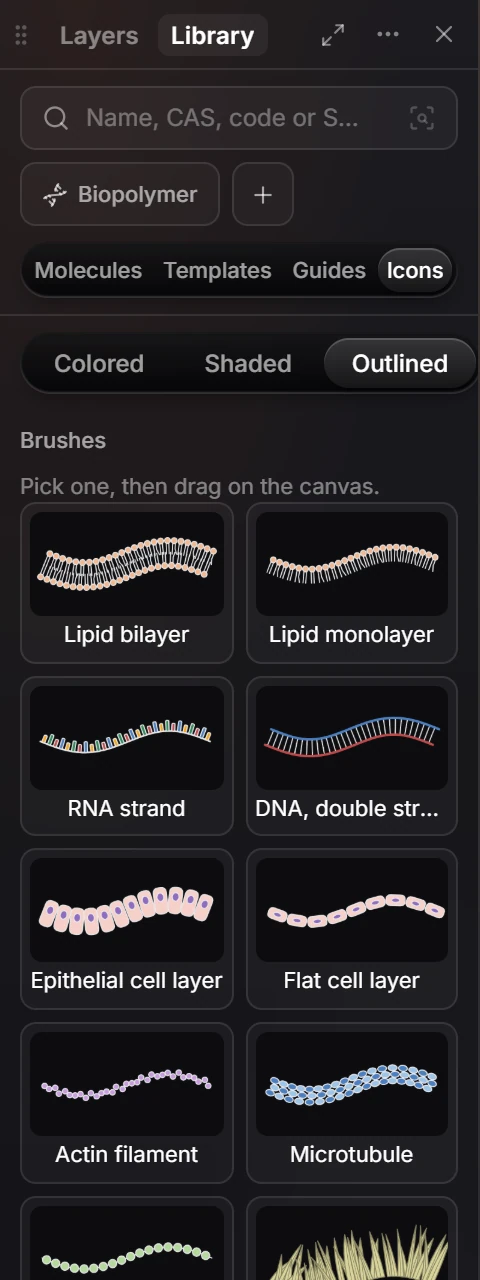
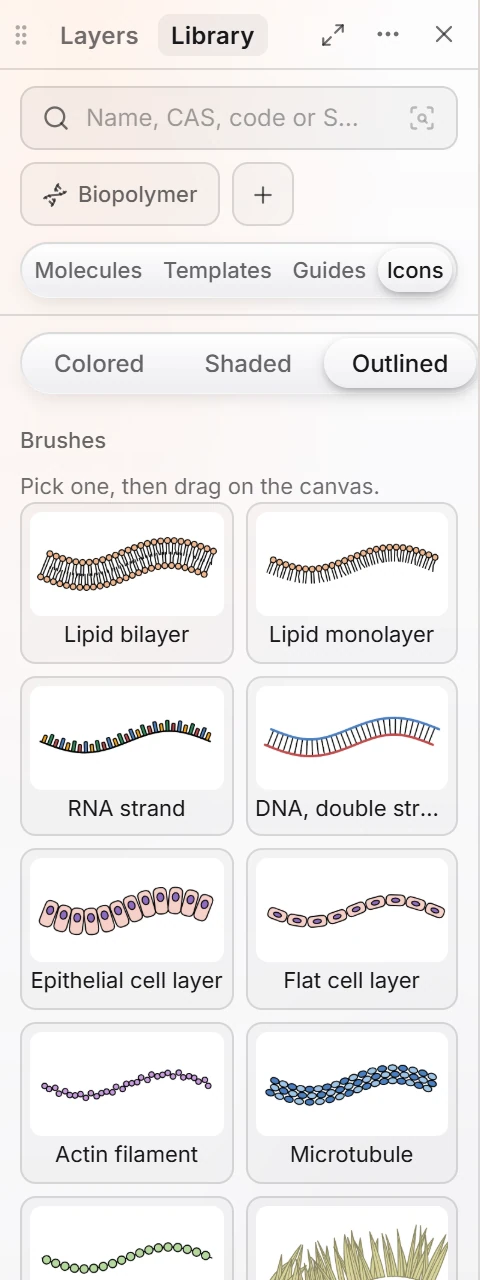
For a brush, such as Lipid bilayer, DNA, double strand, Actin filament or Microtubule, pick it, then drag on the canvas to draw it along your path.
Further down are more groups, such as Glassware, with round-bottom, pear-shaped and Erlenmeyer flasks, beakers and more.
Is this helpful?
Last updated Nov 12, 2026
- Still stuck? Read the FAQ or contact support.
- Something wrong on this page? Tell us.
- For AI tools: llms.txt