
How to view a structure in 3D
Select the structure and choose View › 3D view or press Shift+D. Drag to turn, shift-drag to pan, scroll to zoom. The 2D button in the top bar goes back.
Steps
Draw or insert a structure, for example aspirin.
Press Shift+D, choose Main menu › View › 3D view, or press 3D in the top bar.
The structure is shown in 3D with its hydrogens.
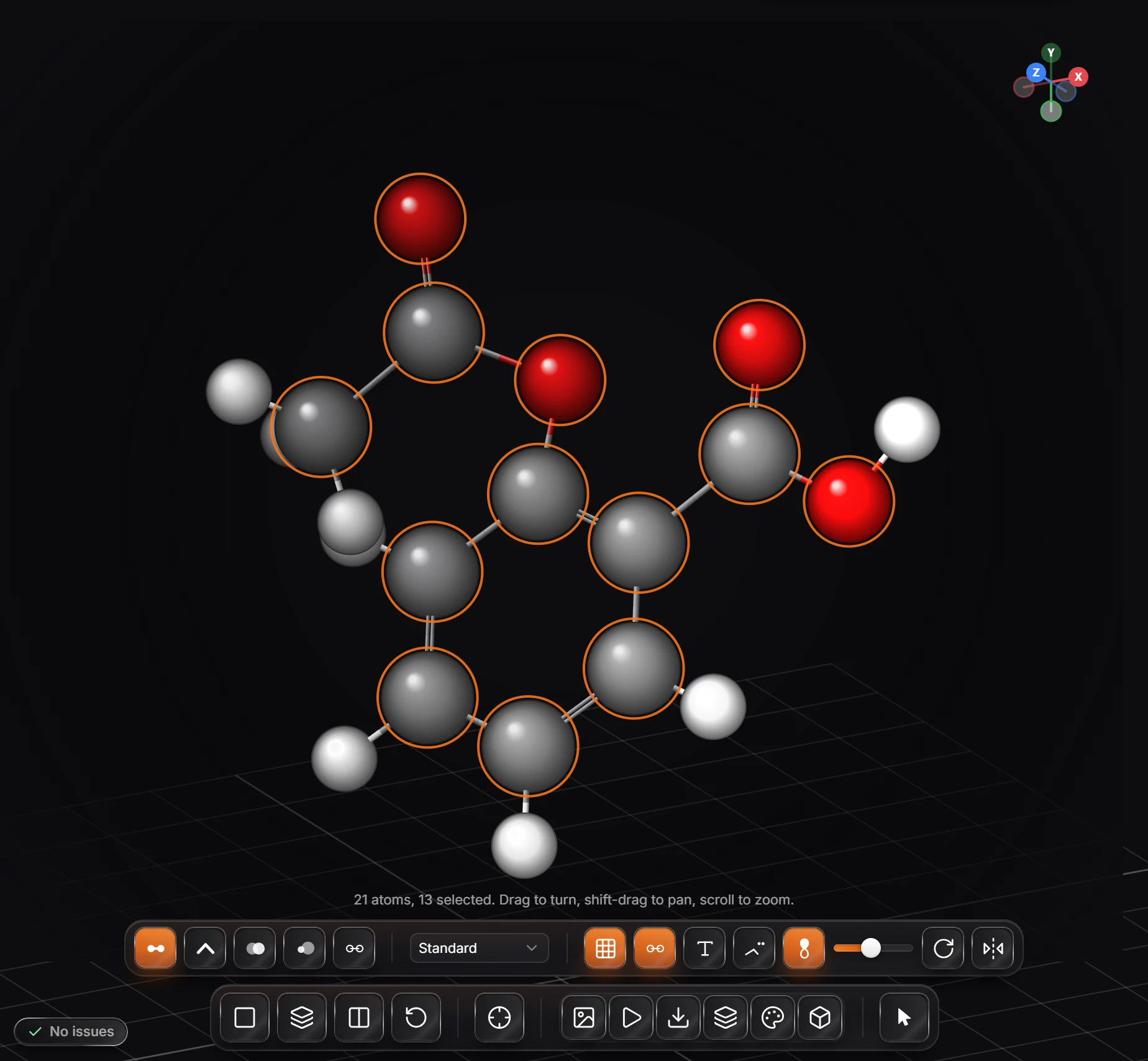
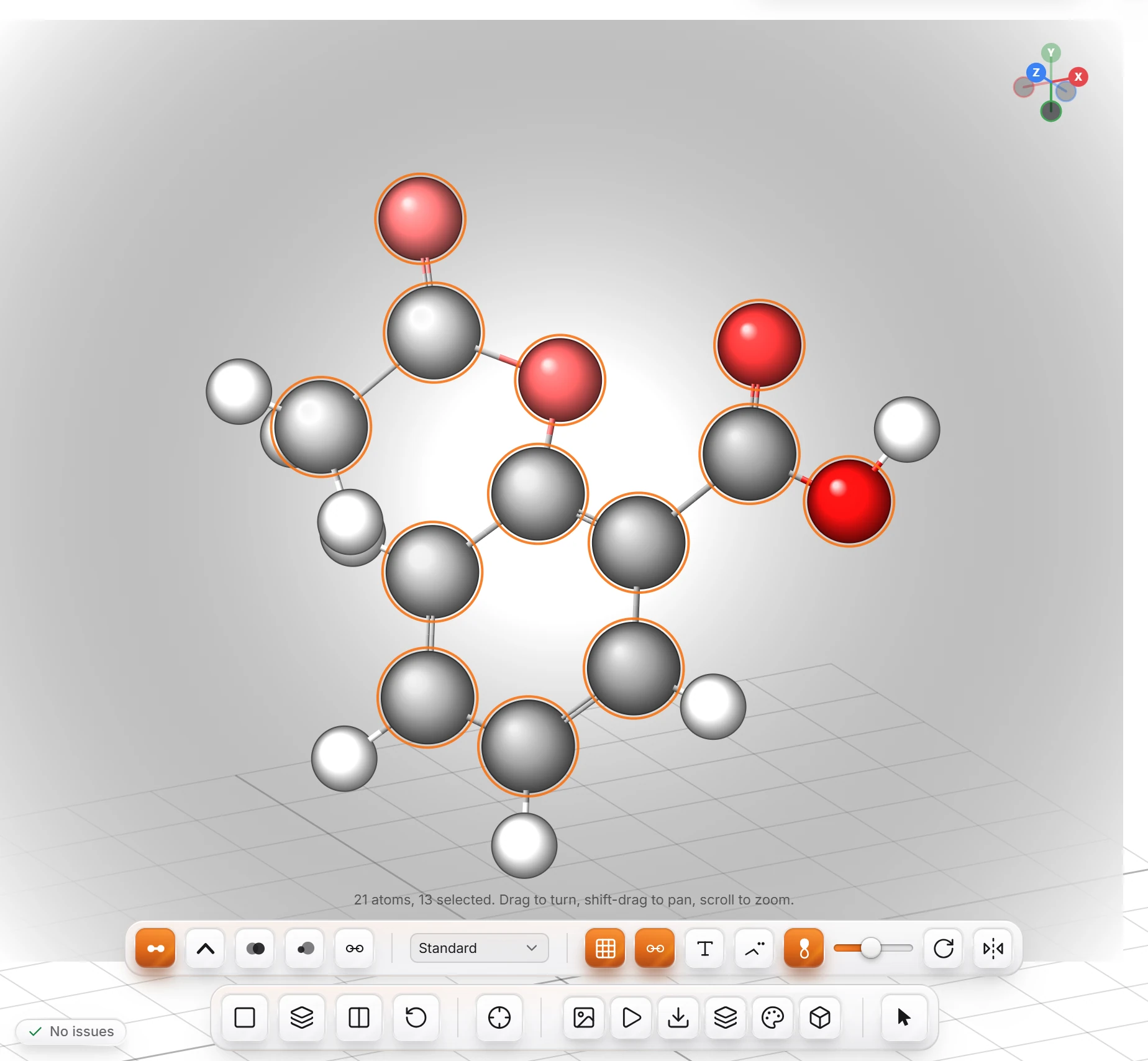
Drag to turn it, shift-drag to pan, and scroll to zoom. The axes in the corner show which way is up.
Press 2D in the top bar to go back to the drawing.
The 3D preview panel (Shift+3) shows a small 3D view beside the drawing instead. See Panels.
Is this helpful?
Last updated Nov 12, 2026
- Still stuck? Read the FAQ or contact support.
- Something wrong on this page? Tell us.
- For AI tools: llms.txt