
How to view a protein from the PDB or AlphaFold
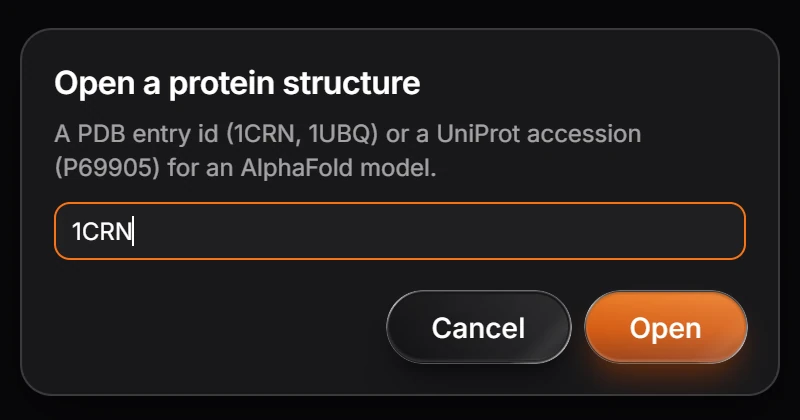
Choose Open a protein structure (press Ctrl+K and type it), or type the id into Quick insert, and enter a PDB id such as 1CRN or a UniProt accession for an AlphaFold model. It opens in the 3D preview as a ribbon, and Cite gives the reference.
Steps
Press Ctrl+K, type Open a protein structure, and press Enter.
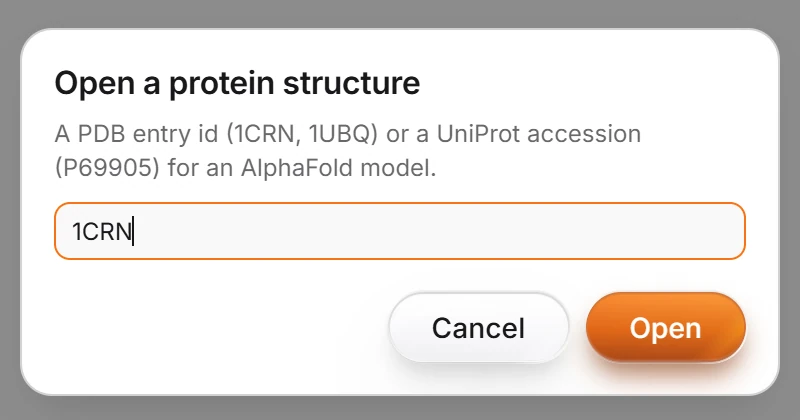
Type the entry and press Open:
- a PDB id such as
1CRNor1UBQfor an experimental structure from the RCSB Protein Data Bank, or - a UniProt accession such as
P69905for an AlphaFold model.
- a PDB id such as
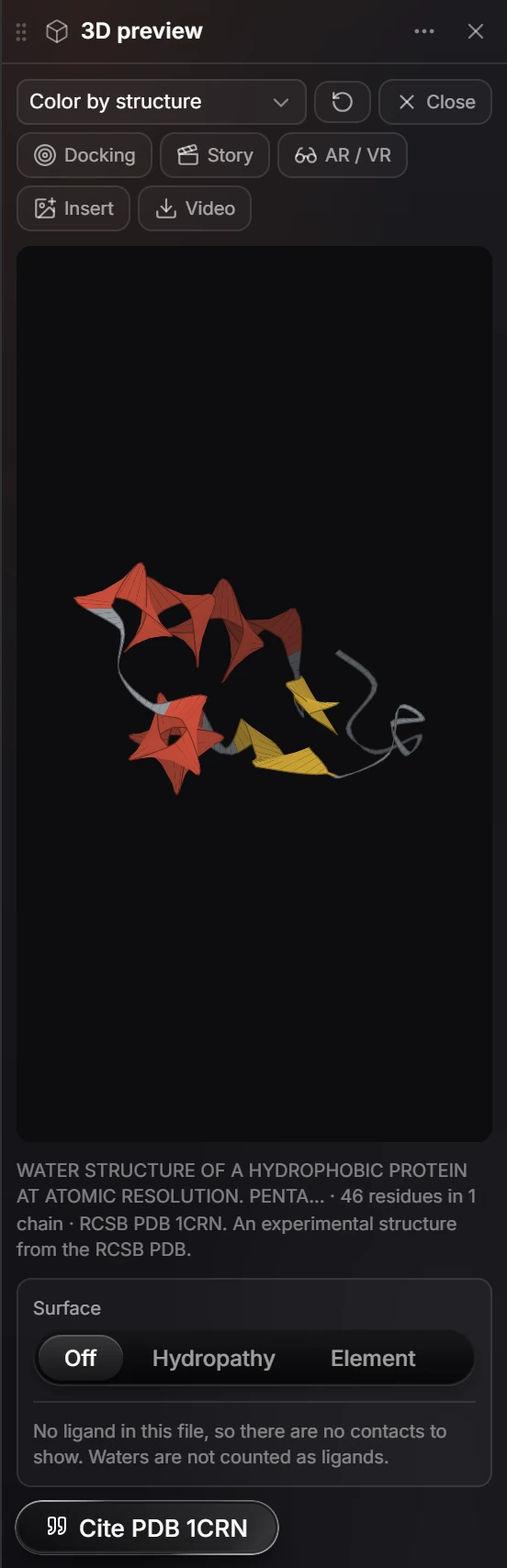
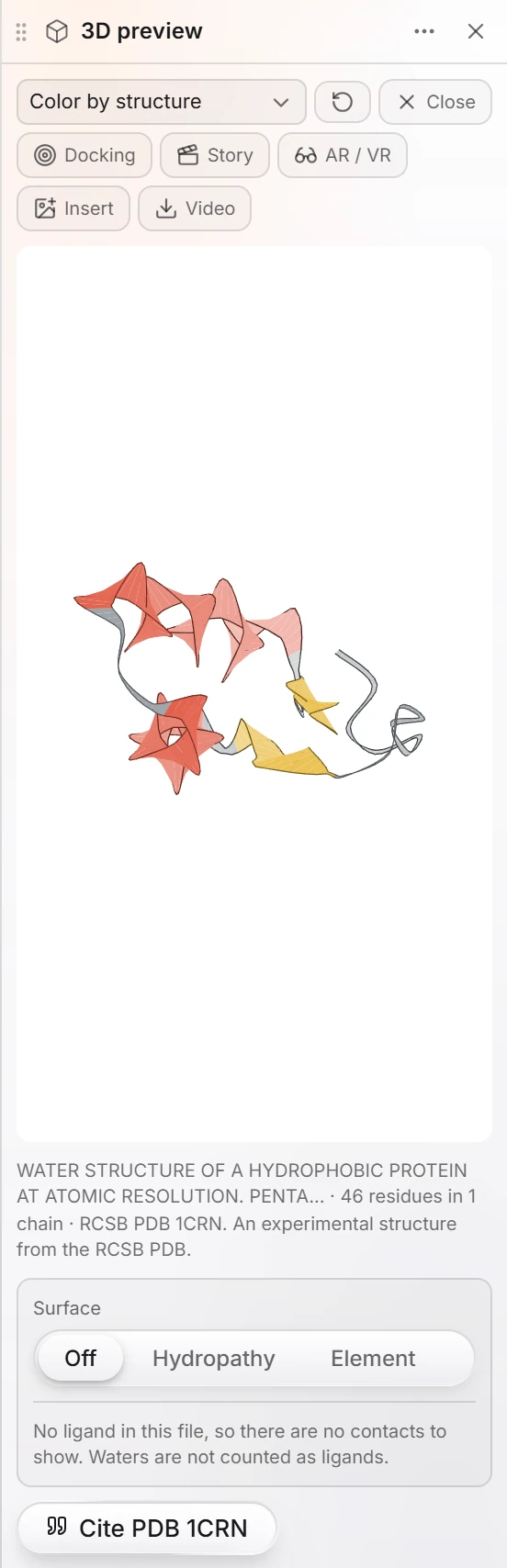
The protein opens in the 3D preview panel as a ribbon, colored by its secondary structure. Under it are the entry's title, how many residues and chains it has, and where it came from. Drag to turn it.
Quicker: press / for Quick insert, type the PDB id, and choose Open protein 1CRN from the PDB.
In the 3D preview
| Control | Does |
|---|---|
| Color by structure | How the ribbon is colored: by structure or by chain |
| Surface | Off, or a surface colored by Hydropathy or by Element |
| Docking | Browse docking poses in this protein from an SDF, MOL2 or PDBQT file |
| Story | Narrated scenes over the structure, with a link you can send |
| AR / VR | View it in AR or VR, or download the 3D model |
| Insert | Puts a picture of the view on the canvas |
| Video | Records one turn as a video |
| Close | Closes the protein and goes back to the drawing |
If the file has a ligand, the panel lists its contacts. Waters are not counted as ligands.
Cite the entry
Press Cite PDB 1CRN (the button names the entry). The citation card gives the entry's reference and the database's own paper in a style you choose, such as ACS.
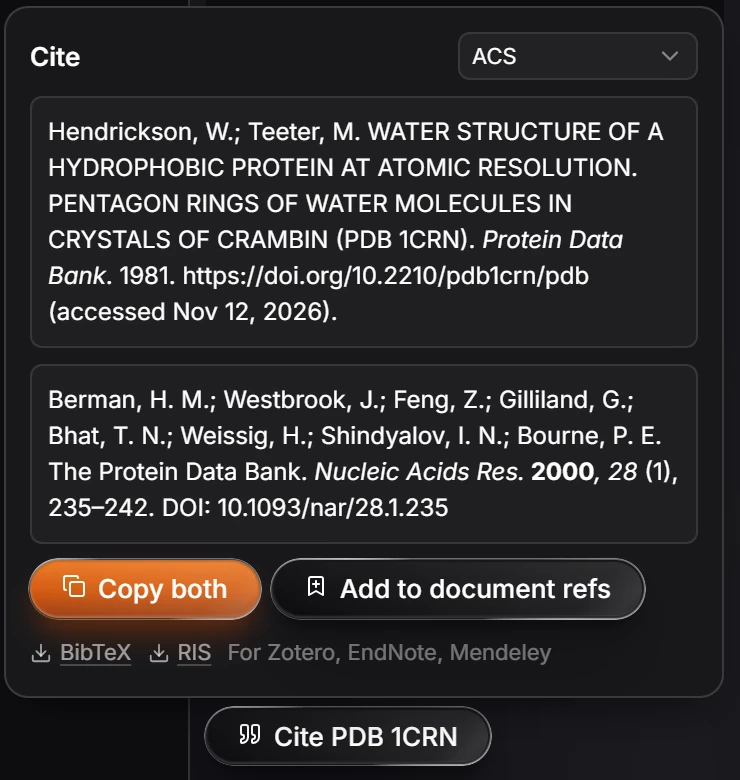
- Copy both copies the two references.
- Add to document refs adds them to the document's references.
- BibTeX and RIS download them for Zotero, EndNote or Mendeley.
Note
Proteins come straight from the RCSB Protein Data Bank (files.rcsb.org) and the AlphaFold database (alphafold.ebi.ac.uk), so this needs a connection.
Is this helpful?
Last updated Nov 12, 2026
- Still stuck? Read the FAQ or contact support.
- Something wrong on this page? Tell us.
- For AI tools: llms.txt