
Slides and presenting
Turn frames into slides, present full screen with a pen, run live polls and record a walkthrough.
Start here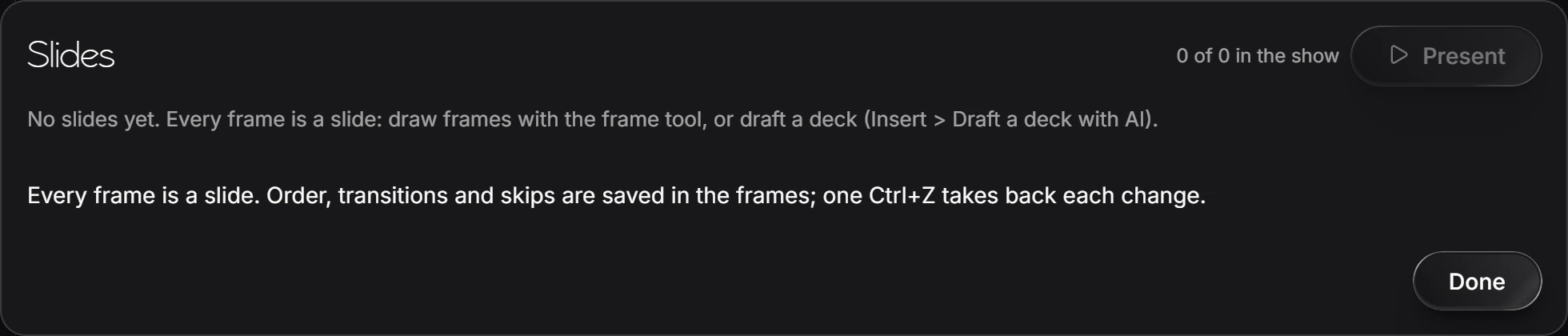
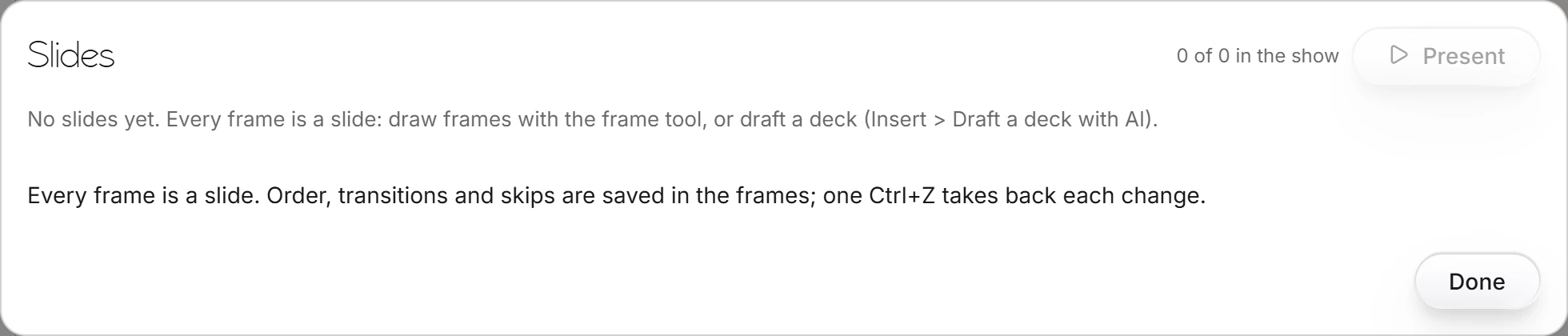 1 · How-toHow to make slidesDraw frames with the frame tool; each frame is a slide. Choose View › Slides… to order them, set transitions and skips, and press Present. Or draft a deck with Insert › Draft a deck with AI.

 2 · How-toHow to present slidesChoose View › Present slides. Click, Space or the right arrow goes to the next slide; L is the laser, P the pen, B a black screen, and Esc ends. The bar also has Poll, Camera, Captions and Presenter view.
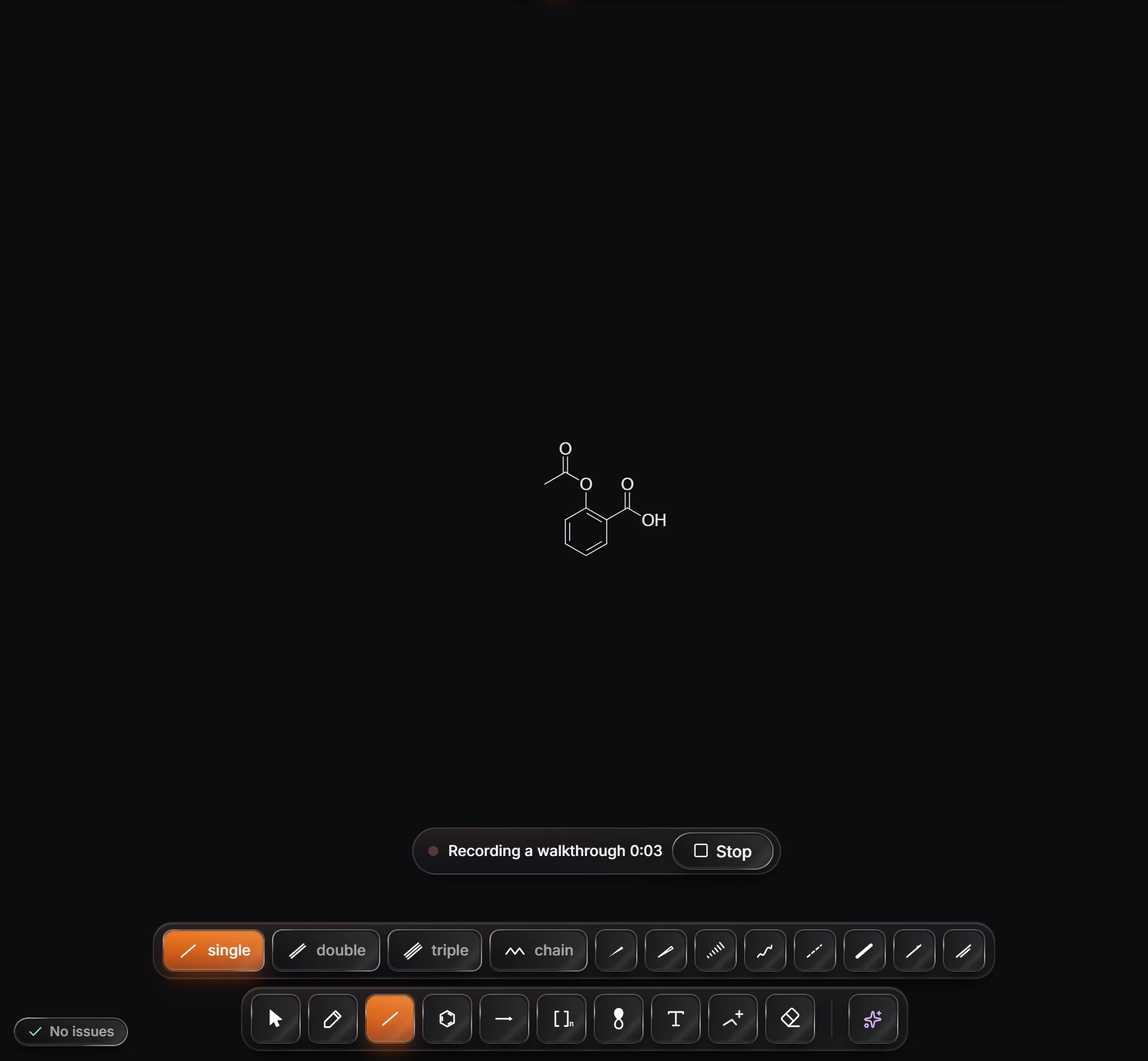
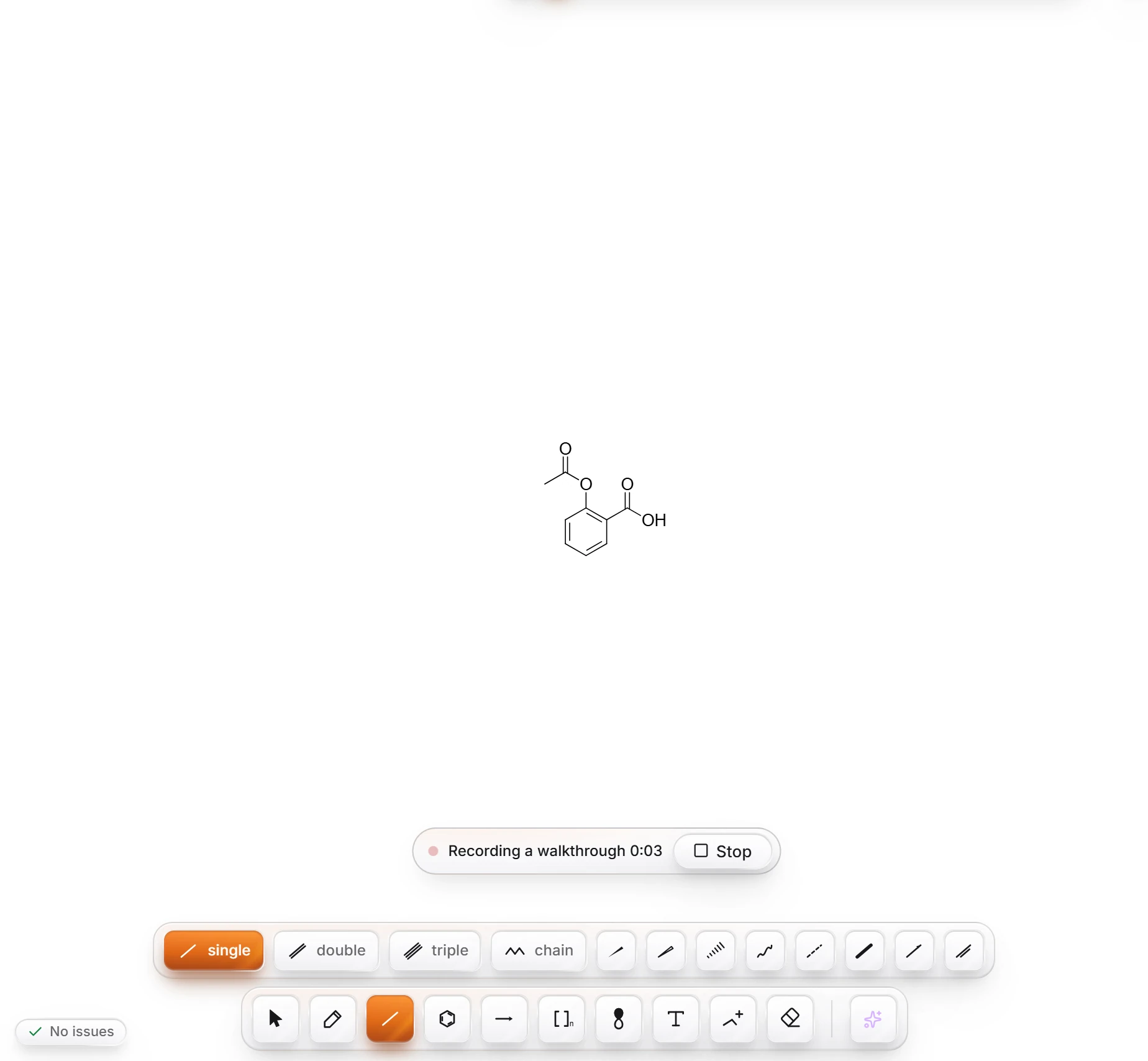 3 · How-toHow to record a walkthroughChoose File › Record a walkthrough, work on the page while the bar counts the time, and press Stop. The recording is saved as an MP4 named after the document, such as "Aspirin walkthrough.mp4".
- Still stuck? Read the FAQ or contact support.
- Something wrong on this page? Tell us.
- For AI tools: llms.txt