Athanor by arbastro
toolslibrarytry itpricingcomparefaq
log in
download
download
Help center
Getting startedFrom ChemDrawDrawingStructuresTextArrangingStylesReactionsMechanismsPredictionNMRNames and checksResearchLibrary3DBiochemistryFiguresPresentingFilesAI assistantTeachingCollaborationAccountWorkspacePluginsSend toMCP serverCommand lineEmbedShortcutsTroubleshootingGlossary
Help center home
    • Overview
    • How to pick a journal style
    • Document settings
    • How to use document colors
    • How to make and apply a brand kit
    • How to preview for color vision deficiency
  • Glossary
  1. Docs
  2. Styles and journal formats

Styles and journal formats

Format structures for ACS, RSC, Wiley, Nature and other journals, set bond length and fonts, name document colors and use a brand kit.

Start here
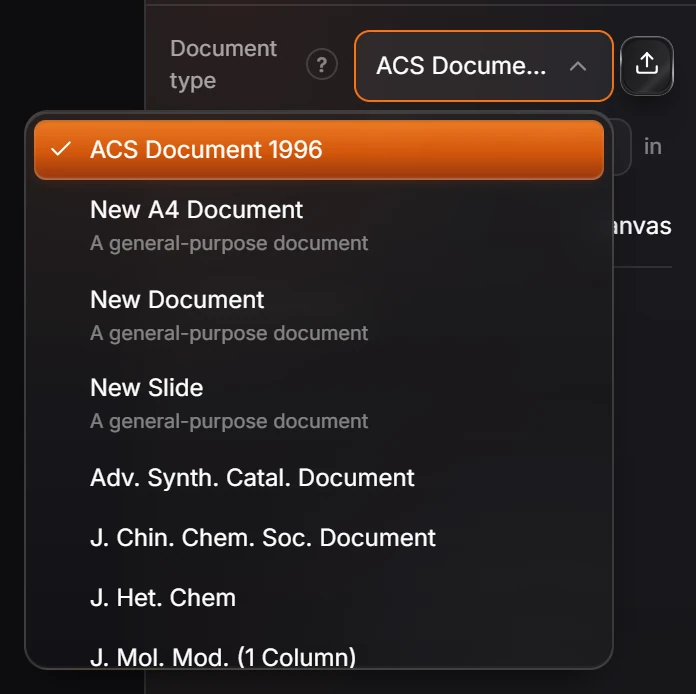
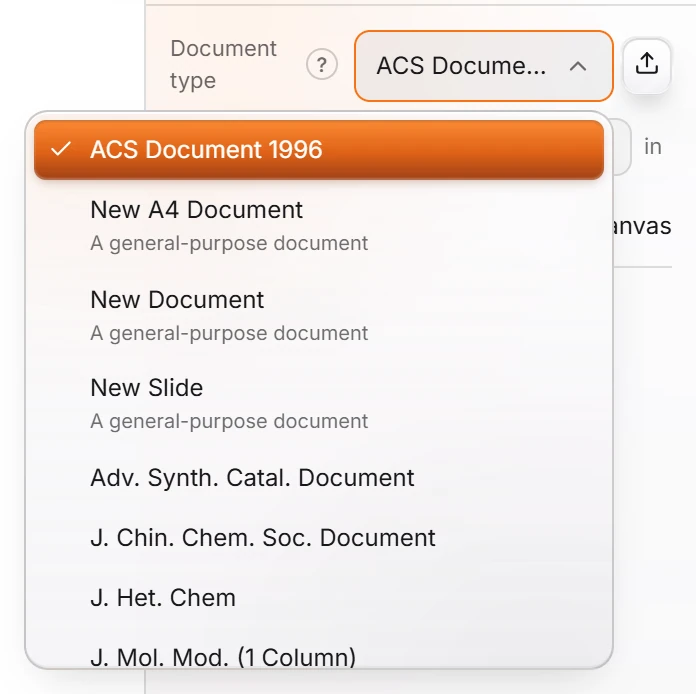
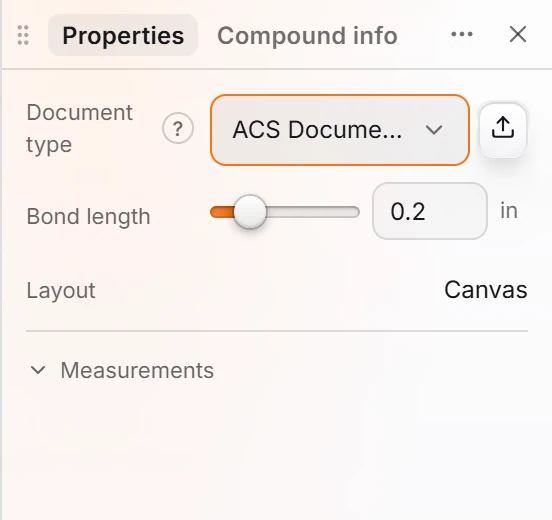
  1. 1 · How-toHow to pick a journal styleWith nothing selected, open Properties and pick a Document type, such as ACS Document 1996. Every structure in the document is drawn to that standard.
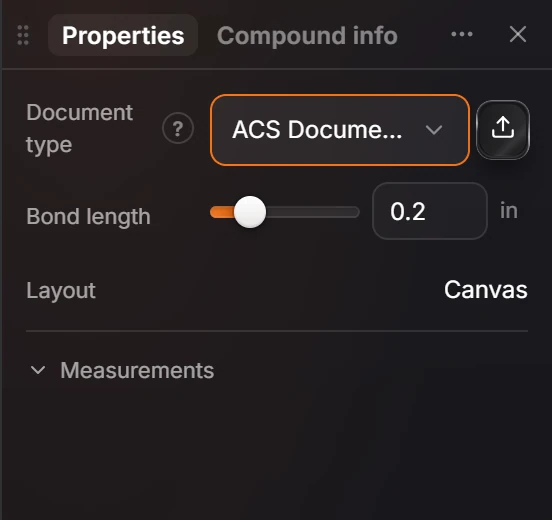
  2. 2 · ReferenceDocument settingsClick an empty part of the canvas and read Properties: Document type, Bond length, Layout and Measurements apply to the whole document.
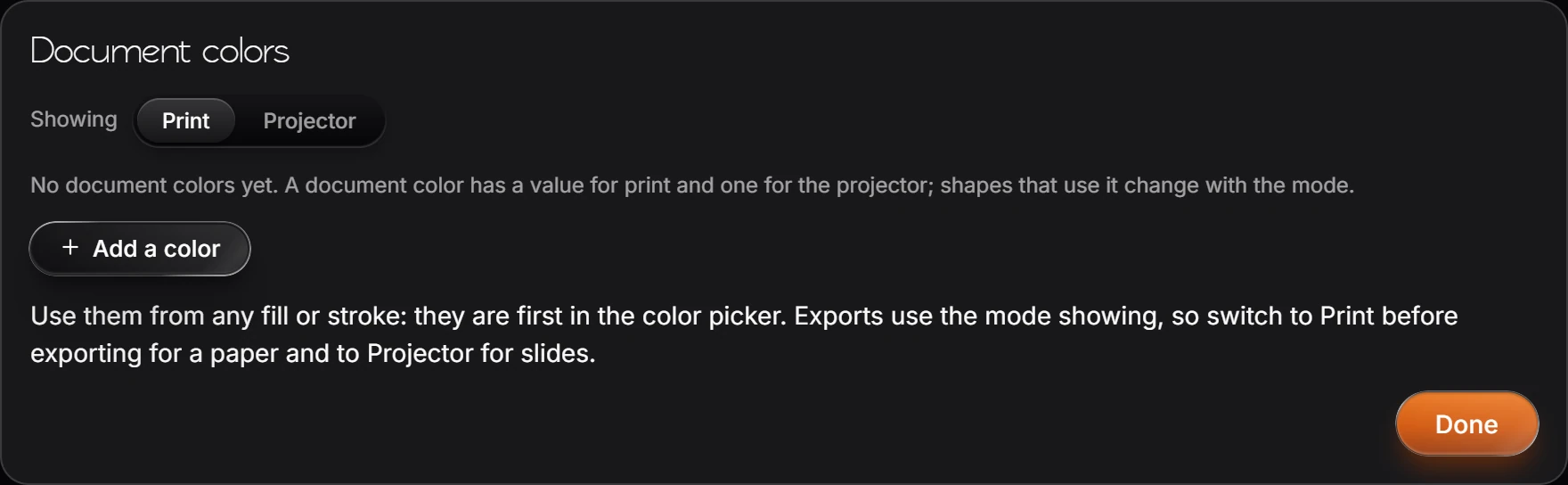
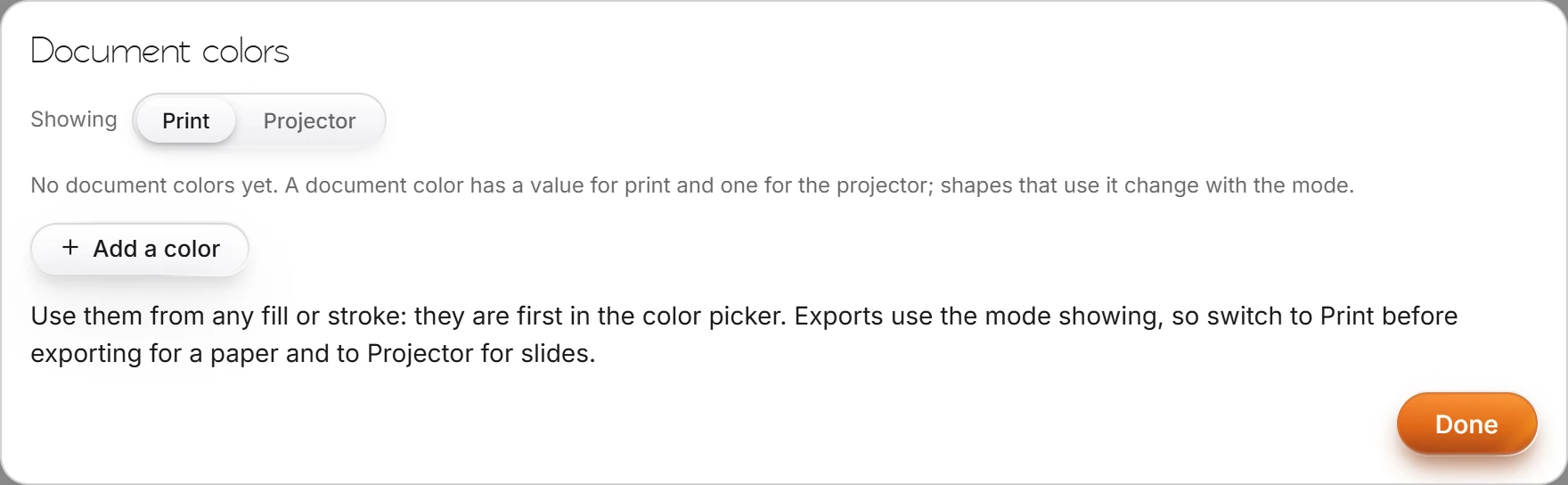
  3. 3 · How-toHow to use document colorsChoose Edit › Document colors… and Add a color. Each has a print and a projector value; switch Showing between Print and Projector, or use View › Switch print and projector colors.
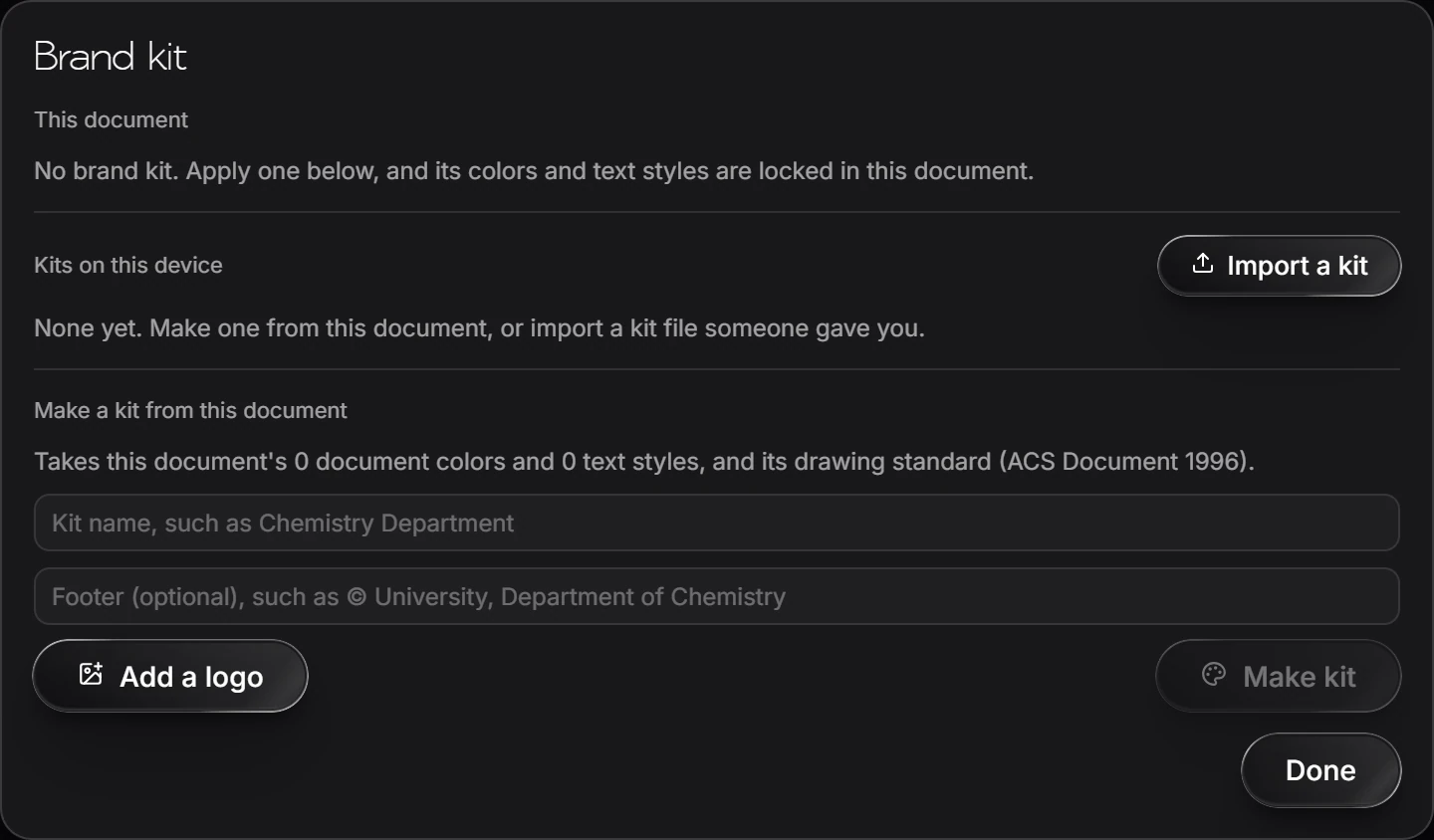
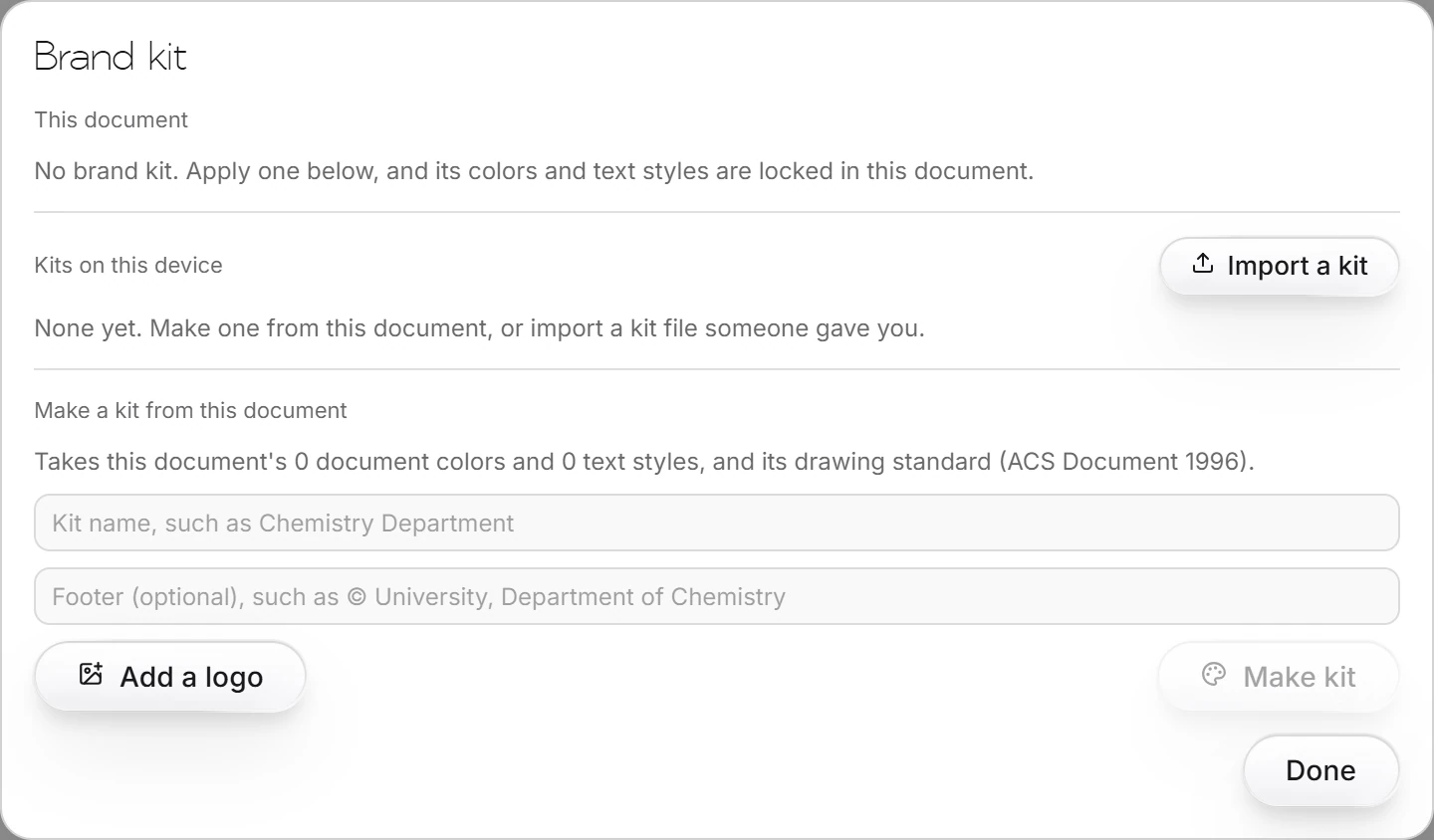
  4. 4 · How-toHow to make and apply a brand kitChoose Insert › Brand kit. Make a kit from this document with a name, footer and logo, or import a kit file. Applying a kit locks its colors and text styles in the document.
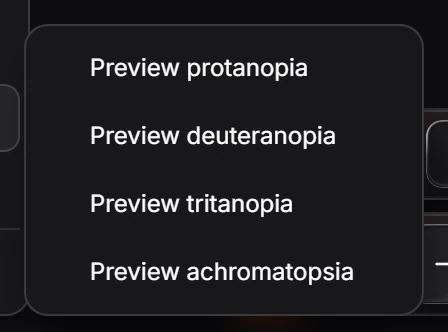
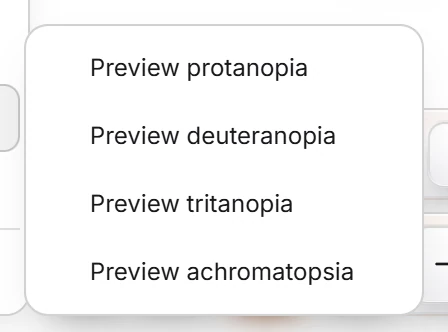
  5. 5 · How-toHow to preview for color vision deficiencyChoose View › Color vision and a preview: protanopia, deuteranopia, tritanopia or achromatopsia. Choose it again to turn the preview off.
  • Still stuck? Read the FAQ or contact support.
  • Something wrong on this page? Tell us.
  • For AI tools: llms.txt
Athanor by arbastro

arbastro is a small technology company building software, from AI research to tools for science.

Athanor is a chemistry app by arbastro.

Get it from Microsoft

Athanor

  • For researchers
  • For educators
  • For students
  • For industry
  • For universities
  • Problem sets
  • Problem banks
  • Quick Tools
  • Compound library
  • Plugins
  • Pricing
  • Docs

Switching

  • ChemDraw alternative
  • ChemDraw shortcuts in Athanor
  • All ChemDraw alternatives
  • ChemSketch alternative
  • Marvin JS alternative
  • Name to structure

Get started

  • Sign up
  • Log in
  • arbastro Suite
  • Forgot password

Legal & contact

  • Trust
  • Privacy Policy
  • Terms of Service
  • Plugin Developer Terms
  • Plugin Review Guidelines
  • arbastro home
  • Get in touch
  • contact@arbastro.com
  • 131 Continental Dr, Suite 305
    Newark, DE 19713
    United States

© 2026 arbastro Inc. All Rights Reserved.

Built by the arbastro systems team. ChemDraw is a trademark of Revvity.