
How to preview for color vision deficiency
Choose View › Color vision and a preview: protanopia, deuteranopia, tritanopia or achromatopsia. Choose it again to turn the preview off.
Steps
Choose Main menu › View › Color vision.
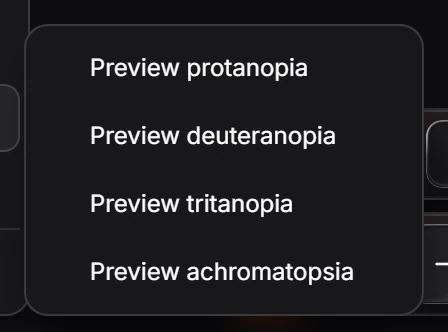
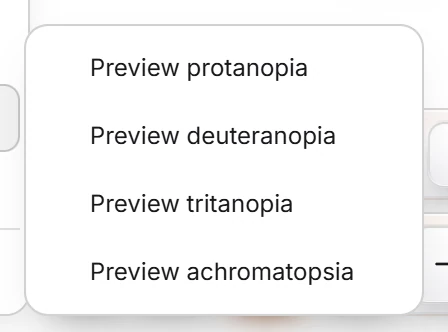
Pick a preview. The canvas is shown as it looks with that kind of color vision, and a message says whether any two colors in the drawing merge, for example "Deuteranopia preview. No two colors in the drawing merge."
Choose the same preview again to turn it off. A check mark in the submenu shows which one is on.
| Preview | Simulates |
|---|---|
| Preview protanopia | No red cones |
| Preview deuteranopia | No green cones, the most common form |
| Preview tritanopia | No blue cones |
| Preview achromatopsia | No color at all |
The preview changes only what you see, not the document or its exports.
Is this helpful?
Last updated Nov 12, 2026
- Still stuck? Read the FAQ or contact support.
- Something wrong on this page? Tell us.
- For AI tools: llms.txt