
How to draw a reaction scheme
Draw or insert the reactants, press W and drag a reaction arrow after them, write the conditions above it with the Text tool, then add the products after the arrow. Or press / and type the whole reaction as reaction SMILES.
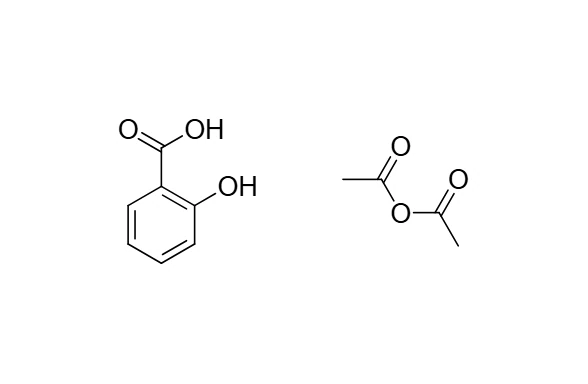
The example is the synthesis of aspirin from salicylic acid and acetic anhydride.
Steps
Put the reactants on the page. Press / and insert
salicylic acid, then press / again and insertacetic anhydride. Each lands beside what is already there.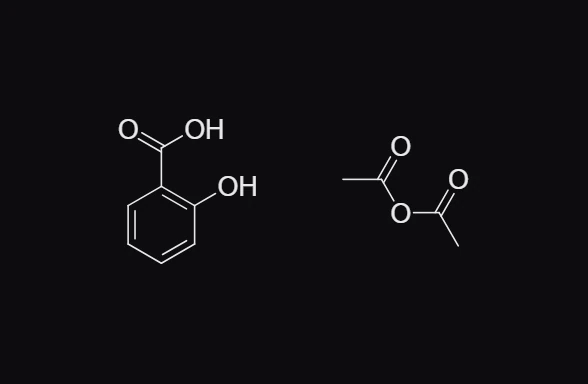
Press W for the Arrow tool. forward (1) is picked. Drag from just after the reactants to the right to draw the arrow.
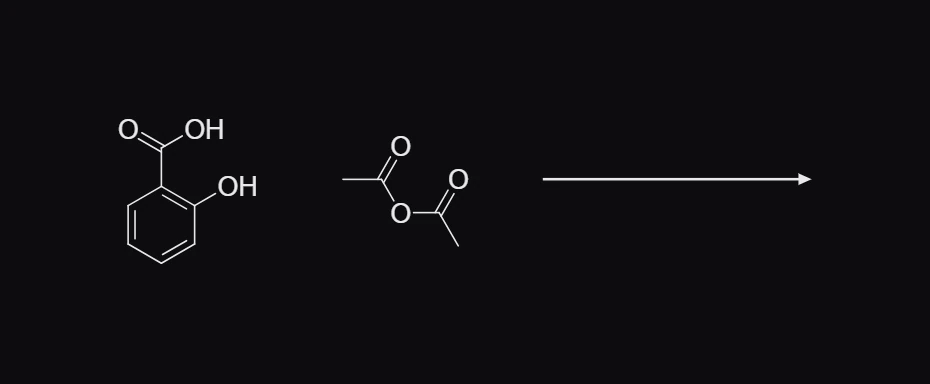
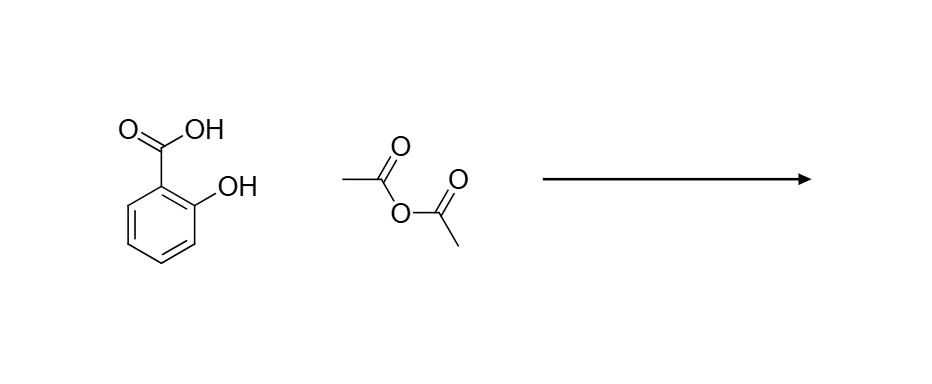
Press T for the Text tool, click above the arrow and type the conditions, for example
H2SO4, 90 °C. The numbers in formulas become subscripts as you type. Click an empty spot to finish.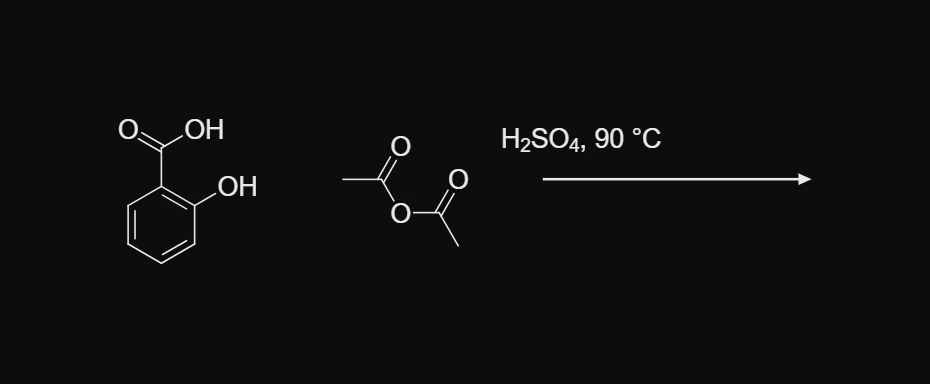
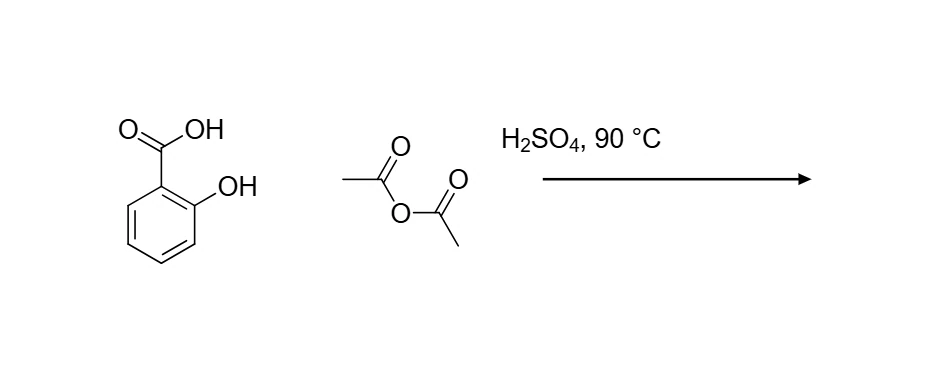
Add the products after the arrow: insert or draw them, and drag each into place with Select (V).
Select the arrow and press Ctrl+Shift+X (Clean up reaction) to space the scheme evenly. See How to tidy a reaction scheme.
Insert a whole reaction at once
If you have the reaction as reaction SMILES (reactants, then >>, then products, each structure separated by a dot), press / and type or paste it. Quick insert labels it Reaction SMILES and offers The reaction: press Enter and the reactants, the arrow and the products are placed together.
Oc1ccccc1C(=O)O.CC(=O)OC(C)=O>>CC(=O)Oc1ccccc1C(=O)O.CC(=O)O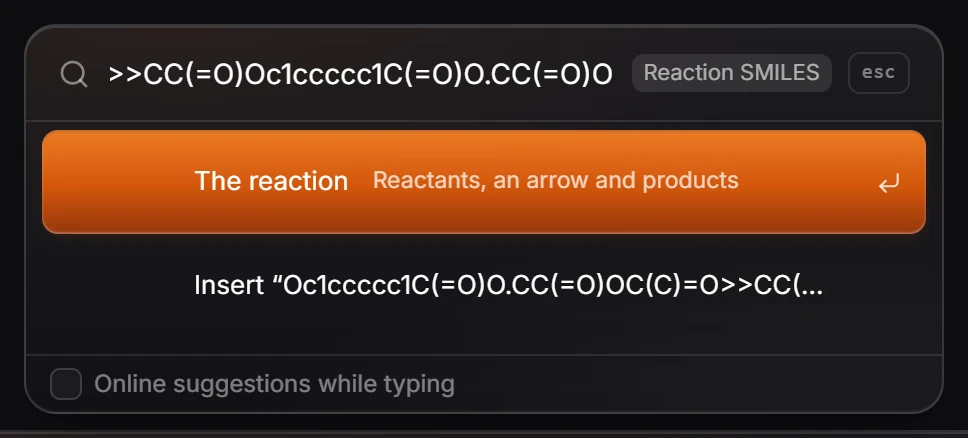

What Athanor does with a reaction
A reaction arrow with structures on both sides is a reaction, not just a drawing. Athanor can balance it, map its atoms and show which bonds form and break, all from Object › Chemistry. Signed in with an arbastro account, it can also predict the products of reactants you draw before an arrow.
Is this helpful?
Last updated Nov 12, 2026
- Still stuck? Read the FAQ or contact support.
- Something wrong on this page? Tell us.
- For AI tools: llms.txt