
Teaching
Interactive problem sets with automatic grading, a version per student, classes, labs, flashcards and LMS connections.
Start here- 1 · ConceptTeaching with AthanorMake a problem set with File › New problem set, from your textbook, a template or your own problems; every problem is graded automatically. Labs, flashcards, practice games and simulations are built in too.
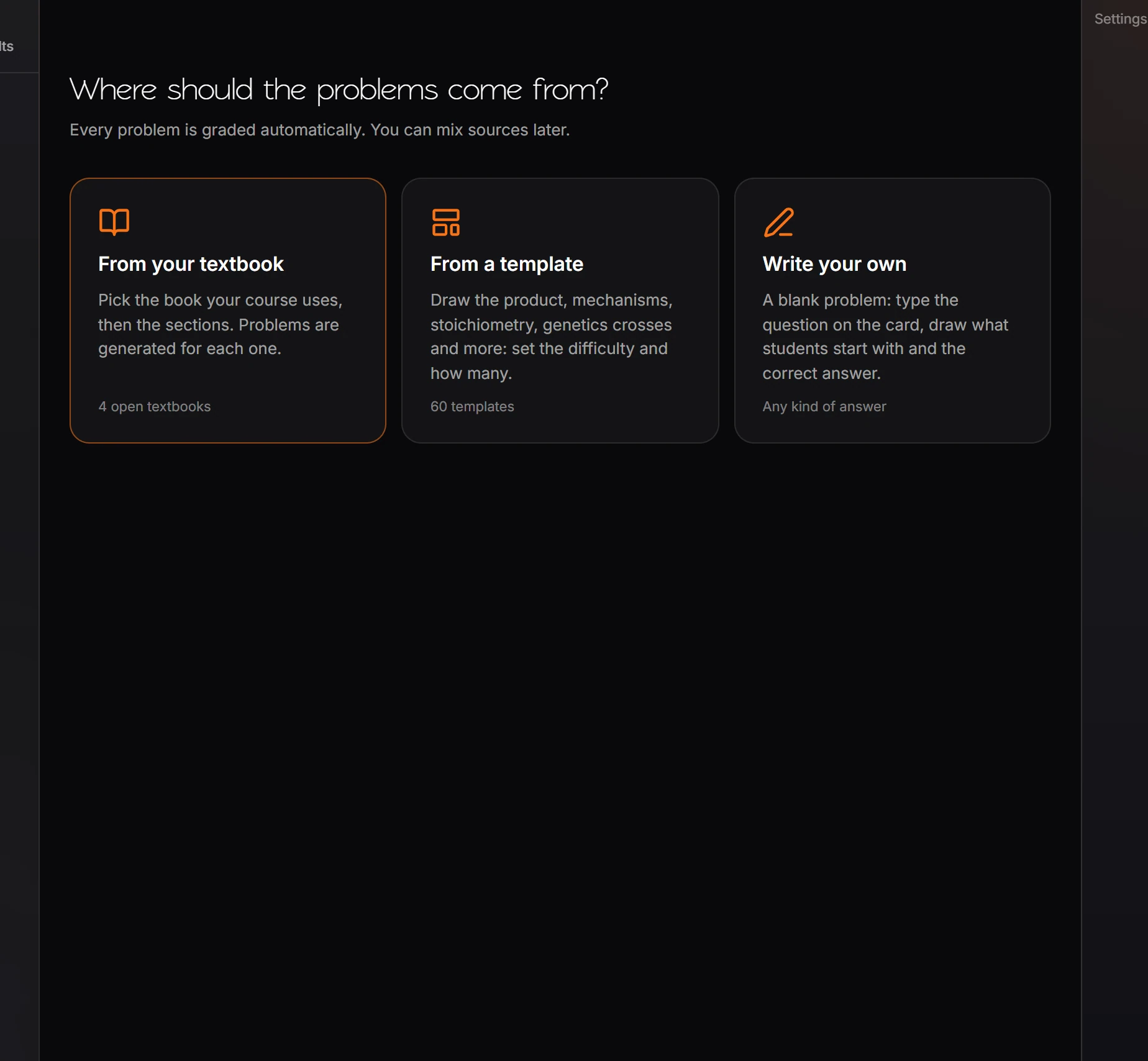
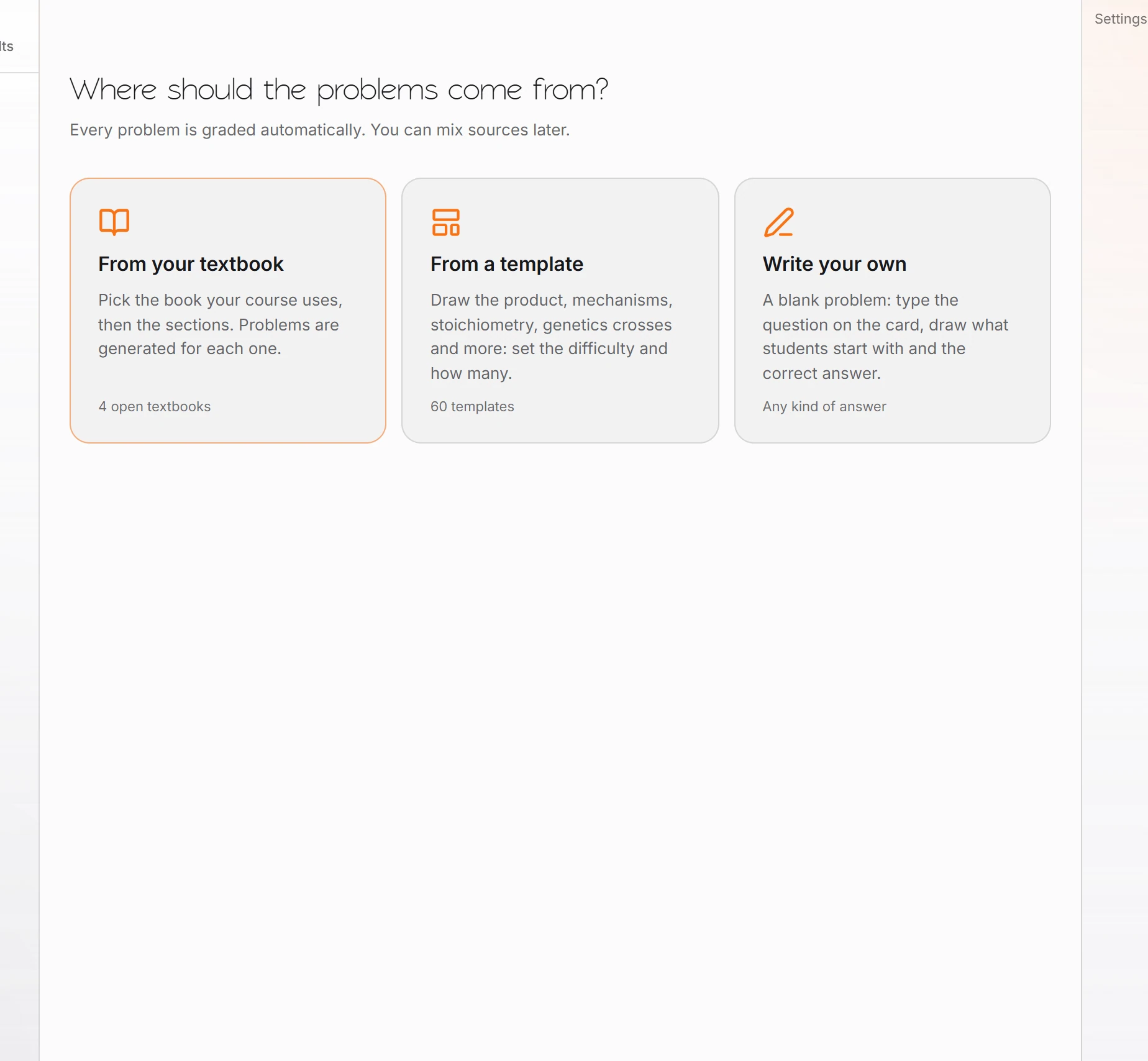 2 · How-toHow to create a problem setChoose File › New problem set and pick where the problems come from: From your textbook, From a template, or Write your own. Set the number, difficulty and level, then review and assign.
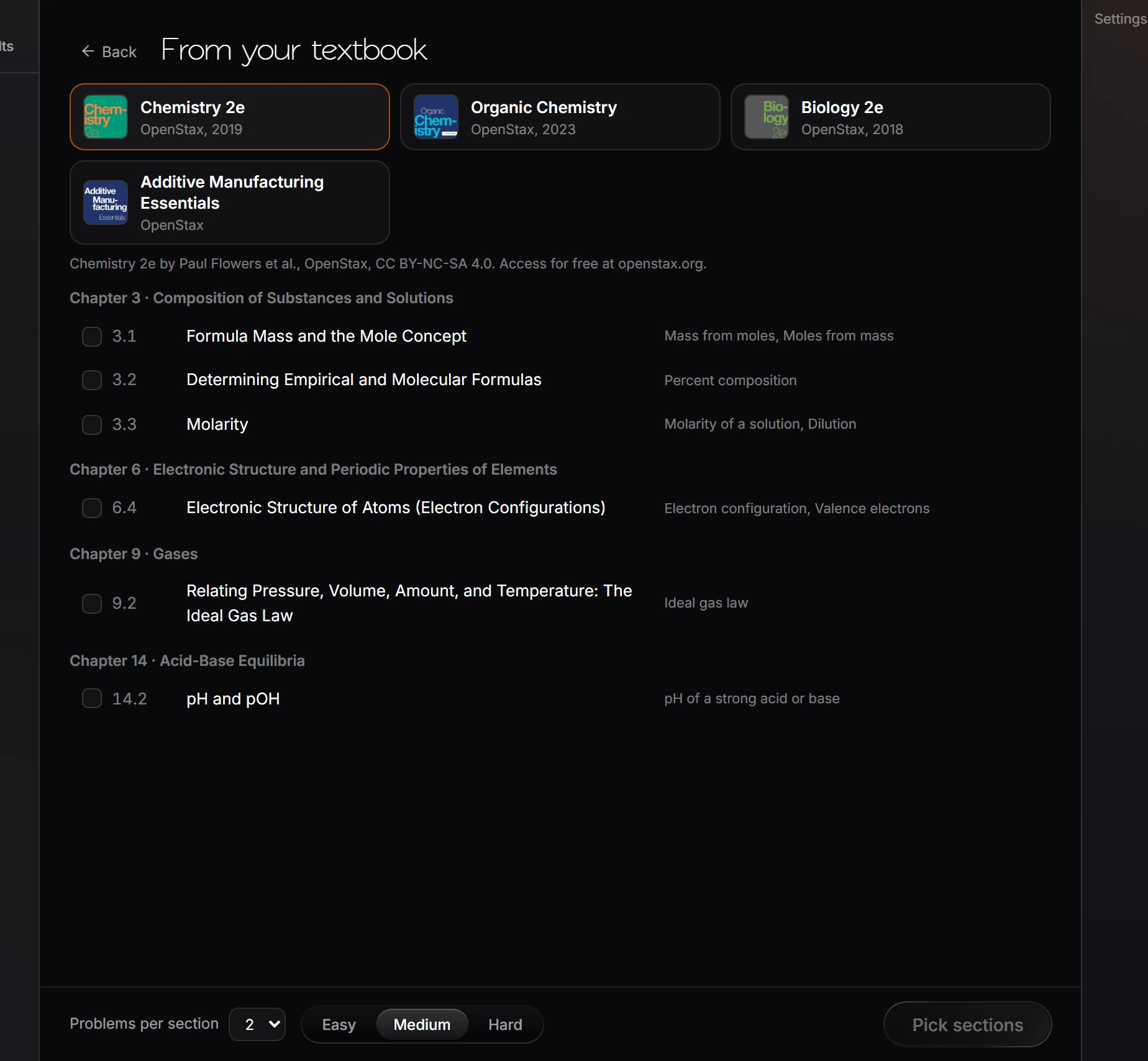
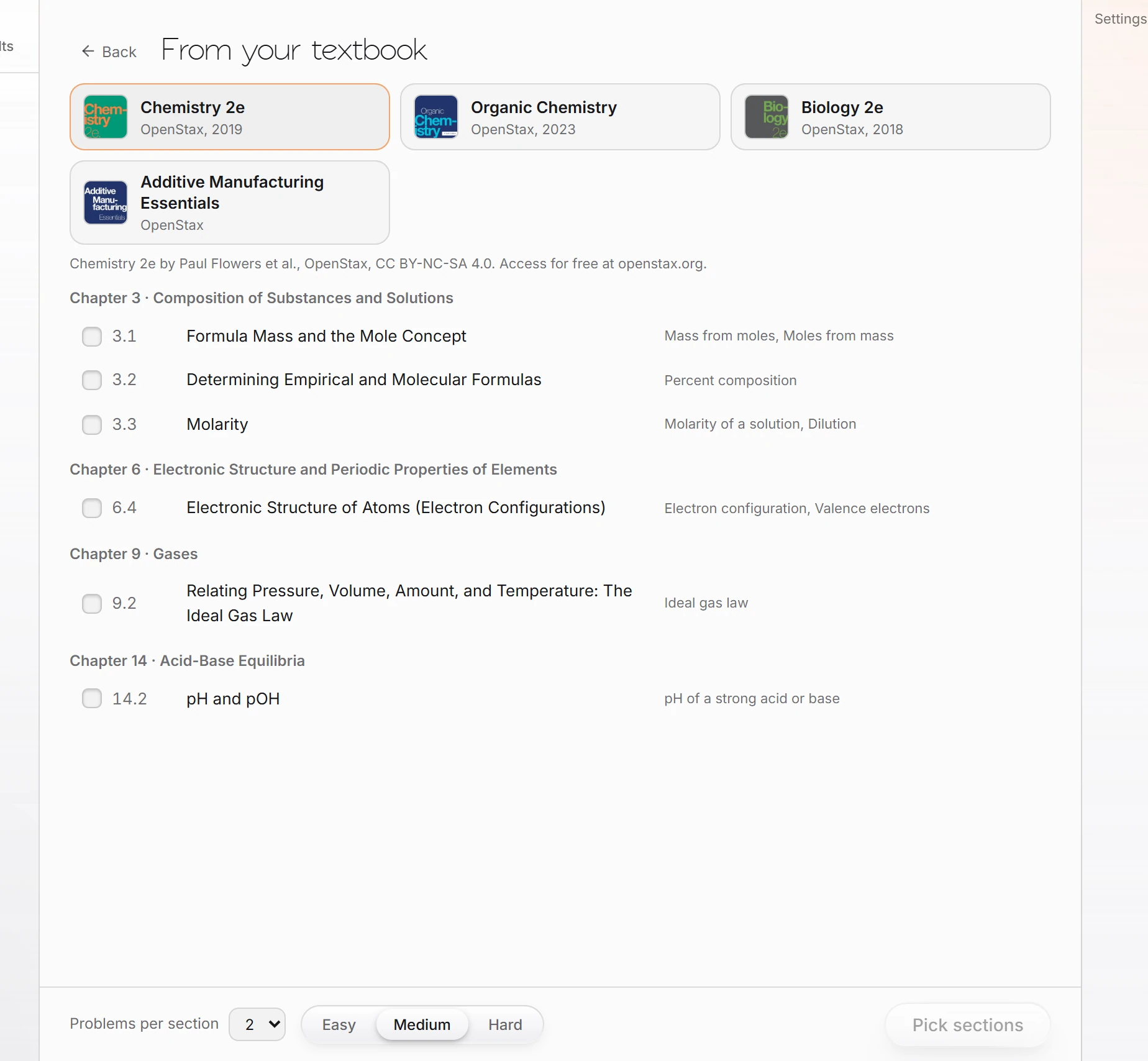 3 · How-toTextbook problem banksChoose File › New problem set › From your textbook, pick the book, tick the sections, set problems per section and difficulty, and press Pick sections.
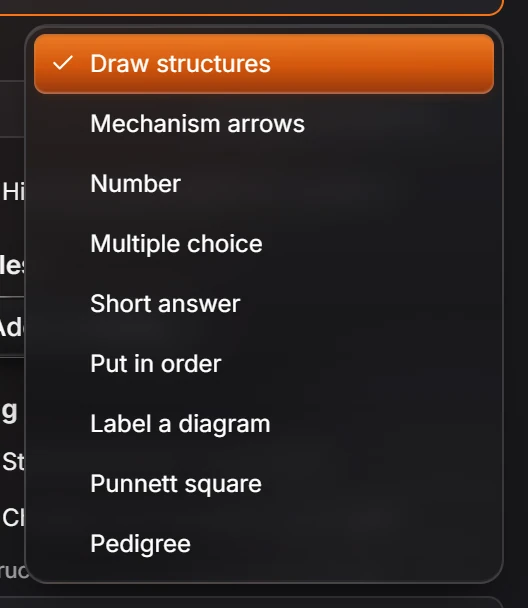
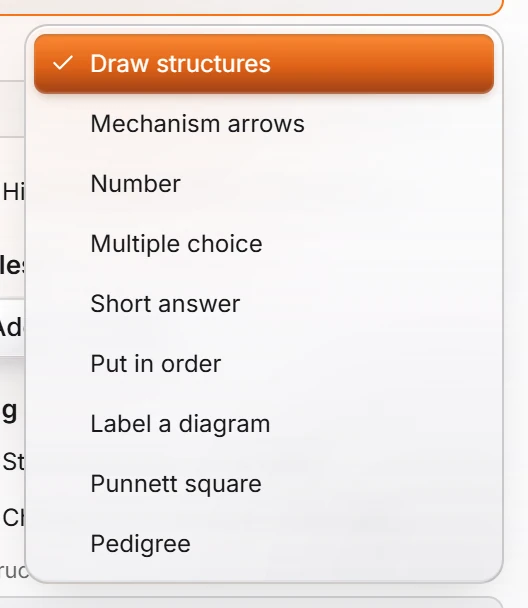 4 · ReferenceQuestion typesEach problem has an Answer type, such as Draw structures, Mechanism arrows, Number, Multiple choice, Retrosynthesis or Spectrum interpretation. Drawn answers are graded on structure, with settings for stereochemistry, charges and partial credit.
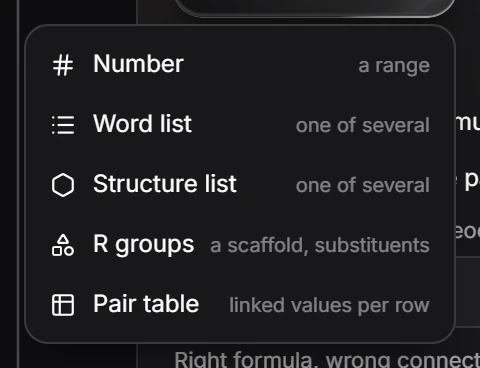
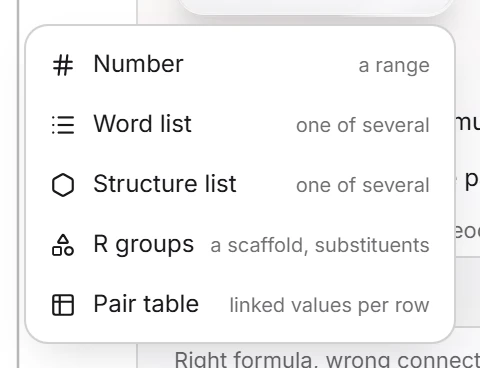 5 · How-toHow to give each student different numbersSelect a problem on Build and press Add a variable. Pick Number (a range), Word list, Structure list, R groups (a scaffold and substituents) or Pair table (linked values per row), then use the variable in the question.
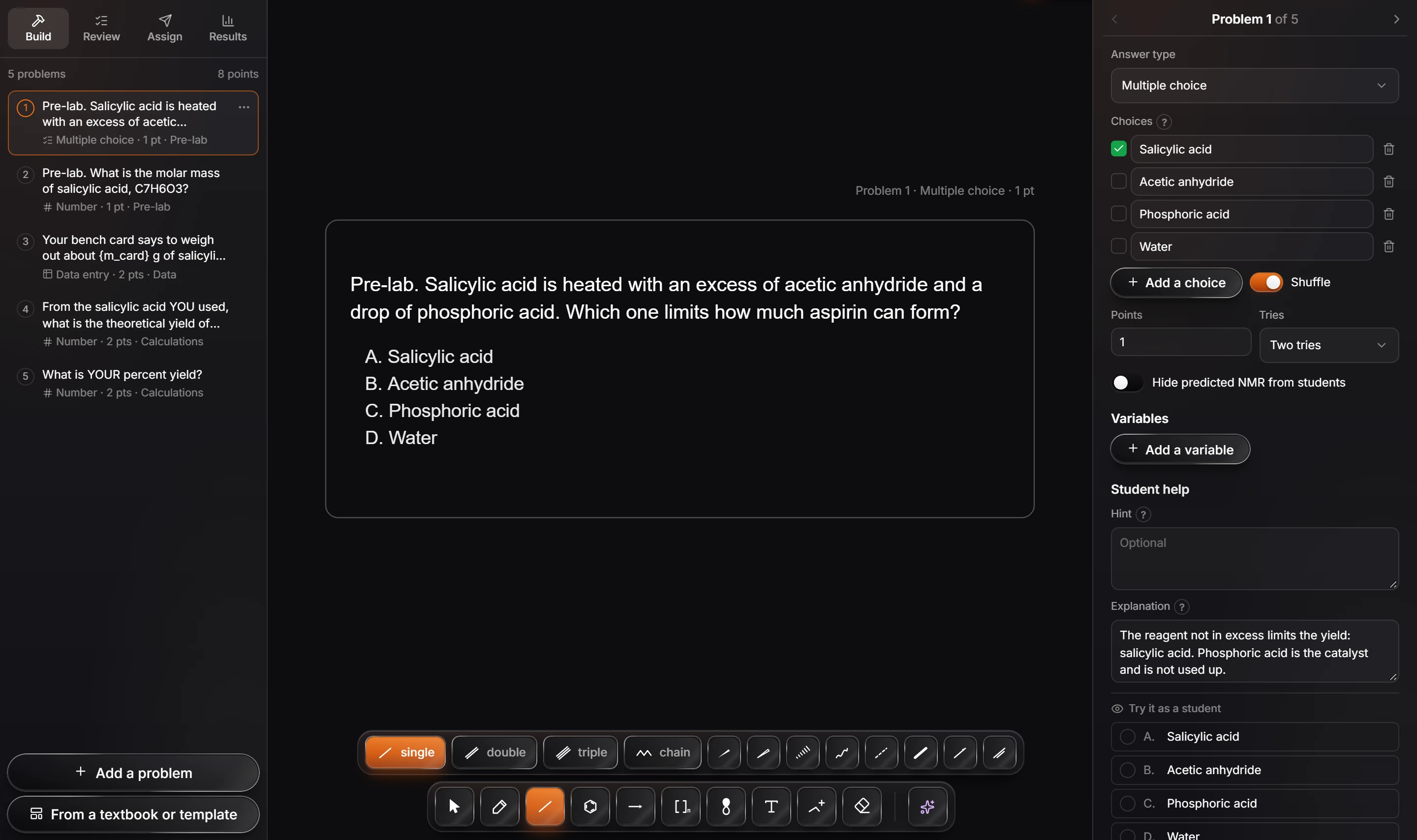
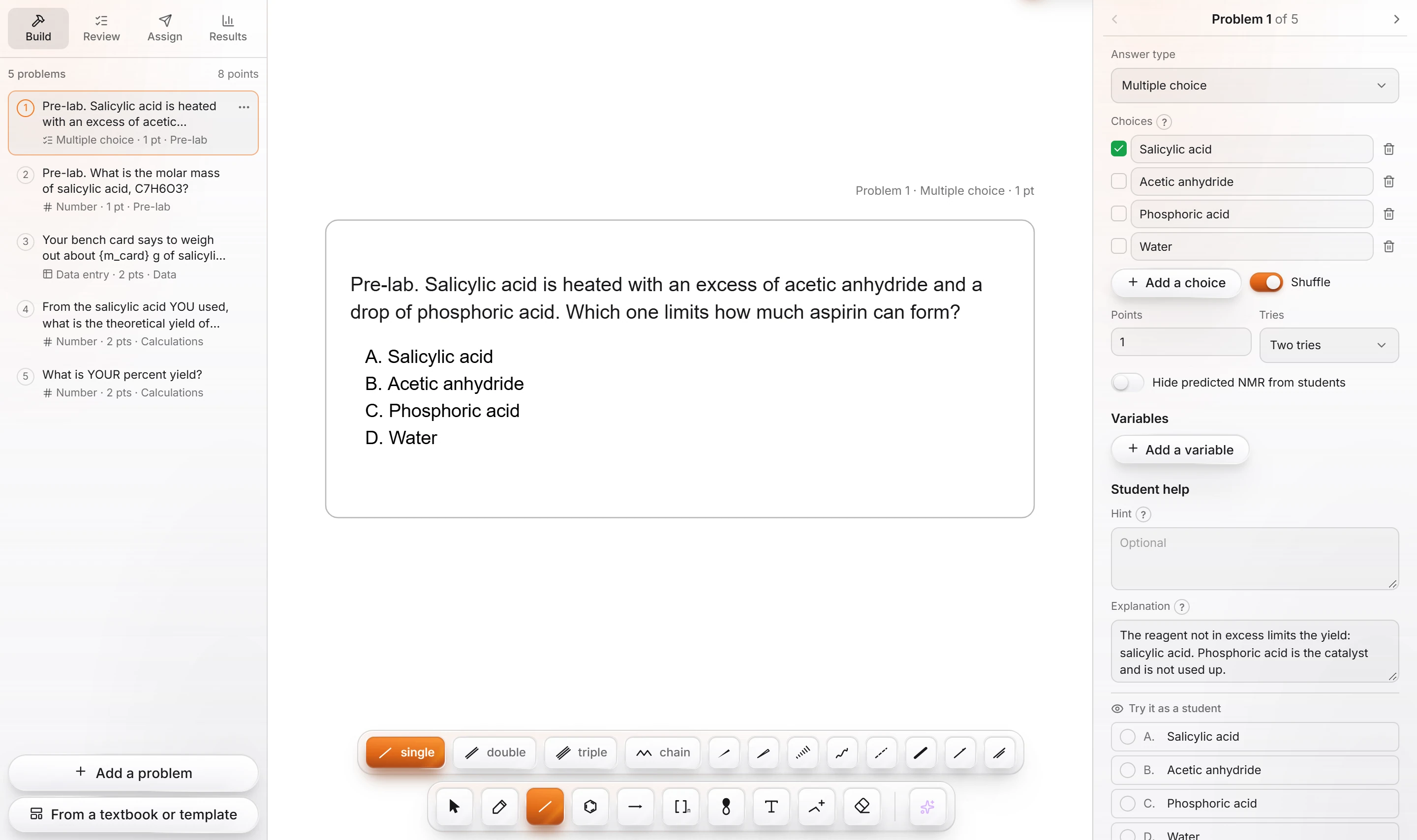 6 · How-toHow to run a lab with AthanorChoose File › New lab: Synthesis of aspirin, or New lab: Titration of an unknown acid. The set has pre-lab, data and calculation problems you can edit like any other.
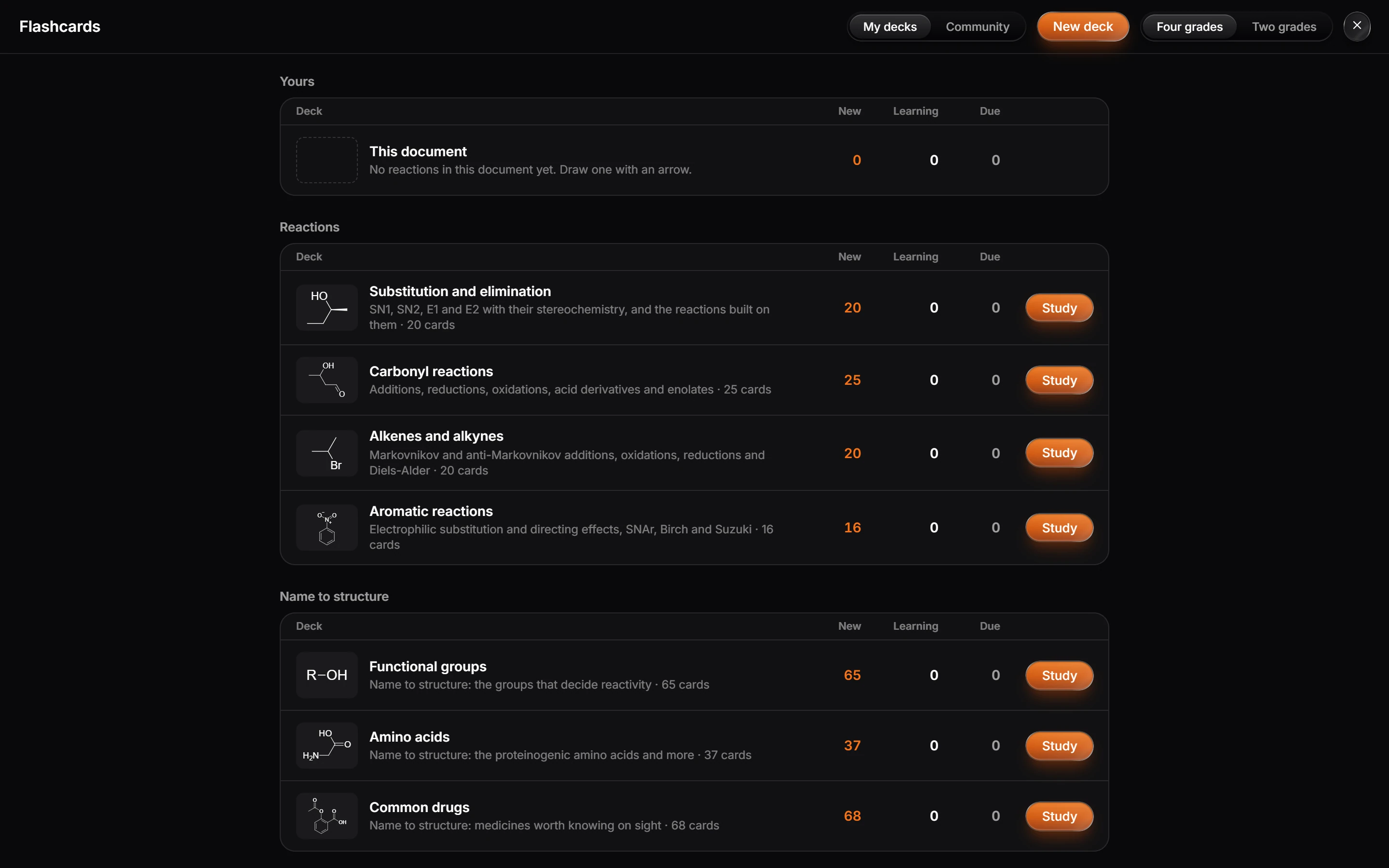
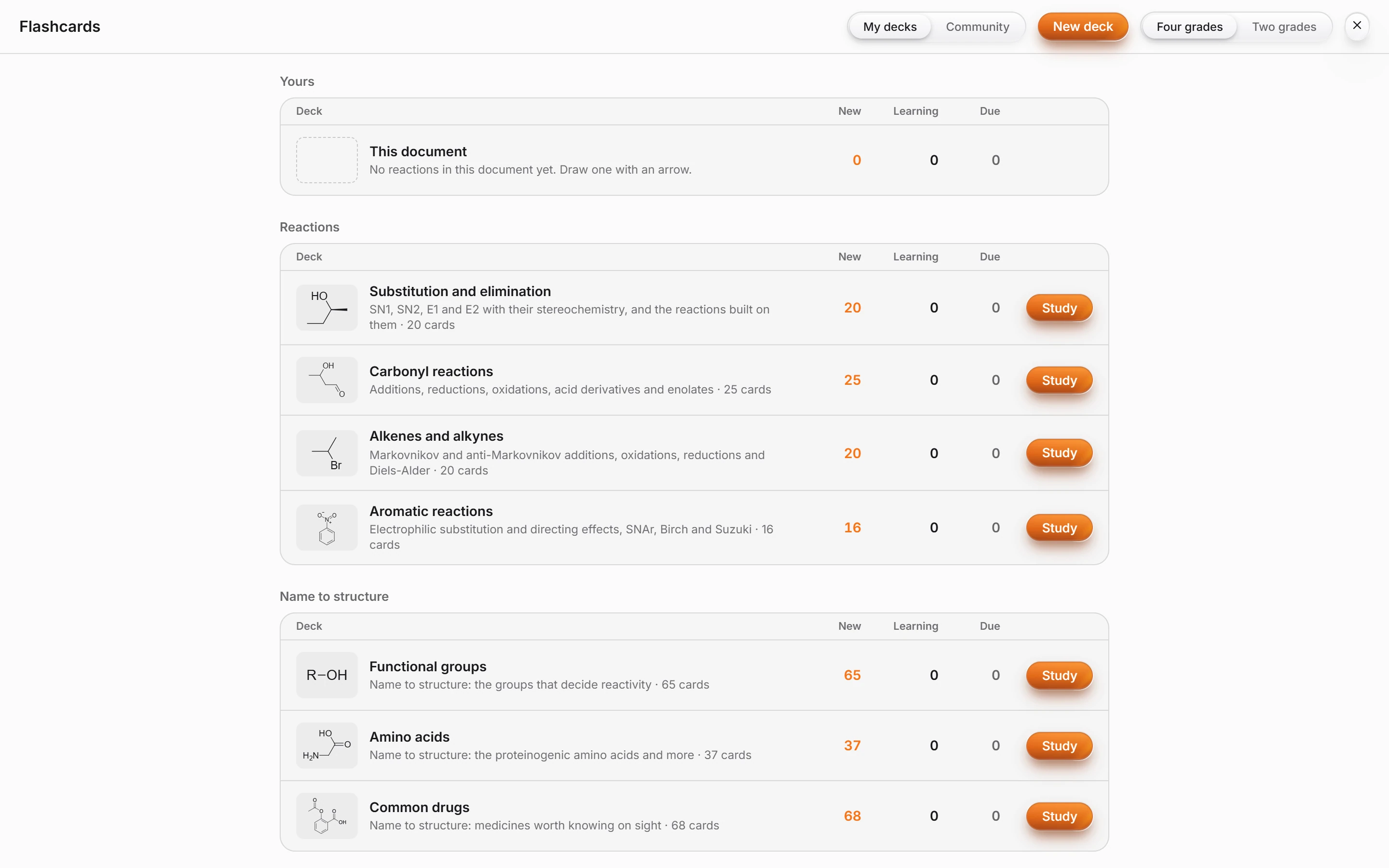 7 · How-toHow to study with flashcardsChoose View › Study flashcards and press Study on a deck, such as Substitution and elimination or Functional groups. A deck from this document collects its reactions.
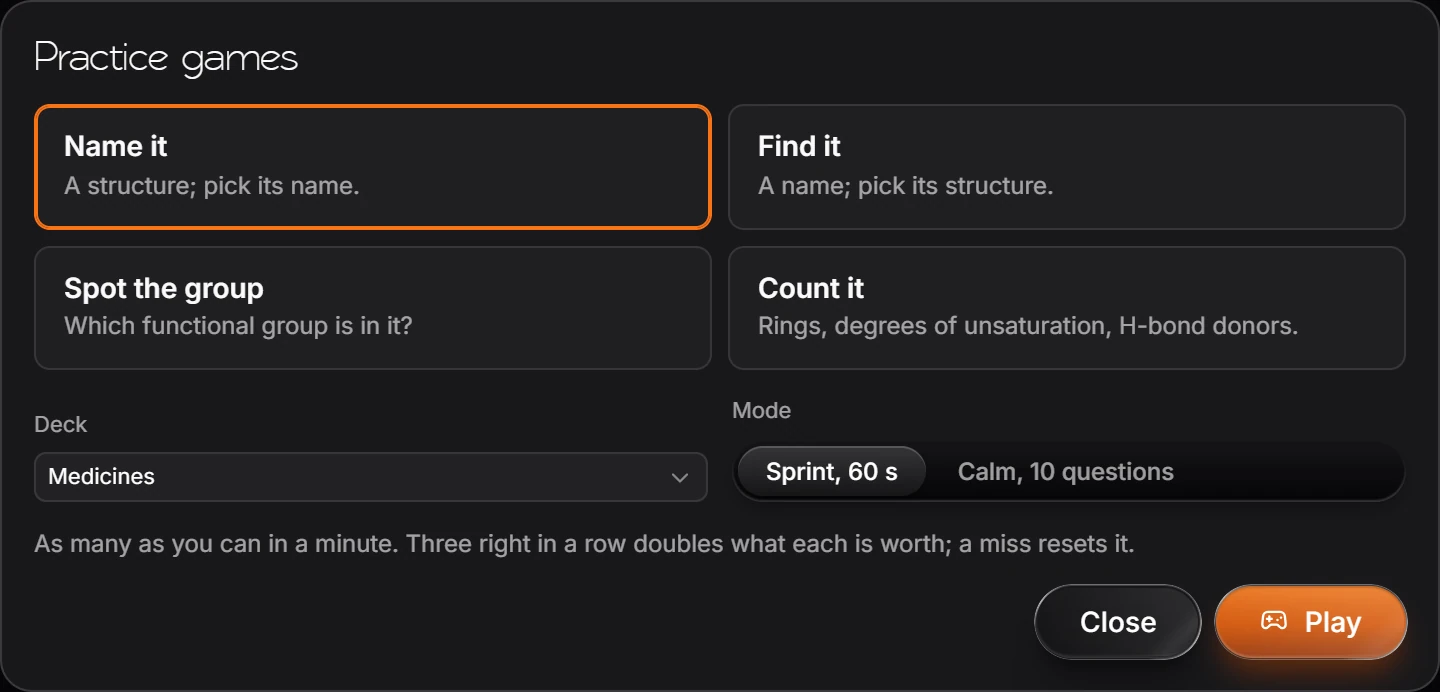
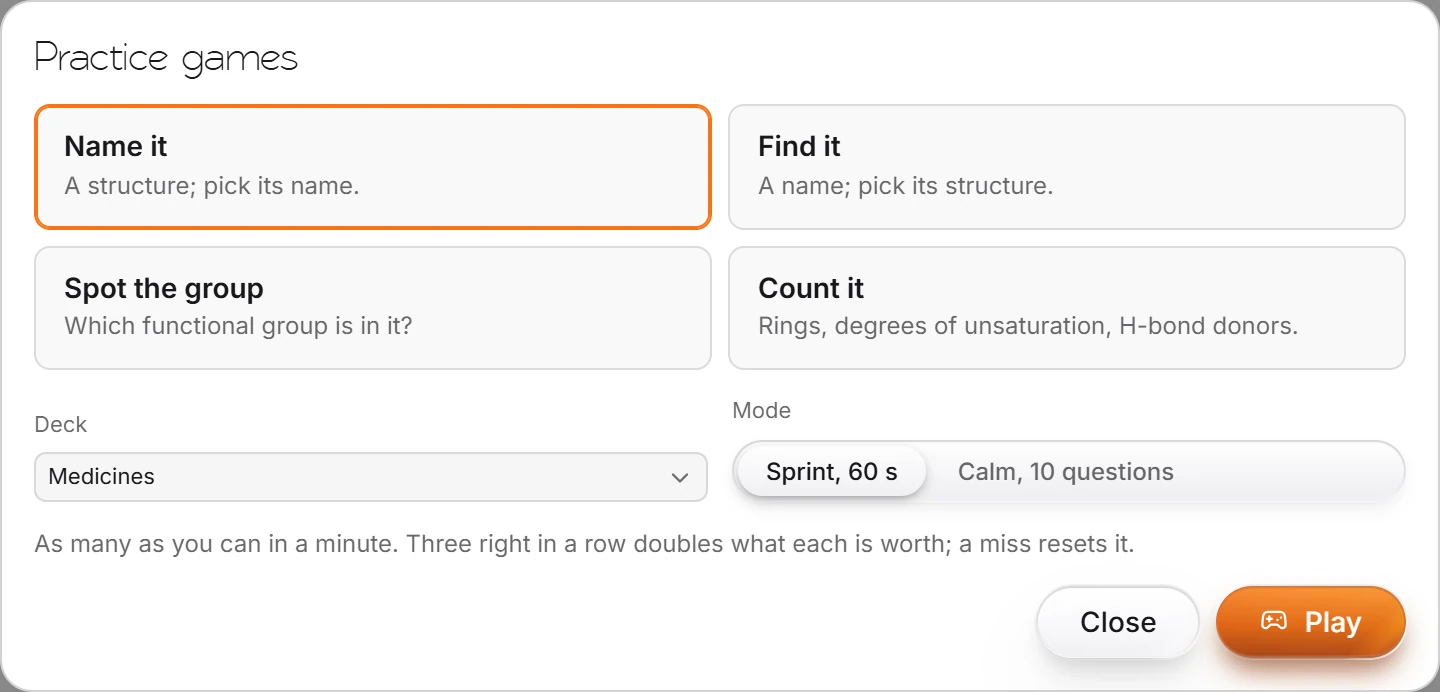 8 · How-toHow to play the practice gamesChoose View › Practice games, pick Name it, Find it, Spot the group or Count it, pick a deck and a mode, and press Play.
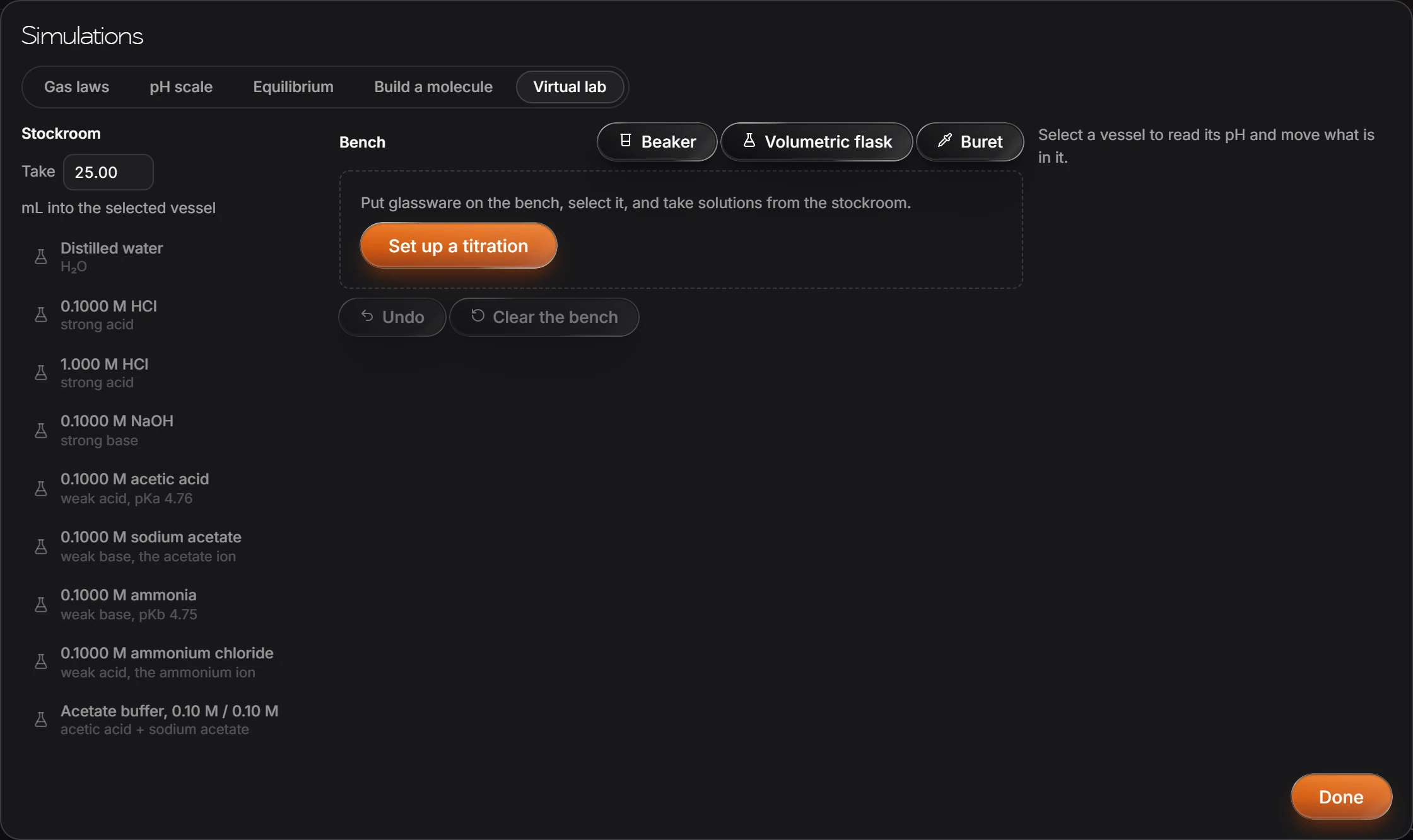
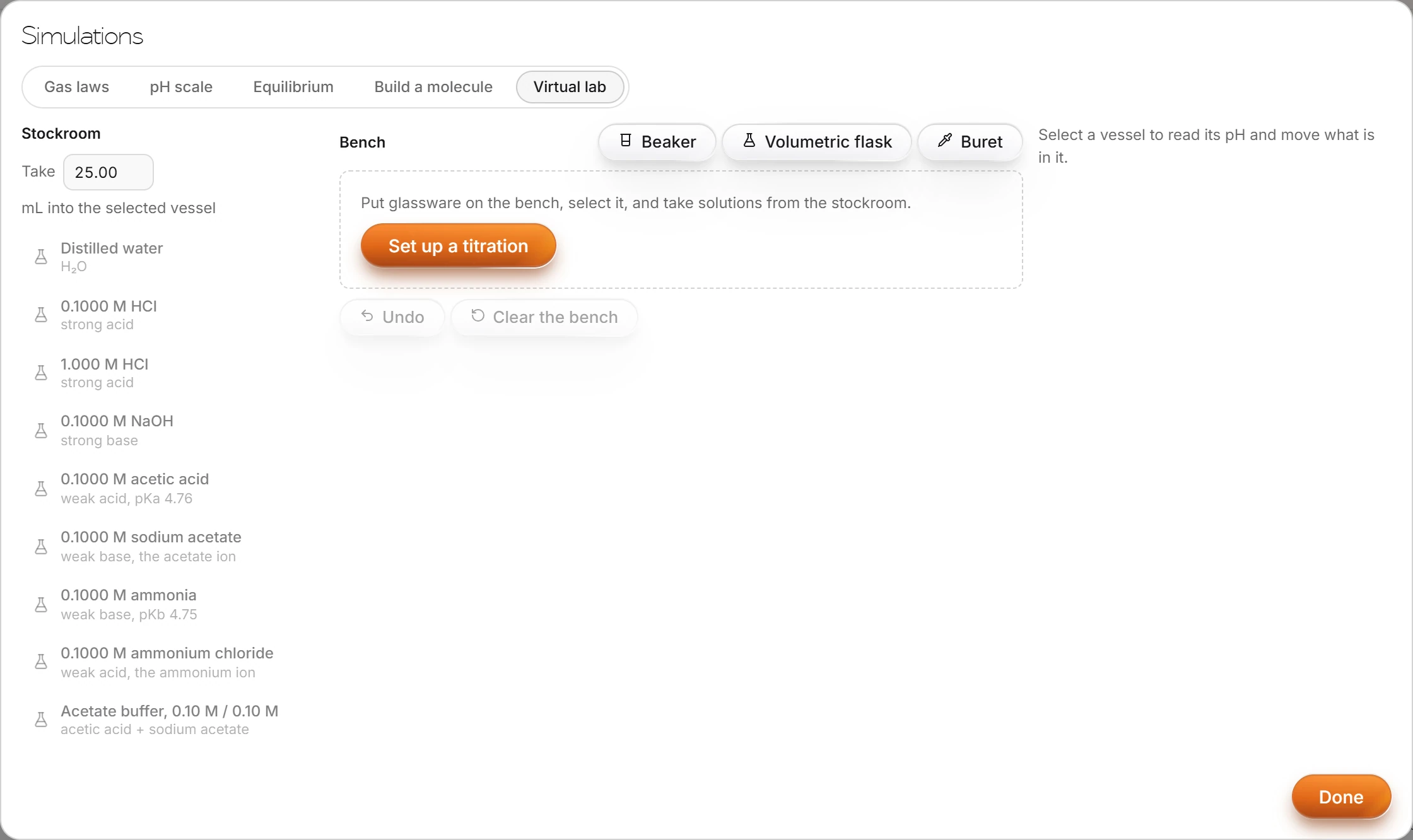 9 · How-toHow to use the virtual lab and simulationsChoose Object › Chemistry › Simulations or Virtual lab. Tabs switch between Gas laws, pH scale, Equilibrium, Build a molecule and Virtual lab.
- 10 · How-toHow to connect Athanor to your LMS (LTI 1.3)An LMS admin adds Athanor as an LTI 1.3 tool with its login, launch and JWKS URLs, or in Canvas with the configuration URL https://athanor.arbastro.com/lti/canvas.json. LTI is part of arbastro Suite Ultra.
- Still stuck? Read the FAQ or contact support.
- Something wrong on this page? Tell us.
- For AI tools: llms.txt