
How to use the virtual lab and simulations
Choose Object › Chemistry › Simulations or Virtual lab. Tabs switch between Gas laws, pH scale, Equilibrium, Build a molecule and Virtual lab.
Virtual lab
Choose Main menu › Object › Chemistry › Virtual lab.
Put glassware on the Bench: a Beaker, Volumetric flask or Buret.
Select a vessel, set how many mL to Take, and take a solution from the Stockroom, such as 0.1000 M HCl, 0.1000 M NaOH or an acetate buffer. The bench reads the pH of the selected vessel.
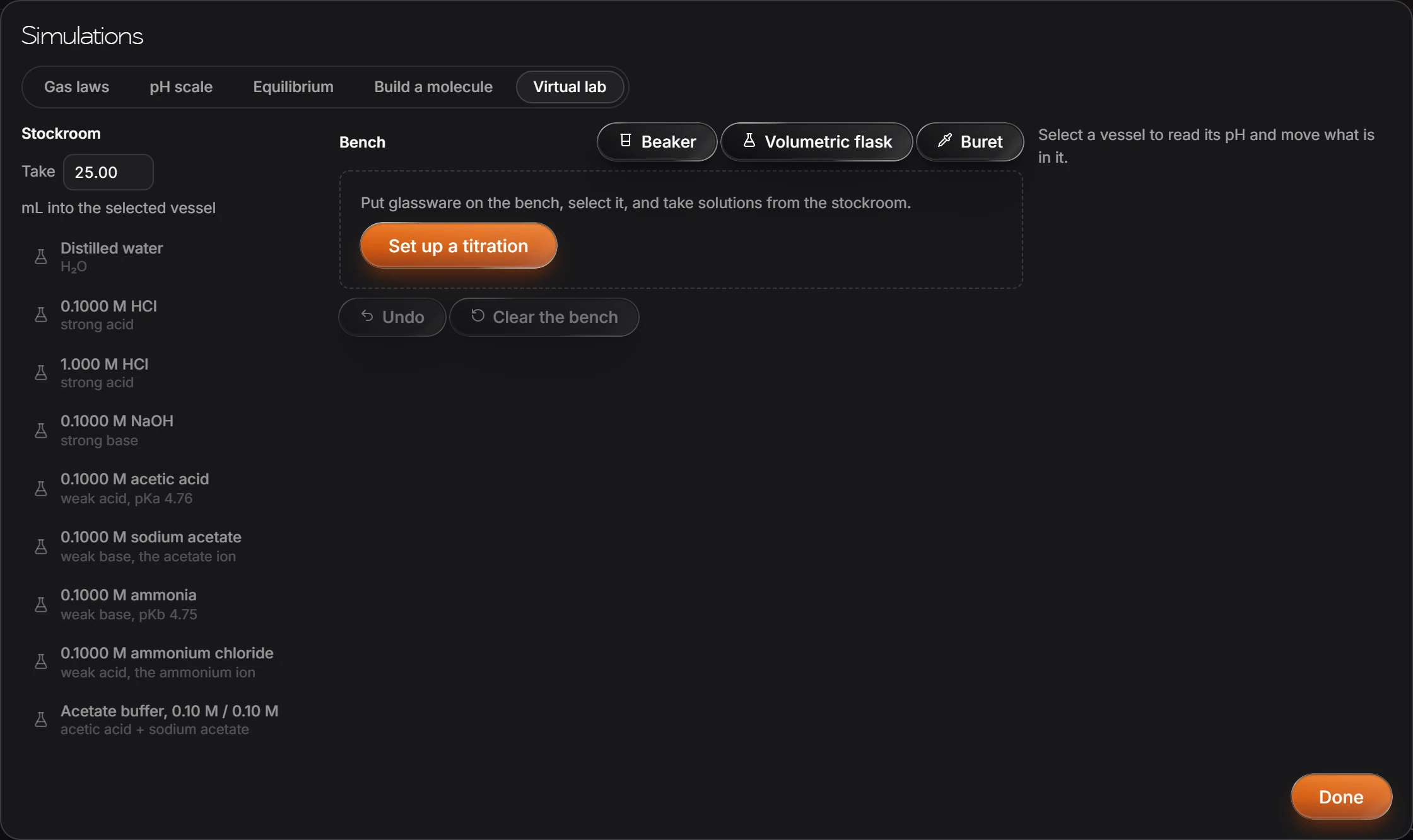
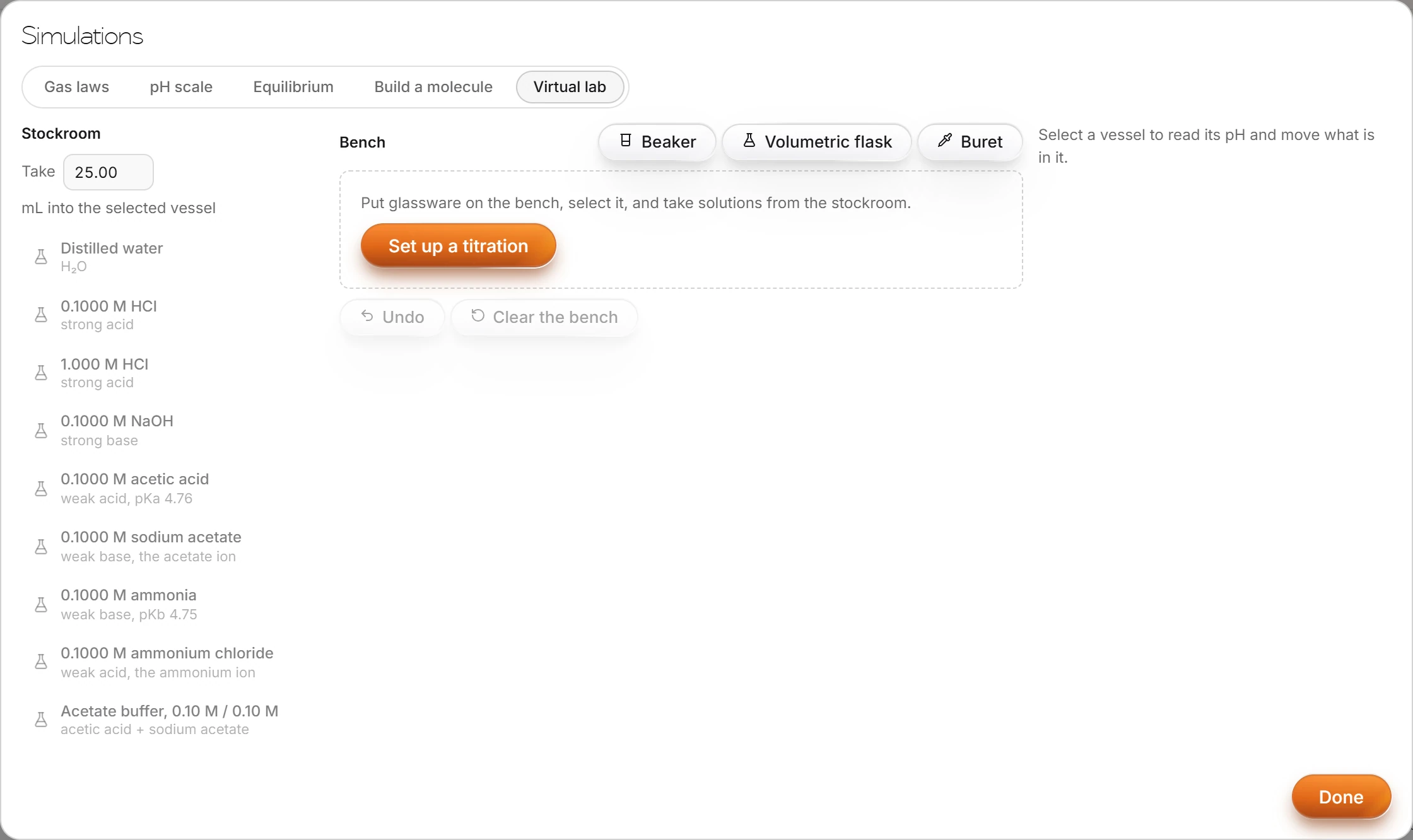
Set up a titration starts a titration on the bench. Undo takes back a step and Clear the bench starts over.
Simulations
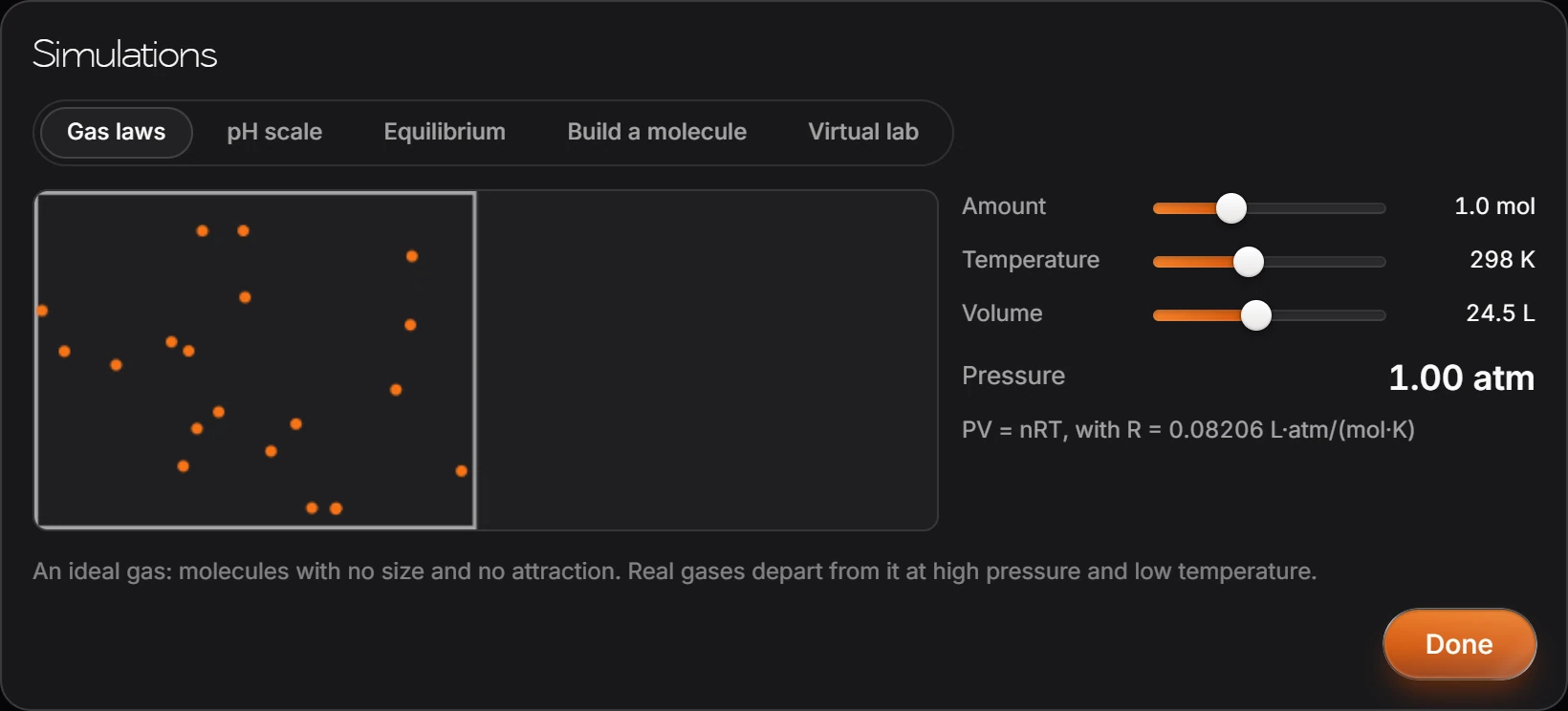
The same window has Gas laws, pH scale, Equilibrium and Build a molecule. In Gas laws, move the amount, temperature and volume and watch the pressure, from PV = nRT.
Is this helpful?
Last updated Nov 12, 2026
- Still stuck? Read the FAQ or contact support.
- Something wrong on this page? Tell us.
- For AI tools: llms.txt