
How to give each student different numbers
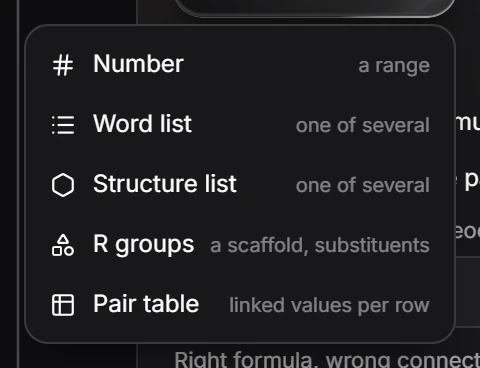
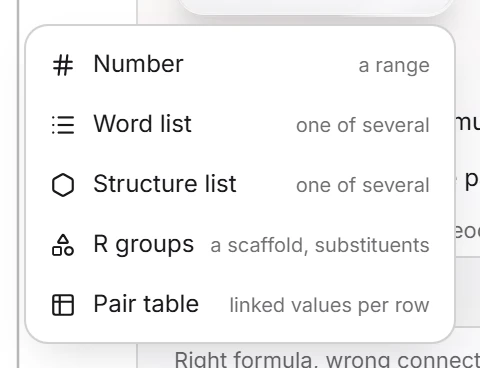
Select a problem on Build and press Add a variable. Pick Number (a range), Word list, Structure list, R groups (a scaffold and substituents) or Pair table (linked values per row), then use the variable in the question.
A variable changes from student to student, so two students working side by side get different numbers or structures.
Steps
Select a problem on Build.
Under Variables, press Add a variable and pick its kind:
| Kind | Gives each student |
|---|---|
| Number | A number from a range |
| Word list | One of several words |
| Structure list | One of several structures |
| R groups | A scaffold with substituents |
| Pair table | Linked values from one row of a table |
- Use the variable in the question by its name in braces, as the aspirin lab does with
{m_card}for the mass on each student's bench card. See Labs.
Is this helpful?
Last updated Nov 12, 2026
- Still stuck? Read the FAQ or contact support.
- Something wrong on this page? Tell us.
- For AI tools: llms.txt