
Textbook problem banks
Choose File › New problem set › From your textbook, pick the book, tick the sections, set problems per section and difficulty, and press Pick sections.
Steps
Choose Main menu › File › New problem set, then From your textbook.
Pick the book your course uses. Four open textbooks are offered, such as Chemistry 2e (OpenStax, 2019), Organic Chemistry (OpenStax, 2023) and Biology 2e (OpenStax, 2018).
Tick the sections. Each one lists the kinds of problem it makes, such as Molarity of a solution and Dilution for section 3.3, Molarity.
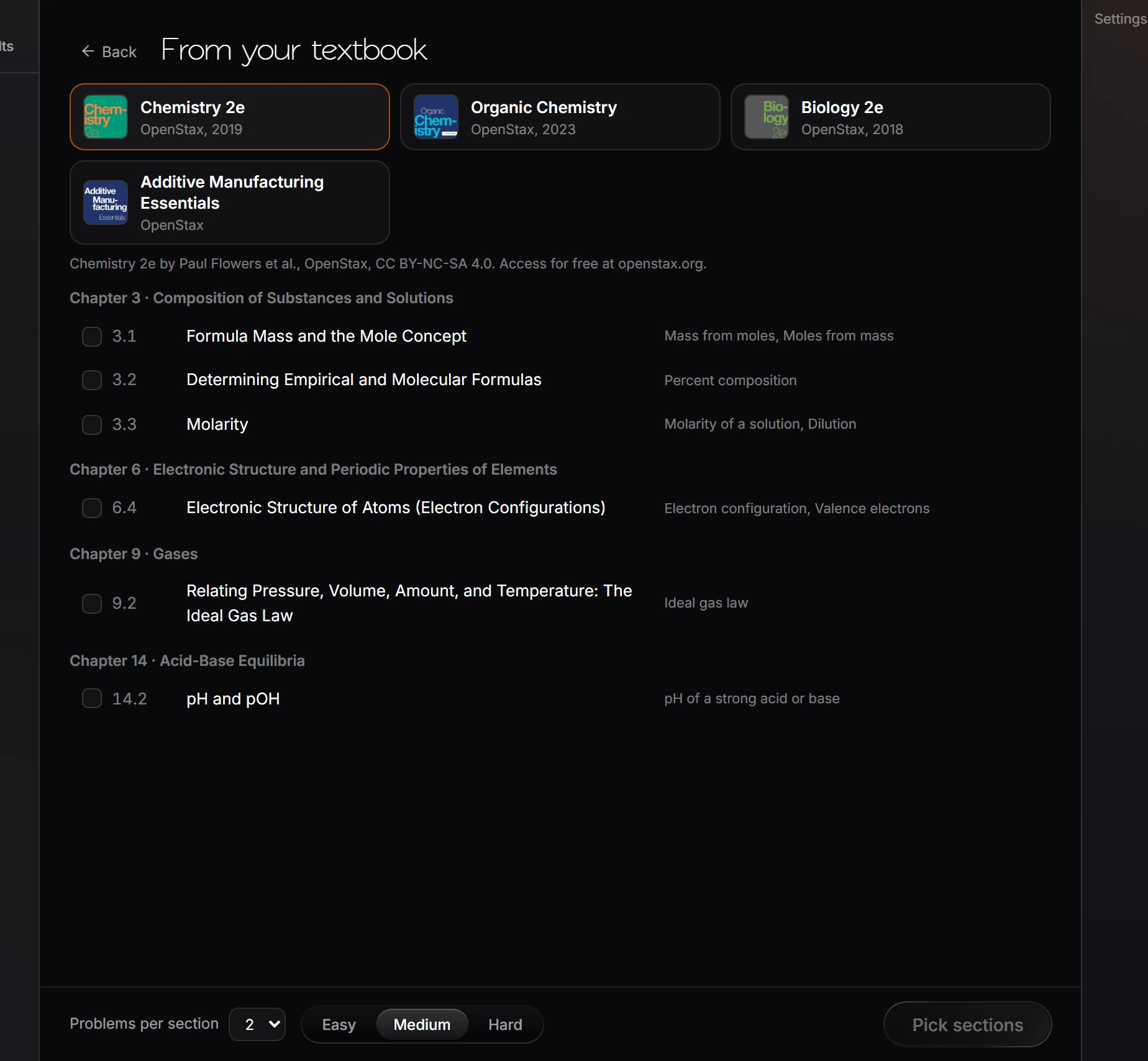
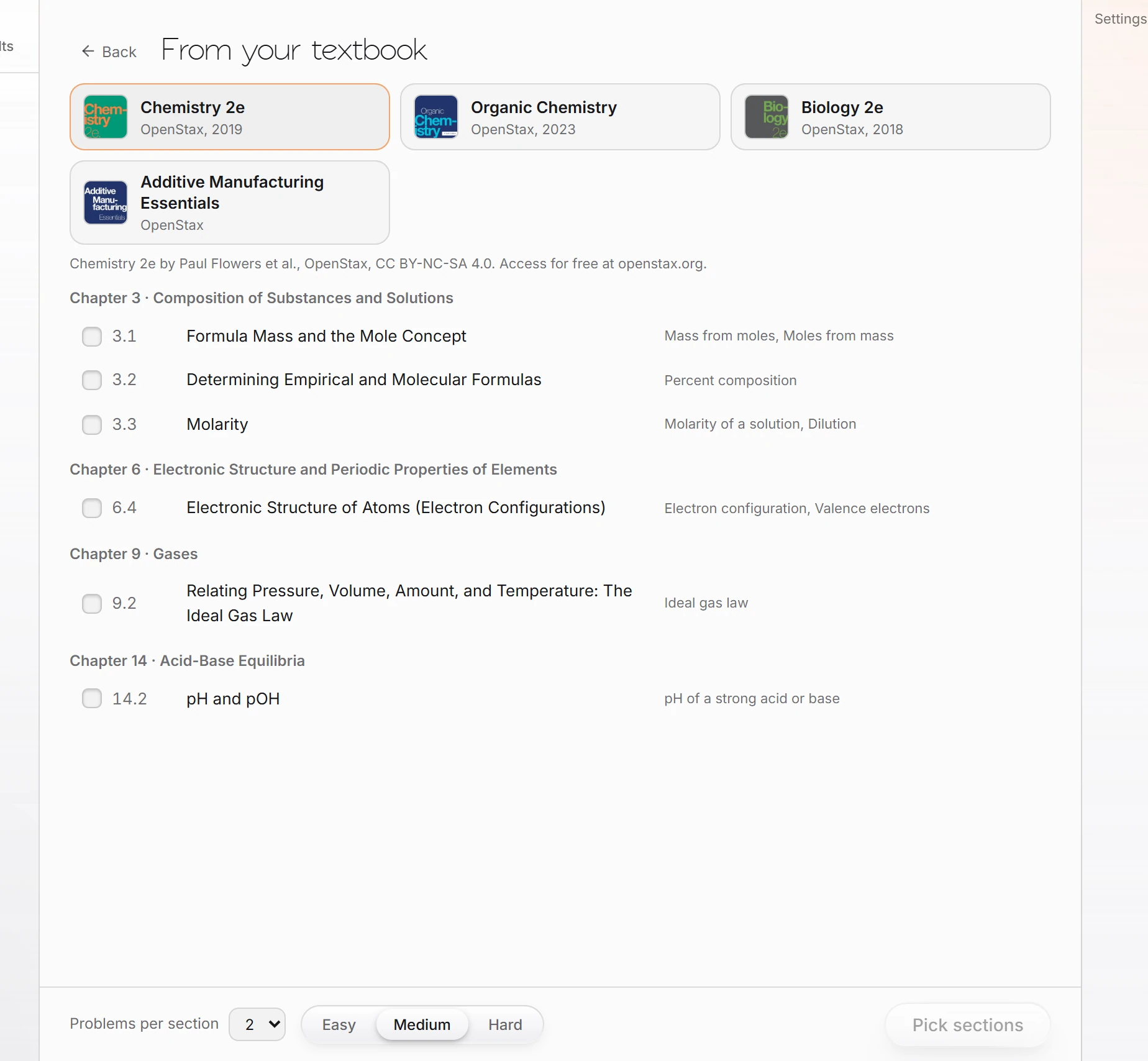
Set Problems per section and the difficulty, and press Pick sections.
The book's license and source are shown under the list, for example Chemistry 2e by Paul Flowers et al., OpenStax, CC BY-NC-SA 4.0.
Is this helpful?
Last updated Nov 12, 2026
- Still stuck? Read the FAQ or contact support.
- Something wrong on this page? Tell us.
- For AI tools: llms.txt