
Text and labels
Captions, atom labels, chemistry formatting as you type, equations, compound numbers and text that turns into structures.
Start here
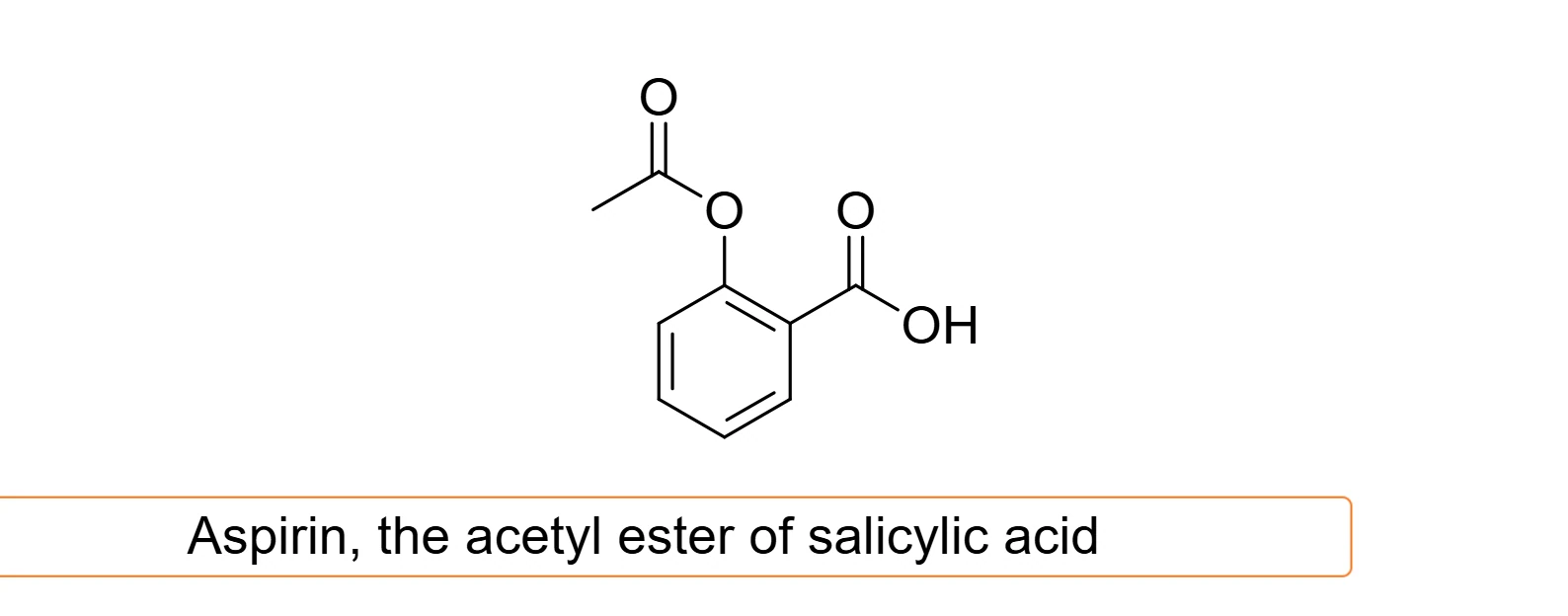 1 · How-toHow to add text and captionsPress T and click empty canvas to type text. Bold text is Ctrl+B, Italic text Ctrl+I, and Align text left, center or right is Ctrl+Shift+L, C or R.
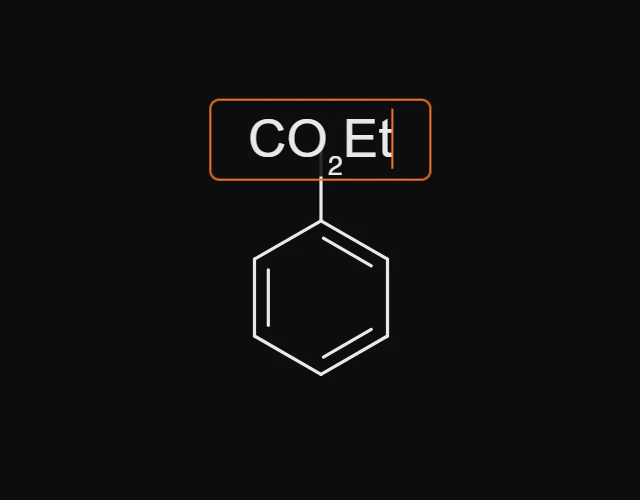
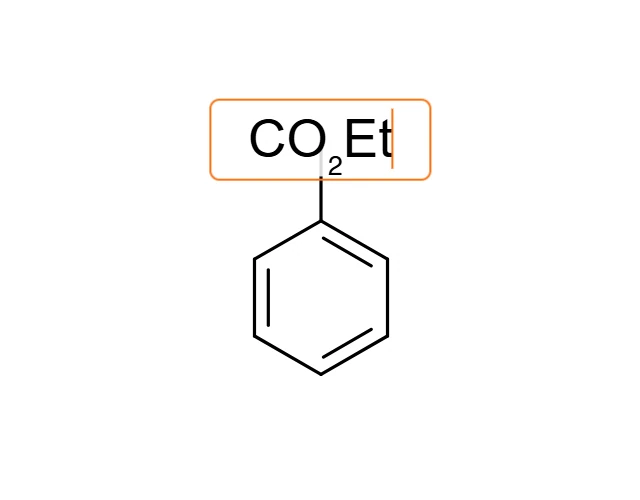 2 · How-toHow to type atom labels like CO2Et or NHBocWith the Text tool (T), click an atom, type its label and press Enter. Or point at the atom with any tool and press Enter. Elements and known groups such as CO2Et, NHBoc and OMe are read as atoms.
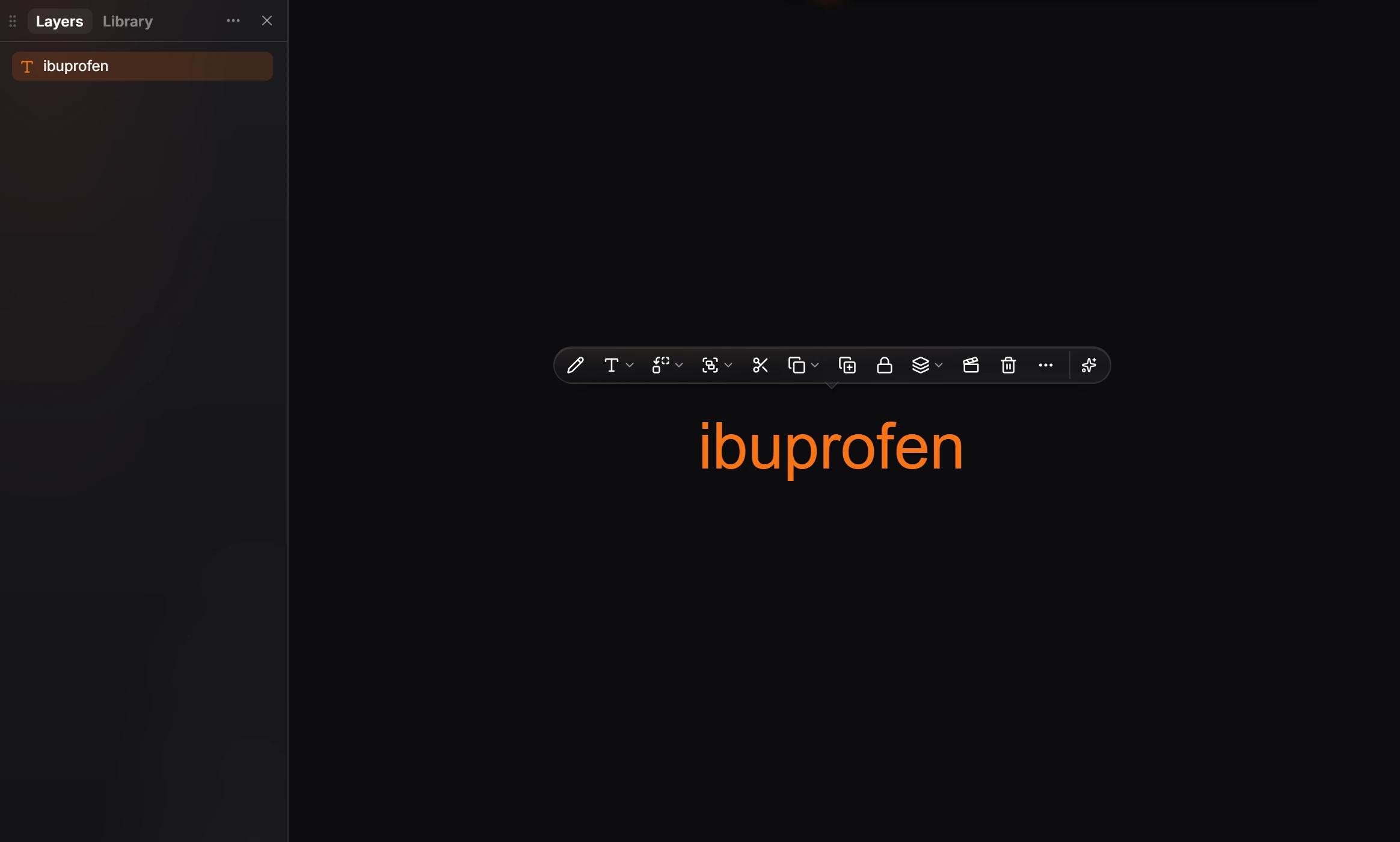
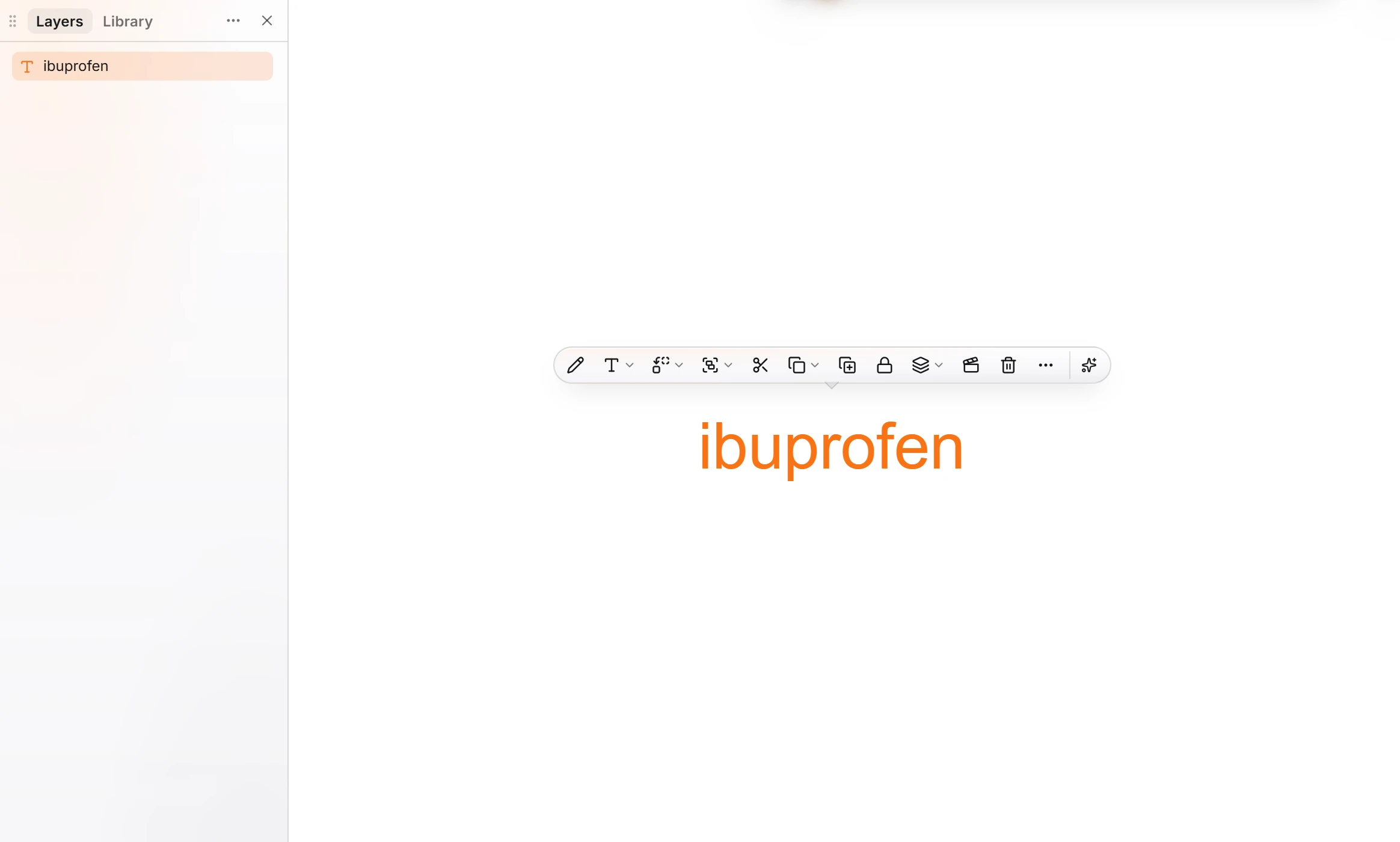 3 · How-toHow to turn a name or SMILES in text into a structureSelect the text block and press Ctrl+Shift+N (Convert text to a structure). It reads SMILES, or a name the library knows, and draws the structure in place of the text.
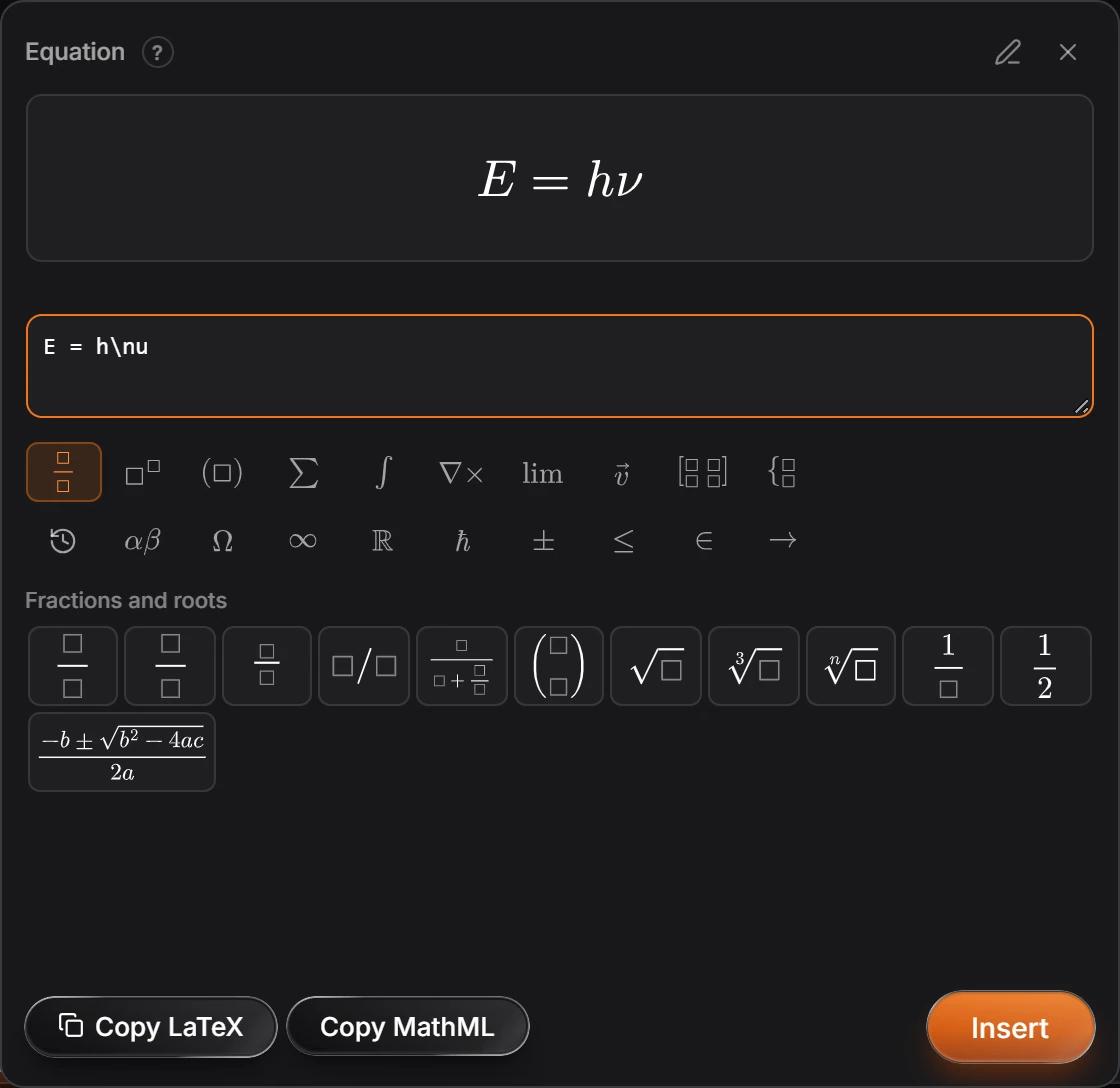
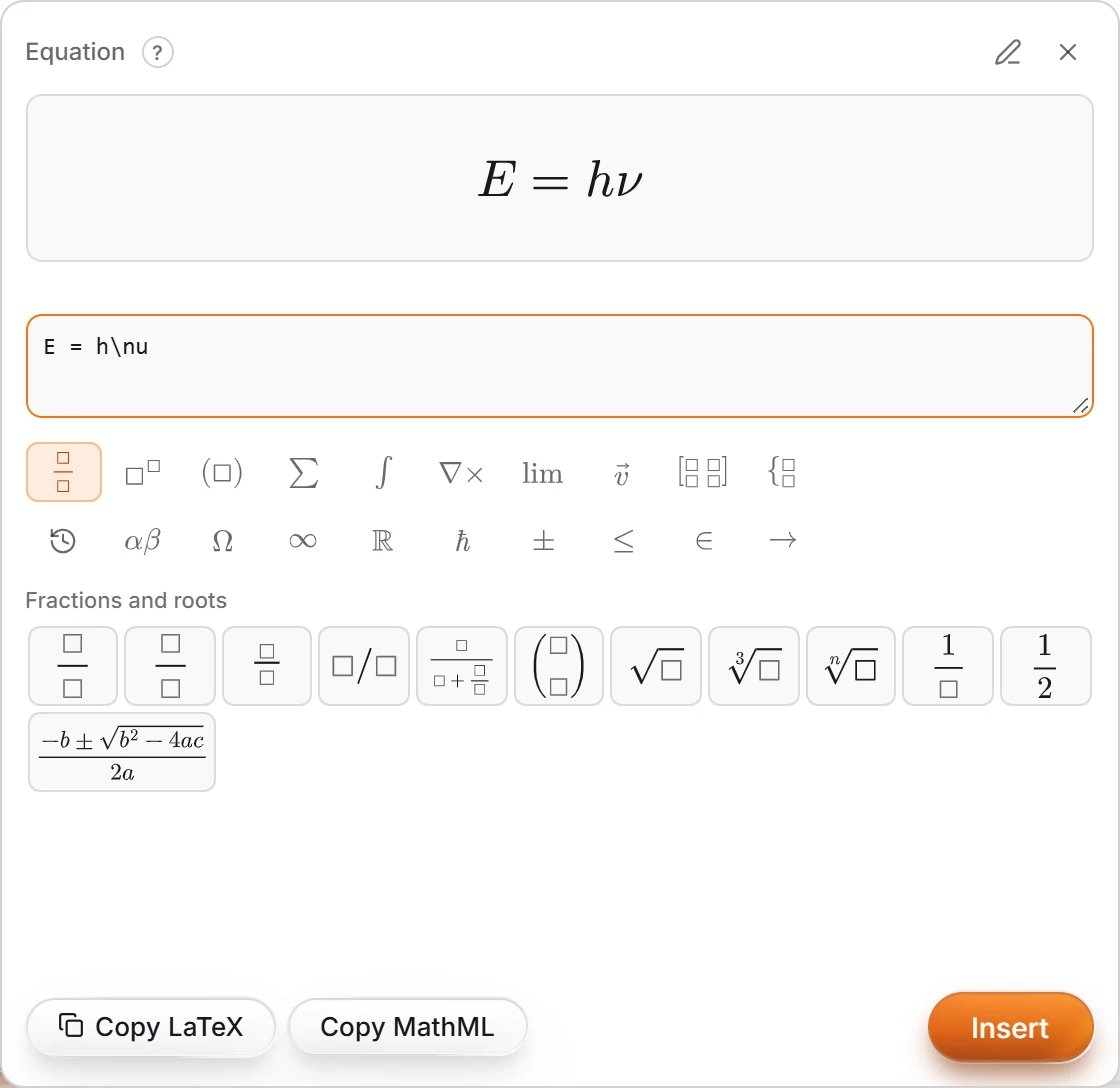 4 · How-toHow to insert an equationChoose Insert › Equation… or press Alt+=, type LaTeX or pick from the palettes, and press Insert. Copy LaTeX and Copy MathML copy it instead.
- 5 · How-toHow to format chemistry as you typeFormat chemistry as you type is on to start: formulas typed in text get subscripts and charges get superscripts. Edit › Text › Format chemistry as you type turns it off and on.
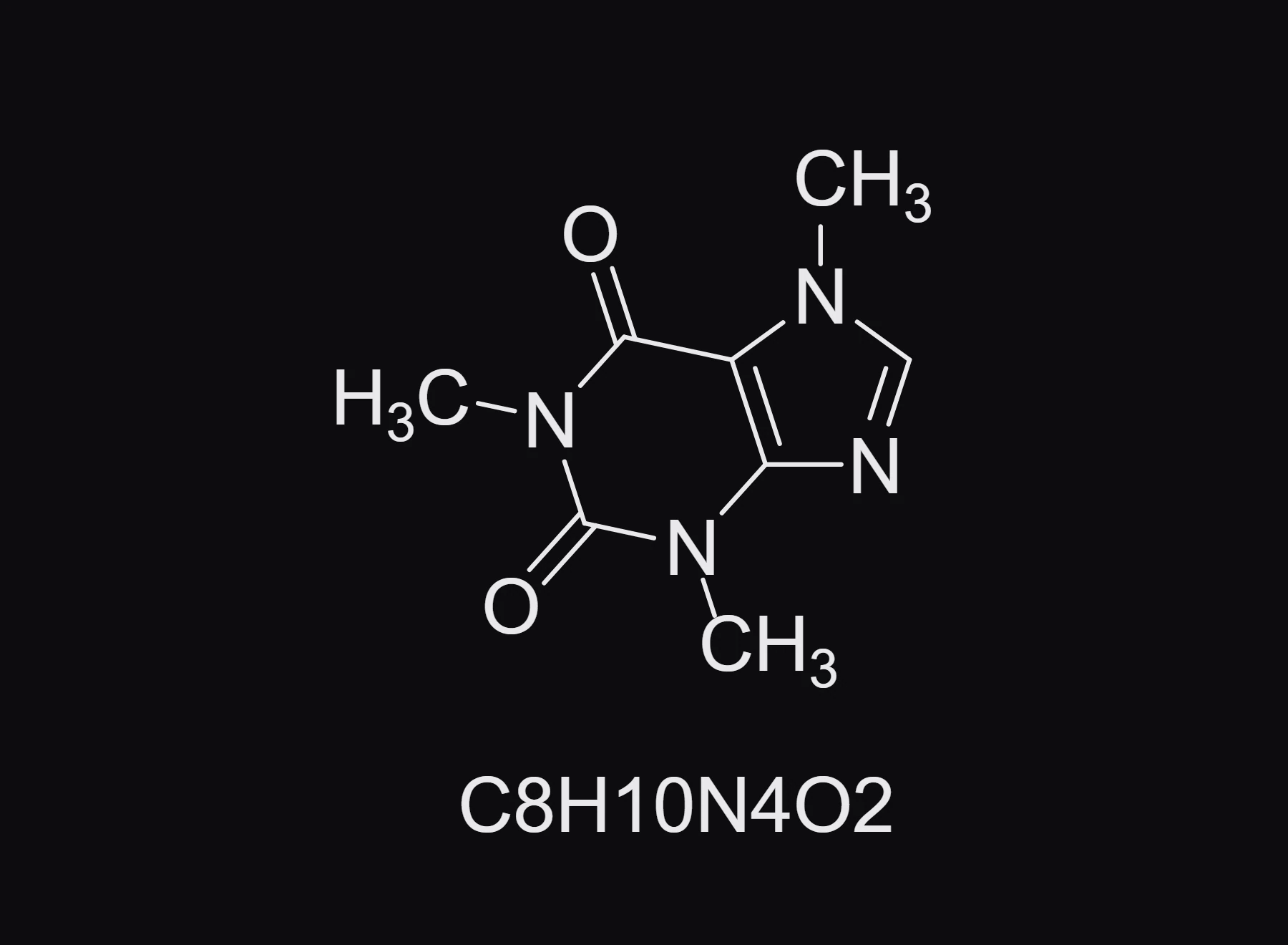
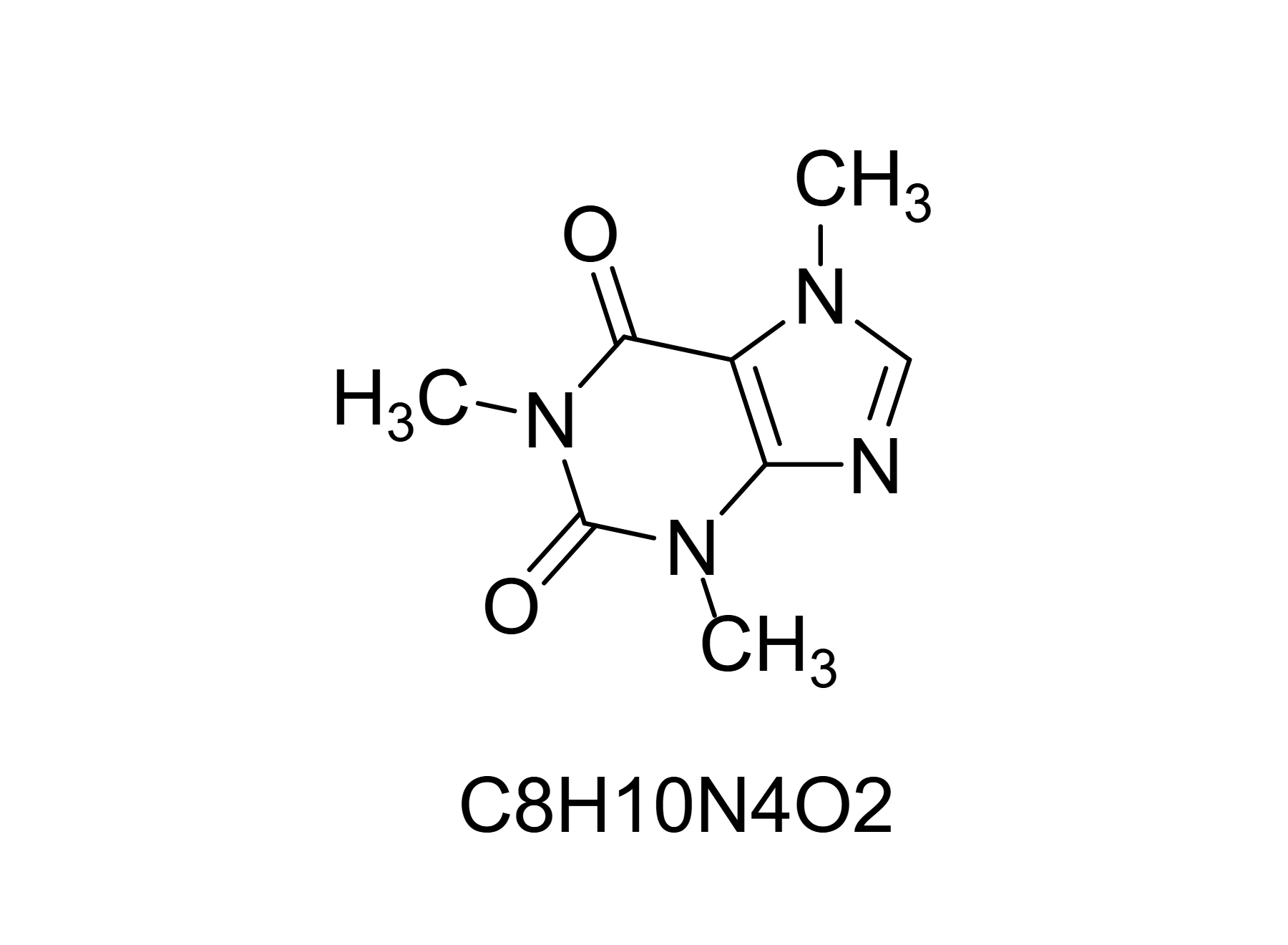 6 · How-toHow to write the formula as a captionSelect the structure and choose Object › Chemistry › Write the formula as a caption. The formula is placed under it as text.
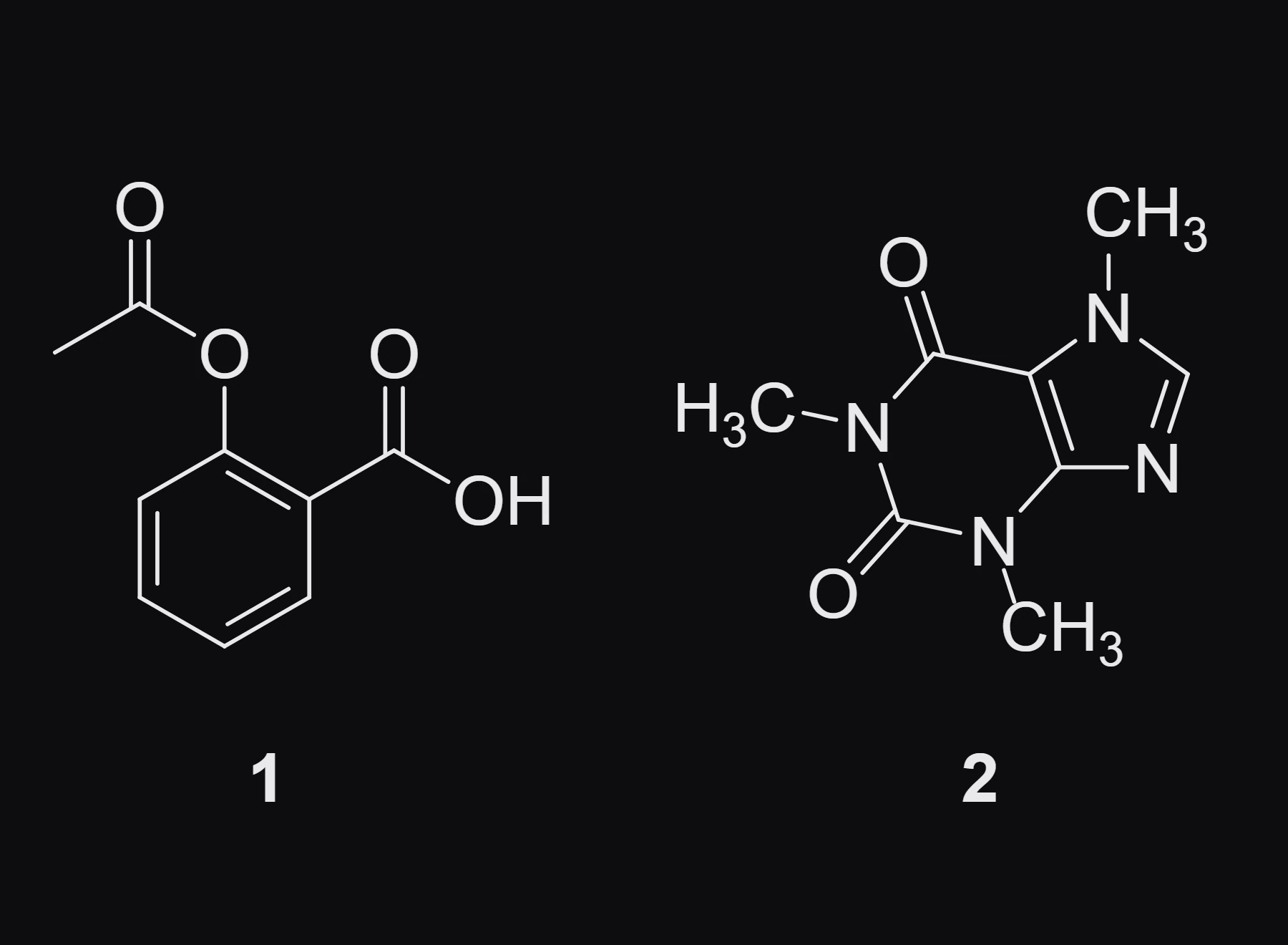
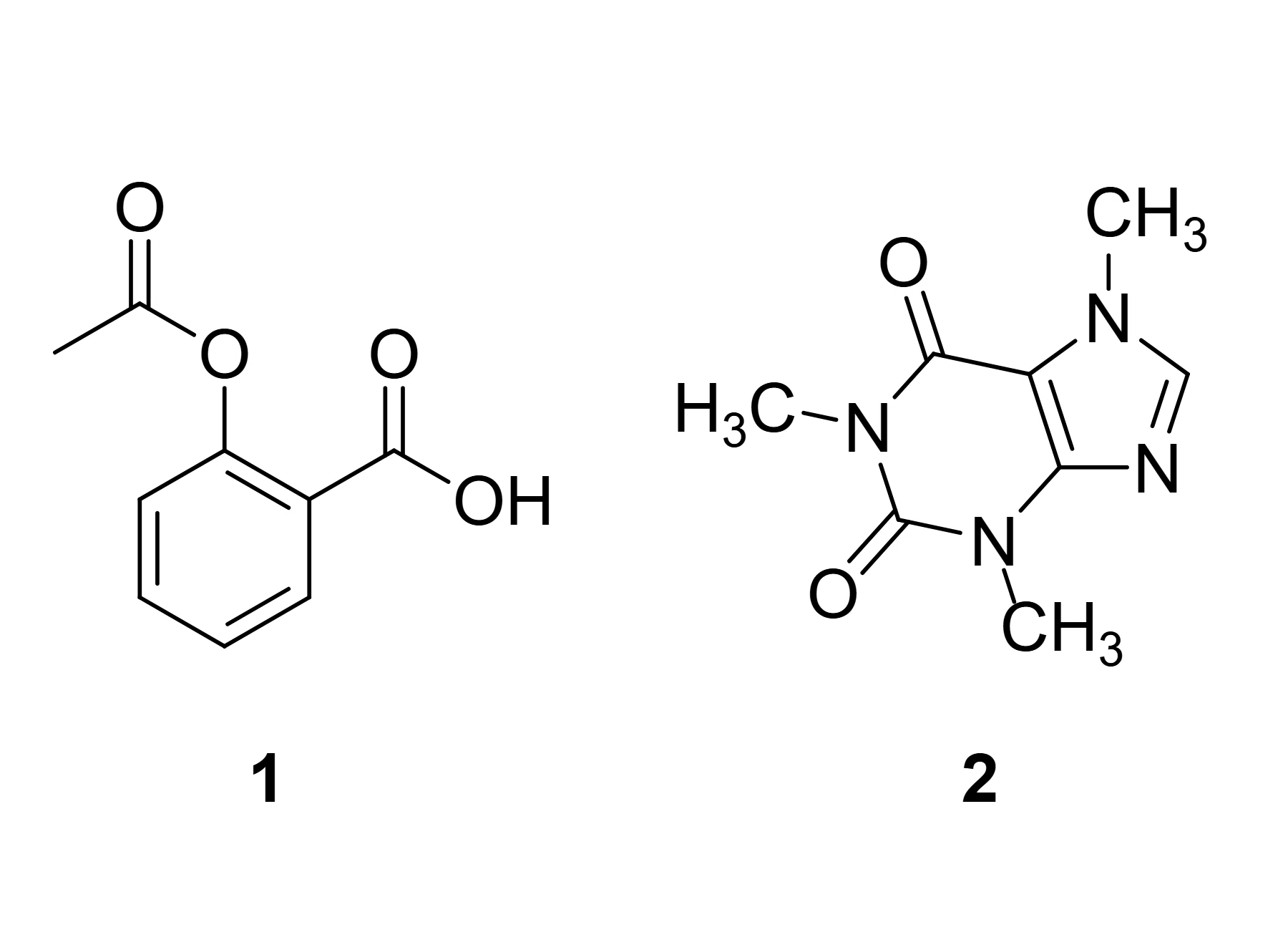 7 · How-toHow to number compoundsChoose Edit › Number compounds. Each structure gets a bold number under it, 1, 2, 3 in reading order.
- Still stuck? Read the FAQ or contact support.
- Something wrong on this page? Tell us.
- For AI tools: llms.txt