
How to insert an equation
Choose Insert › Equation… or press Alt+=, type LaTeX or pick from the palettes, and press Insert. Copy LaTeX and Copy MathML copy it instead.
Steps
Choose Main menu › Insert › Equation… or press Alt+=.
Type LaTeX in the box, for example
E = h\nu. The preview above it updates as you type, and a list suggests commands as you type a backslash.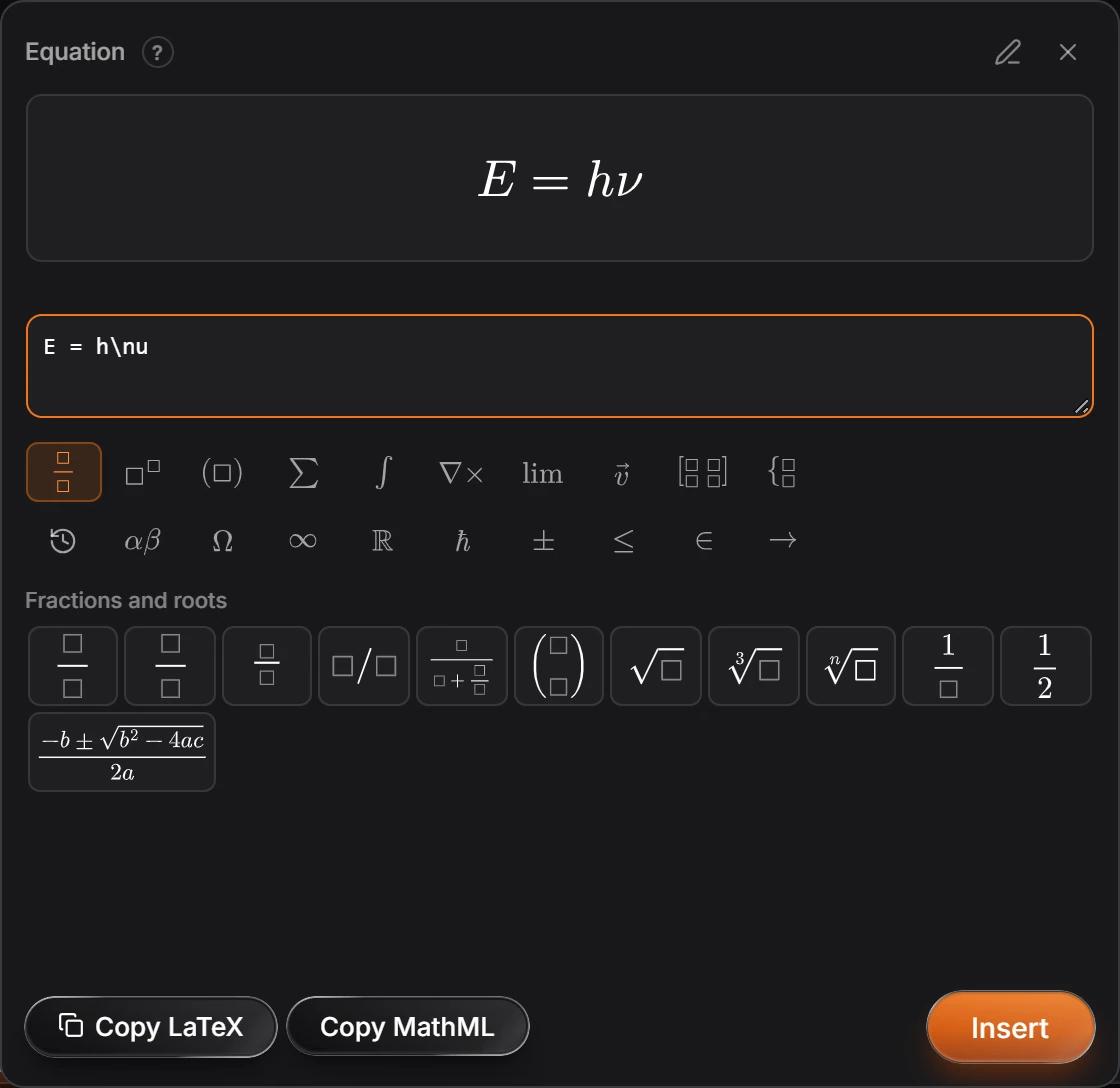
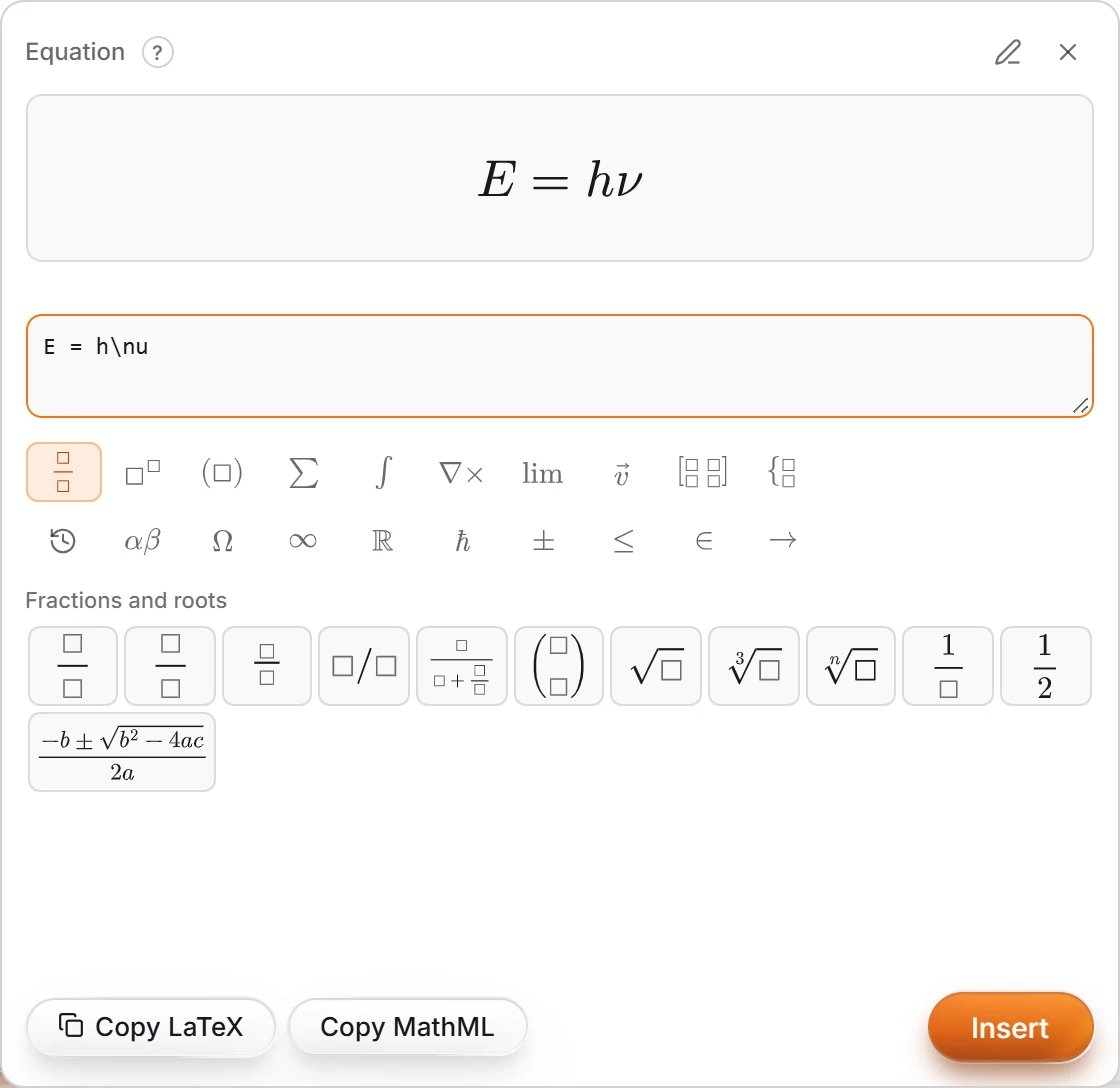
Or build it from the palettes: fractions and roots, scripts, brackets, sums, integrals, Greek letters, arrows and more.
Press Insert to place it on the page. Copy LaTeX and Copy MathML copy it instead.
Is this helpful?
Last updated Nov 12, 2026
- Still stuck? Read the FAQ or contact support.
- Something wrong on this page? Tell us.
- For AI tools: llms.txt