
How to turn a name or SMILES in text into a structure
Select the text block and press Ctrl+Shift+N (Convert text to a structure). It reads SMILES, or a name the library knows, and draws the structure in place of the text.
Steps
Select a text block that holds a compound's name or a SMILES string, for example "ibuprofen". Click it with Select (V), or click it in Layers.

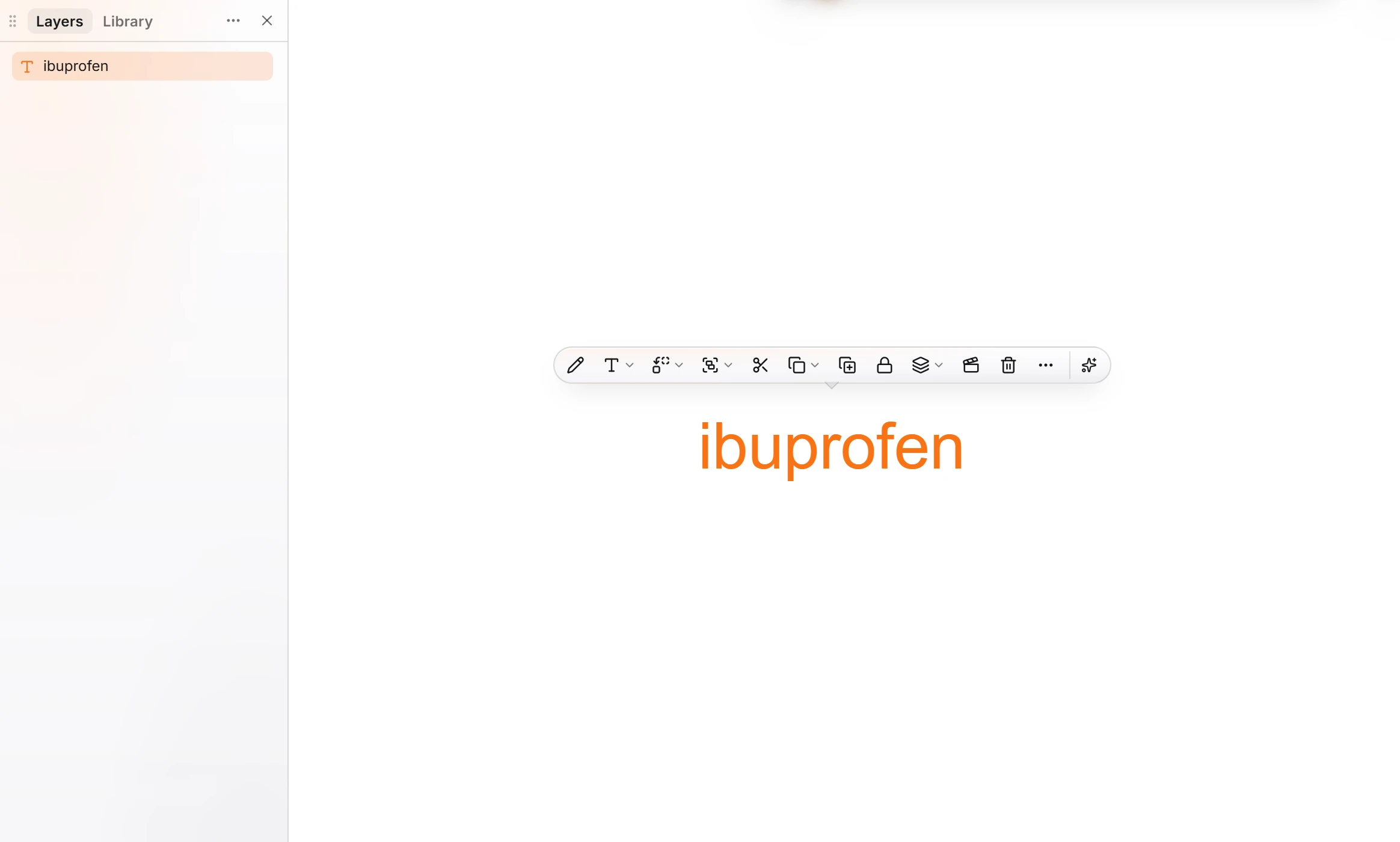
Press Ctrl+Shift+N, or press Ctrl+K and choose Convert text to a structure.
The text is replaced by the structure, named in Layers.
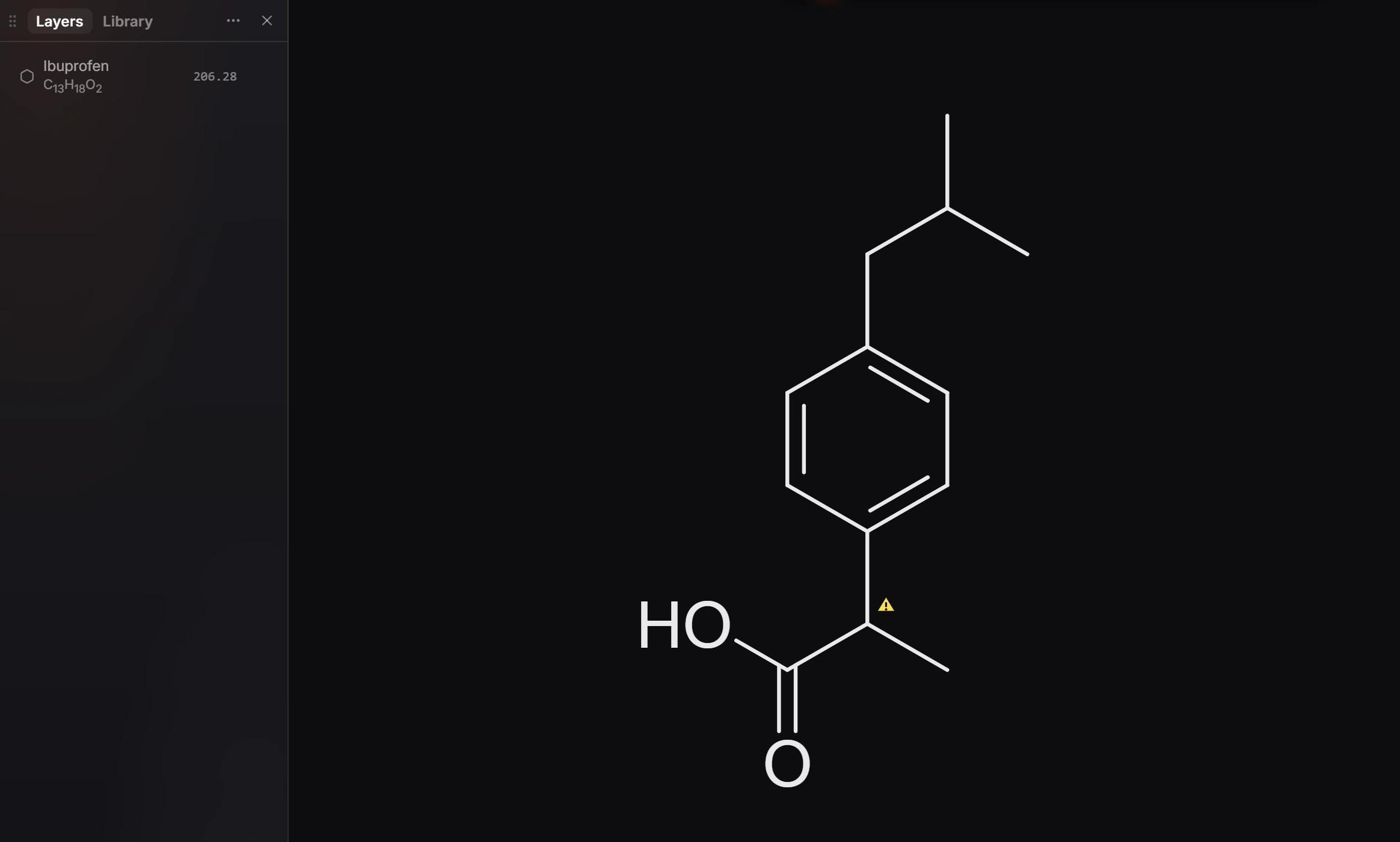
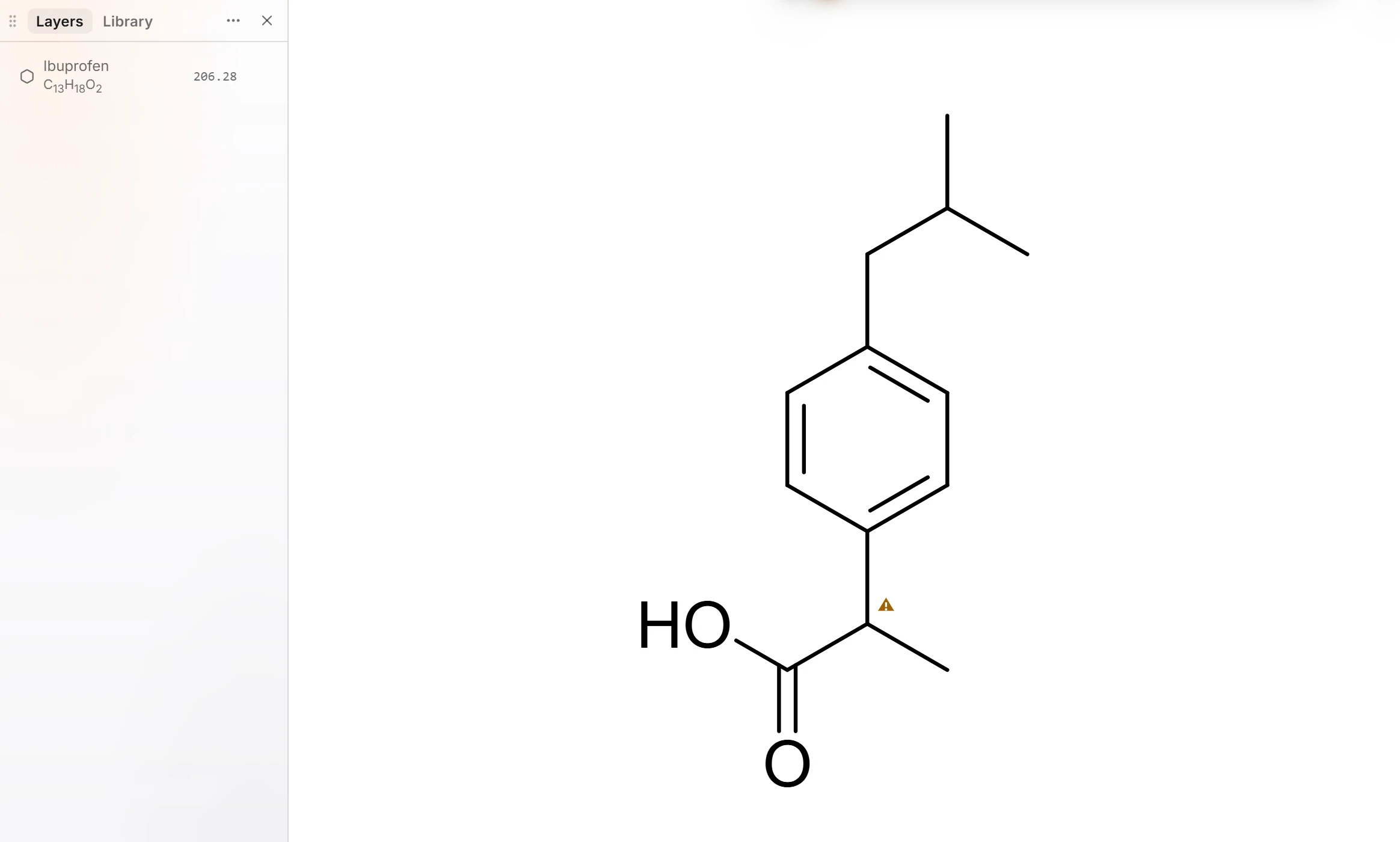
Ctrl+Z brings the text back.
What it reads
- SMILES, such as
CC(C)Cc1ccc(cc1)C(C)C(=O)O. - A name the library knows, such as a common or trade name. A name the library does not know is not converted.
It works on text you typed, pasted, or brought in from a Word document, which makes it a quick way to turn a list of names into drawings.
Note
Ibuprofen has one stereocenter that the name does not define, so Athanor marks it with a warning. See choose undefined stereocenters.
Is this helpful?
Last updated Nov 12, 2026
- Still stuck? Read the FAQ or contact support.
- Something wrong on this page? Tell us.
- For AI tools: llms.txt