
How to bring in a Word document
Open a .docx file with Open, or drag it onto the window. Its text comes in as text you can edit, each ChemDraw drawing embedded in it as a structure you can edit, and its pictures and tables too, in one group named after the file.
Steps
Press Ctrl+O (Open a file) and choose a
.docxfile, or drag it from your computer onto the window. Dropped on the canvas, it goes beside what is already there.Athanor reads the document and says what it brought in, for example "notes.docx: 2 paragraphs, 1 picture, 1 table, in one group named for the file in Layers."
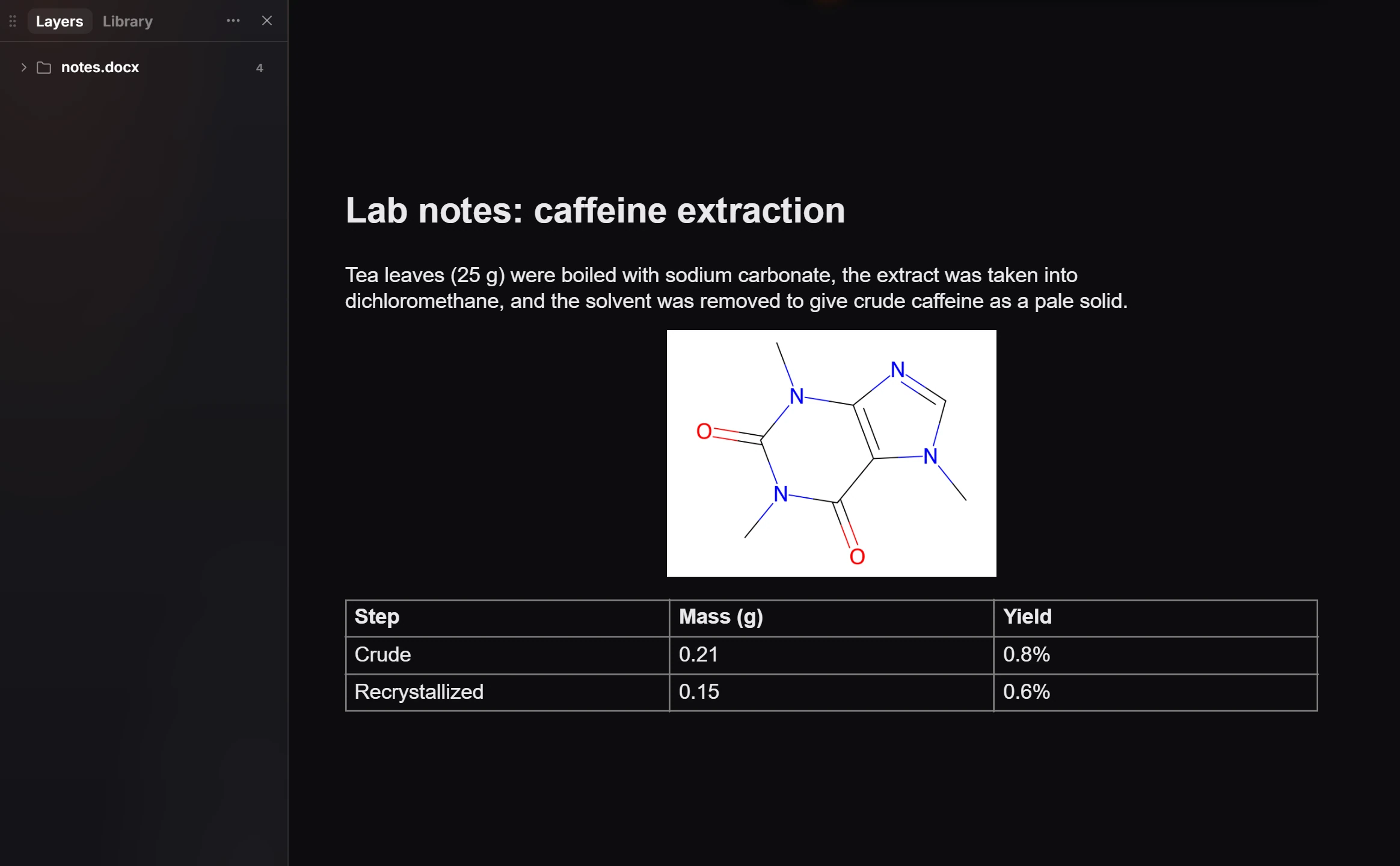
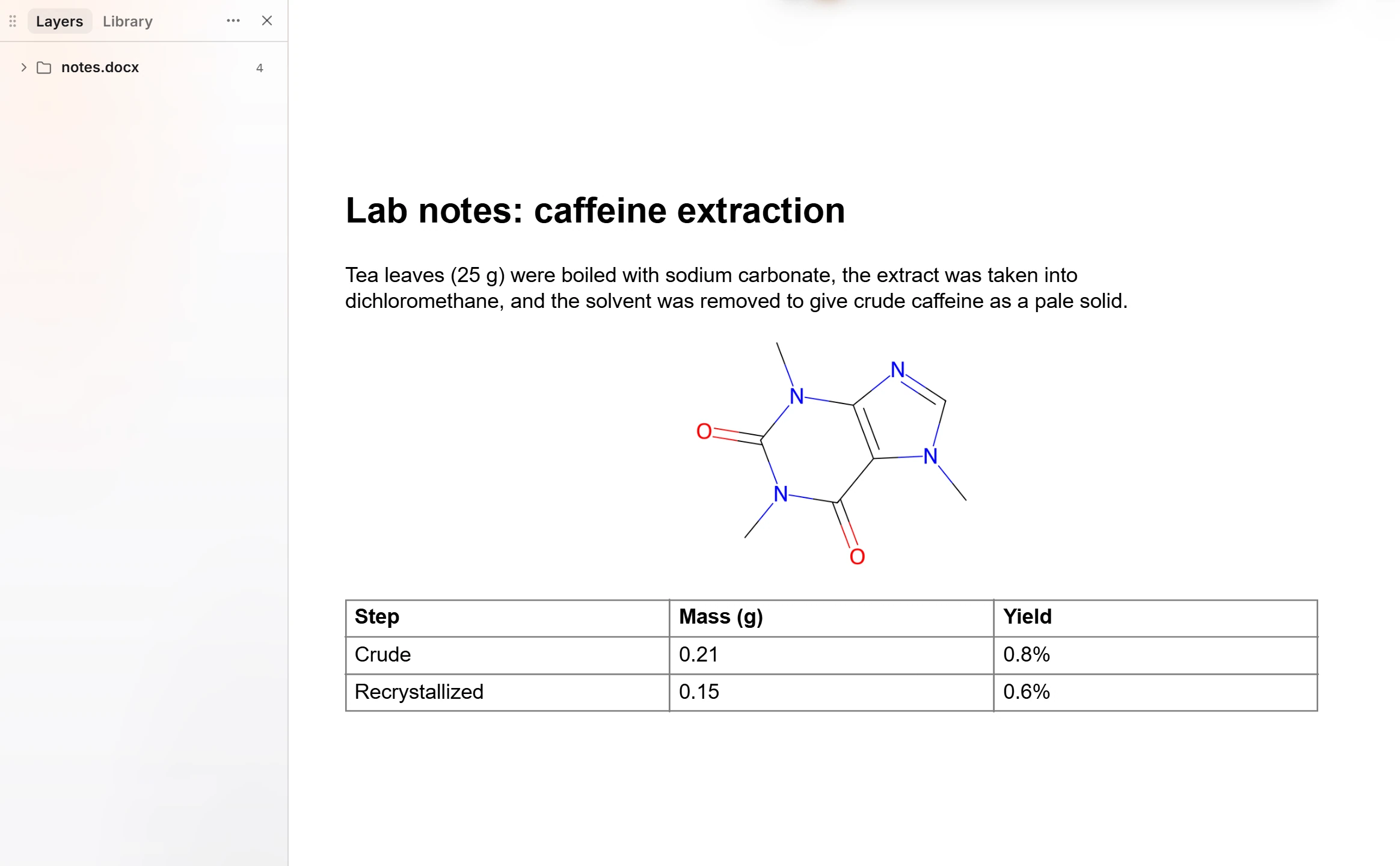
Edit it like anything else on the canvas: change the text, move the picture, or open the group in Layers to work on one part.
What comes in
| In the Word file | In Athanor |
|---|---|
| Headings and paragraphs | Text you can edit |
| A ChemDraw drawing embedded in the document | A structure you can edit, as if you had drawn it |
| A picture | A picture |
| A table | A table |
Anything Athanor cannot bring in is skipped, and the notice says what was left out.
Tip
A ChemDraw drawing pasted into Word keeps the structure inside it. Opening the Word file in Athanor is a quick way to get structures back out of an old report as chemistry, not as pictures.
See also How to open files and How to open a PowerPoint deck.
Is this helpful?
Last updated Nov 12, 2026
- Still stuck? Read the FAQ or contact support.
- Something wrong on this page? Tell us.
- For AI tools: llms.txt