
How to add a picture or file to the page
Choose Insert › Upload a file and pick the file. A picture is placed on the page and listed in Layers by its file name.
Steps
Choose Main menu › Insert › Upload a file.
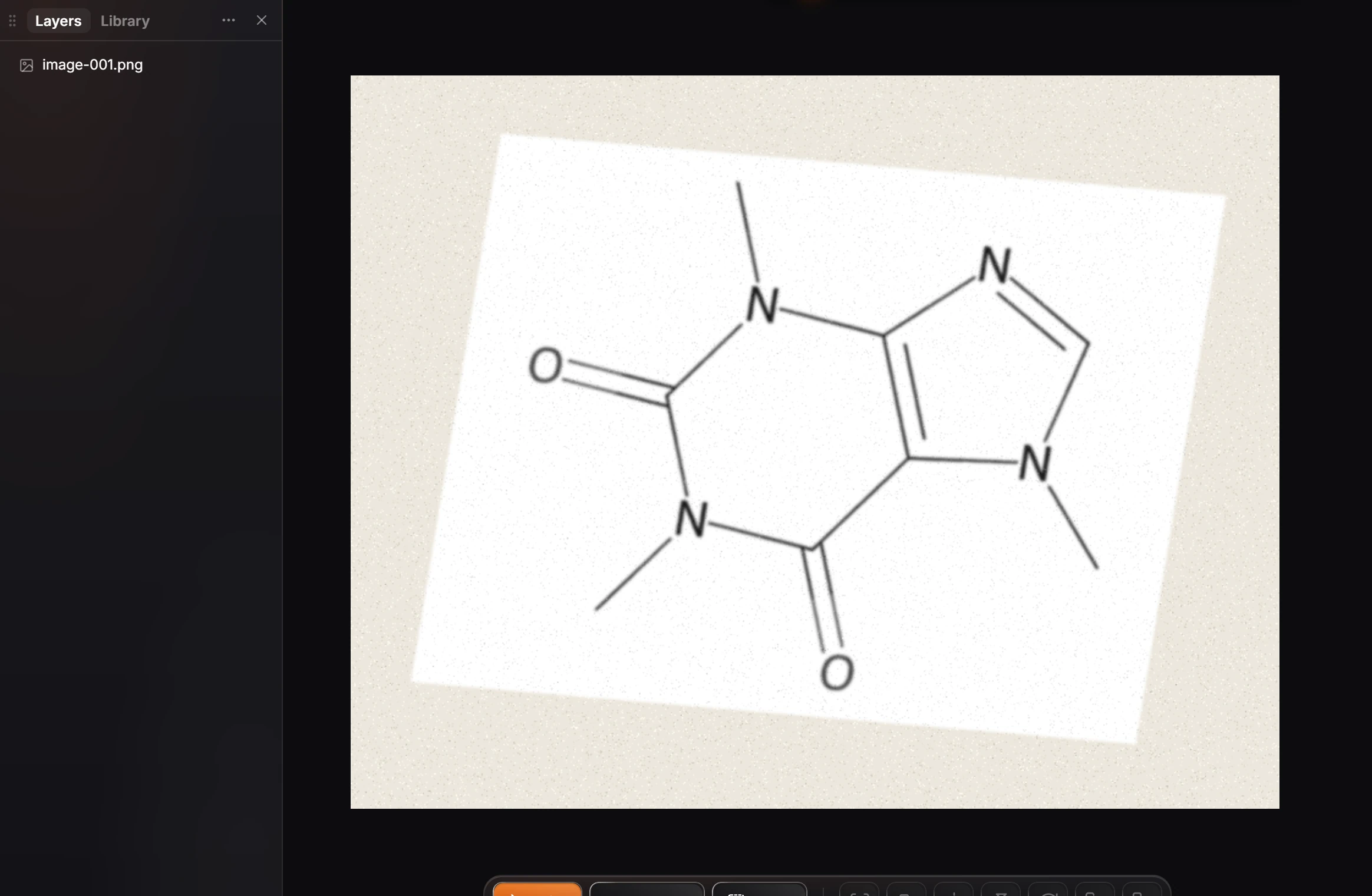
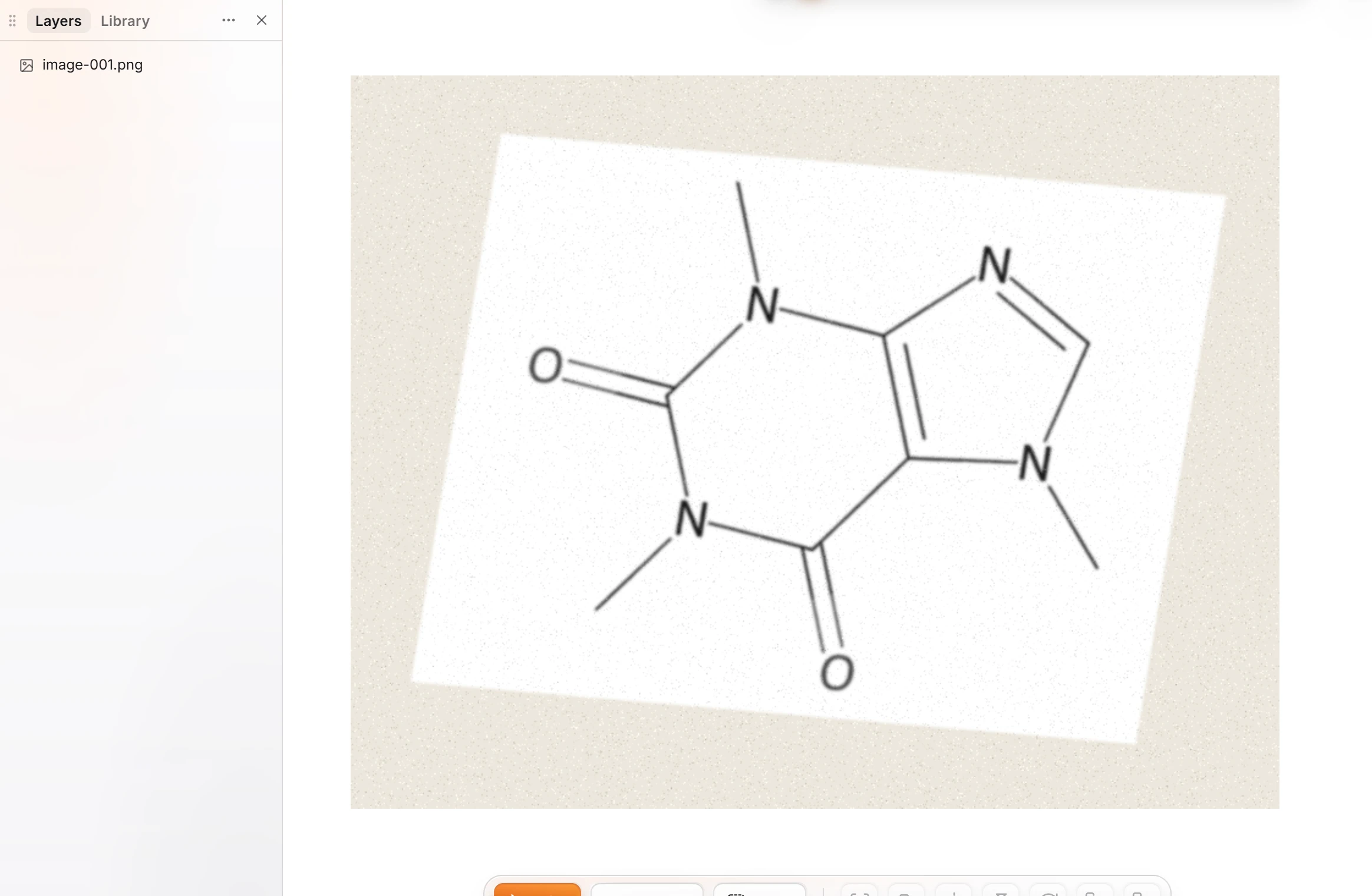
Pick the file, for example a photo of a structure from a notebook.
The picture is placed on the page and listed in Layers by its file name.
What you can do with a picture
- Trace it to lines, for vector outlines.
- Take the background off.
- Right-click it and choose Convert to structure to read one structure from it, drawn beside it. The picture is sent to arbastro to read and is not kept.
Needs an account
Convert to structure needs you signed in.
Is this helpful?
Last updated Nov 12, 2026
- Still stuck? Read the FAQ or contact support.
- Something wrong on this page? Tell us.
- For AI tools: llms.txt