
How to take the background off a photo
Select the picture and choose Edit › Take the background off a photo. Set Tolerance and Soften, check how much is taken away, and press Take it off.
Steps
Select the picture.
Choose Main menu › Edit › Take the background off a photo.
Set Tolerance (how different from the edge color a pixel must be to stay) and Soften (the edge blur). Keep the background instead does the opposite.
Read Taken away and What is left under the settings.
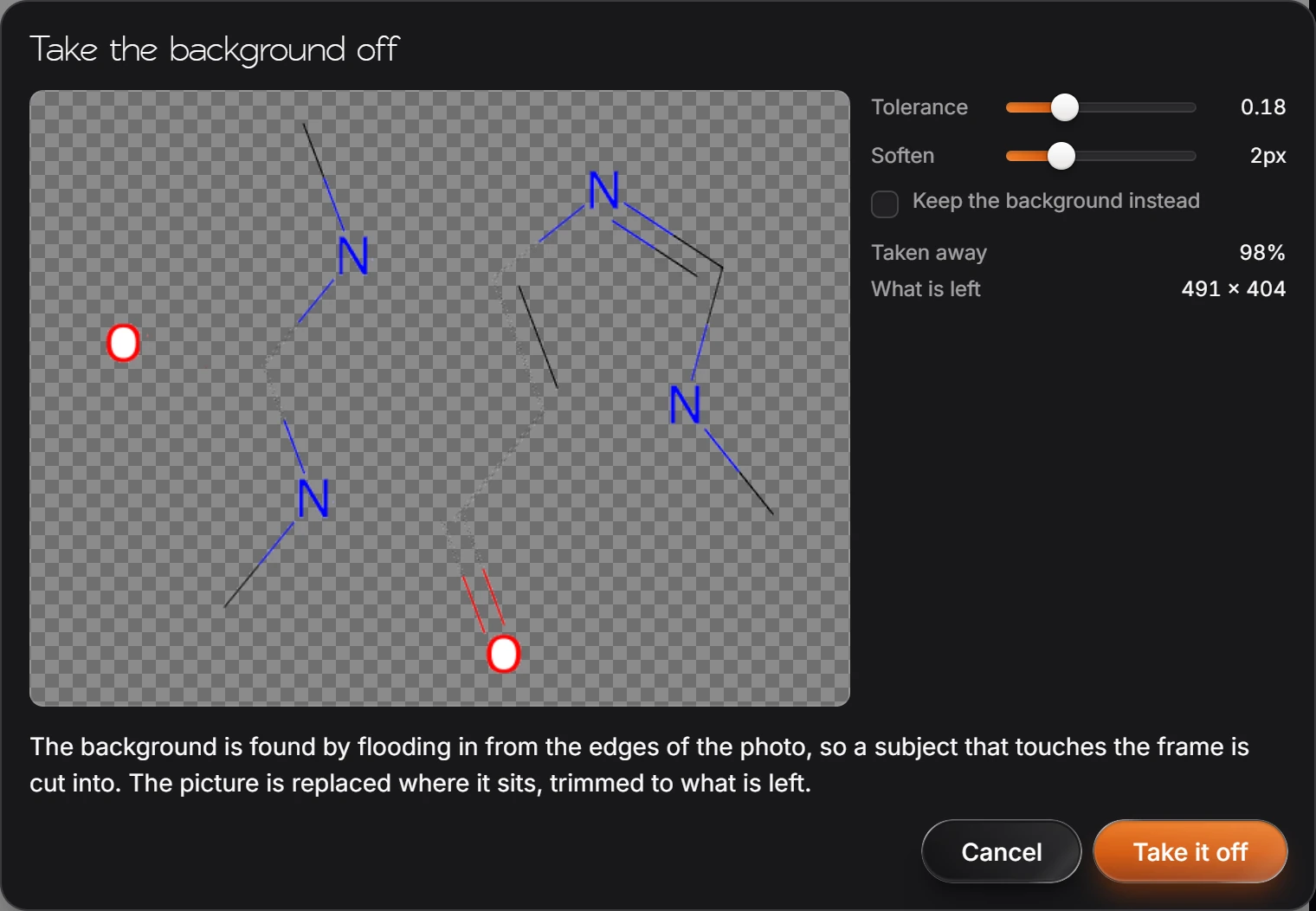
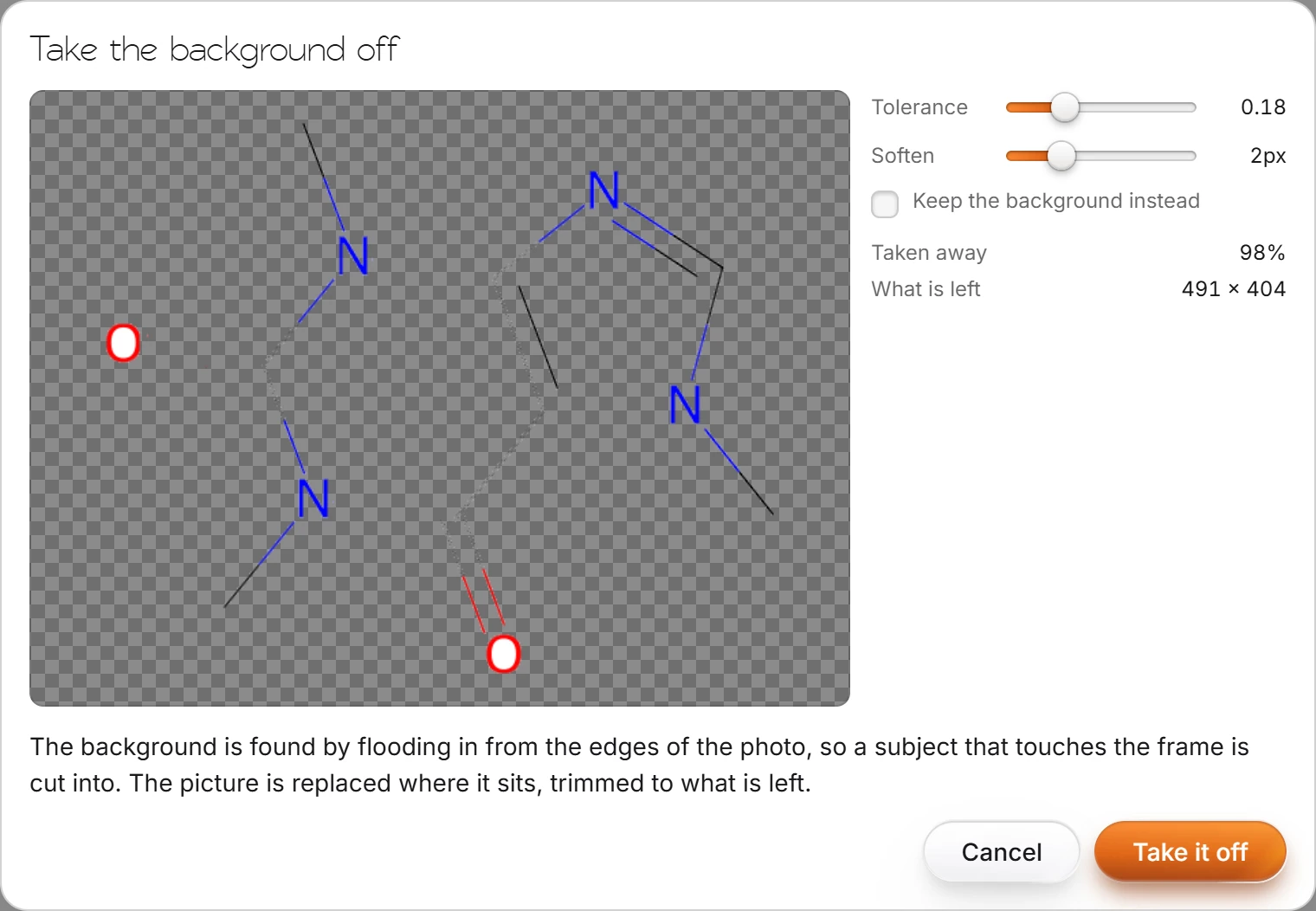
Press Take it off. The picture is replaced where it sits, trimmed to what is left.
Tip
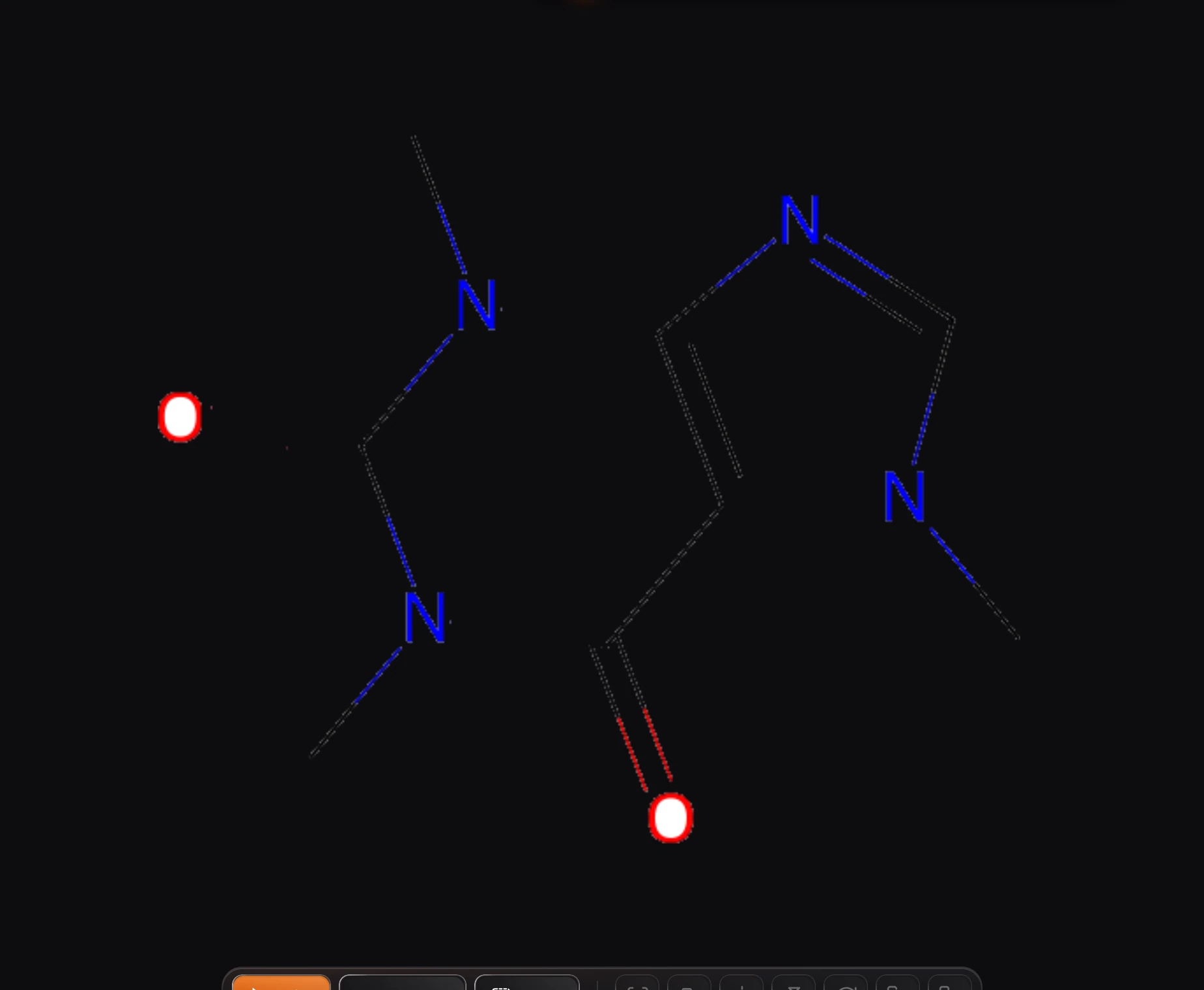
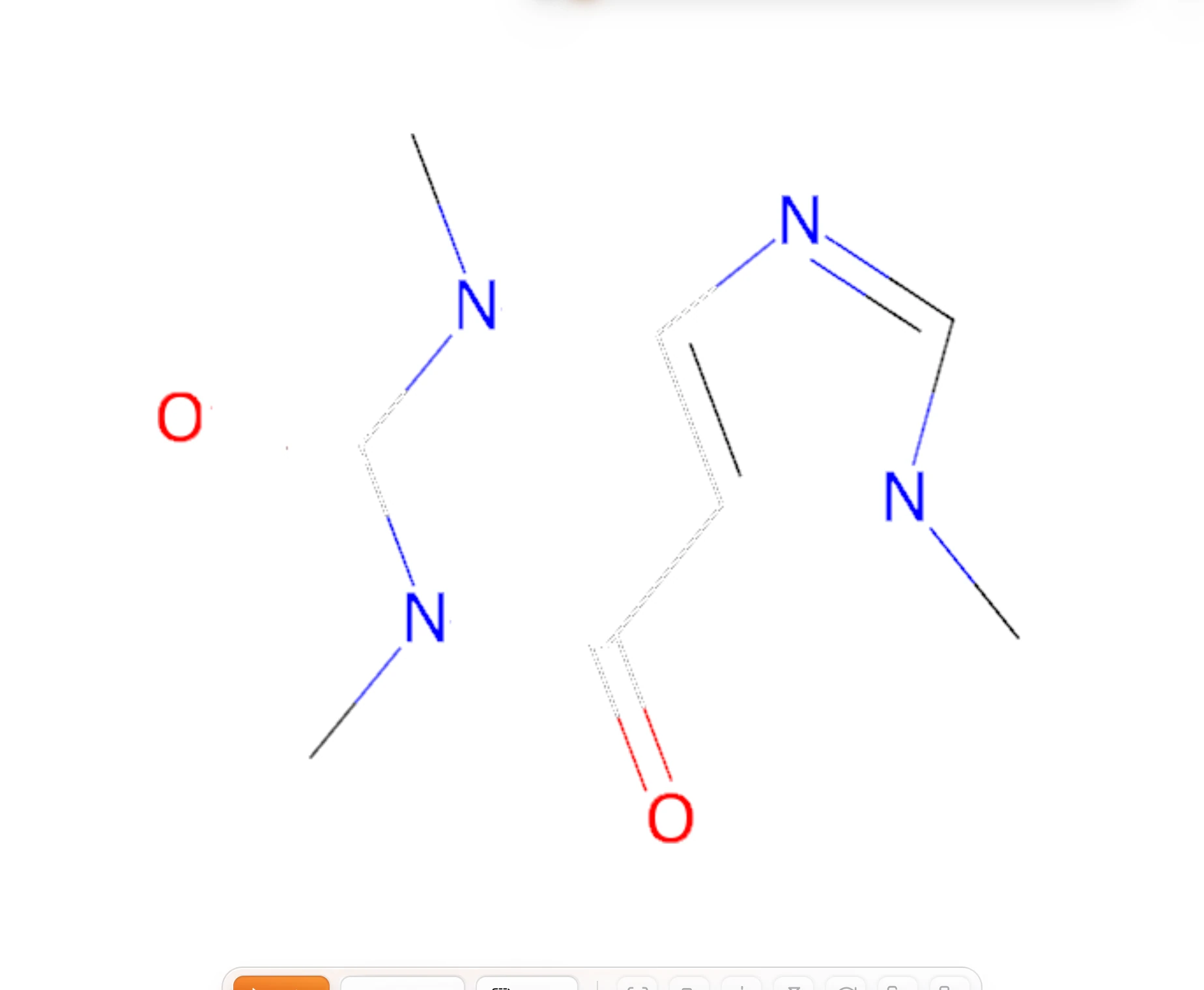
The background is found by flooding in from the edges of the photo, so a subject that touches the frame is cut into. Leave a margin around it.
Is this helpful?
Last updated Nov 12, 2026
- Still stuck? Read the FAQ or contact support.
- Something wrong on this page? Tell us.
- For AI tools: llms.txt