
How to work on pages
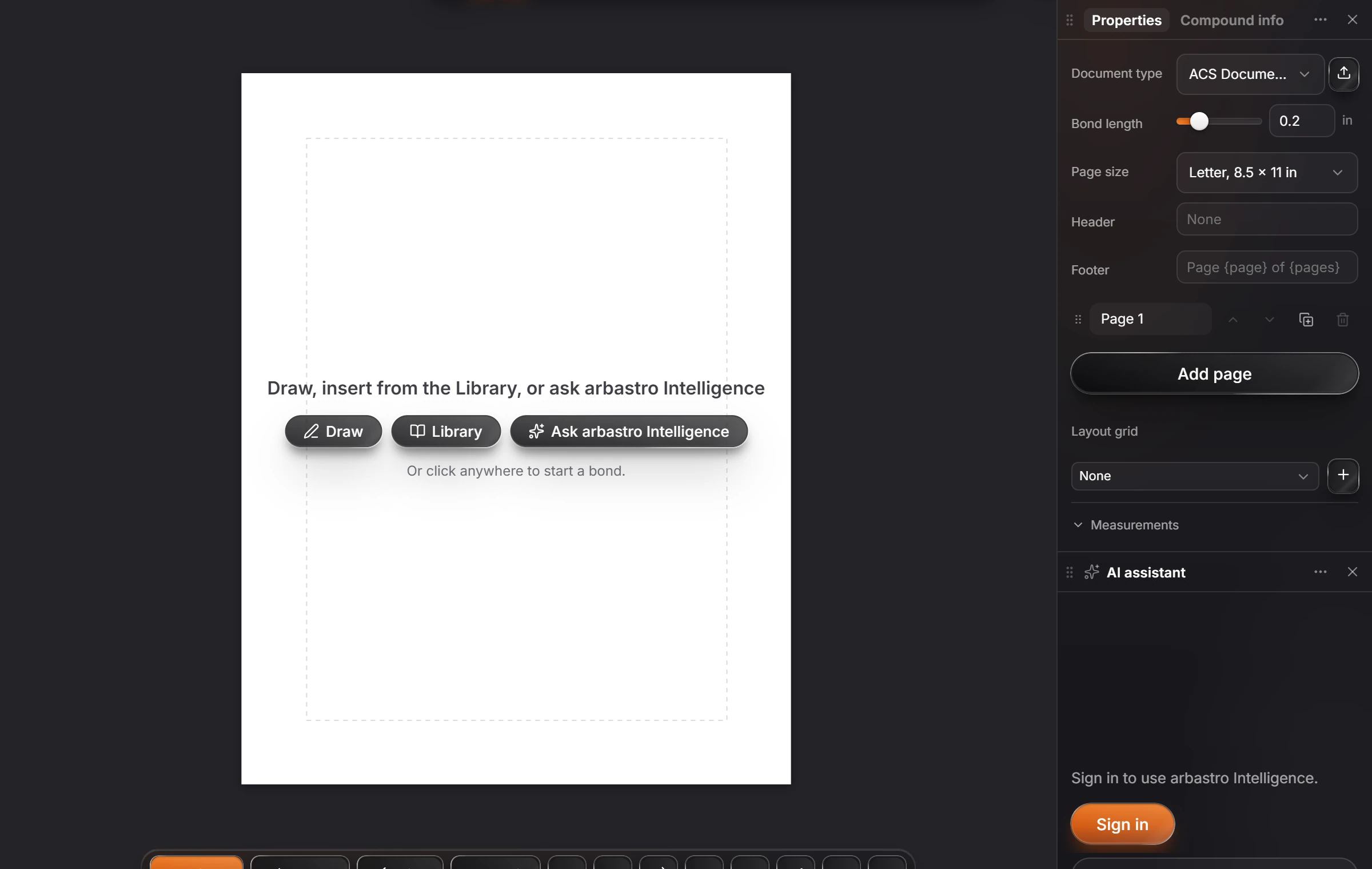
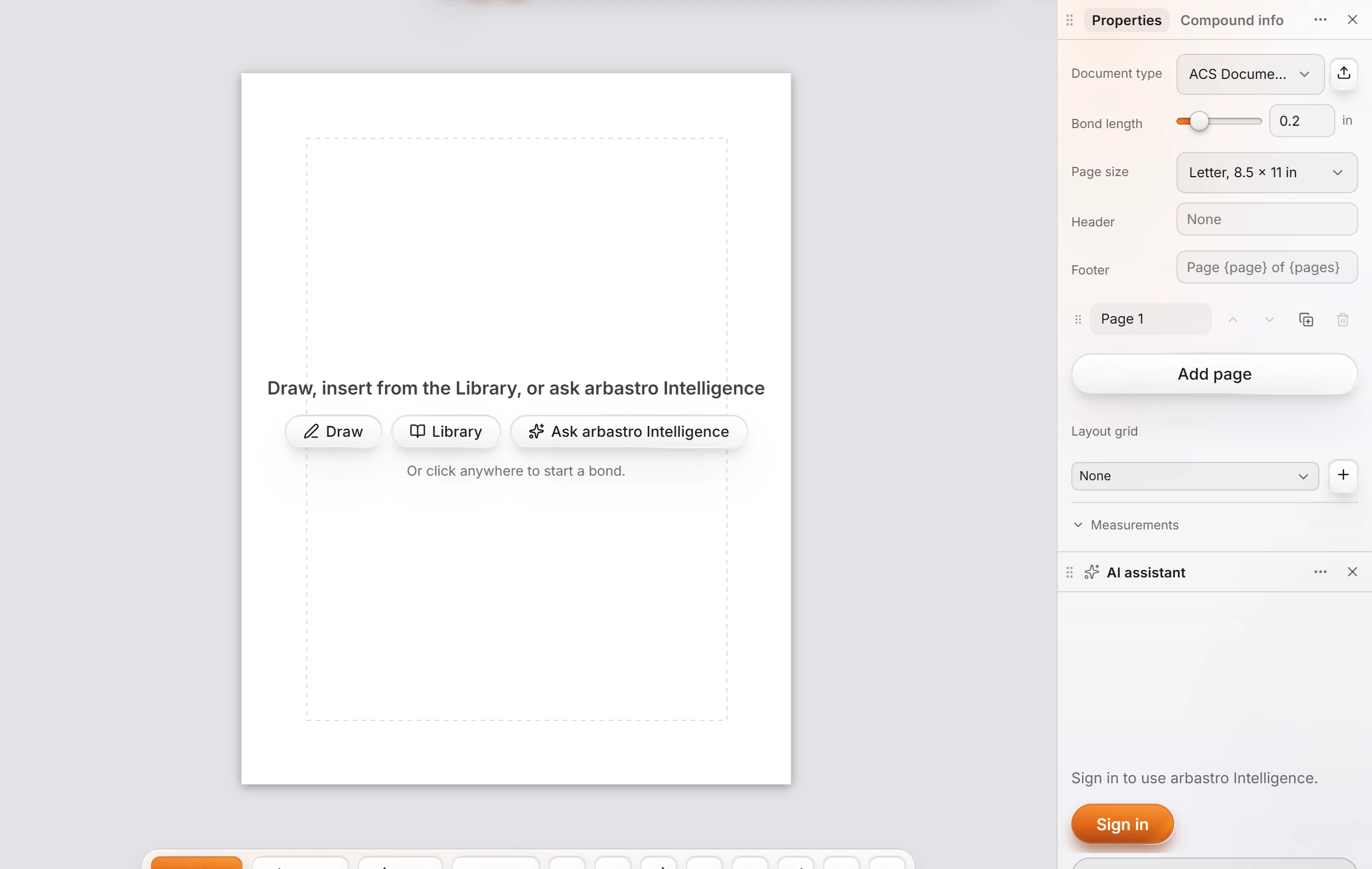
Choose View › Show page frame. Properties then shows Page size, Header, Footer, the list of pages with Add page, and Layout grid. New documents can start on pages in Settings › General.
Steps
Choose Main menu › View › Show page frame. The page is drawn on the canvas.
With nothing selected, set up the pages in Properties:
| Setting | Does |
|---|---|
| Page size | Such as Letter, 8.5 × 11 in |
| Header, Footer | Text on every page. The footer can carry the page number, as in Page {page} of {pages} |
| Pages | Each page in order, with Add page |
| Layout grid | Columns to line things up on |
To start every new document on pages, set New documents to Document pages in Settings › General.
Is this helpful?
Last updated Nov 12, 2026
- Still stuck? Read the FAQ or contact support.
- Something wrong on this page? Tell us.
- For AI tools: llms.txt