
How to link shapes to data
Choose Insert › Link shapes to data, paste a table from a spreadsheet or CSV (first line column names, first column each row name), name it and press Add table.
Steps
Choose Main menu › Insert › Link shapes to data.
Paste a table from a spreadsheet or CSV. The first line holds the column names and the first column each row's name.
Give it a Table name and press Add table, or load one with File….
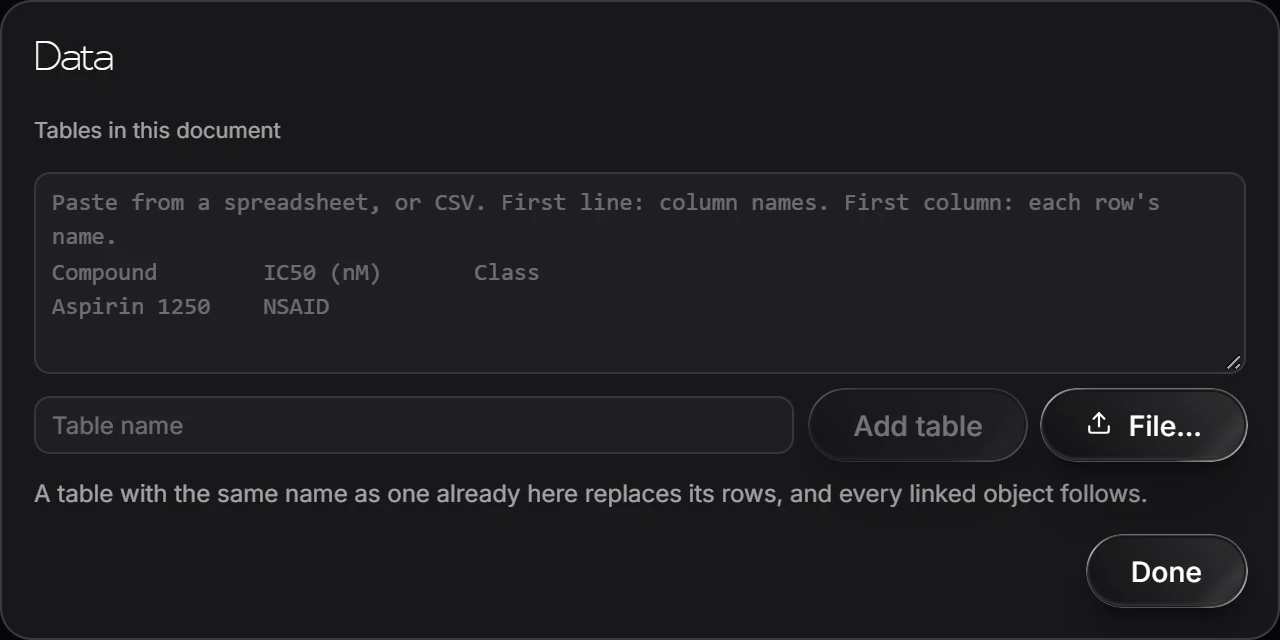
A table with the same name as one already in the document replaces its rows, and every linked object follows.
Is this helpful?
Last updated Nov 12, 2026
- Still stuck? Read the FAQ or contact support.
- Something wrong on this page? Tell us.
- For AI tools: llms.txt