
How to add NFPA and GHS safety labels
Choose Insert › Insert NFPA 704 diamond or Insert › Insert GHS label, then set the ratings, pictograms and statements in Properties.
NFPA 704 diamond
Choose Main menu › Insert › Insert NFPA 704 diamond. Select it to set its ratings in Properties.
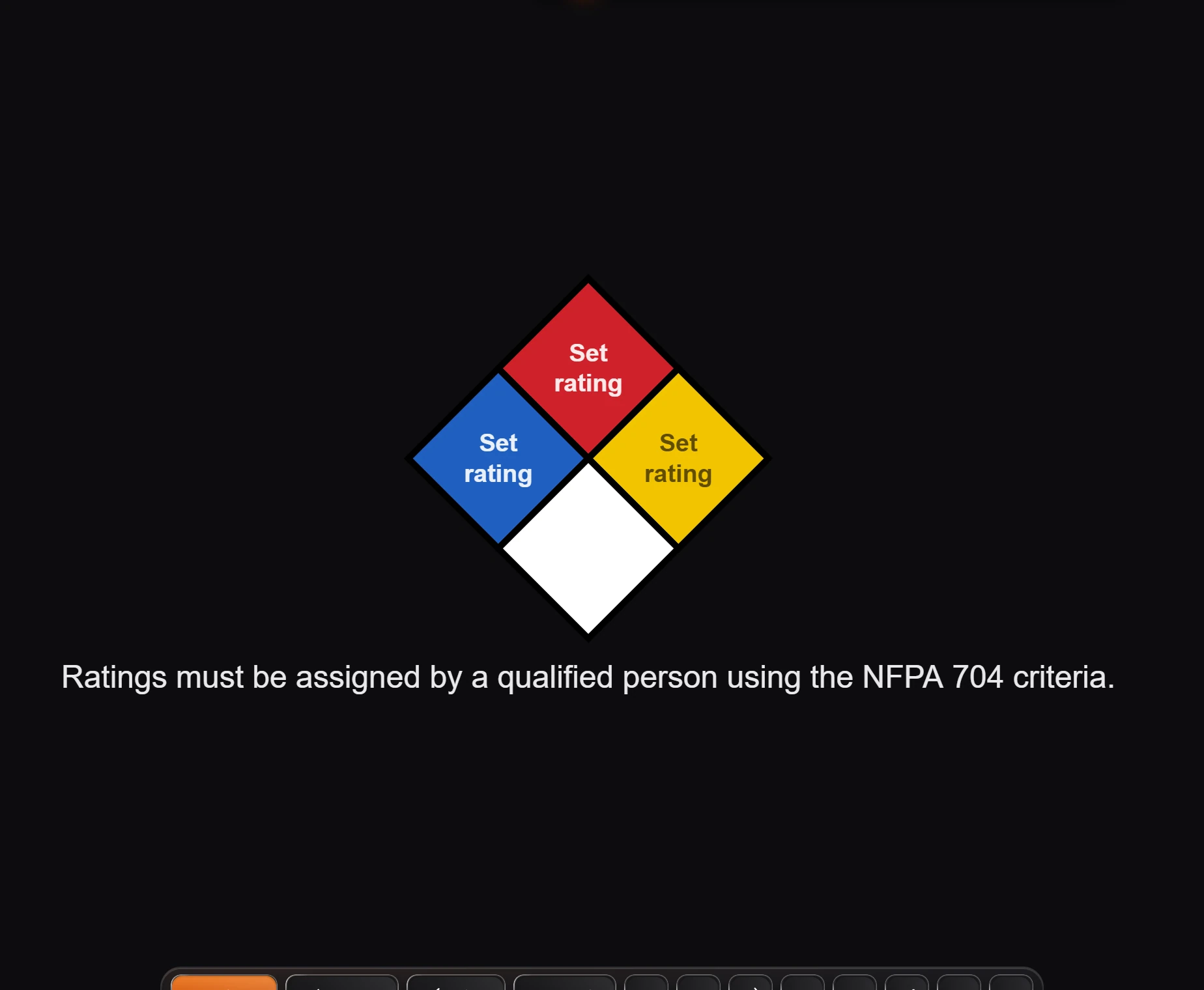
The note under it says ratings must be assigned by a qualified person using the NFPA 704 criteria.
GHS label
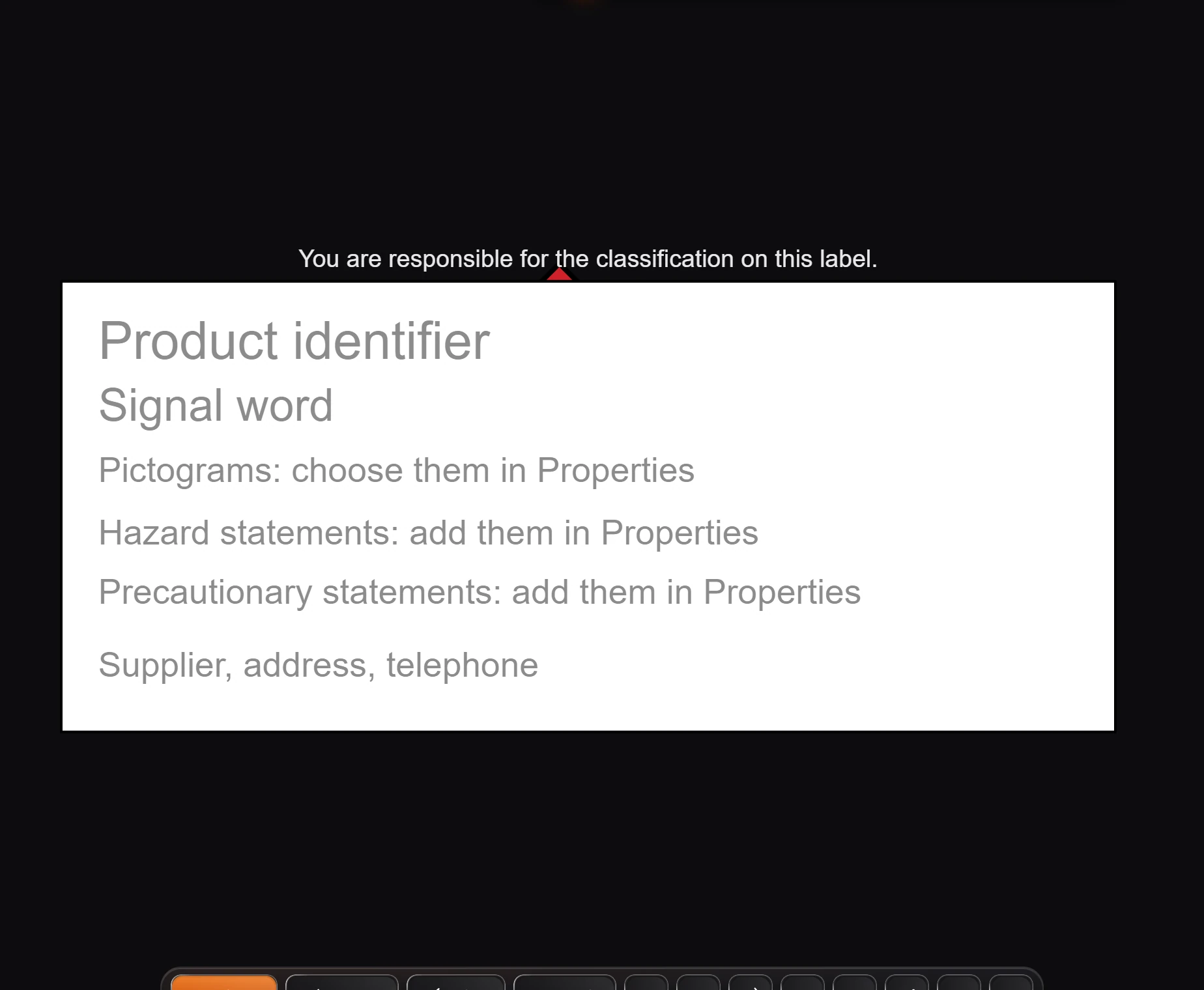
Choose Main menu › Insert › Insert GHS label.
Fill it in: the product identifier and signal word on the label, and the pictograms, hazard statements and precautionary statements in Properties.
Warning
You are responsible for the classification on the label, as it says above it.
Is this helpful?
Last updated Nov 12, 2026
- Still stuck? Read the FAQ or contact support.
- Something wrong on this page? Tell us.
- For AI tools: llms.txt