
How to draw lab glassware
Open Library › Icons and scroll to Glassware, or pick Lab glassware in the Brackets tool. Drag a piece onto the page and build the apparatus.
Steps
Open the Library tab beside Layers and choose Icons.
Scroll to Glassware. There are 58 pieces.
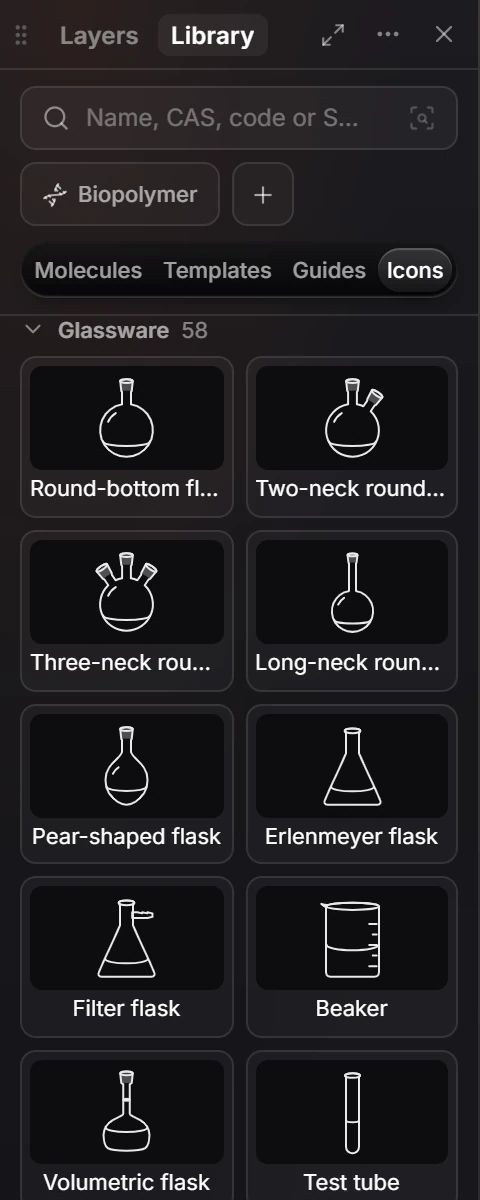
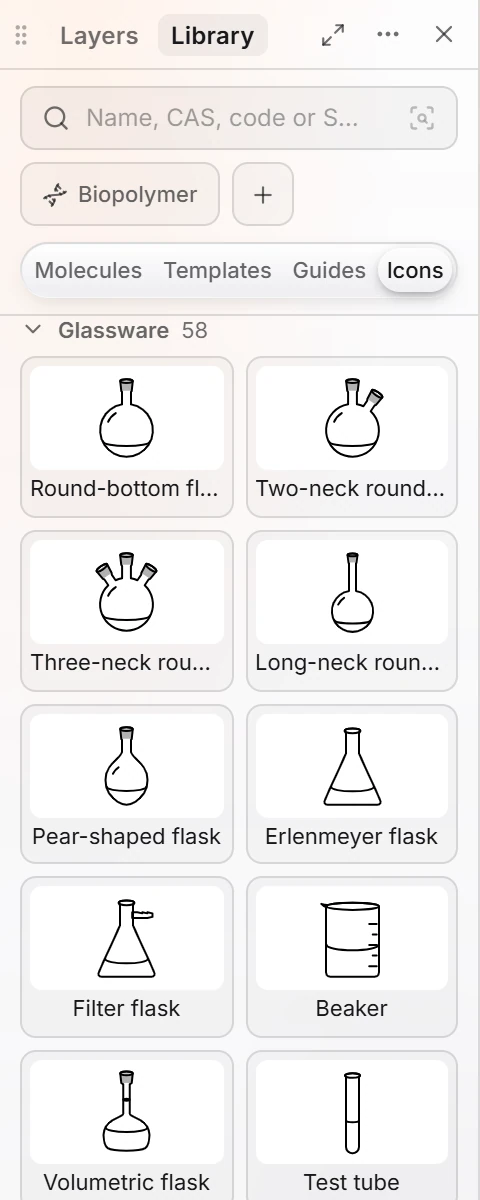
Drag a piece onto the page. Add more and line them up to build the apparatus.
The set includes flasks (round-bottom, two- and three-neck, pear-shaped, Erlenmeyer, filter, volumetric), beakers, test tubes, graduated cylinders, funnels (separatory, addition, dropping, Büchner), condensers (Liebig, Allihn), a thermometer, a burette, stoppers, adapters, a syringe and a stir bar.
The Brackets tool also offers Lab glassware. See brackets and shapes.
Is this helpful?
Last updated Nov 12, 2026
- Still stuck? Read the FAQ or contact support.
- Something wrong on this page? Tell us.
- For AI tools: llms.txt