
Files and formats
Open ChemDraw, MOL, SDF and SMILES; export figures for papers; copy into Office; the .athanor format; backups.
Start here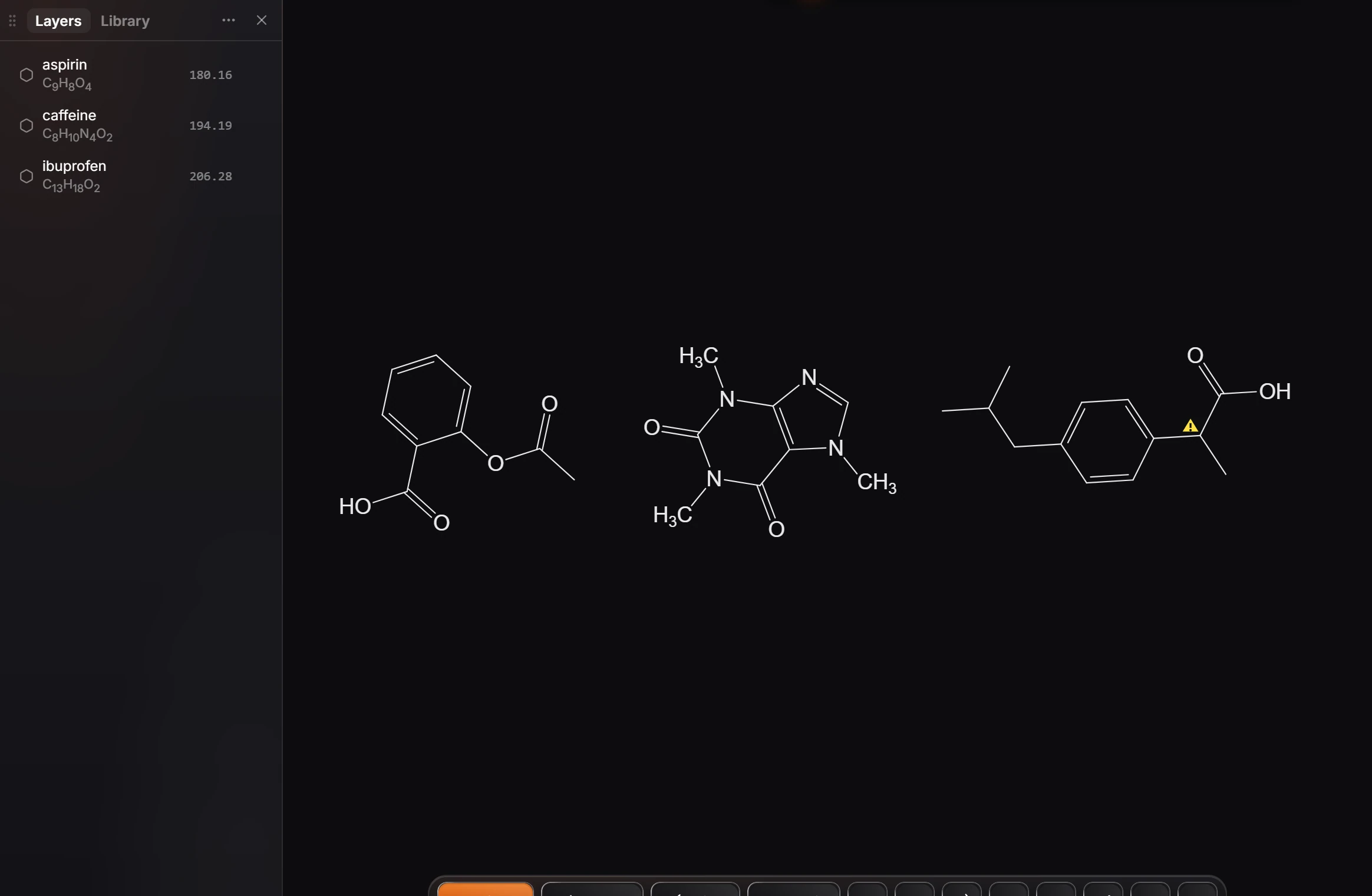
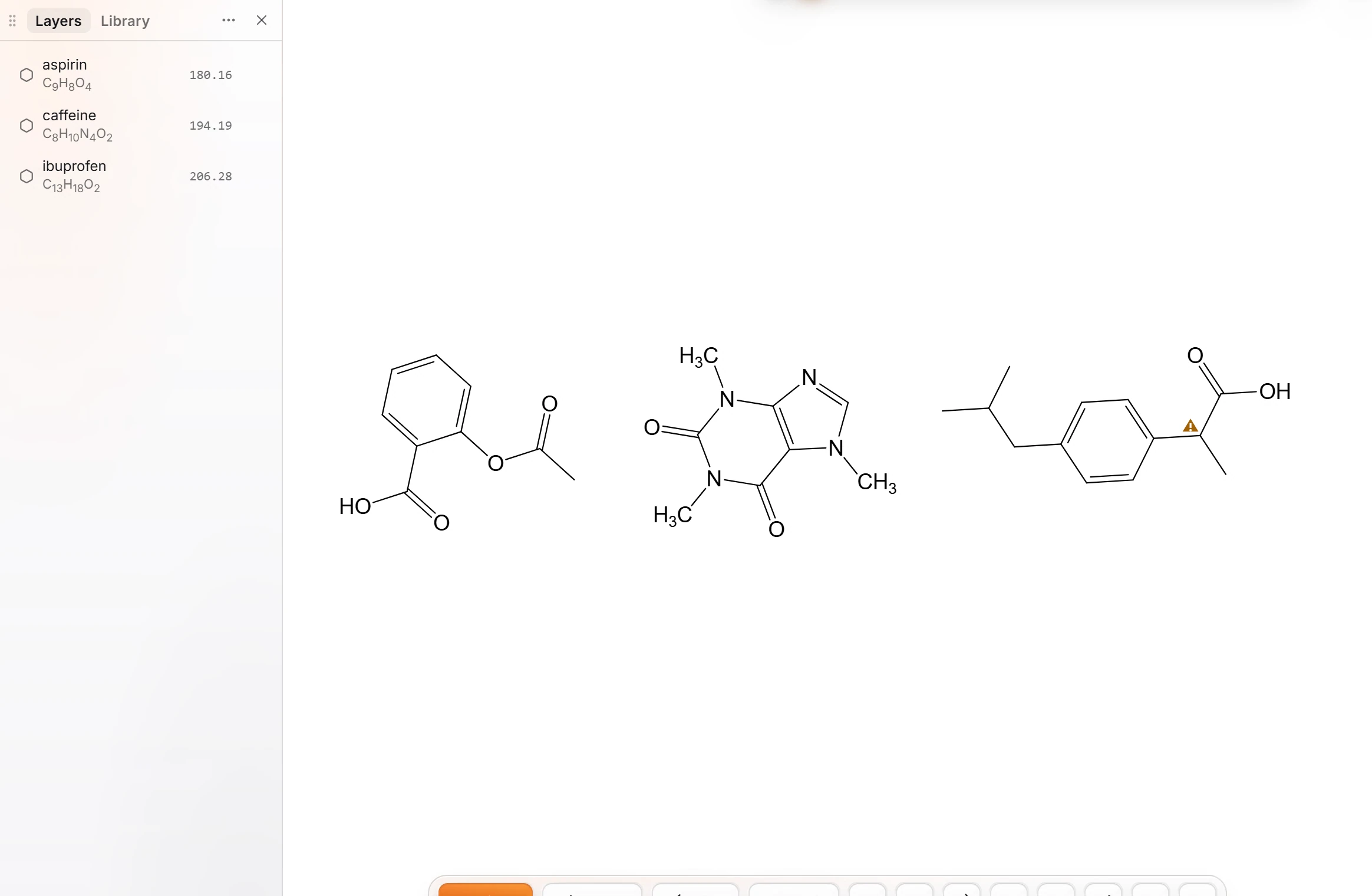 1 · How-toHow to open structure filesPress Ctrl+O (File › Open a file) and pick the file. An SDF with three compounds puts all three on the page, each named from the file.
- 2 · How-toReferencesThe References panel in Athanor keeps the document's numbered reference list in one citation style, ready to copy into a paper, a slide or a report.
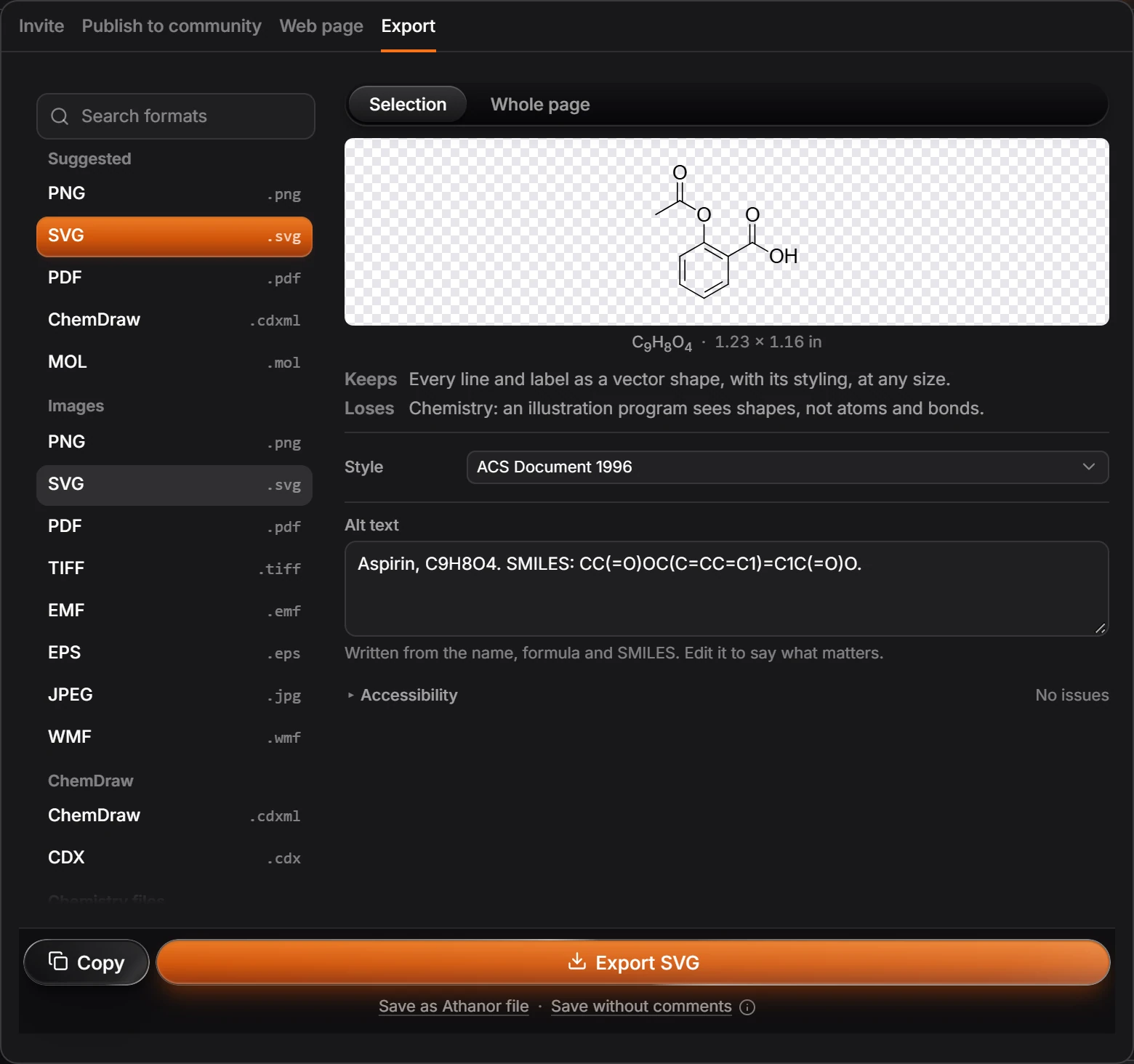
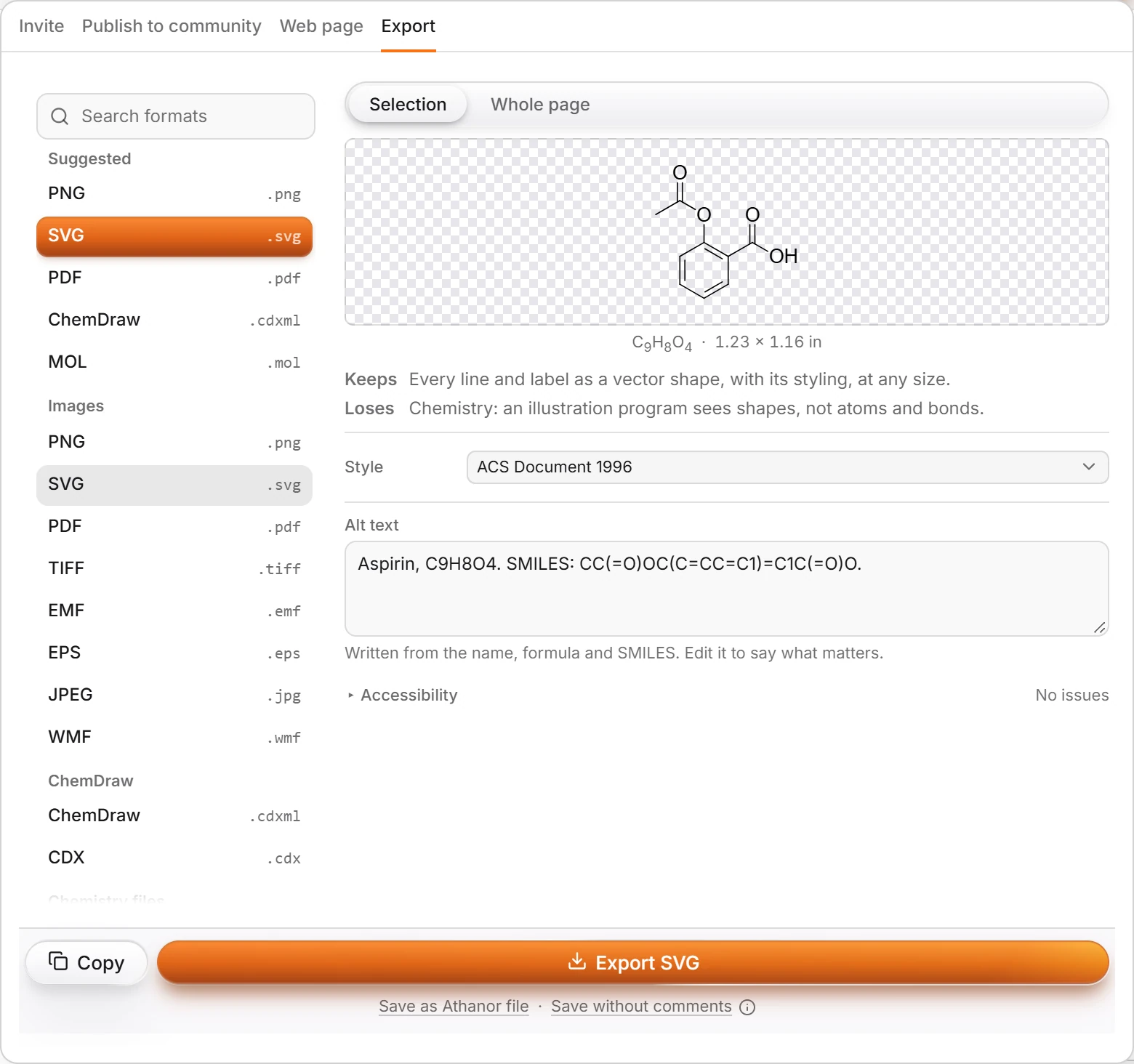 3 · ReferenceSupported file formatsExport (Ctrl+Shift+E) writes images (PNG, SVG, PDF, TIFF, EMF, EPS, JPEG, WMF), ChemDraw CDXML and CDX, chemistry files (MOL, SDF, SMILES, InChI, InChIKey, CML, Marvin, RXN, RDF) and computation files (XYZ, PDB, MOL2, Gaussian, ORCA).
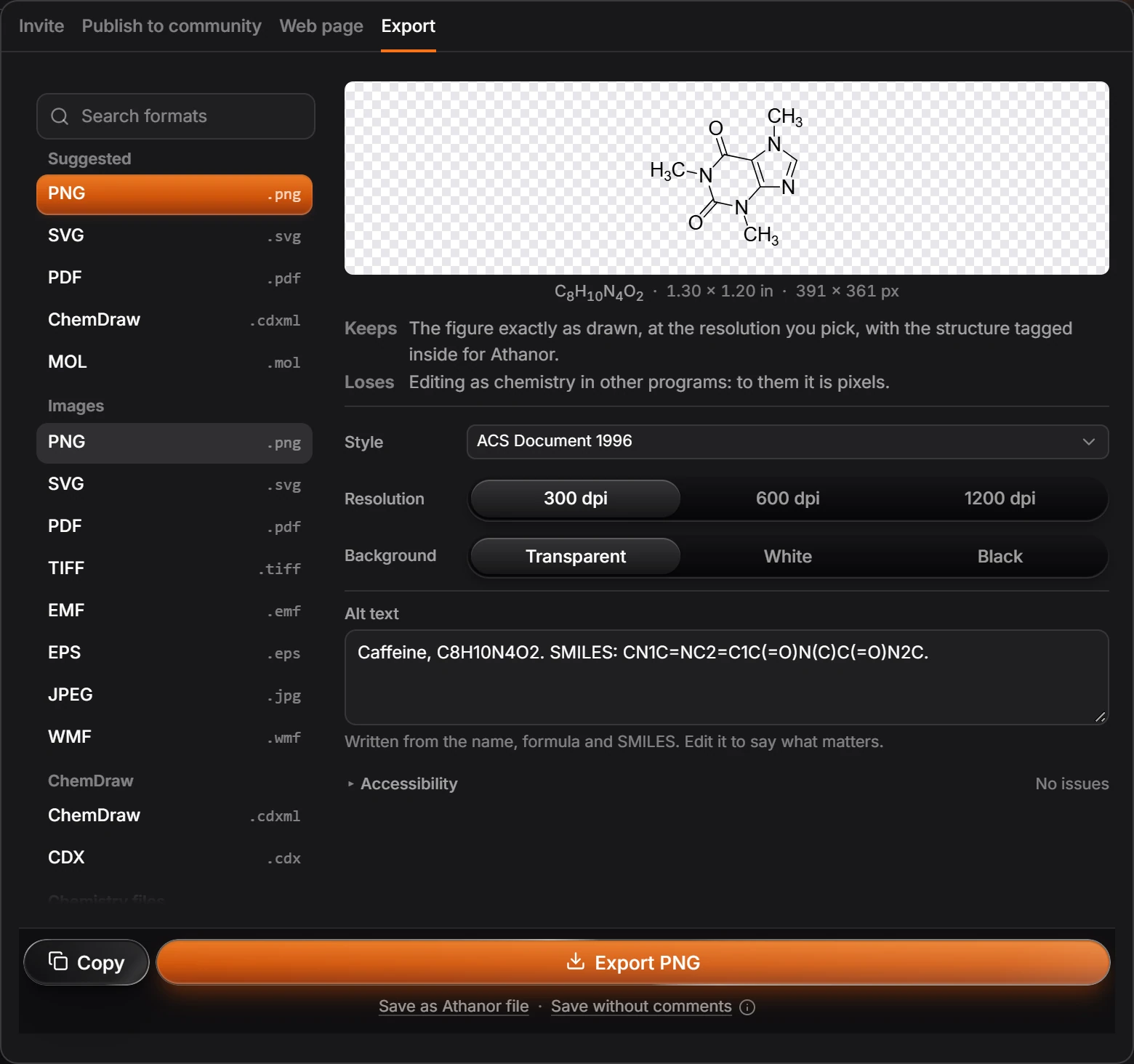
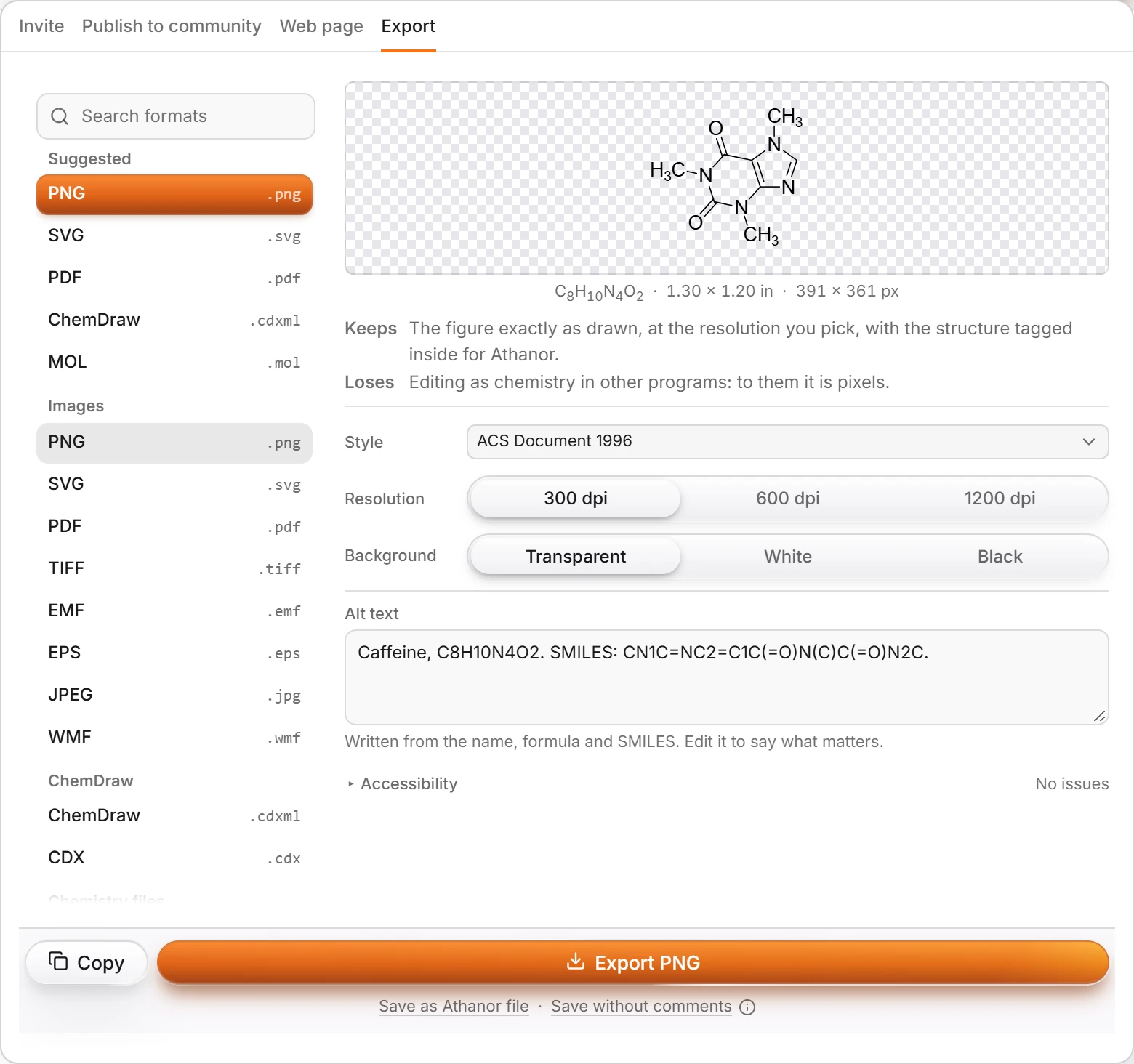 4 · How-toHow to export a figure or structure filePress Ctrl+Shift+E, pick a format (Ctrl-click to pick several), read what it keeps and loses, then press Export or Copy. Export again (Ctrl+Alt+E) repeats the last choice.
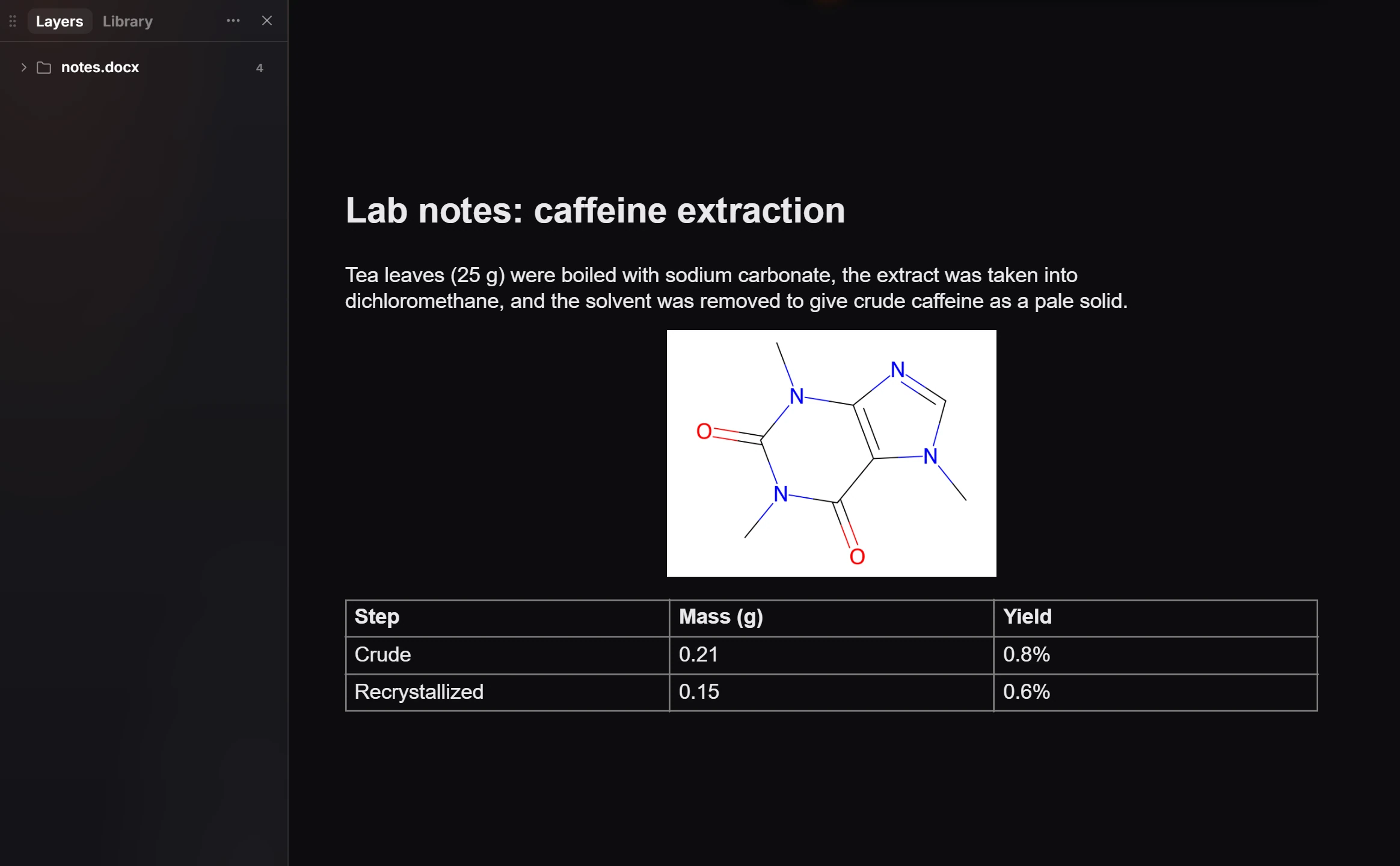
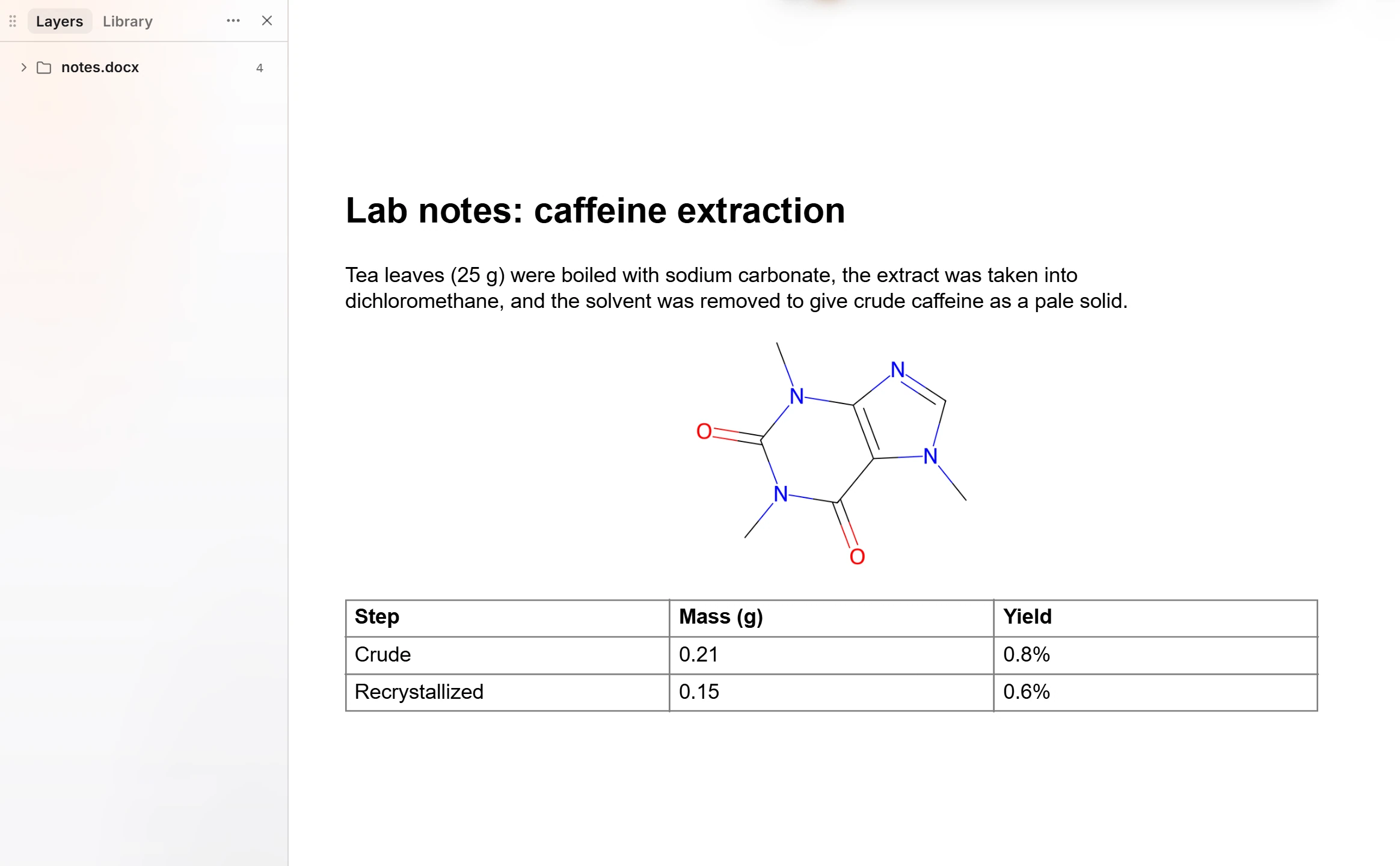 5 · How-toHow to bring in a Word documentOpen a .docx file with Open, or drag it onto the window. Its text comes in as text you can edit, each ChemDraw drawing embedded in it as a structure you can edit, and its pictures and tables too, in one group named after the file.
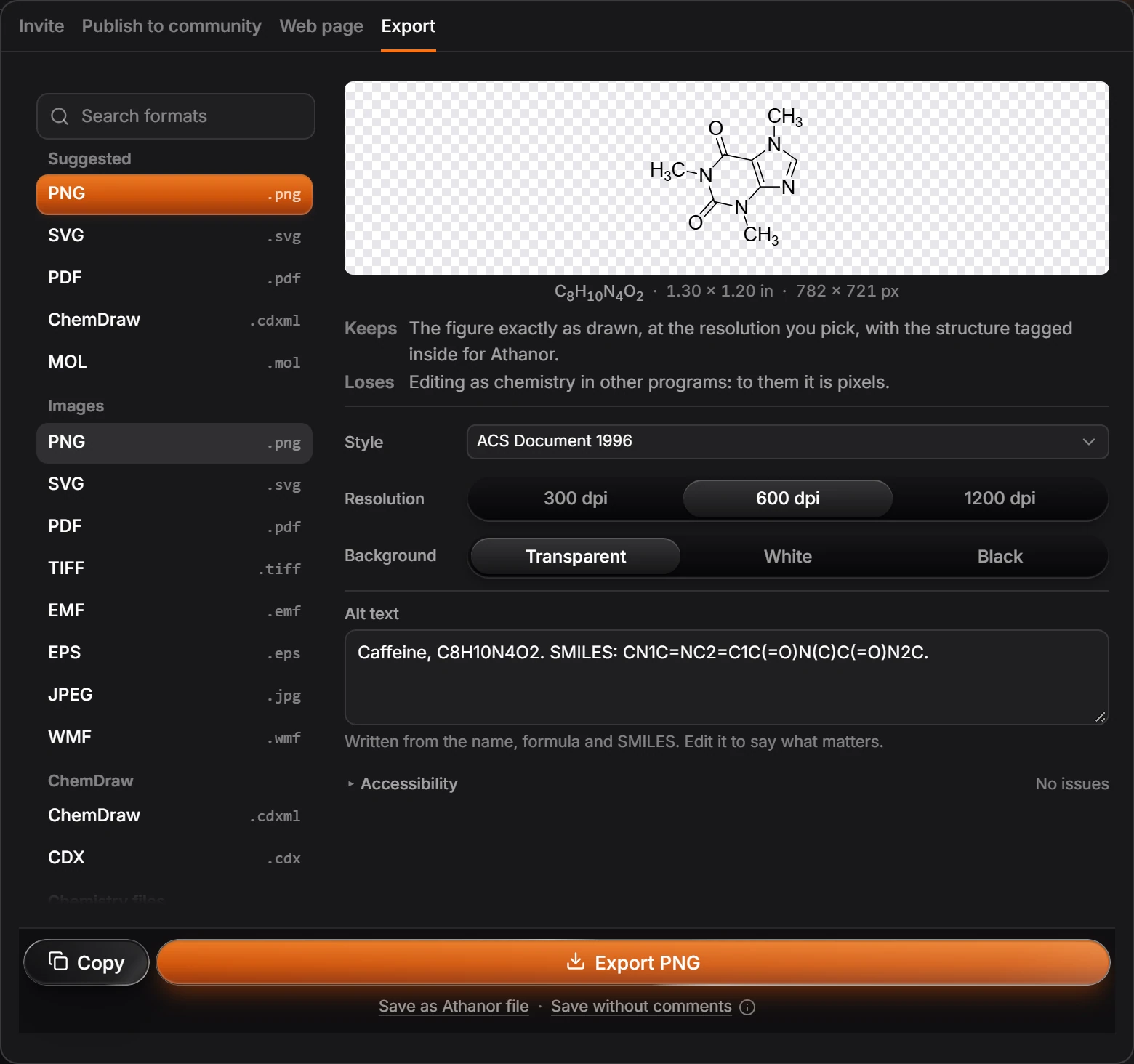
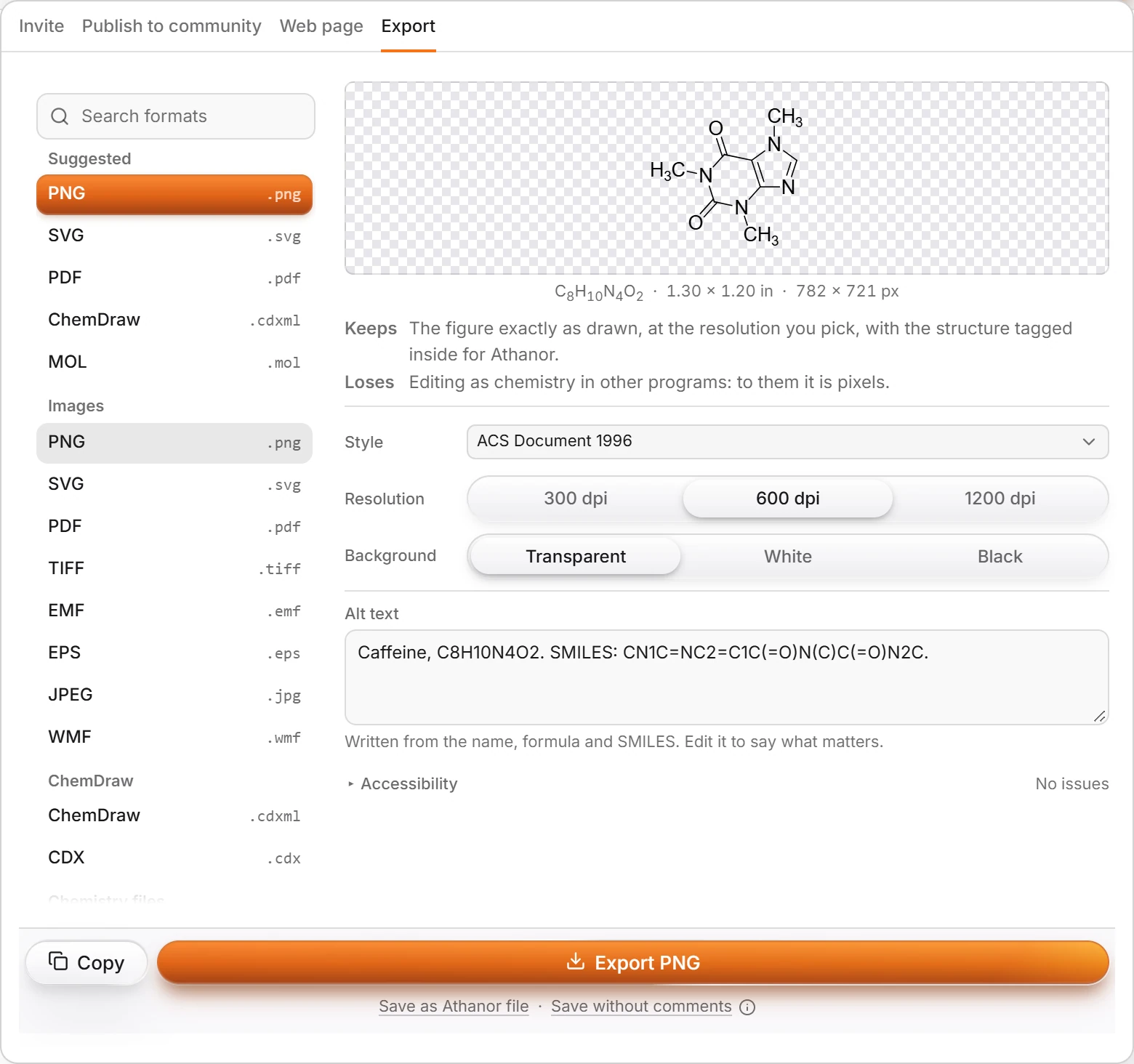 6 · How-toHow to export a figure for a journal paperPick the journal's style in Document type, then export as PDF, SVG or EPS (vector, sharp at any size) or as PNG or TIFF at the resolution the journal asks for, such as 600 dpi.
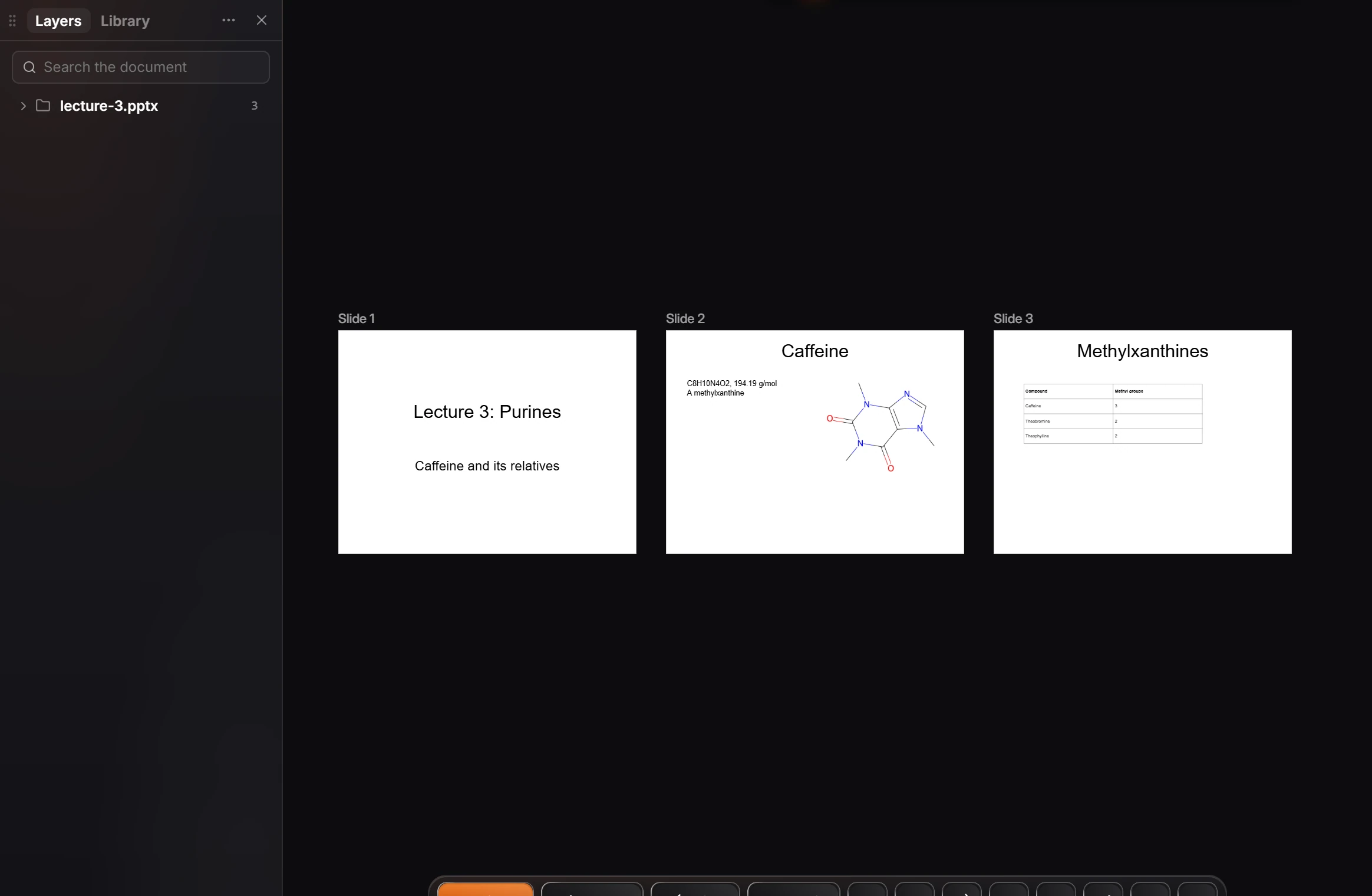
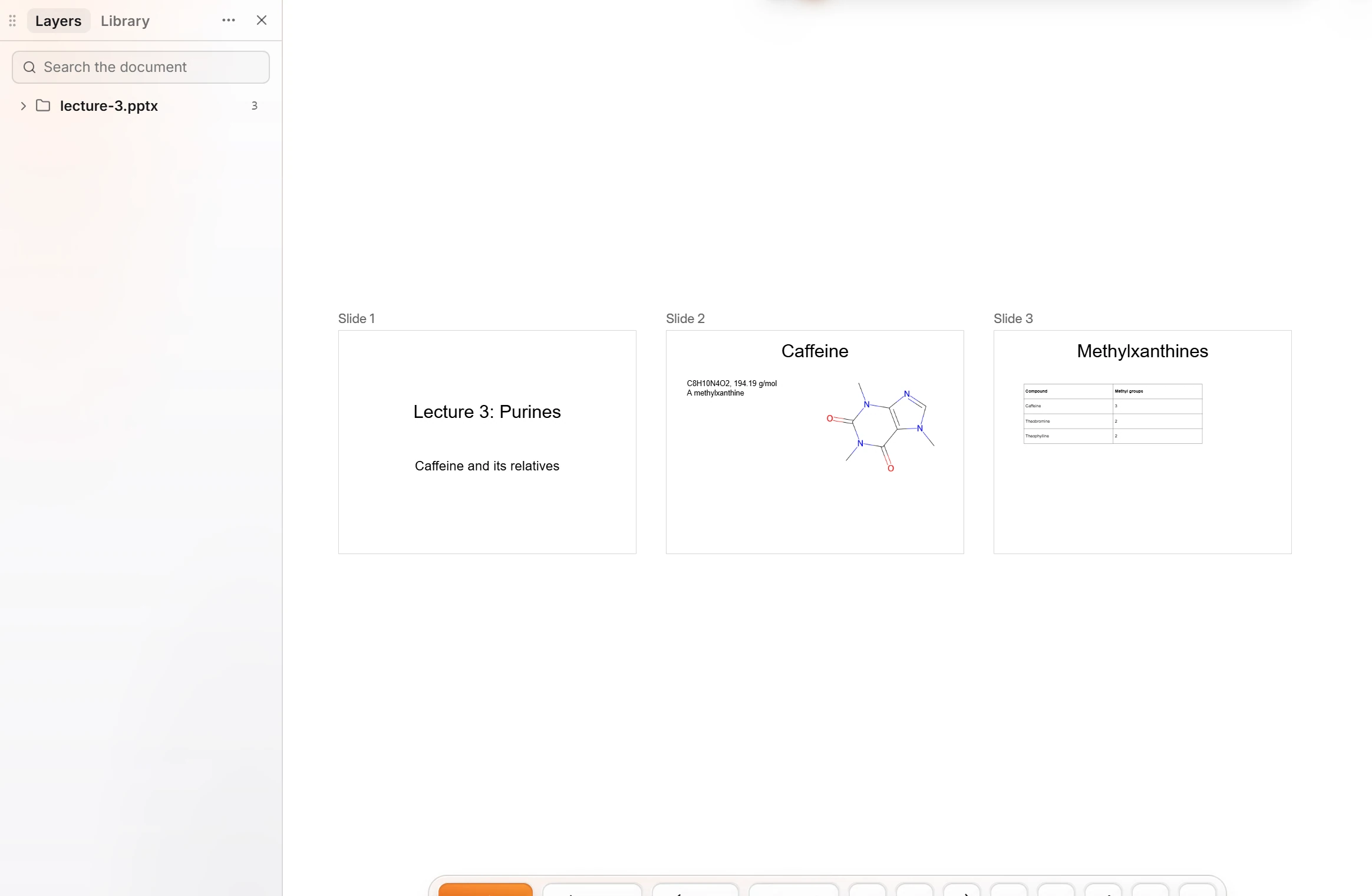 7 · How-toHow to bring in a PowerPoint deckDrag a .pptx file onto the canvas. Each slide becomes a frame on the page with its text, shapes, pictures and tables, in a group named after the file.
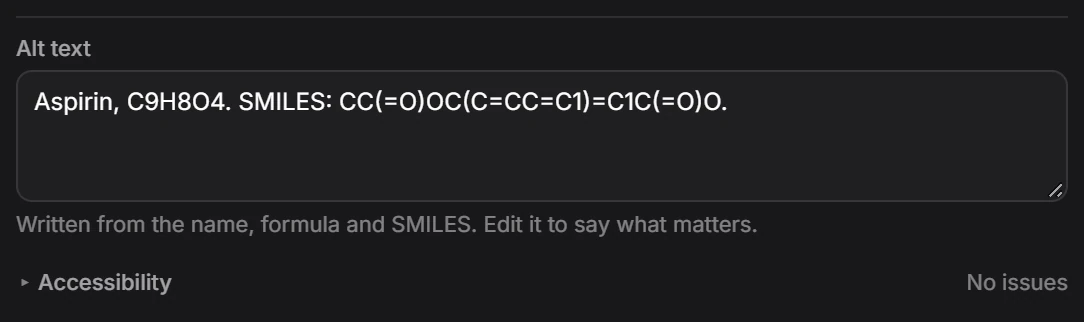
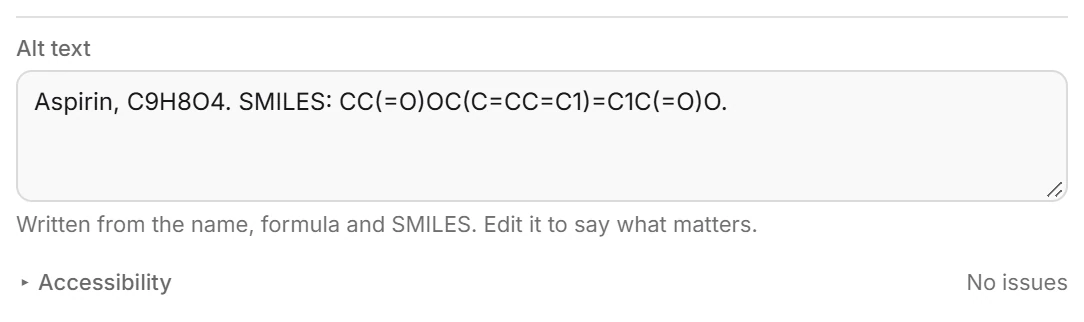 8 · How-toHow to write alt text for an exported figureIn Export (Ctrl+Shift+E), the Alt text box is filled from the name, formula and SMILES. Edit it to say what matters; the Accessibility row reports any issues.
- 9 · ReferenceChemDraw CDX and CDXML filesAthanor opens and saves CDXML and CDX, along with ChemDraw templates and style sheets. CDXML is checked by a round-trip suite of 6,492 molecules; binary CDX is read and written but is not in that suite yet.
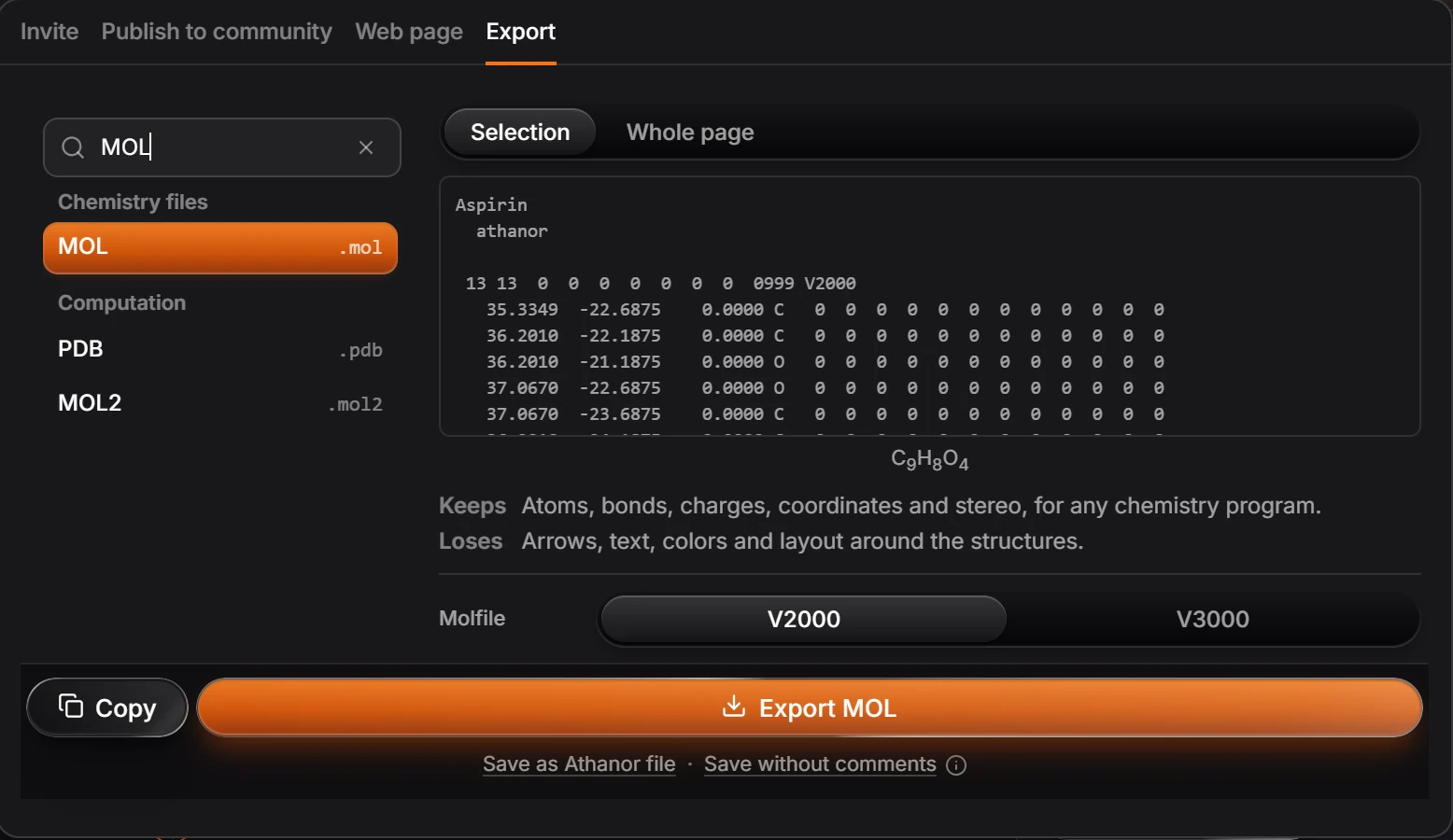
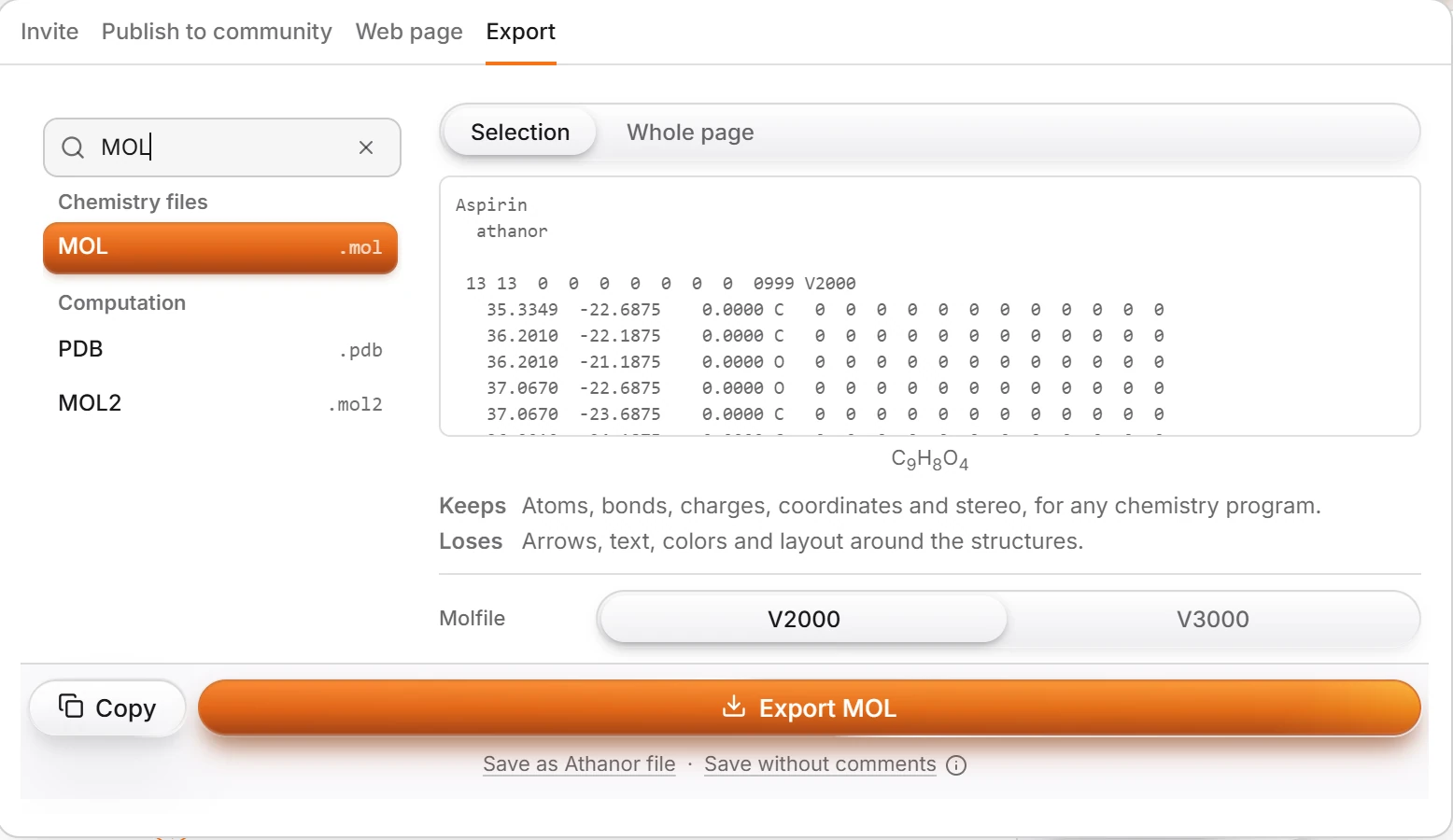 10 · How-toHow to save and open MOL and SDF filesSelect the structure, press Ctrl+Shift+E, search for MOL or SDF, and choose V2000 or V3000 under Molfile. Copy as molfile puts a V3000 molfile on the clipboard. Opening an SD file places every record on the page, named from its Name field.
- 11 · How-toHow to use structures in LaTeX (chemfig and mhchem)Select the structure, press Ctrl+K and choose Copy as chemfig or Copy as mhchem formula, then paste into your .tex file. chemfig needs \usepackage{chemfig}; mhchem needs \usepackage[version=4]{mhchem}.
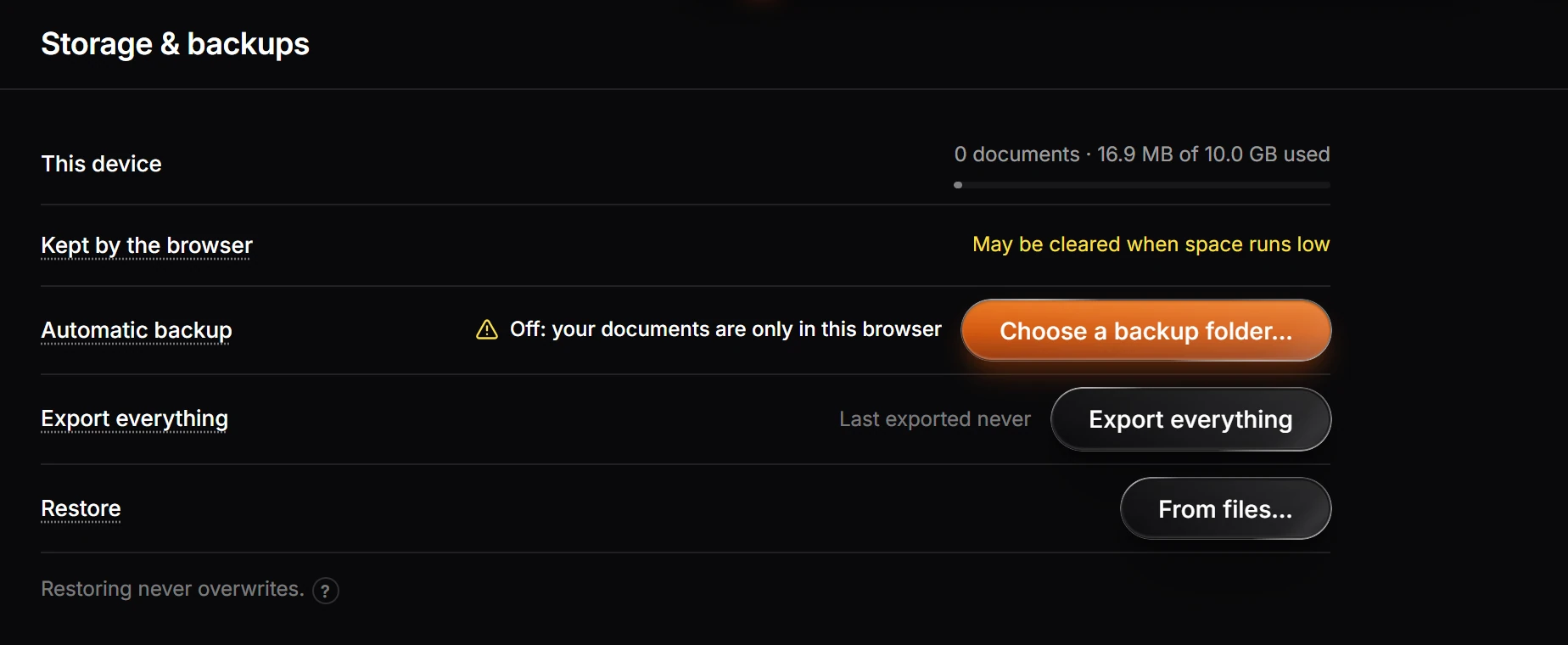
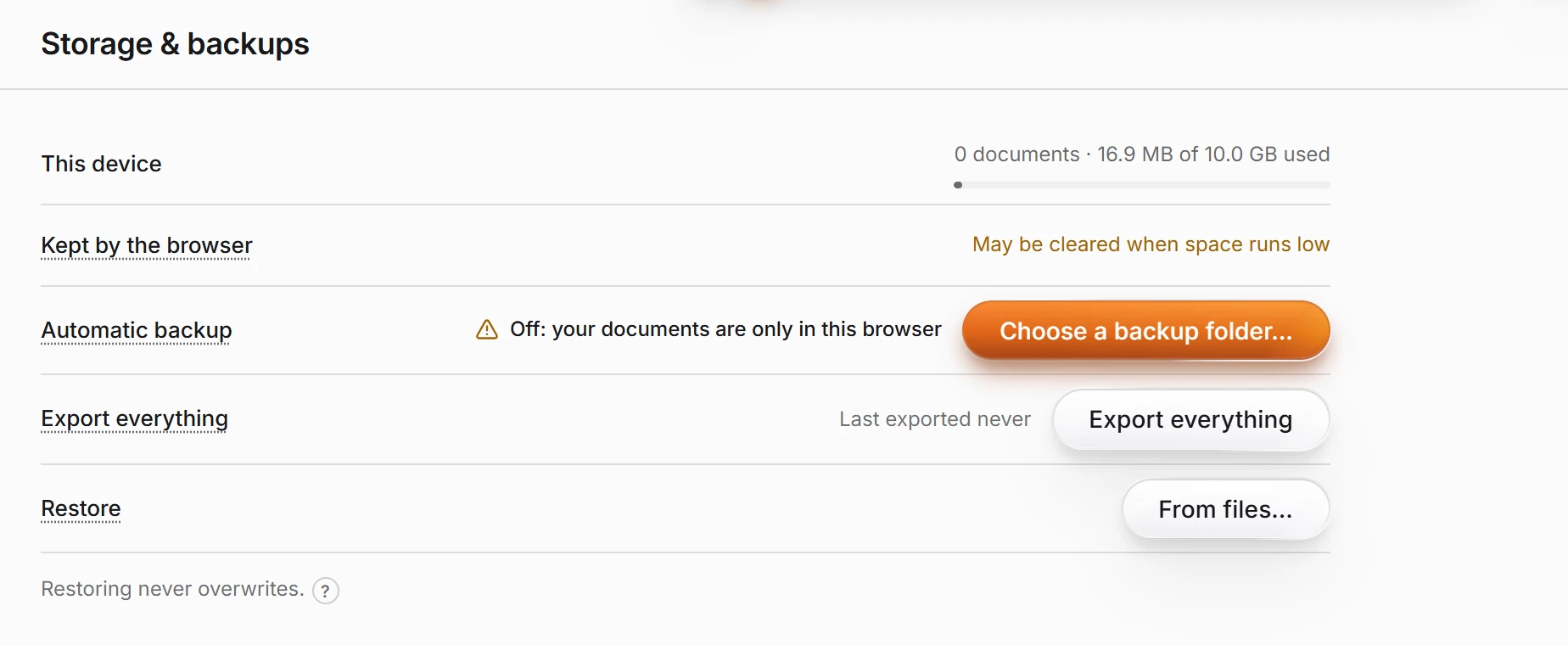 12 · How-toHow to back up and restore your documentsChoose File › Backups… (Settings › Storage & backups). Choose a backup folder for automatic backup, Export everything for a one-off copy, and From files… to restore. Restoring never overwrites.
- 13 · ReferenceThe .athanor file formatChoose File › Download as .athanor. The file is a ZIP container holding a mimetype, document.json, one MOL V3000 file per structure under structures/, and a thumbnail. Unzip it to recover every structure without Athanor.
- Still stuck? Read the FAQ or contact support.
- Something wrong on this page? Tell us.
- For AI tools: llms.txt