
How to save and open MOL and SDF files
Select the structure, press Ctrl+Shift+E, search for MOL or SDF, and choose V2000 or V3000 under Molfile. Copy as molfile puts a V3000 molfile on the clipboard. Opening an SD file places every record on the page, named from its Name field.
Save a MOL or SDF file
Select the structures, or nothing for the whole page.
Press Ctrl+Shift+E (Export), type
MOLin Search formats, and choose MOL (or SDF).Under Molfile, choose V2000 or V3000. The preview shows the file as it will be written.
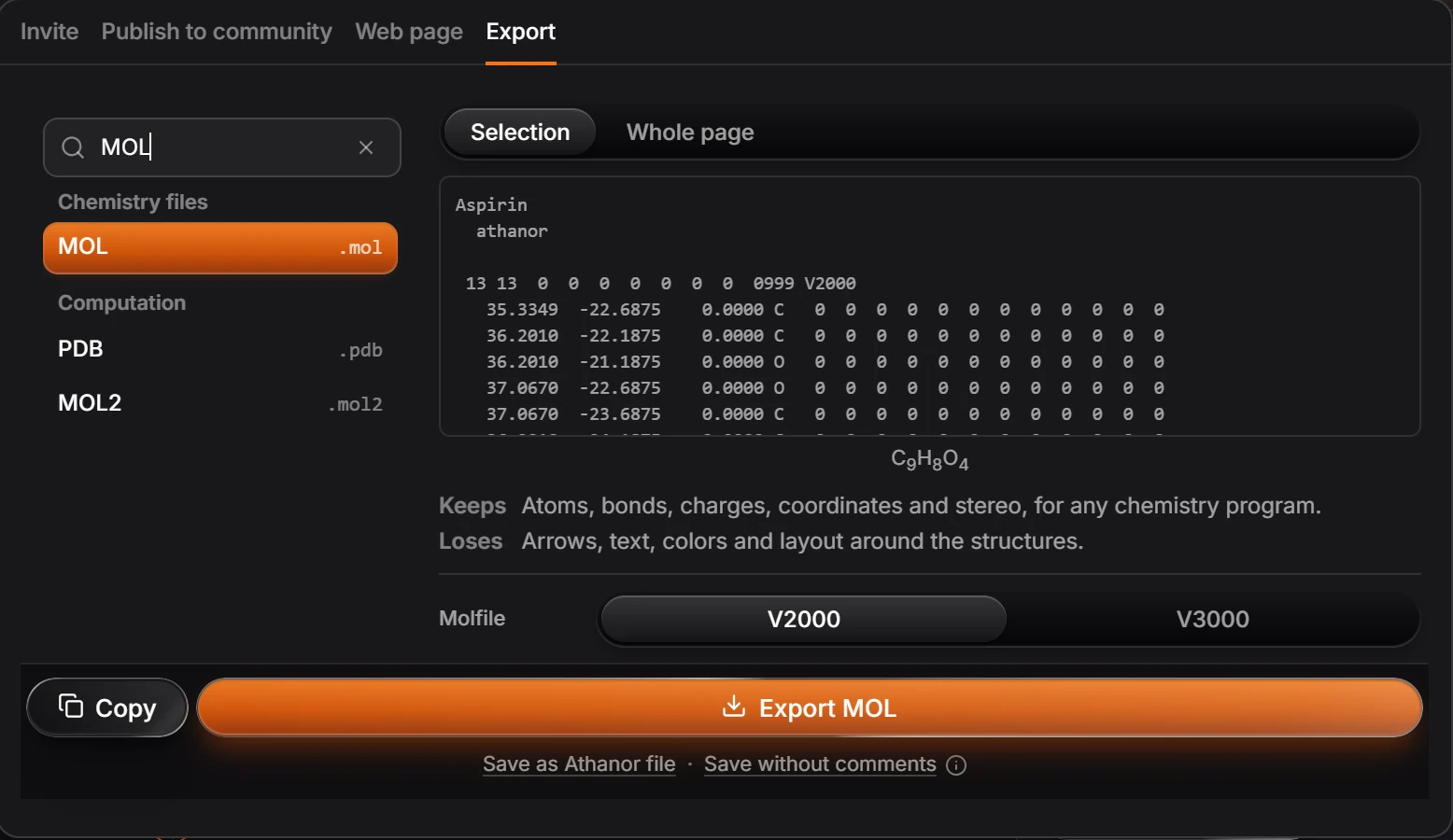
Press Export MOL, or Copy to put the text on the clipboard.
A molfile keeps atoms, bonds, charges, coordinates and stereo. It loses arrows, text, colors and layout around the structures: for those, keep the .athanor file.
V2000 or V3000?
| V2000 | V3000 | |
|---|---|---|
| Read by | Almost every chemistry program | Most current programs |
| Limits | 999 atoms and 999 bonds per structure | No practical limit |
| Stereo groups (and, or) | Not kept | Kept |
Pick V2000 when the file goes to an older program, and V3000 otherwise.
Copy a molfile
Select the structure, press Ctrl+K and choose Copy as molfile. It copies a V3000 molfile. See copy as SMILES, InChI or a molfile.
Open a MOL or SDF file
Press Ctrl+O or drag the file onto the window. Athanor reads V2000 and V3000 (.mol, .sdf, .sd).
An SD file with many records opens with every record on the page, one after another. Each is named from its Name data field, or its title line when it has none.
If a file does not open, see A file will not open.
Is this helpful?
Last updated Nov 12, 2026
- Still stuck? Read the FAQ or contact support.
- Something wrong on this page? Tell us.
- For AI tools: llms.txt