
How to copy a structure as SMILES, InChI or a molfile
Select the structure and use Edit › Copy as: Copy as SMILES (Ctrl+Alt+C), InChI, InChIKey, molfile, CDXML, chemfig or mhchem formula. Then paste it wherever you need it.
Steps
Select the structure with Select (V).
Open the Main menu and choose Edit › Copy as, then the format.
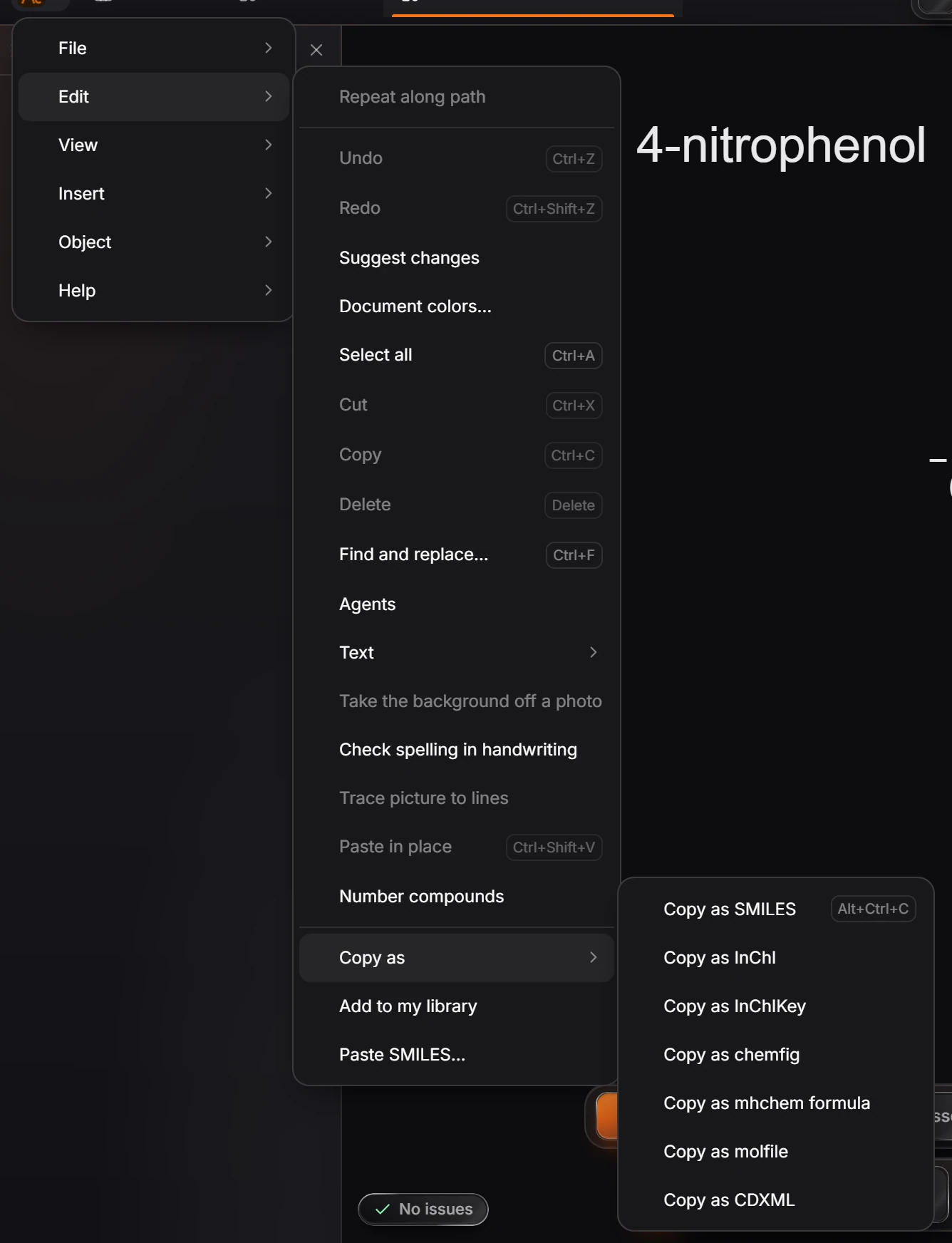
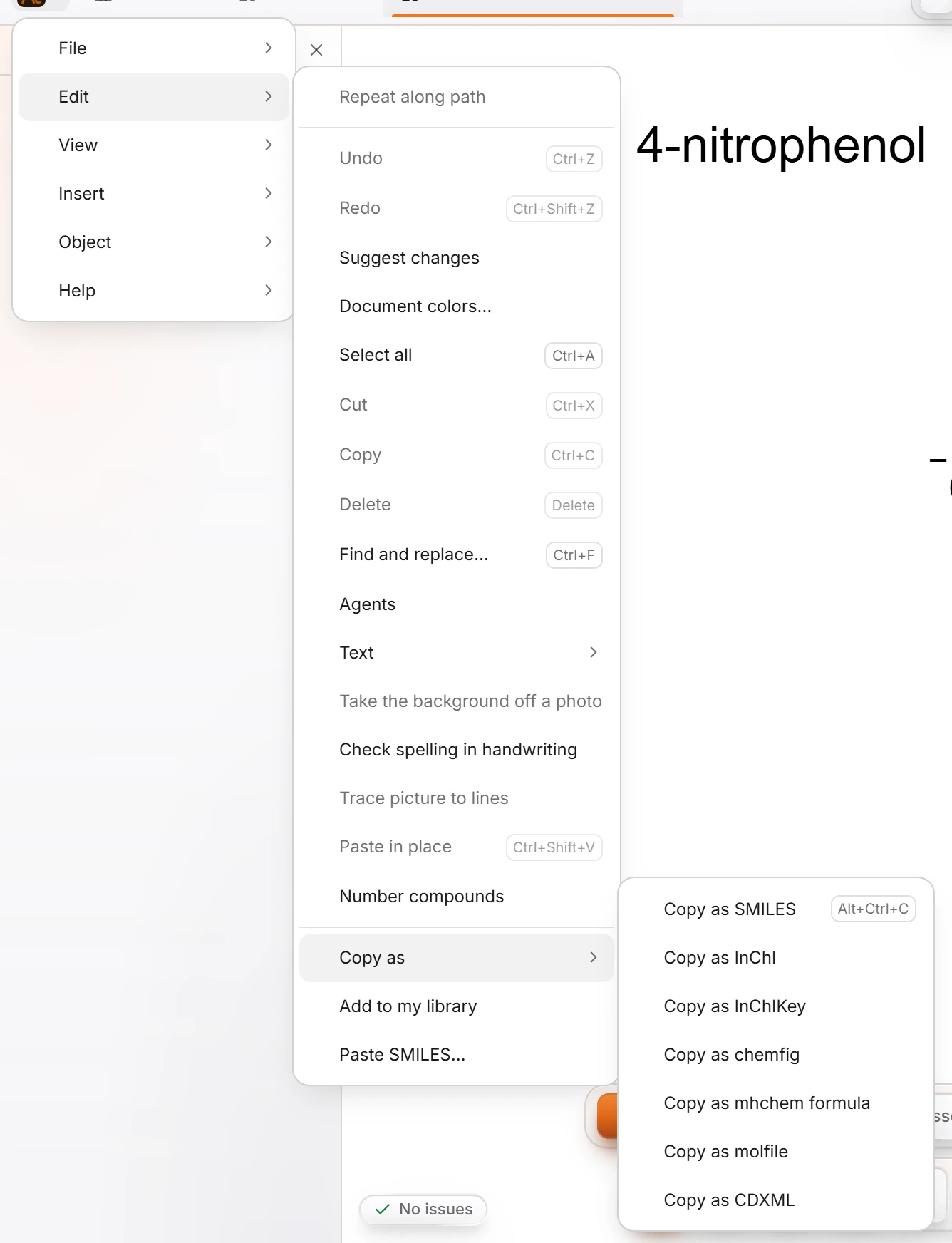
Paste it where you need it with Ctrl+V.
| Command | What you get |
|---|---|
| Copy as SMILES (Ctrl+Alt+C) | A one-line text form of the structure, for databases and other programs |
| Copy as InChI | The IUPAC standard identifier |
| Copy as InChIKey | The short, fixed-length hash of the InChI, good for searching the web |
| Copy as molfile | A MOL file's text, readable by almost every chemistry program |
| Copy as CDXML | For pasting into ChemDraw |
| Copy as chemfig | LaTeX code for the chemfig package |
| Copy as mhchem formula | The formula for LaTeX's mhchem package |
Properties shows the InChIKey of the selected structure too, so you can read it without copying.
Is this helpful?
Last updated Nov 12, 2026
- Still stuck? Read the FAQ or contact support.
- Something wrong on this page? Tell us.
- For AI tools: llms.txt