
How to name every structure and rename them
Select the structures and choose Object › Chemistry › Name every structure for IUPAC names, or Rename structures… to number them to a pattern such as Compound #.
Name every structure
Select the structures, or press Ctrl+A for all of them.
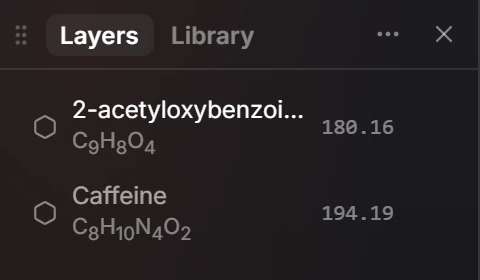
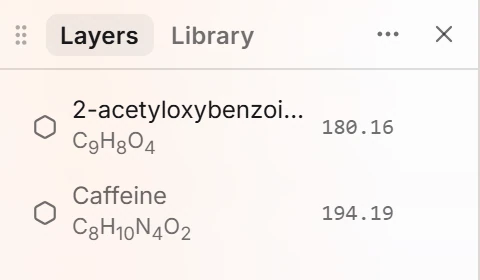
Choose Main menu › Object › Chemistry › Name every structure. Each structure is named from the drawing, and Layers shows the new names.
Rename to a pattern
Select the structures.
Choose Main menu › Object › Chemistry › Rename structures….
Type a pattern. # stands for the number, and structures are numbered left to right.
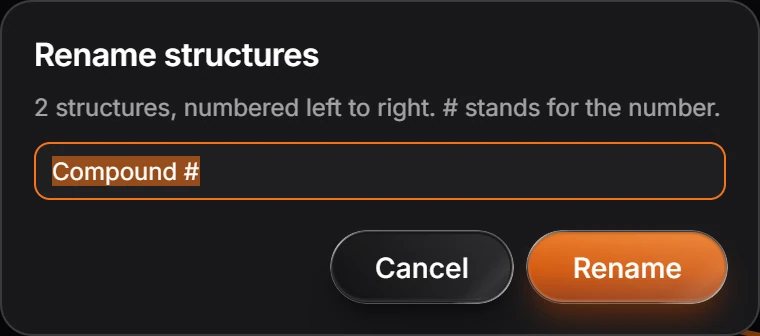
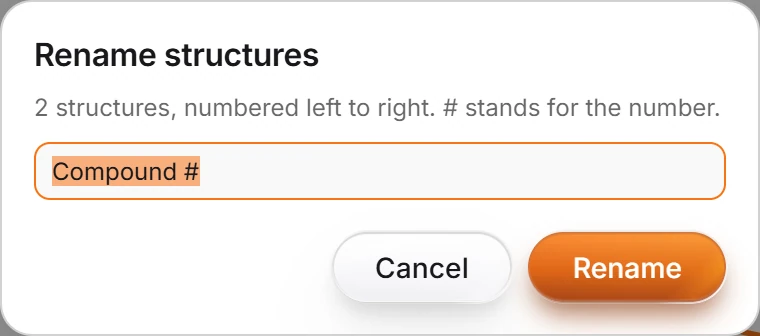
Press Rename.
The name is the structure's name in Layers, captions and exports. To put names on the page as text, see the Labeler agent.
Is this helpful?
Last updated Nov 12, 2026
- Still stuck? Read the FAQ or contact support.
- Something wrong on this page? Tell us.
- For AI tools: llms.txt