
How to use agents
Choose Edit › Agents, tick the agents you want (Labeler, Numberer, Tidier, Reviewer) and press Start. Their changes arrive as suggestions; nothing is final until you accept it.
Steps
Draw or insert the structures, for example aspirin and ethanol.
Choose Main menu › Edit › Agents.
Tick the agents you want. Two are ticked to start.
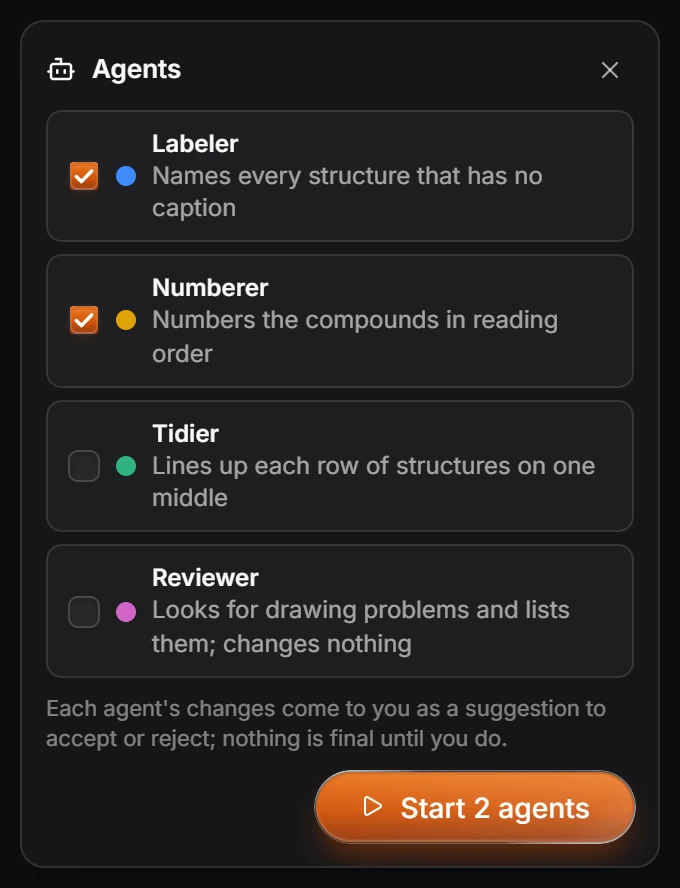
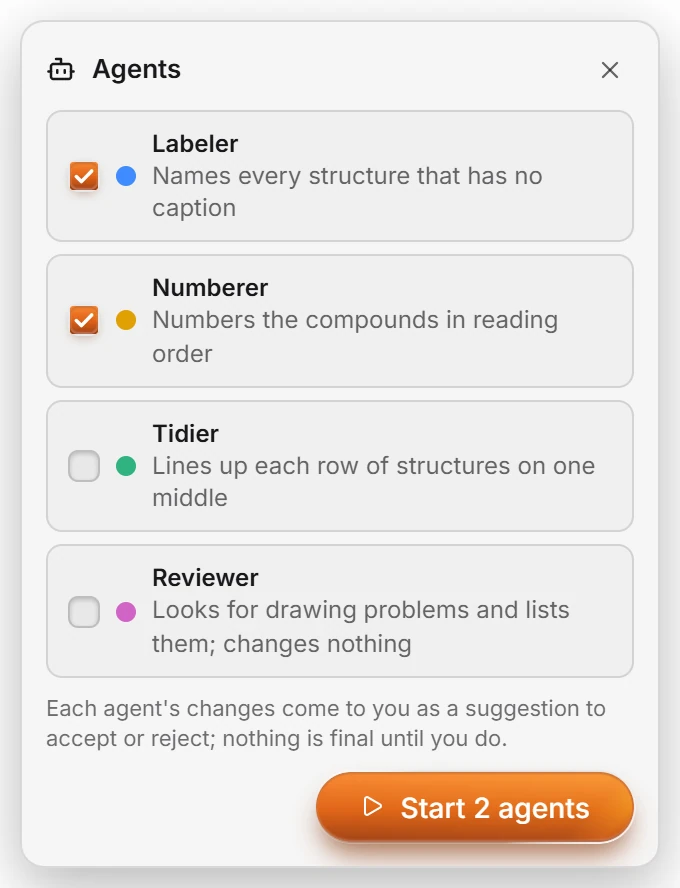
| Agent | What it does |
|---|---|
| Labeler | Names every structure that has no caption |
| Numberer | Numbers the compounds in reading order |
| Tidier | Lines up each row of structures on one middle |
| Reviewer | Looks for drawing problems and lists them; changes nothing |
Press Start (Start 2 agents with two ticked). Each agent says when it is done.
Review the suggestions. The panel at the top lists each agent's changes; the eye button previews them on the page.
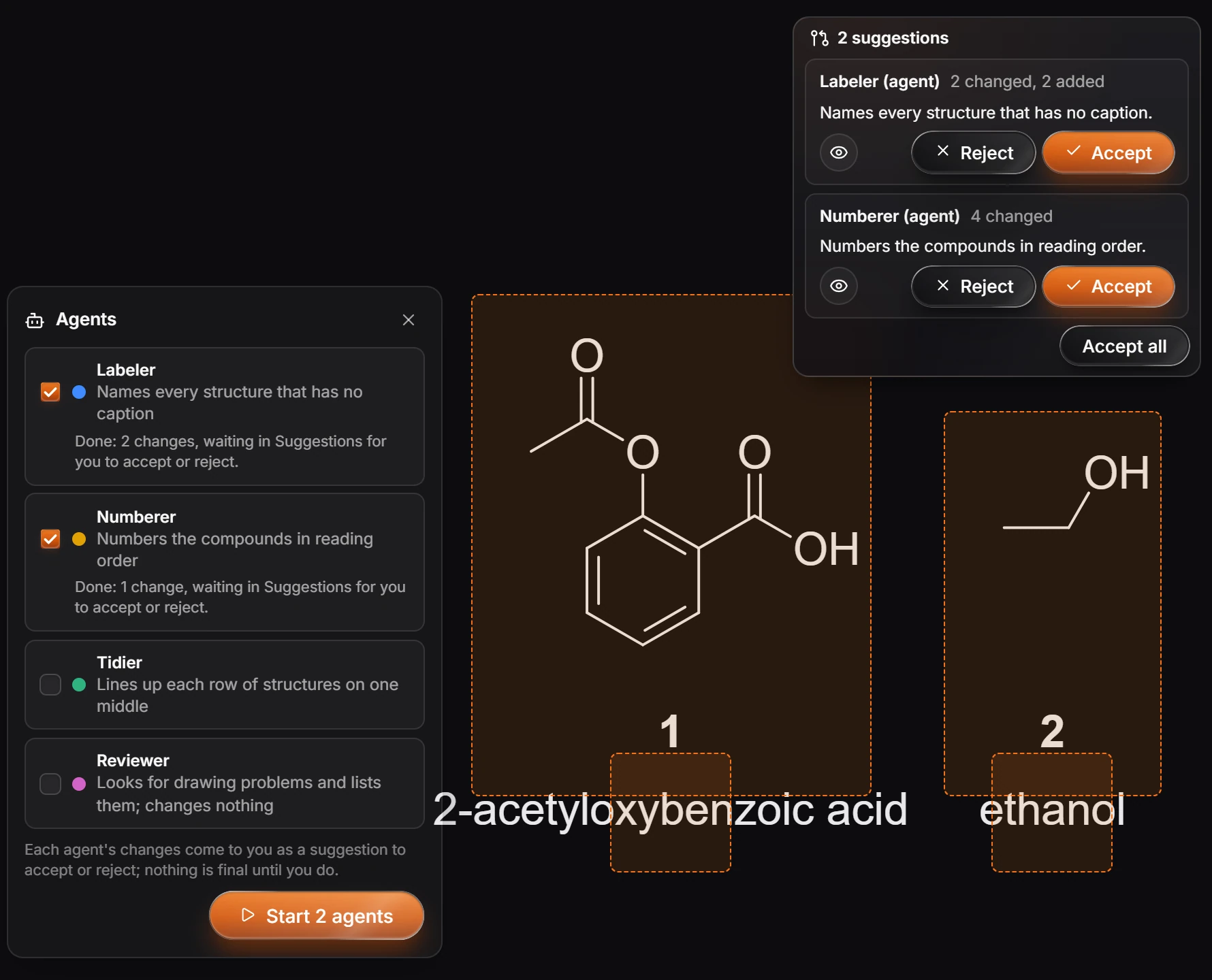
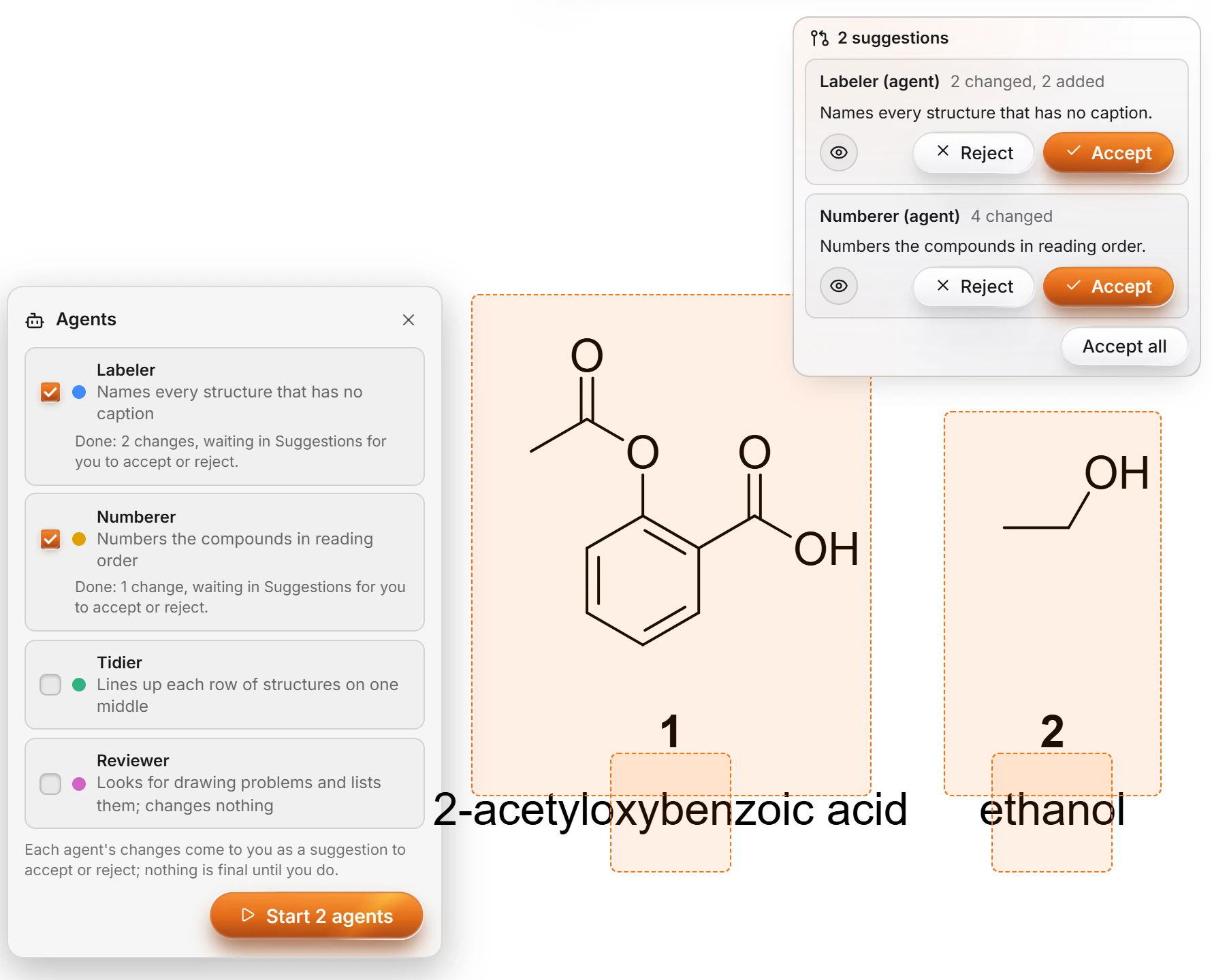
Press Accept or Reject on each, or Accept all.
Nothing an agent does is final until you accept it, and an accepted change is one undo step.
Is this helpful?
Last updated Nov 12, 2026
- Still stuck? Read the FAQ or contact support.
- Something wrong on this page? Tell us.
- For AI tools: llms.txt