
How to choose the AI model or use your own API key
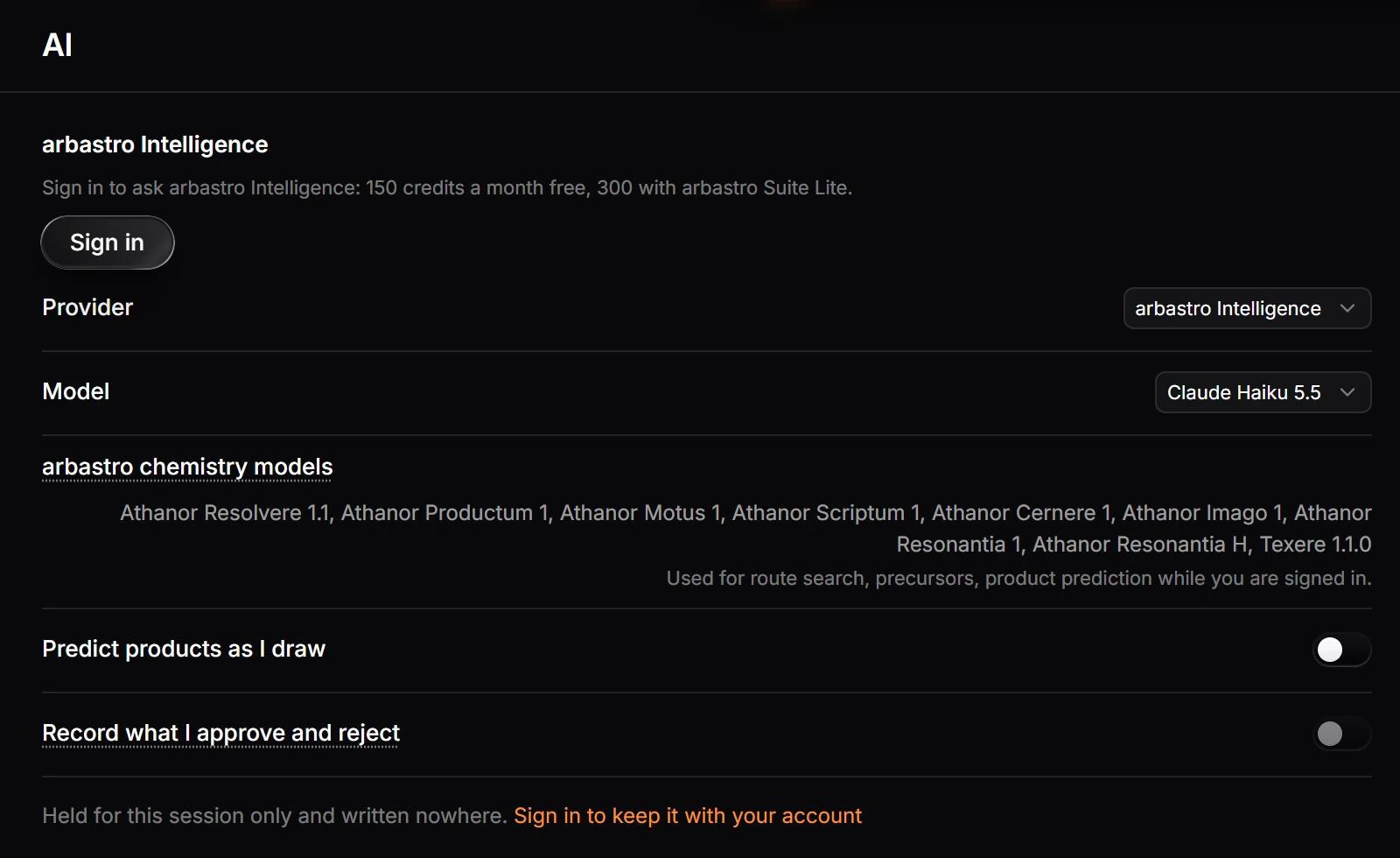
Choose Help › Prediction feedback › AI settings… (or Settings › AI). Pick arbastro Intelligence and a model your plan allows, or, on an arbastro Suite plan, a provider with your own key.
Open AI settings
Choose Main menu › Help › Prediction feedback › AI settings…, or open Settings and choose AI.
Pick a provider
Open Provider.
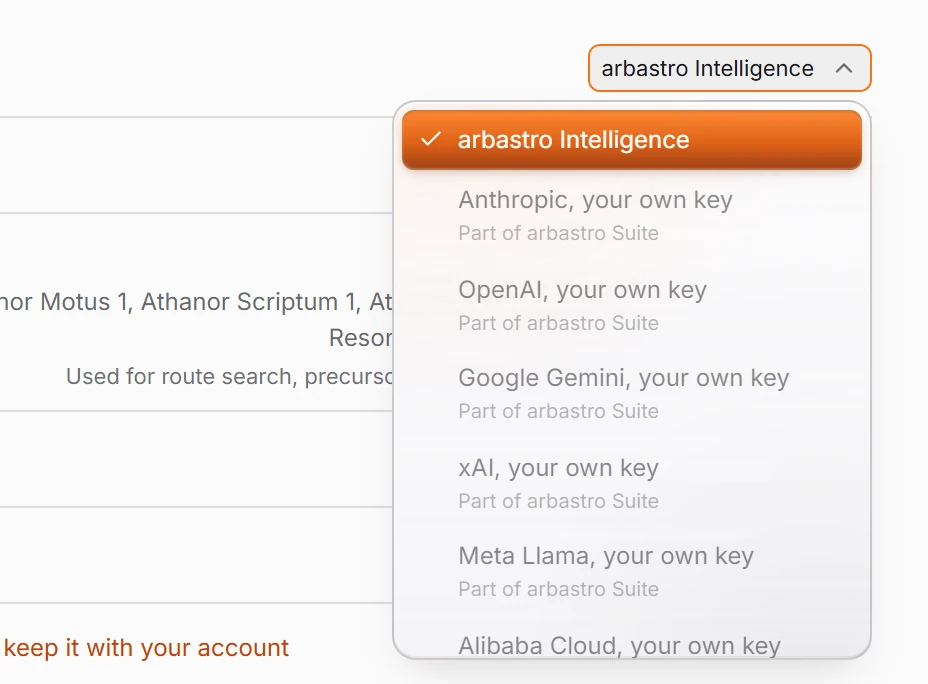
Choose arbastro Intelligence, the default, or a provider with your own key: Anthropic, OpenAI, Google Gemini, xAI, Meta Llama or Alibaba Cloud.
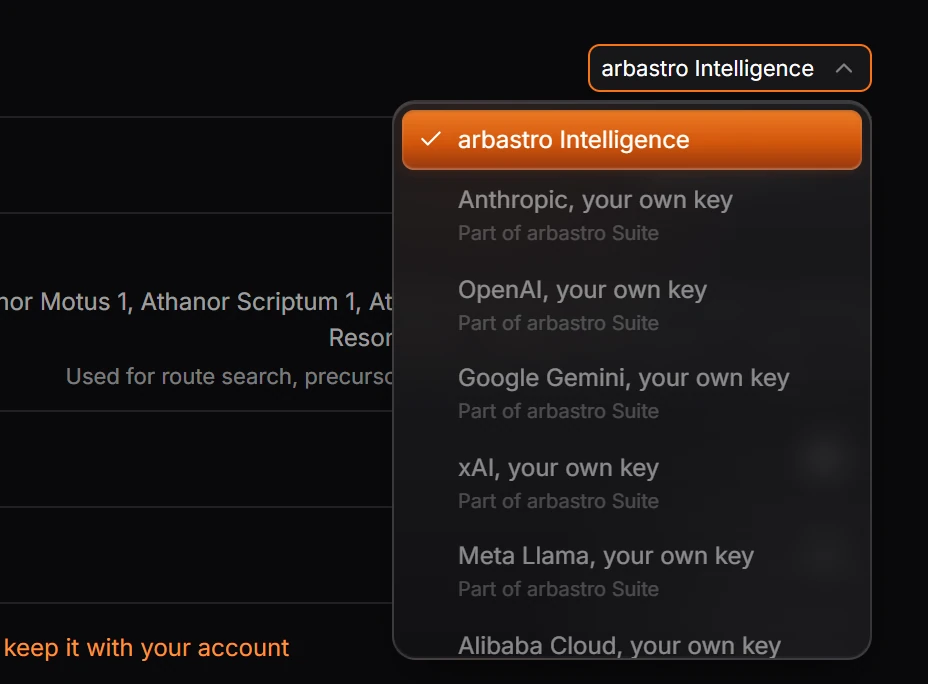
With your own key, add the key for that provider.
Needs an account
The assistant needs you signed in. Your own key is part of every arbastro Suite plan (Lite, Plus and Ultra); keys are stored encrypted and handed back to your device when you use them. Requests with your own key go directly from your device to that provider.
Pick a model
With arbastro Intelligence, Model lists the models your plan allows:
| Plan | Models |
|---|---|
| Free | Haiku and Sonnet 5.5 |
| Suite Lite | Haiku, Sonnet and Opus 5.5 |
| Suite Plus | Haiku, Sonnet and Opus 5.5, Fable 5.2 |
| Suite Ultra | Haiku, Sonnet and Opus 5.5, Fable 5.2 |
A larger model uses credits faster.
The two switches
- Predict products as I draw: predicts the products of a reaction when you finish drawing it.
- Record what I approve and reject: keeps your approvals, rejections and edits on predictions. See prediction feedback.
Both work only while you are signed in.
Is this helpful?
Last updated Nov 12, 2026
- Still stuck? Read the FAQ or contact support.
- Something wrong on this page? Tell us.
- For AI tools: llms.txt