
How to save and manage assistant skills
Save a request as a skill with the bookmark beside it in the assistant. Manage your skills from Help › Prediction feedback › Manage assistant skills.
Save a skill
In the AI assistant, press the bookmark beside a request you made. It becomes a skill you can run again.
Manage your skills
Choose Main menu › Help › Prediction feedback › Manage assistant skills.
Your skills lists what you saved. With none yet, it says how to save one.
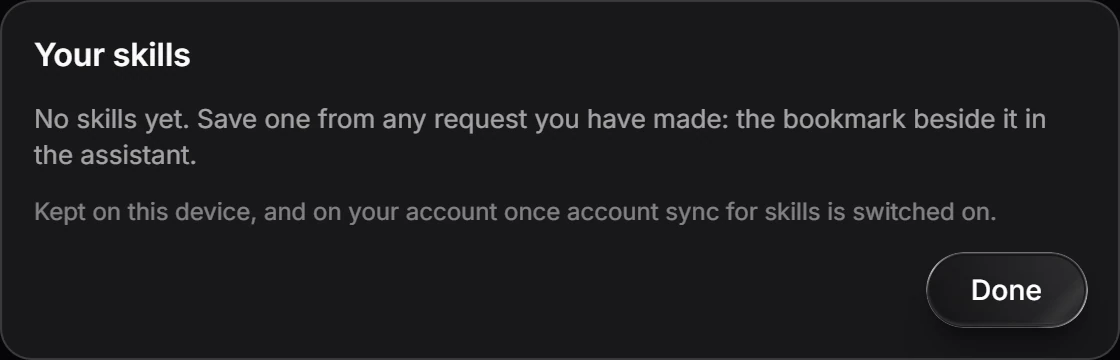
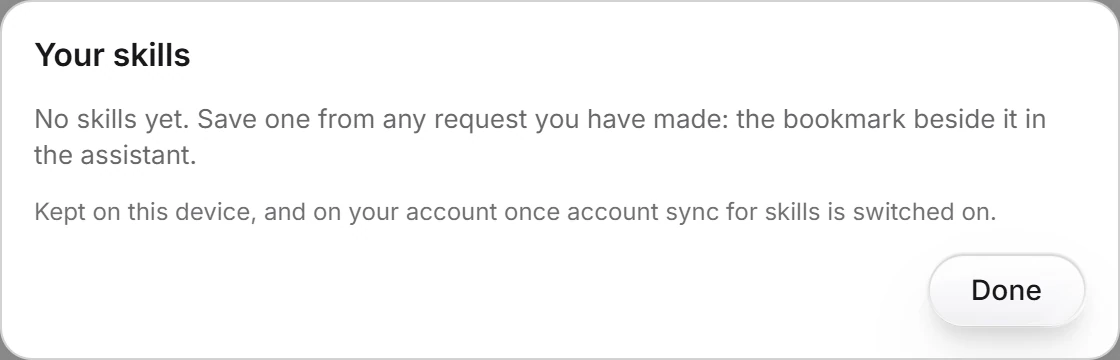
Press Done to close it.
Skills are kept on this device, and on your account once account sync for skills is switched on.
Is this helpful?
Last updated Nov 12, 2026
- Still stuck? Read the FAQ or contact support.
- Something wrong on this page? Tell us.
- For AI tools: llms.txt