
Collaboration and sharing
Invite people with roles, share links with passwords and expiry, publish to the web, comment, suggest, branch, review and see version history.
Start here- 1 · How-toVersion historyVersion history in Athanor: every edit of the session as pictures you can step back to, and the named versions kept with your account across devices.
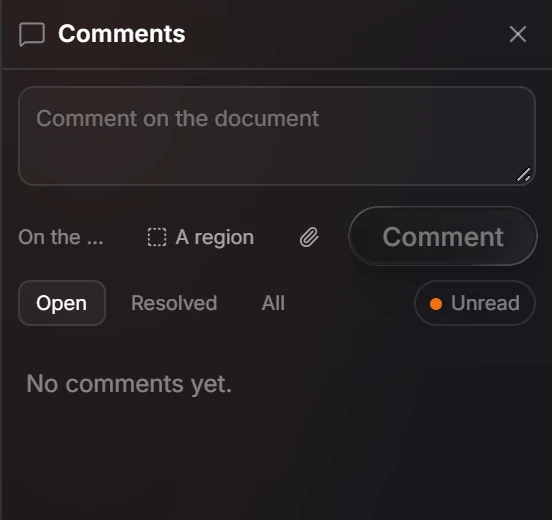
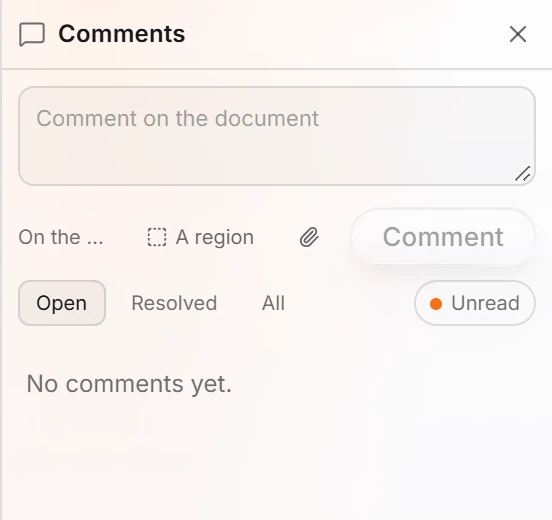 2 · How-toHow to comment on a documentPress Shift+C or choose File › Comment mode. Type in the Comments panel and choose On the document or A region, then press Comment. Comments are saved with the document.
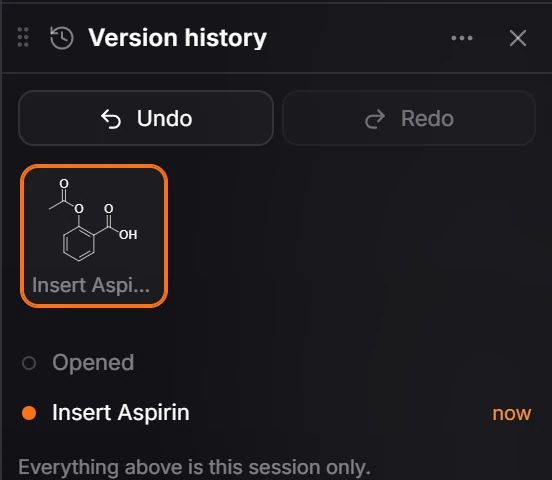
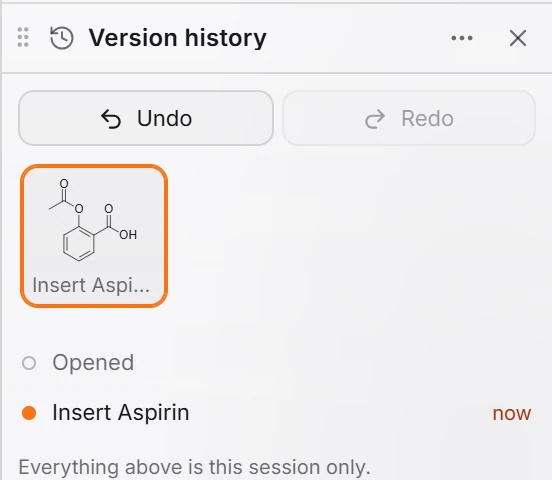 3 · How-toHow to use version historyPress Shift+H or choose File › Version history. It lists the steps of this session with Undo and Redo, and the automatic versions. Approve this version records a sign-off; named versions need you signed in.
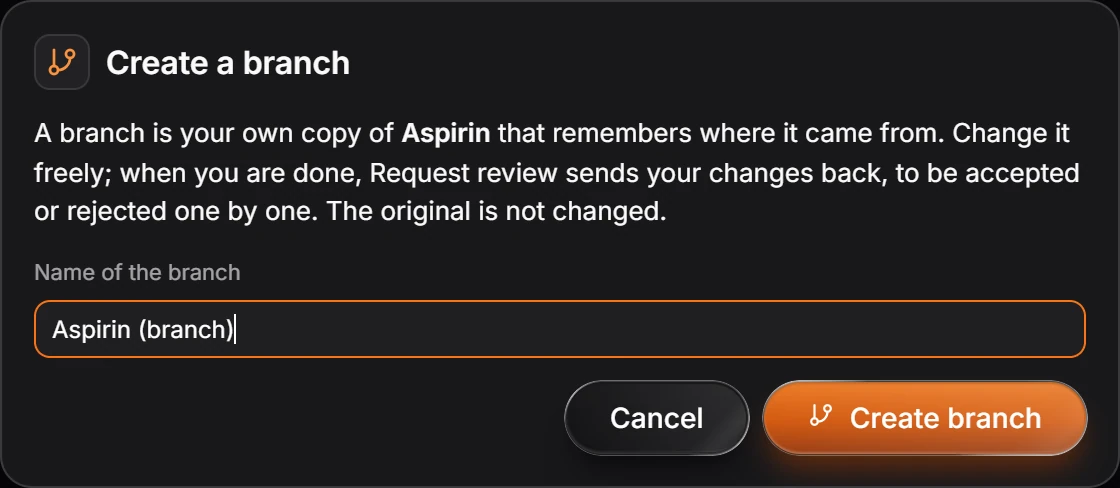
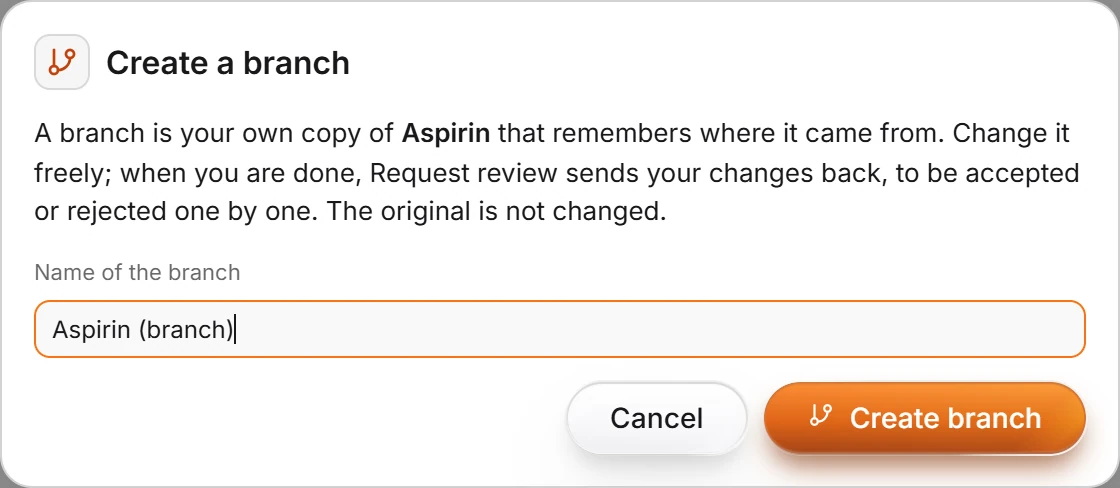 4 · How-toHow to branch a document and request reviewChoose File › Create a branch, name it, and press Create branch. Change it freely, then choose File › Request review; the owner accepts or rejects each change with File › Review a merge request.
- Still stuck? Read the FAQ or contact support.
- Something wrong on this page? Tell us.
- For AI tools: llms.txt