
How to comment on a document
Press Shift+C or choose File › Comment mode. Type in the Comments panel and choose On the document or A region, then press Comment. Comments are saved with the document.
Steps
Press Shift+C, or choose Main menu › File › Comment mode. The Comments panel opens.
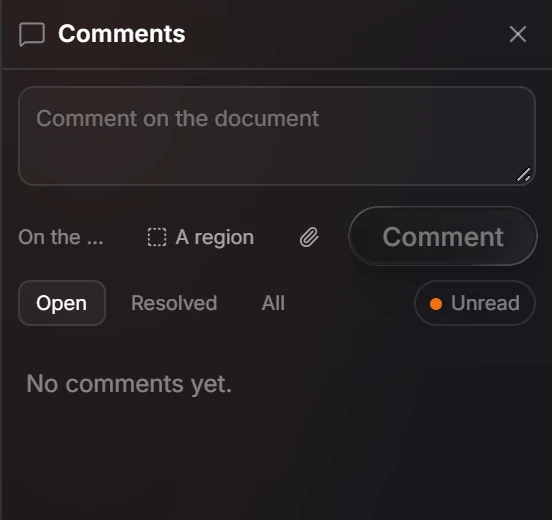
Type your comment.
Choose where it goes: On the document, or A region to point at part of the page. The paperclip attaches a file.
Press Comment.
Filter with Open, Resolved and All, and Unread shows what is new to you. Comments are saved with the document.
Is this helpful?
Last updated Nov 12, 2026
- Still stuck? Read the FAQ or contact support.
- Something wrong on this page? Tell us.
- For AI tools: llms.txt