
How to branch a document and request review
Choose File › Create a branch, name it, and press Create branch. Change it freely, then choose File › Request review; the owner accepts or rejects each change with File › Review a merge request.
Create a branch
Choose Main menu › File › Create a branch.
Give the branch a name. It starts as the document's name with (branch).
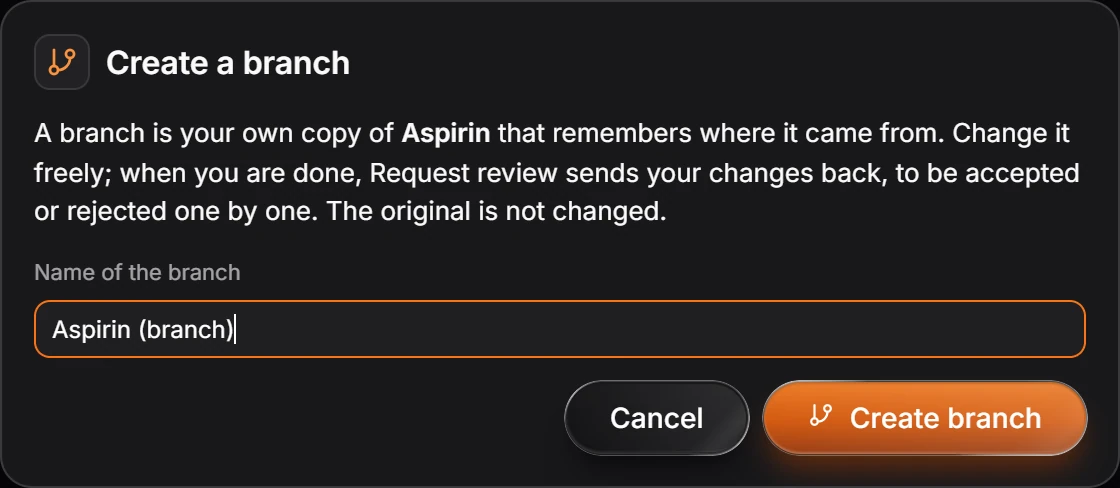
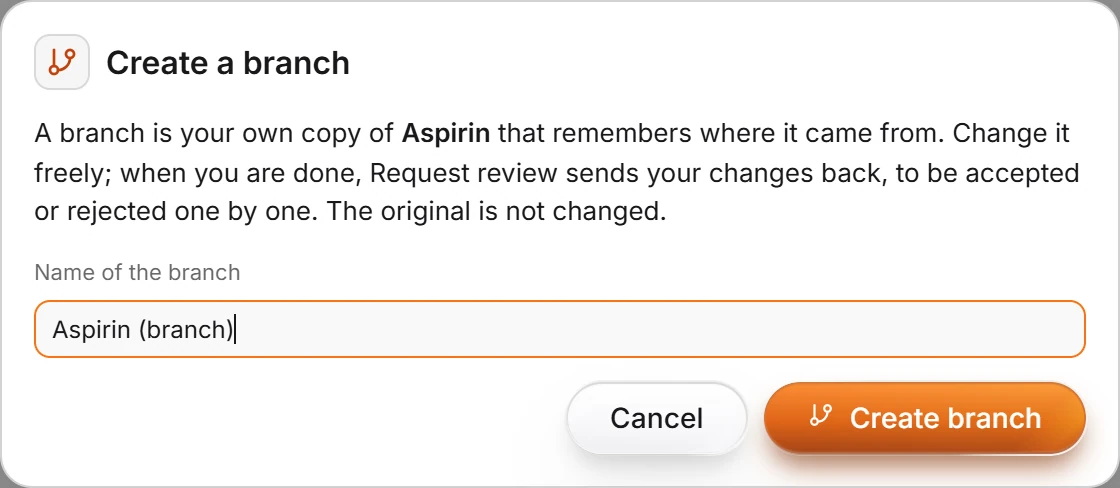
Press Create branch. The branch is your own copy; the original is not changed.
Send your changes back
When you are done, choose Main menu › File › Request review. Your changes go back to the original, to be accepted or rejected one by one. The owner reviews them with File › Review a merge request.
Is this helpful?
Last updated Nov 12, 2026
- Still stuck? Read the FAQ or contact support.
- Something wrong on this page? Tell us.
- For AI tools: llms.txt