
How to sign in to Athanor
Press Sign in at the top right. Continue with Google, sign in with a passkey, or use your arbastro account email and password. No account yet? Create account.
Athanor works signed out. Signing in keeps your drawings on your account and turns on the assistant, sharing and assigning.
Steps
Press Sign in at the top right of the window.
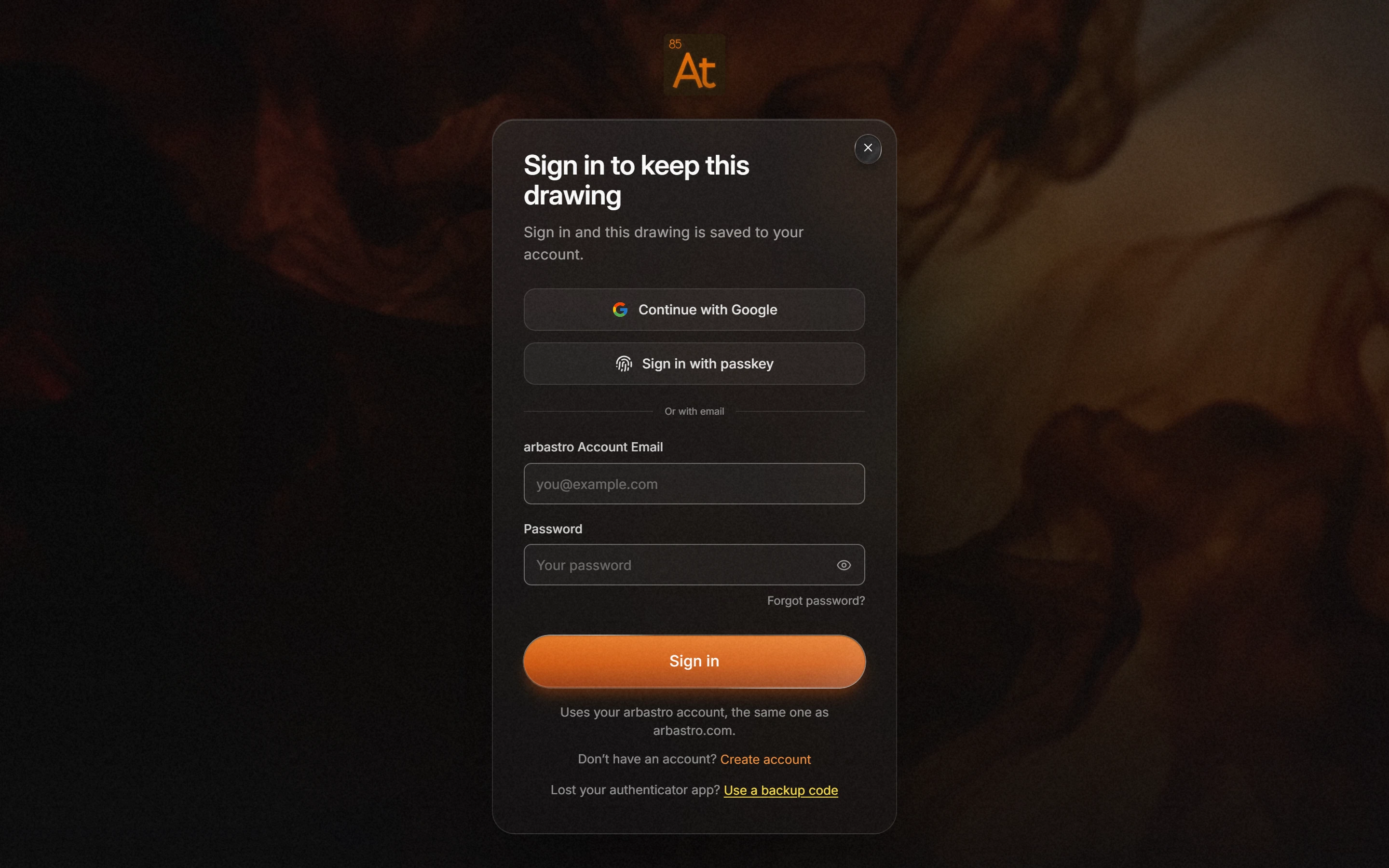
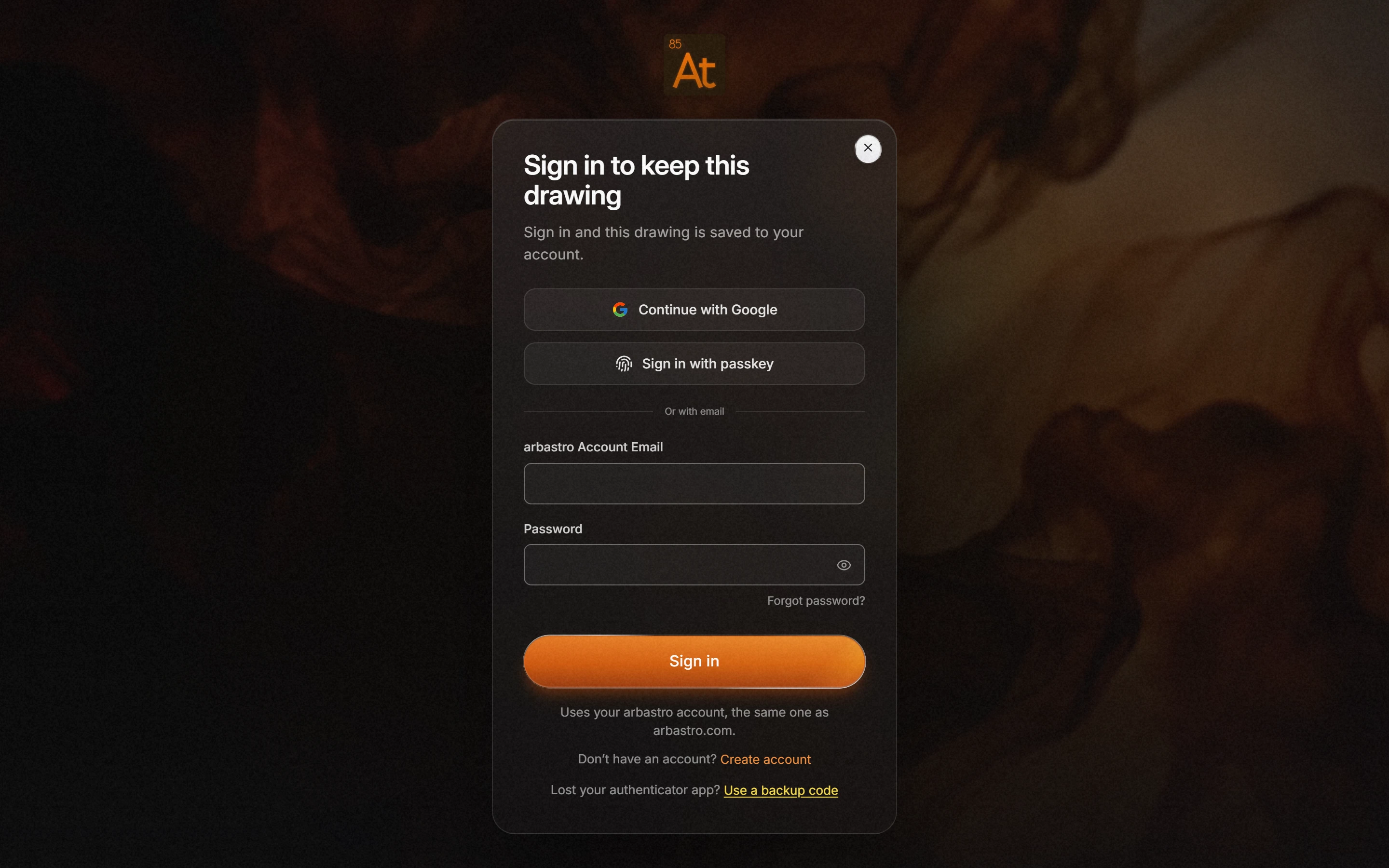
Pick a way in:
- Continue with Google;
- Sign in with passkey;
- your arbastro Account Email and Password, then Sign in.
No account yet? Press Create account. Forgot password? resets it.
It is your arbastro account, the same one as arbastro.com. If you lost your authenticator app, use Use a backup code.
Is this helpful?
Last updated Nov 12, 2026
- Still stuck? Read the FAQ or contact support.
- Something wrong on this page? Tell us.
- For AI tools: llms.txt