
Workspace and settings
Arrange panels, the Properties panel, Settings, light and dark themes, distraction-free drawing, accessibility and the desktop app.
Start here- 1 · How-toPropertiesAthanor's Properties panel changes whatever is selected: atoms, bonds, text, arrows and shapes, plus the document's style, bond length and page size.
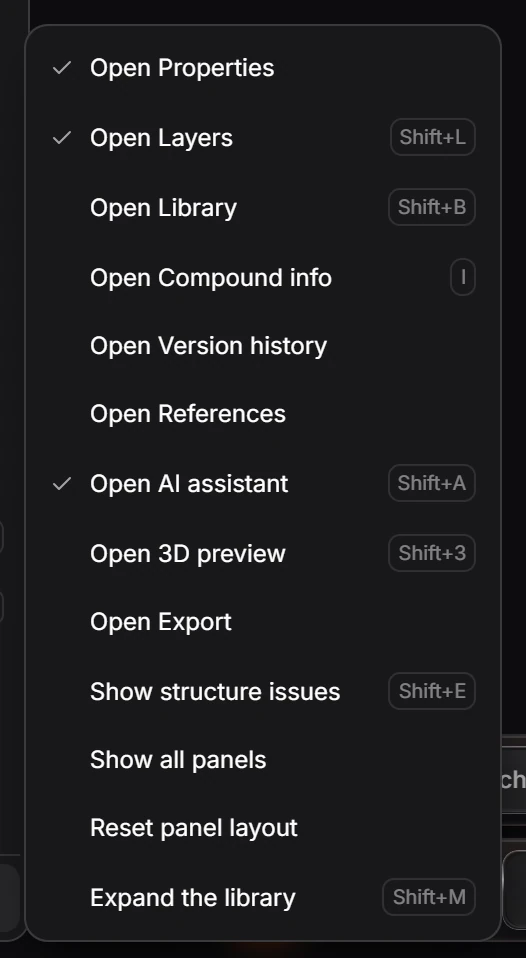
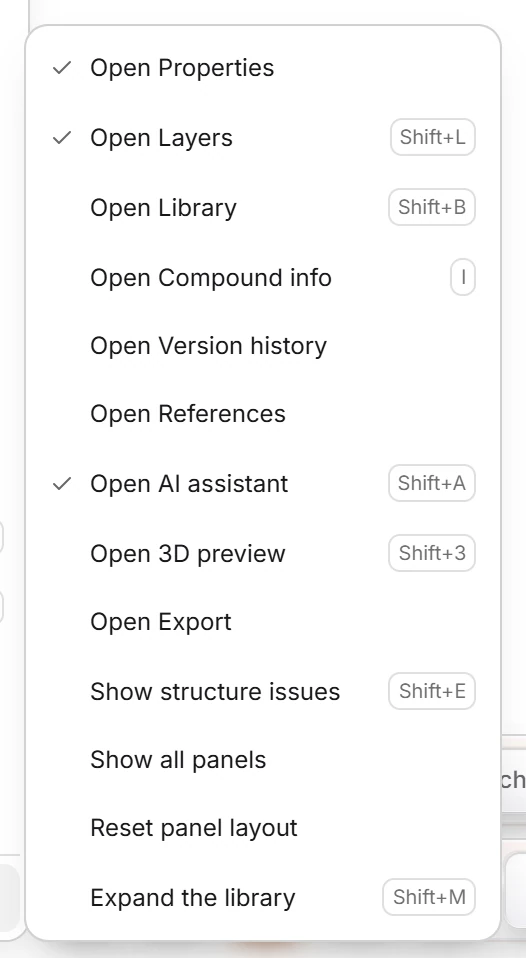 2 · How-toHow to open, arrange and reset panelsChoose View › Panels to open a panel, Show all panels, or Reset panel layout. Shortcuts open the common ones: Shift+L Layers, Shift+B Library, I Compound info, Shift+A AI assistant, Shift+3 3D preview.
- 3 · ReferenceThe Properties panelProperties changes with the selection. With nothing selected it shows the document settings; with a structure, its name, formula and Display switches; with one atom, its label, charge, query settings and VSEPR shape; with a shape, its position and behavior.
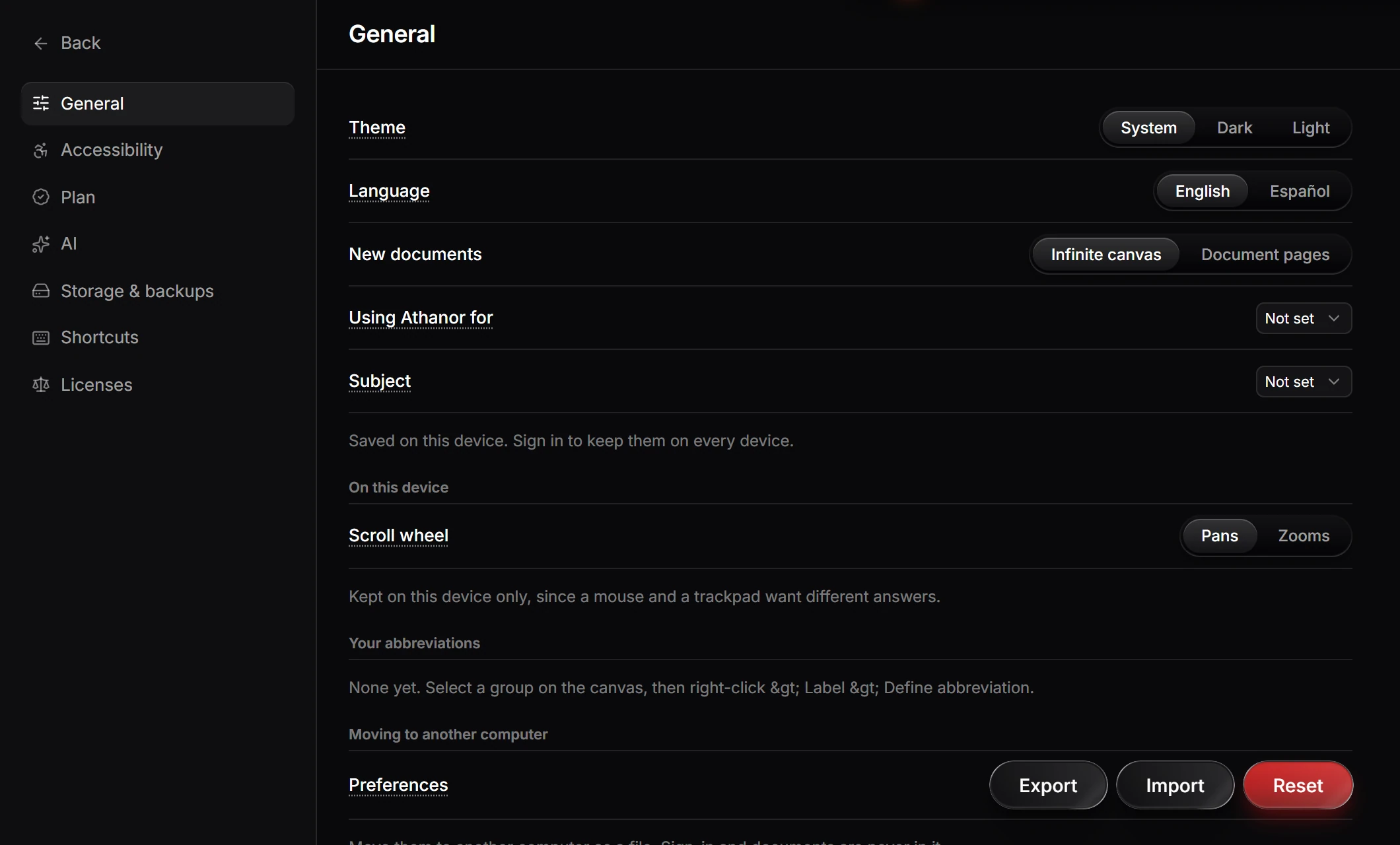
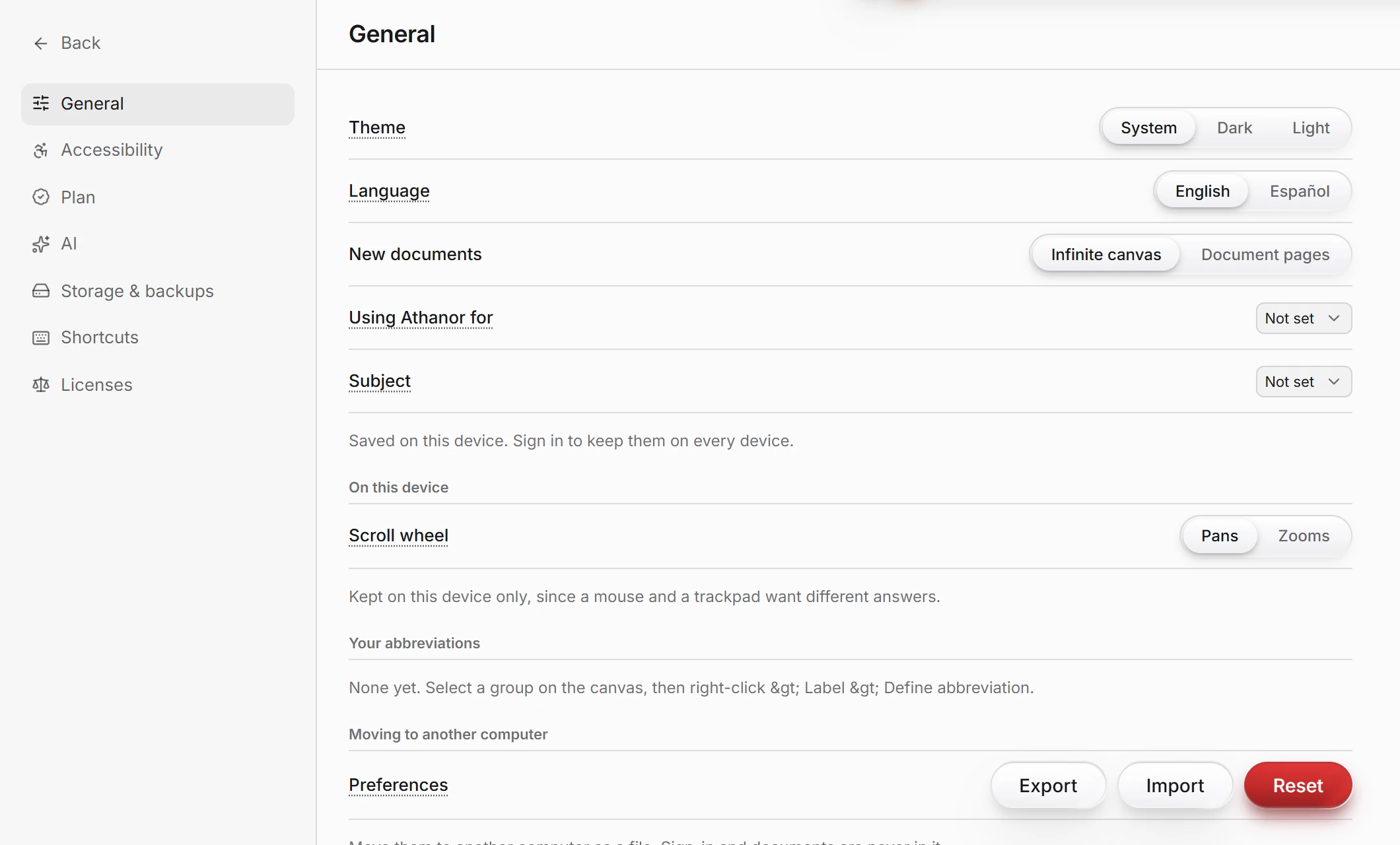 4 · ReferenceSettingsChoose File › Settings…. General has Theme, Language, New documents, Using Athanor for, Subject, Scroll wheel, your abbreviations, and Export, Import and Reset for your preferences.
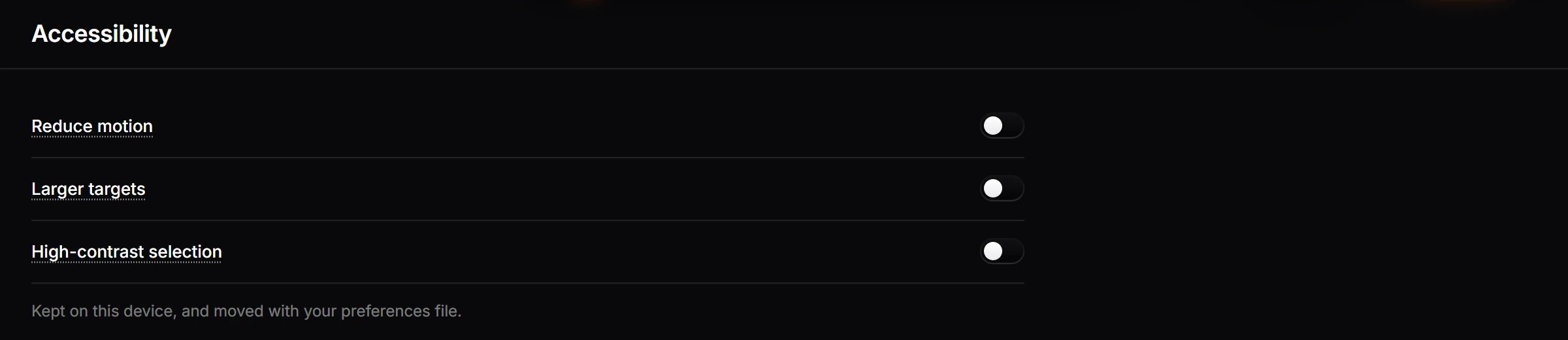
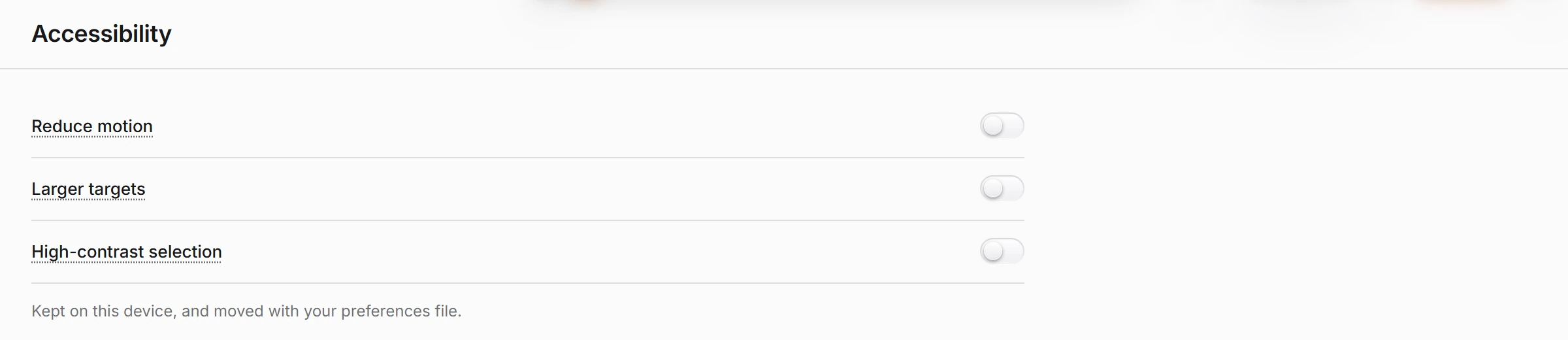 5 · ReferenceAccessibility settingsChoose File › Settings… › Accessibility and switch on Reduce motion, Larger targets or High-contrast selection. Alt+period and Alt+comma move through the atoms of a structure with the keyboard.

 6 · How-toHow to change the languageChoose File › Settings… › General and set Language to English or Español.
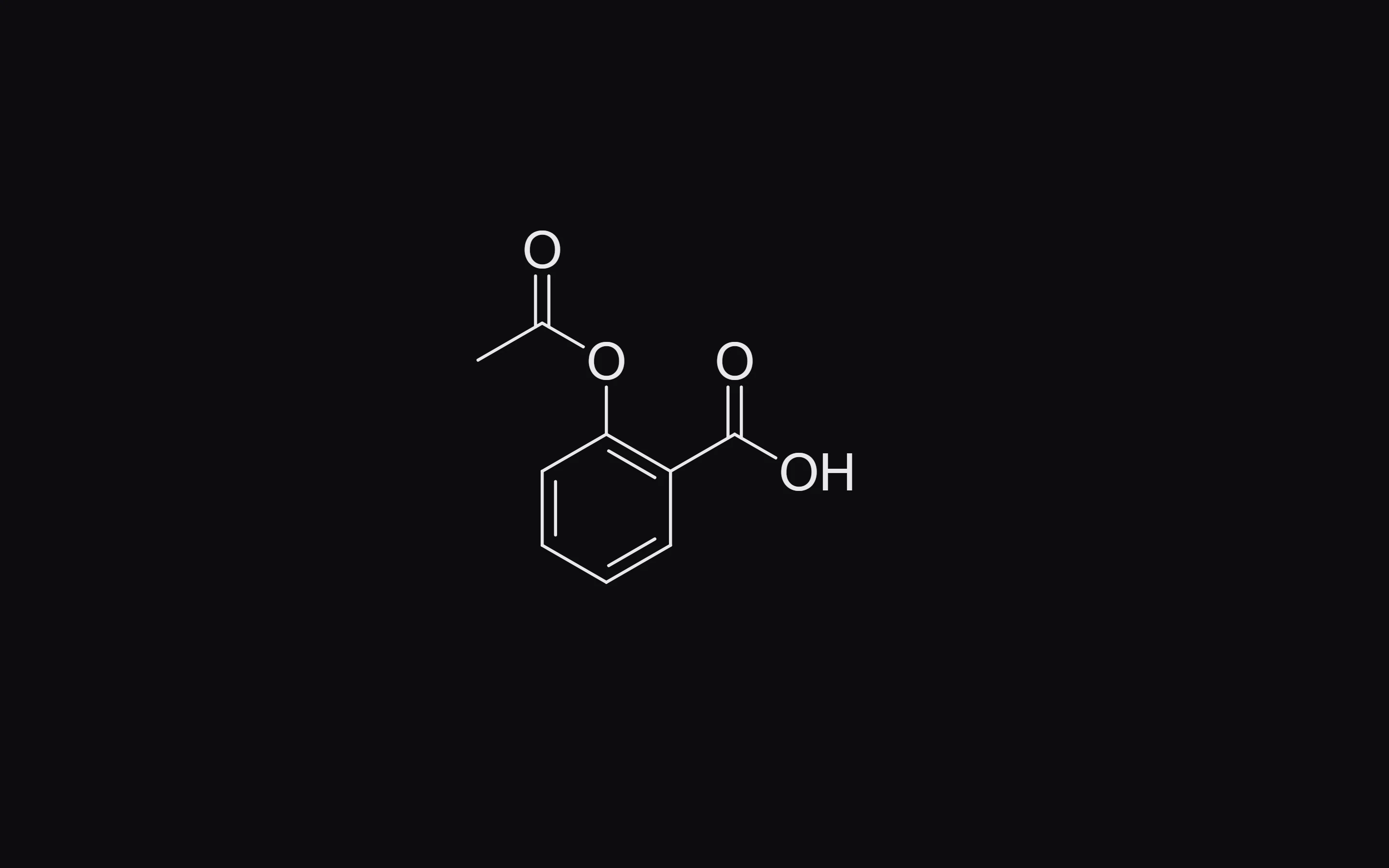
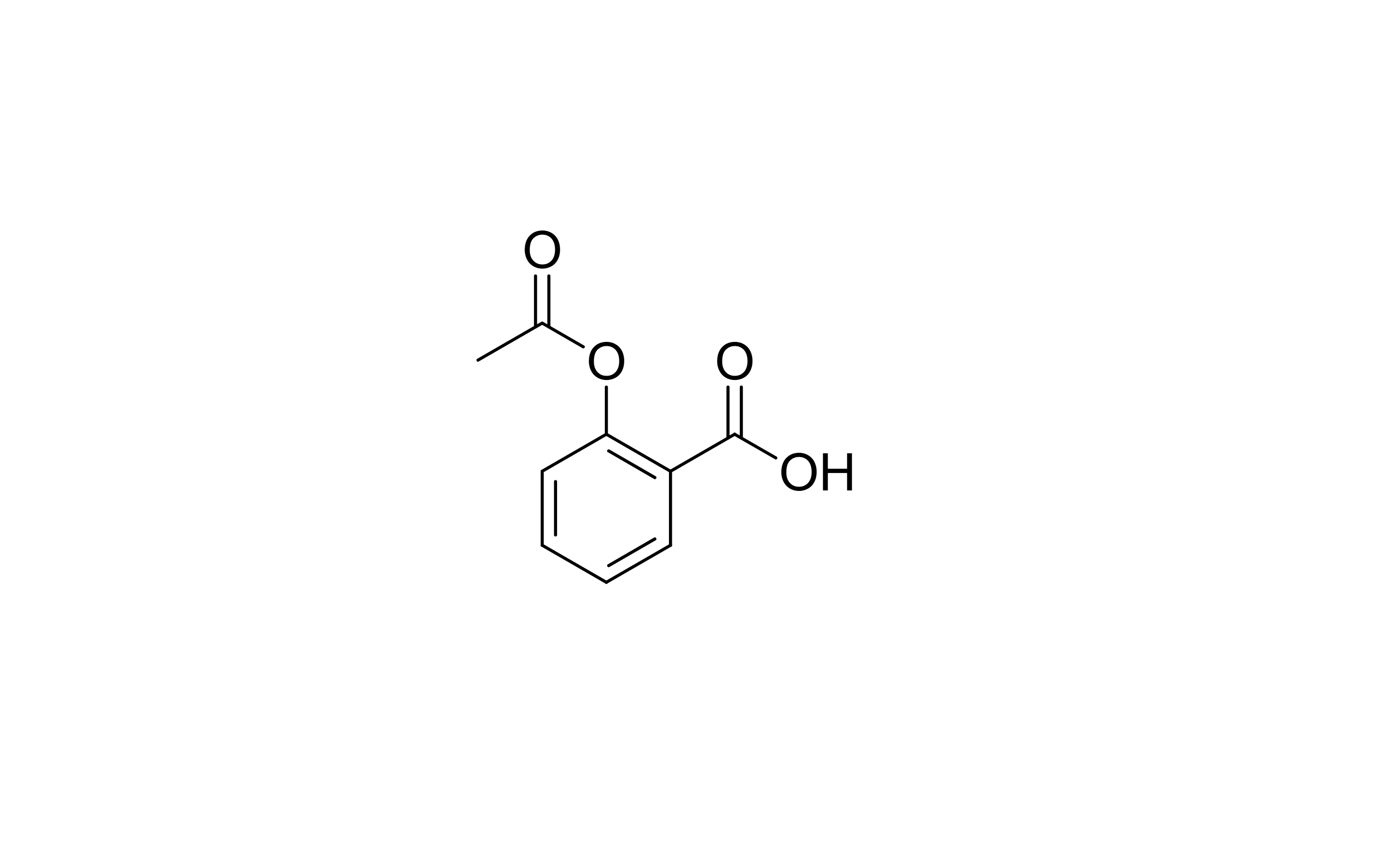 7 · How-toHow to switch theme and hide the chromeChoose View › Switch theme, or set Theme in Settings › General. Press Tab (View › Hide all chrome) to hide every panel and toolbar; press it again to bring them back.
- 8 · ConceptThe desktop app and the web appThey are the same app built from one code path, so drawing, chemistry and exports match exactly. The Windows app adds updates in the background, double-click to open files, the full Office and ChemDraw clipboard, offline use and an option to start with Windows. Signed in, your documents and preferences follow you between the two.
- Still stuck? Read the FAQ or contact support.
- Something wrong on this page? Tell us.
- For AI tools: llms.txt