
Accessibility settings
Choose File › Settings… › Accessibility and switch on Reduce motion, Larger targets or High-contrast selection. Alt+period and Alt+comma move through the atoms of a structure with the keyboard.
Settings
Choose Main menu › File › Settings…, then Accessibility.
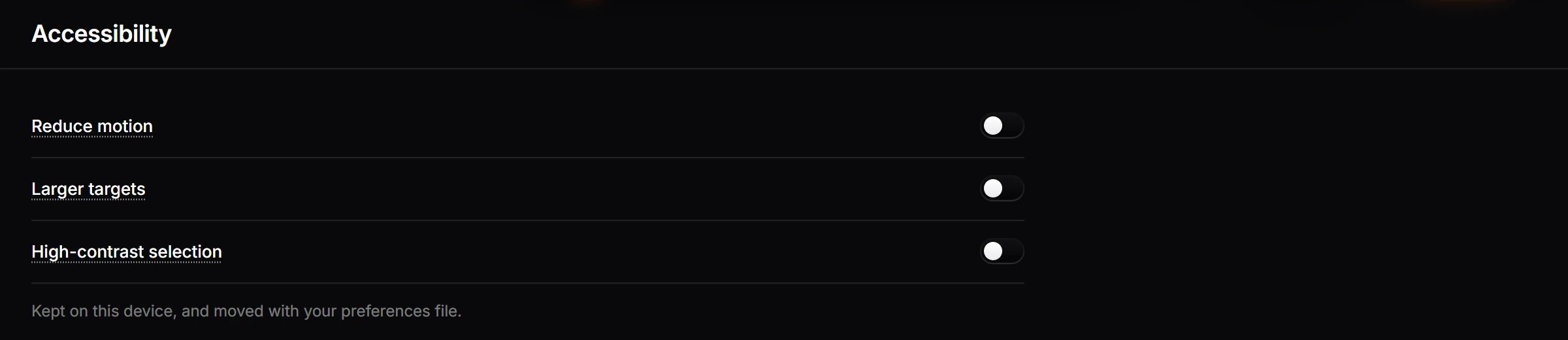
| Switch | Does |
|---|---|
| Reduce motion | Less movement in the app |
| Larger targets | Bigger targets to click and tap |
| High-contrast selection | A selection that stands out more |
They are kept on this device and move with your preferences file.
With the keyboard and a screen reader
The canvas describes what is on it, such as the formula, atom count and SMILES of each structure. Alt+. and Alt+, move through the atoms, and Alt+/ steps to a bonded neighbor. Each atom is read out as you reach it, for example "Carbon 1 of 2, in CH3Cl. Bonded to chlorine. 3 hydrogens." Press Enter to open its properties.
See also alt text for exports and color vision previews.
Is this helpful?
Last updated Nov 12, 2026
- Still stuck? Read the FAQ or contact support.
- Something wrong on this page? Tell us.
- For AI tools: llms.txt